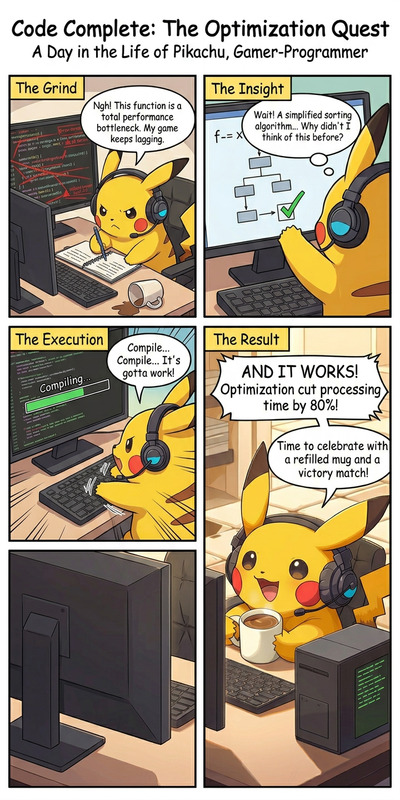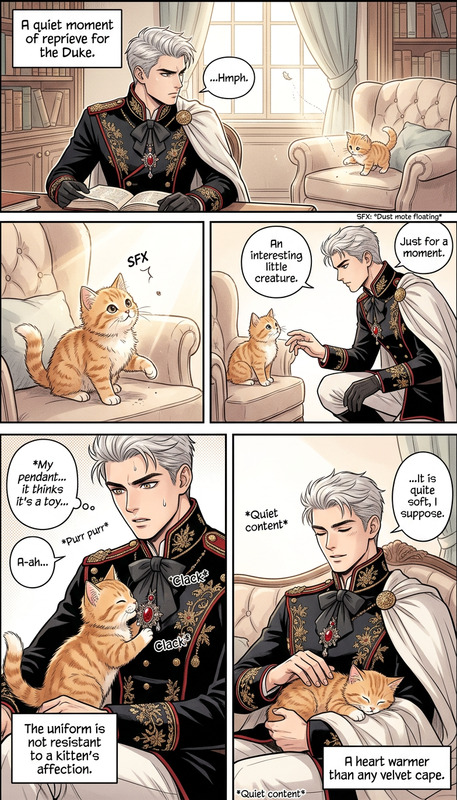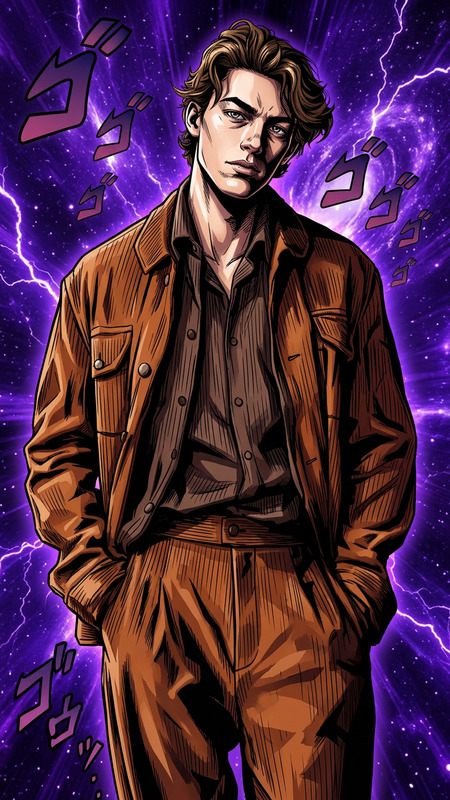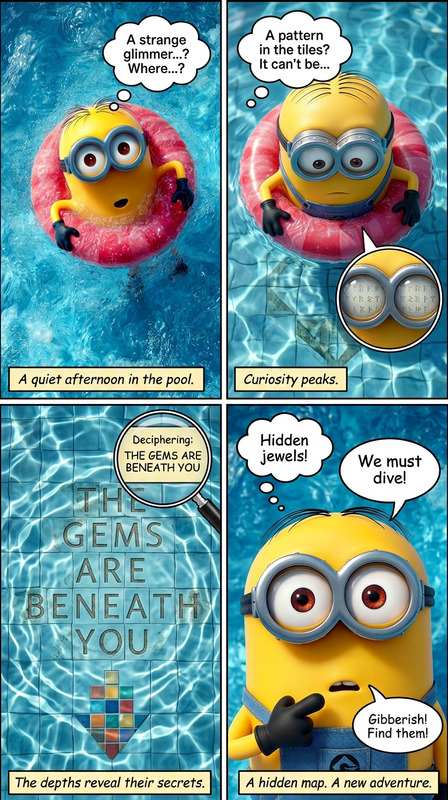
4-Panel Manga
- Model
- Nano Banana 2
- Image
- 720 × 1440 px
Prompt
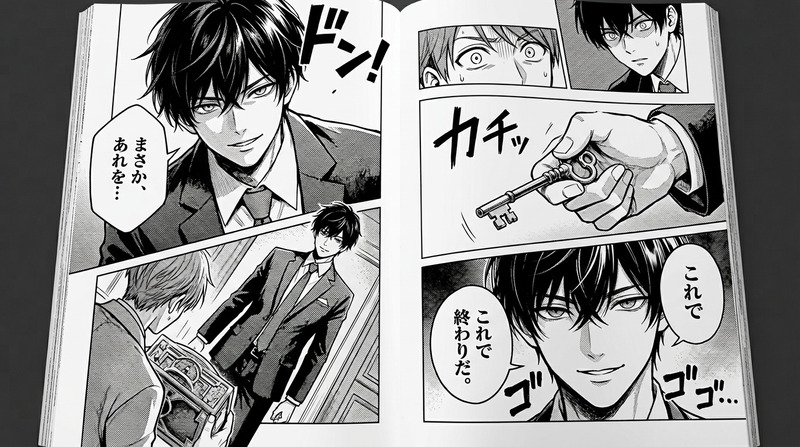
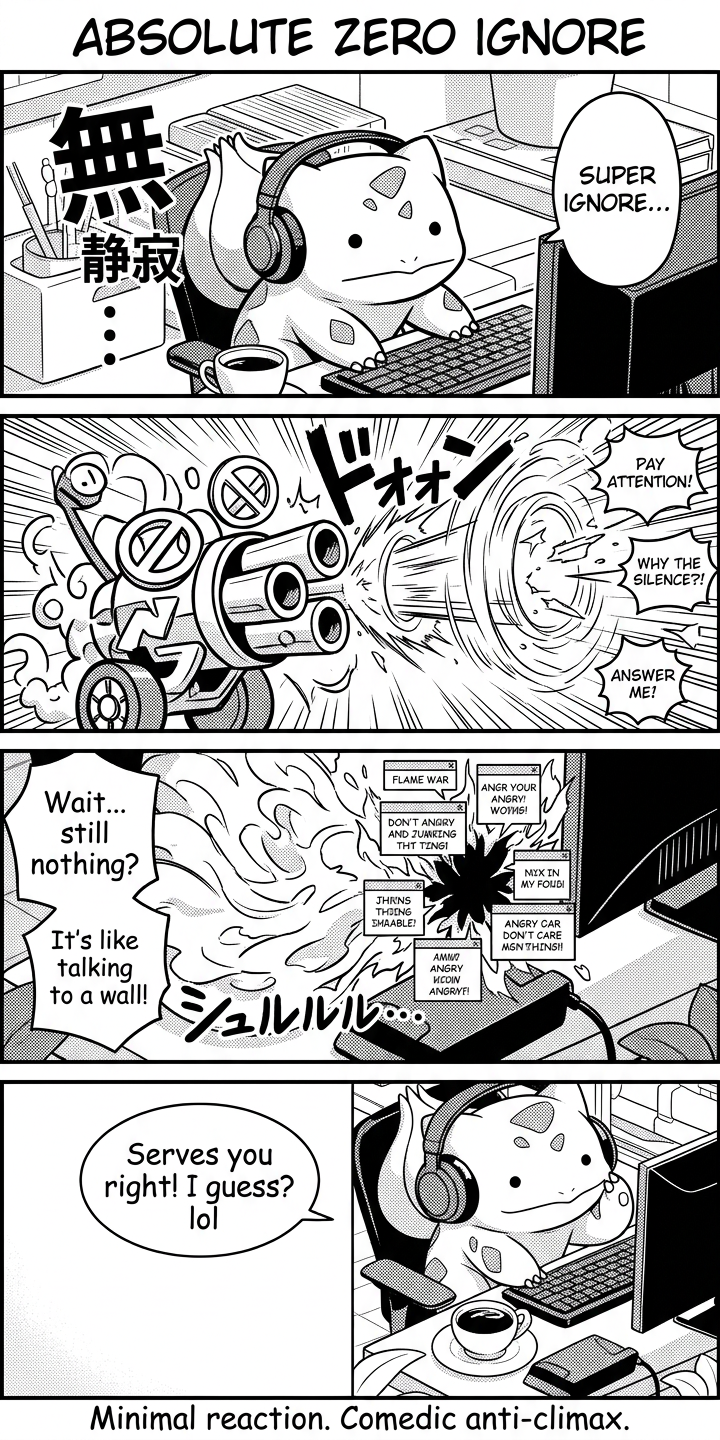
4-panel manga, clean black-and-white line art with bold expressive shading, dynamic comedic tone. Title: “Absolute Zero Ignore” Panel 1: character delivers “Super ignore” with completely blank, detached expression, exaggerated silence effect. Panel 2: a surreal “cannon of disinterest” materializes and explodes outward, blasting away all attention like visual shockwaves. Panel 3: chaotic aftermath suggesting escalation, as if it could trigger a flame war, but the energy collapses into emptiness and awkward silence. Panel 4: final punchline scene with deadpan delivery: “Serves you right! I guess? lol”, minimal reaction, comedic anti-climax. Style: Japanese manga panel composition, strong contrast, speed lines used ironically, exaggerated emotional staging, clean readable layout, comedic surreal humor, no color, high clarity ink illustration.
Any aspect ratio
Overview
Step into the world of dynamic storytelling with the 4-Panel Manga template. This template enables creators to craft engaging manga narratives using the AI Image Editor powered by the nano-banana-2 model. Perfect for those looking to blend traditional manga artistry with modern AI capabilities.
What It Does
The 4-Panel Manga template empowers artists to produce detailed manga panels, focusing on clean black-and-white line art and bold shading techniques. With this template, creators can generate riveting manga sequences, complete with distinctive manga features like speed lines and exaggerated emotional expressions. It maintains the classical essence of Japanese manga while injecting a comedic, surreal edge.
Who It's For
This template is ideal for manga artists, animators, and creatives who want to explore storytelling in a structured manga format. Whether you're producing content for TikTok videos or creating unique storyboards for commercial projects, this tool supports a myriad of applications. It is particularly useful for those involved in product demo videos and marketing materials requiring a visual twist.
Summary
Utilizing the 4-Panel Manga template, you can easily develop compelling manga stories that captivate audiences. Seamlessly integrate your characters into the panels and see your ideas brought to life with expressive shading and dynamic contrasts. Explore further manga opportunities with our complete AI Image Generator offerings.
How-To
Choose the Template

Customize Your Panels

Generate Your Manga

Use Cases
Social Media Content
- Ideal for Instagram and Twitter posts
- Boosts engagement with followers
Marketing Materials
- Engages audience with creative content
- Suitable for newsletter illustrations
Creative Writing
- Complements narrative structure
- Inspires story-driven content
Best Practices
Maintain Consistency
Ensure consistent character portrayal and thematic elements across panels for coherent storytelling.Use Contrast Effectively
Utilize high-contrast shading to highlight emotions and actions, enhancing panel impact.Leverage Speed Lines
Apply speed lines sparingly to focus on key actions or to add irony in dynamic scenes.