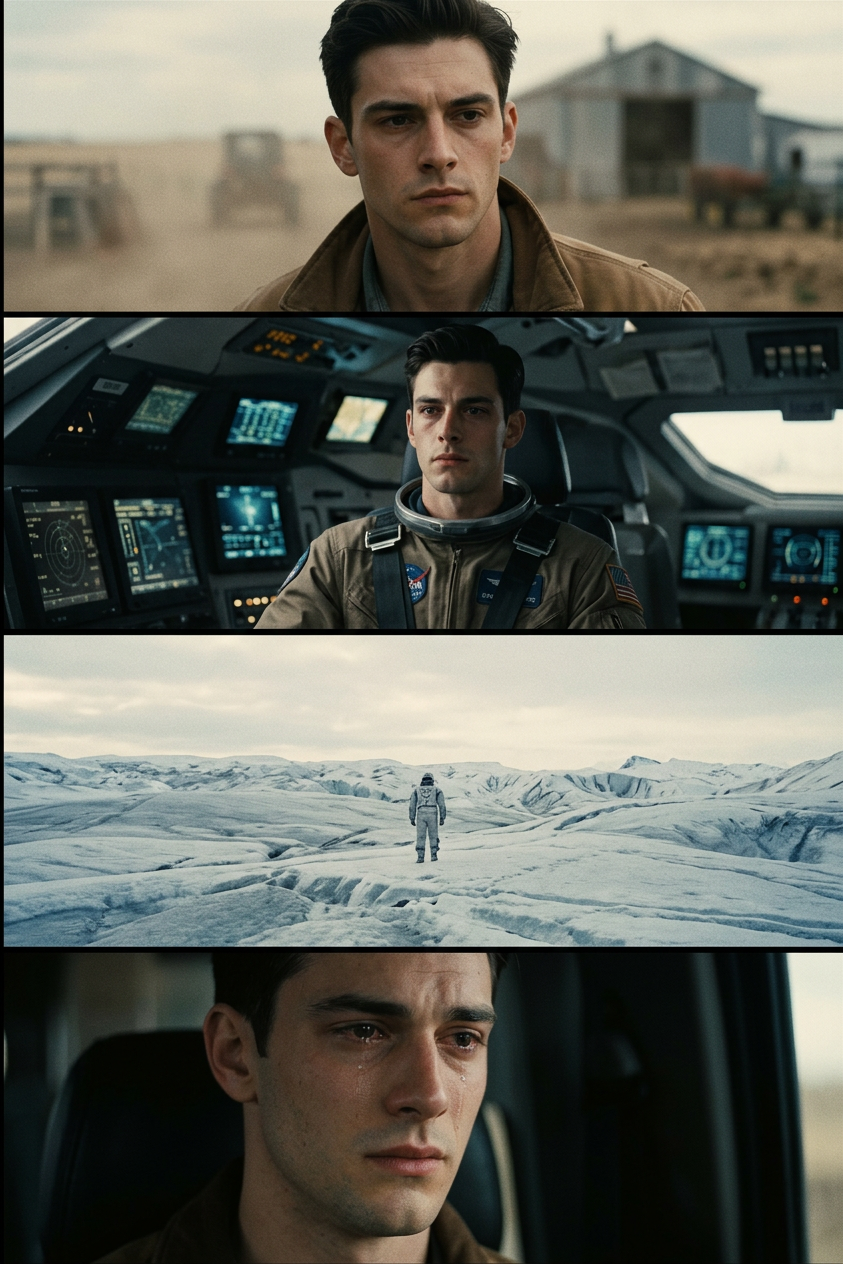
Cosmic Isolation Storyboard
- Model
- Nano Banana 2
- Image
- 843 × 1264 px
Prompt
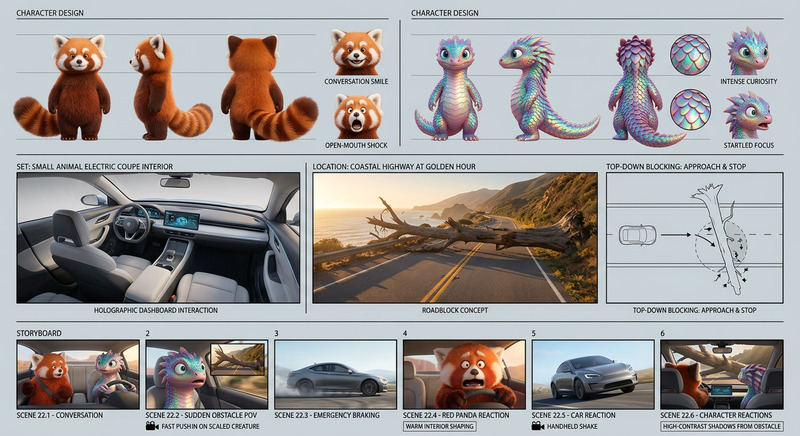
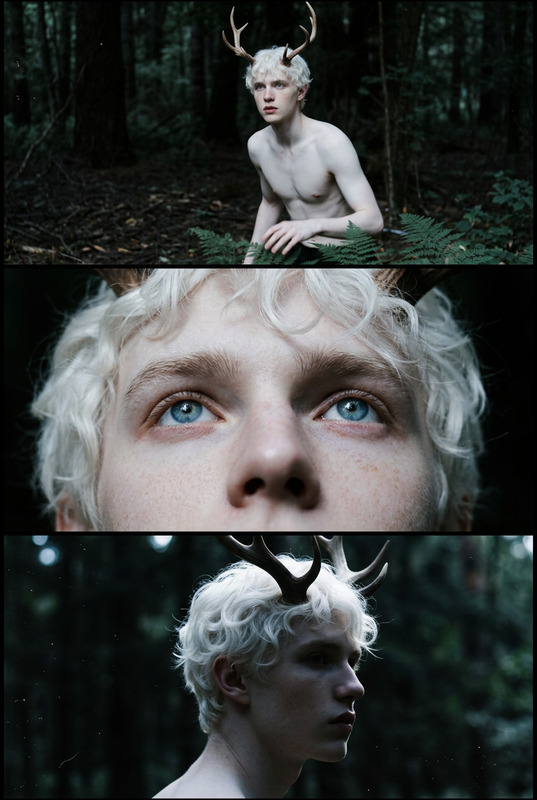
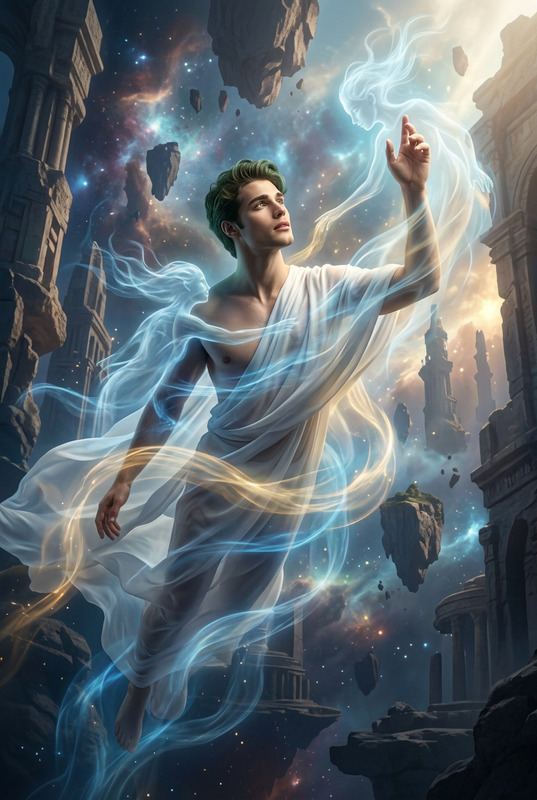
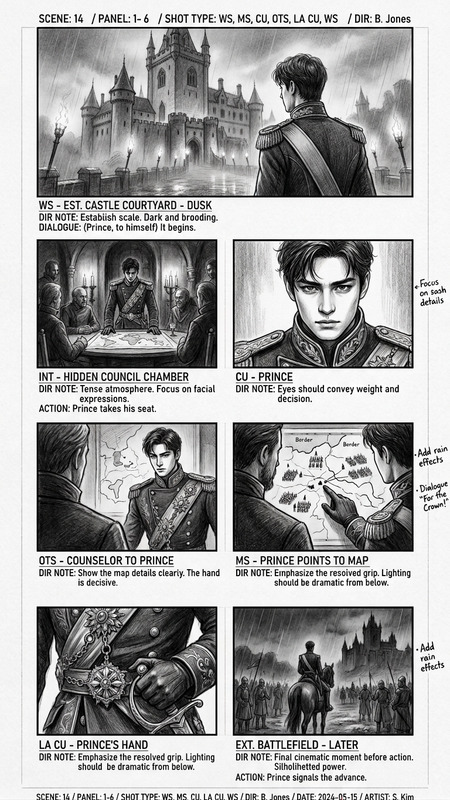
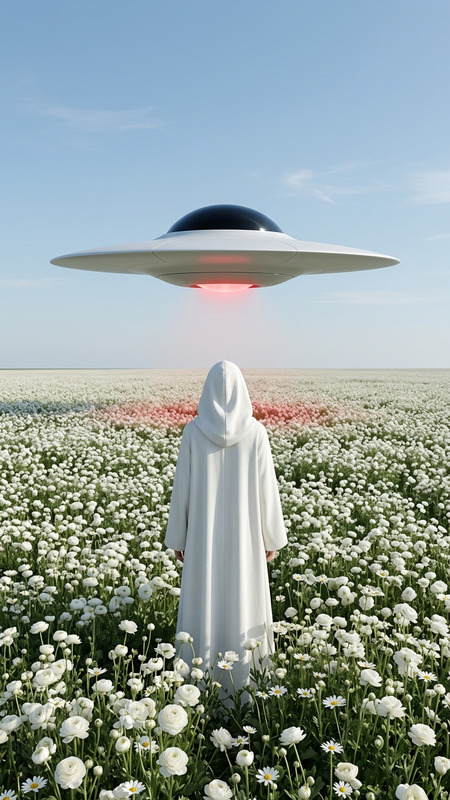
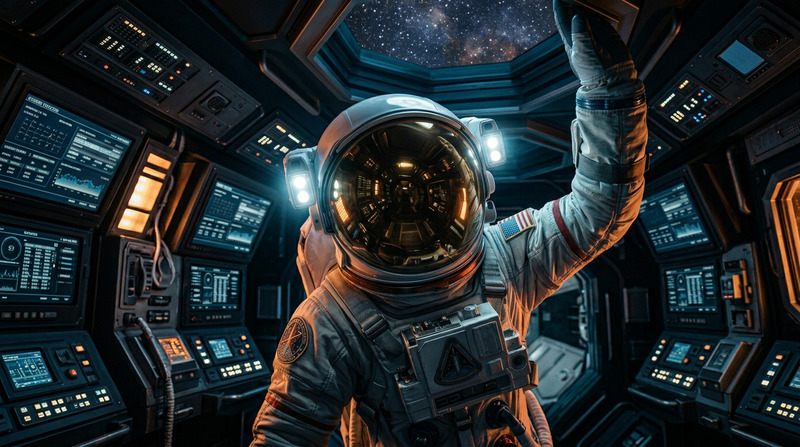
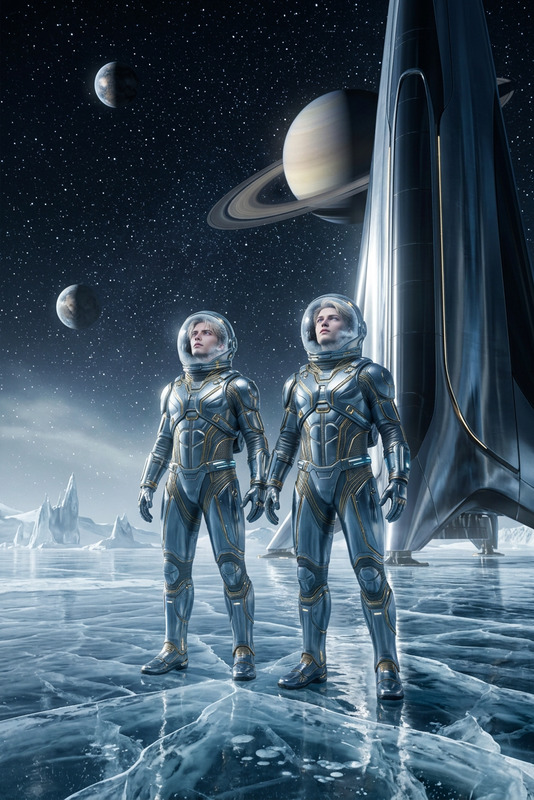
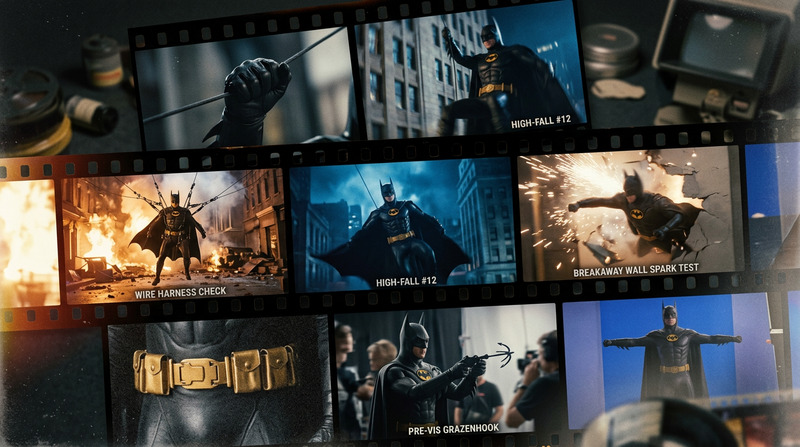
Cinematic, ultra-realistic film stills inspired by Interstellar, presented as a cohesive storyboard sequence with consistent muted color grading, soft contrast, and subtle film grain. A lone subject moves through vast sci-fi environments—desolate landscapes, spacecraft interiors, and cosmic spaces—captured with a mix of wide cinematic shots and intimate close-ups, natural lighting, and realistic lens effects. Atmosphere is quiet, emotional, and expansive, emphasizing scale and isolation, with dust, fog, and particles adding depth. No text, no overlays—pure aesthetic movie frames.
Any aspect ratio
Overview
The Cosmic Isolation Storyboard template is an AI Image Editor tool designed for creators who want to craft cinematic storyboard sequences that evoke the aesthetic of sci-fi classics. Leveraging the nano-banana-2 model, this template generates ultra-realistic film stills inspired by movies like Interstellar. Its design focuses on the emotional and atmospheric depth, capturing vast and desolate environments with a sense of scale and isolation.
What It Does
This template generates a cohesive sequence of images that mimic cinematic film stills. It offers consistent muted color grading, soft contrast, and subtle film grain to create an immersive atmosphere. With a focus on a lone subject navigating sci-fi landscapes and spacecraft, the images are captured with a blend of wide shots and close-ups, emphasizing natural lighting and realistic lens effects.
Who It's For
This template is ideal for film directors, storyboard artists, and visual content creators working on science fiction and space-themed projects. It's perfect for those who need high-quality, film-like visuals to visualize a movie sequence or to create captivating storyboards. Educators and presenters in film studies or art may also find it useful for illustrating concepts related to cinematic techniques or visual storytelling.
Summary
The Cosmic Isolation Storyboard template delivers professional cinematic visuals that spotlight the vastness and solitude of space. Using this tool supports efficient creation of compelling storyboards for film development or presentations. It seamlessly integrates with other tools like the Image To Video for transforming these visuals into dynamic animations and complements tools such as the AI Video Extender to expand your narrative with additional scenes.
How-To Guides
Choose Your Template

Customize Your Inputs

Generate and Download

Use Cases
Film Pre-production
- Storyboard key sequences
- Visualize scene transitions
- Plan shot composition
Educational Content
- Illustrate cinematic techniques
- Teach visual storytelling
- Analyze color grading and lens effects
Creative Inspiration
- Conceptual art creation
- Narrative development
- Visual mood boards
Marketing Materials
- Promotional banners
- Event posters
- Social media content
Best Practices
Focus on Scene Consistency
Maintain consistent color grading and lighting across all frames to ensure a cohesive storyboard.Leverage Natural Elements
Utilize dust, fog, and particles to enhance depth and realism in your scenes. These elements contribute to the atmospheric storytelling elements.Prioritize Emotion
Emphasize the isolation and scale of environments by focusing on a lone subject, using wide-angle shots juxtaposed with intimate close-ups.