Monster transform

Monster transform

ai-image-editor

1 clip
0 uses

Any aspect ratio

Prompt

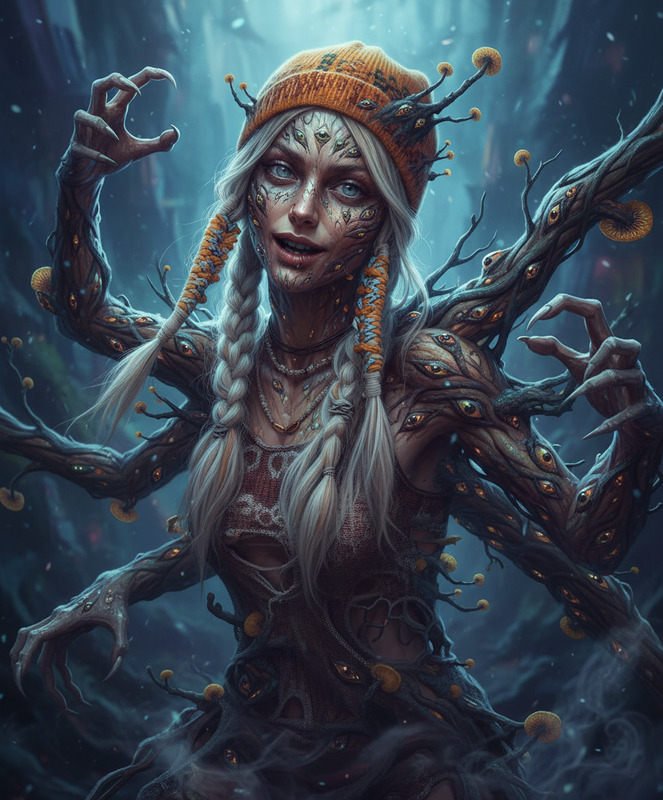
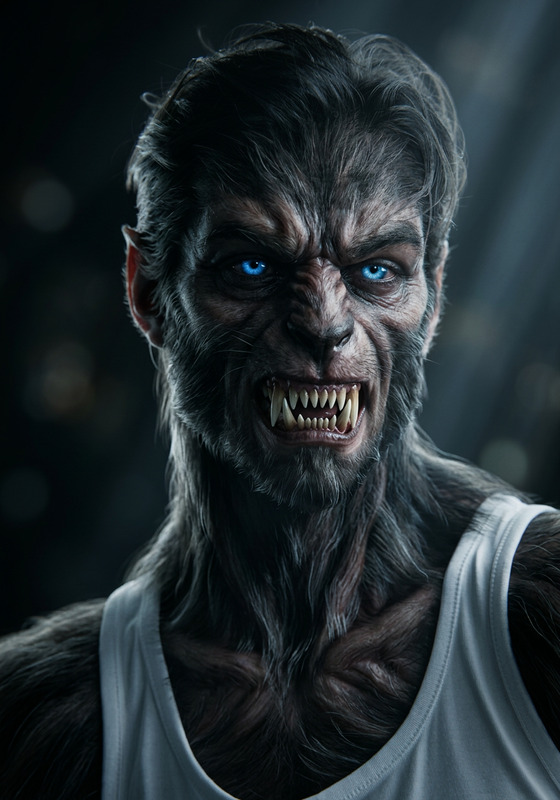
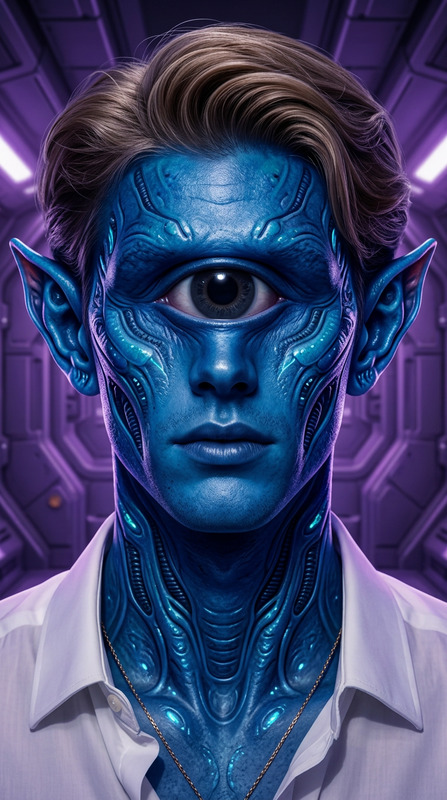
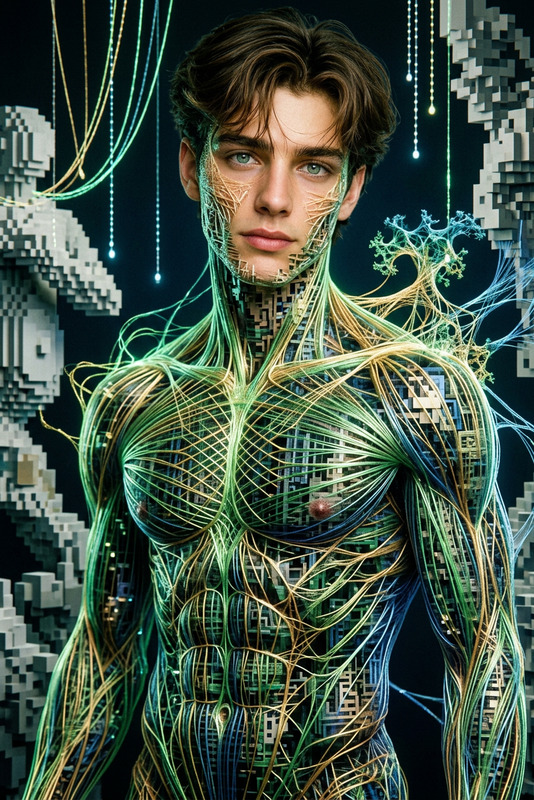
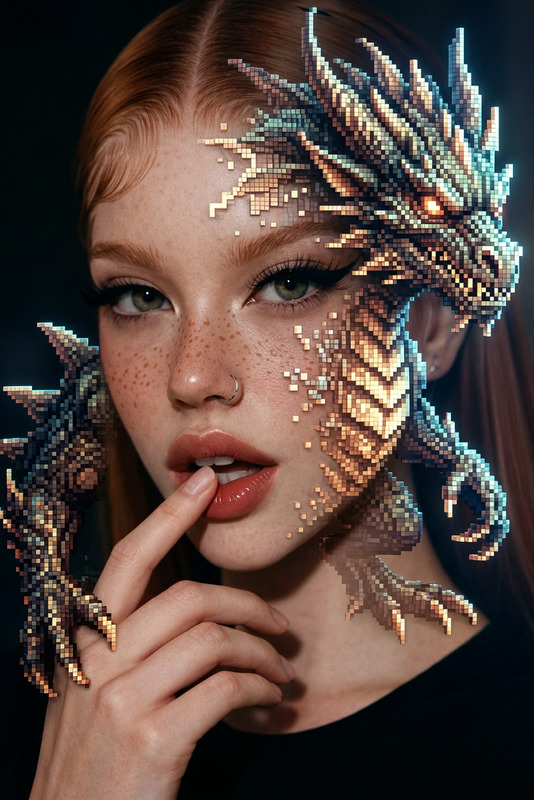
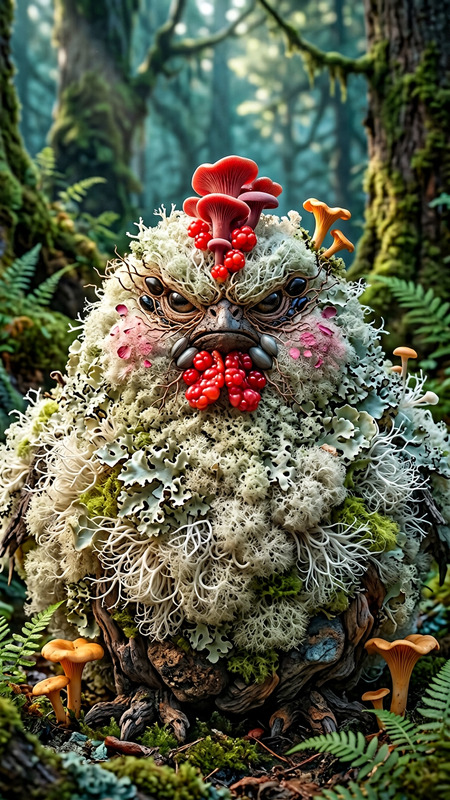
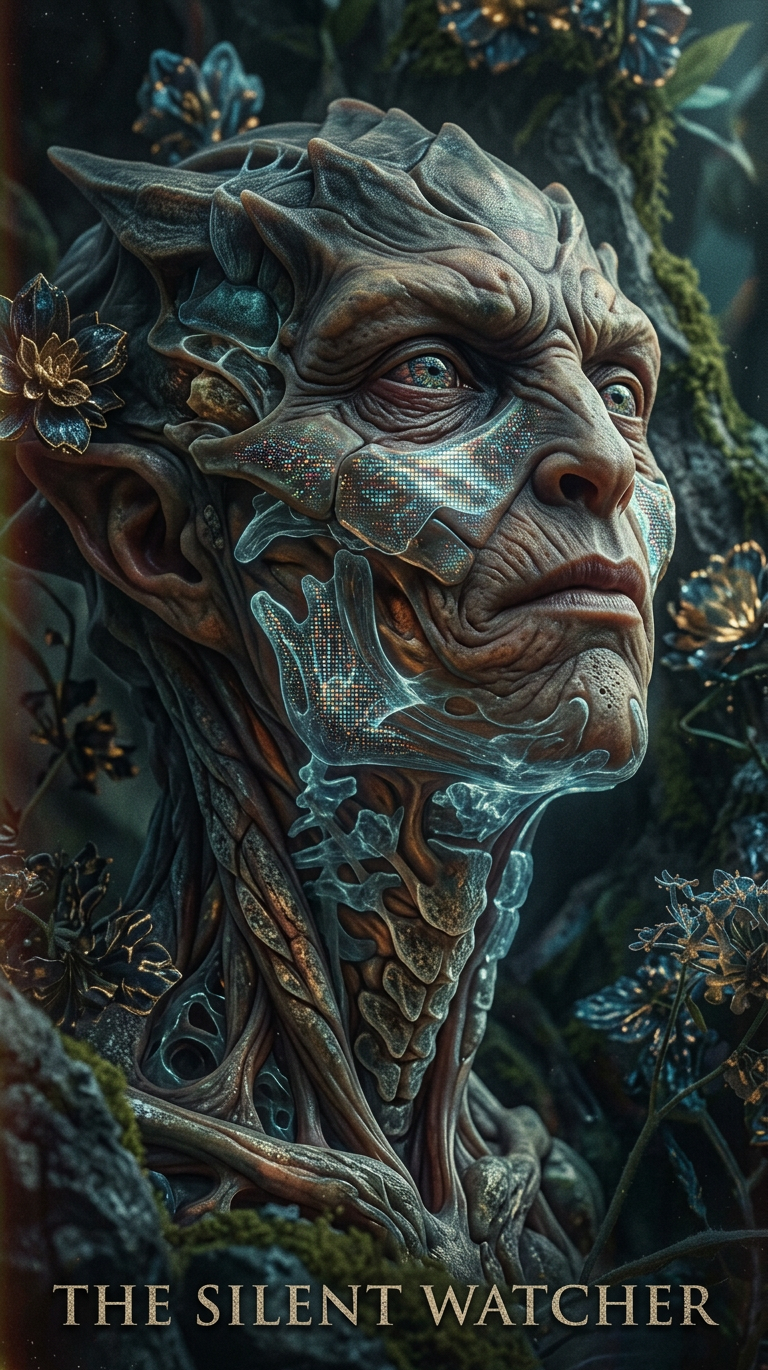
Generate a highly detailed surreal portrait of a fantastical monster-like subject, blending realism with subtle stylized pixel-texture accents; the design is intricate and refined, with layered organic and abstract elements; lighting is soft yet directional, creating deep shadows and strong contrast; materials feature realistic skin-like surfaces with subsurface scattering and fine detail; the composition has a cinematic, poster-like quality with a slightly analog film aesthetic; muted tones with controlled highlights enhance depth and atmosphere; overall mood is surreal, artistic, and visually striking with a balance between photorealism and experimental digital texture.

AI Image Editor Template: Clean Product Photo With Pure White Background

Create crisp, high-converting product photos with a pure white background in seconds. This AI Image Editor template is designed for ecommerce founders, marketers, and creators who need studio-quality images without a studio.


What this template does

This template uses the AI Image Editor to:

  • Automatically remove busy or distracting backgrounds
  • Replace them with a clean, pure white backdrop (ideal for marketplaces and DTC sites)
  • Preserve realistic lighting, shadows, and product details
  • Output polished, ready-to-publish product photos

It’s optimized for:

  • Amazon, Etsy, eBay, and marketplace listings
  • Shopify and DTC product pages
  • Paid ads (Meta, Google, TikTok)
  • Catalogs, decks, and landing pages

You can start from this template, or remix it to match your own brand style.


How to use (and remix) this template in Magic Hour

  1. Open the AI Image Editor
    Go to the AI Image Editor.

  2. Upload your product photo

    • Use the highest-quality image you have
    • Product should be clearly visible and not heavily cropped
    • Front-facing or ¾ angle shots work best
  3. Apply the white-background style

    • Use the editor to remove the existing background
    • Replace it with a pure white / studio-white background
    • Keep natural-looking shadows to avoid a “floating” product look
  4. Refine and iterate

    • If you want multiple variants (angle, crop, composition), duplicate and adjust
    • Use the editor to clean small defects, dust, or reflections
    • Upscale the final image with the AI Image Upscaler if you need higher resolution for print or large displays
  5. Save as your own template (remix)

    • Once you like the result, save the workflow as a reusable template
    • Use the same style for future SKUs to keep your catalog visually consistent

Who this is for

This template is built for:

  • Ecommerce founders & marketers
    Need fast, consistent product photos for new SKUs, A/B testing, and campaigns.

  • Agencies & performance marketers
    Want on-brand creative for ads and landing pages without a full photo studio workflow.

  • Developers & product teams
    Building internal tooling or pipelines that require standardized, clean product imagery.

  • Brand and content teams
    Maintaining a consistent visual system across web, mobile, decks, and marketplaces.


Use cases and practical workflows

1. Marketplace-ready product photos

Most marketplaces (e.g., Amazon) recommend or require a pure white background for main listing images. This template helps you:

  • Turn DIY or UGC product shots into compliant, studio-style images
  • Standardize look-and-feel across your whole catalog
  • Quickly regenerate clean images when packaging, logos, or SKUs change

Pair it with:


2. Direct-to-consumer product pages

For DTC sites, this template can be the foundation of your product image system:

  • Use a white background for primary images (clarity and focus)
  • Keep consistent framing and angles across products
  • Add lifestyle or contextual shots created with:

3. Paid ads, landing pages, and funnels

For performance marketing, white-background product shots are highly reusable:

  • Combine this template’s output with design elements in your ad creatives
  • Quickly spin up variants for A/B tests (different crops, stacks, or bundles)
  • Use Thumbnail Maker to generate YouTube and social thumbnails that feature the product image

Advanced teams can:


4. Catalogs, decks, and investor materials

Consistent, clean product visuals make it easier to:

  • Assemble pitch decks, sales PDFs, or lookbooks
  • Keep internal and external docs visually aligned
  • Export and reuse images in Figma, Notion, Slides, or Keynote

Support this workflow with:


How to remix this template for your brand

Once you have the base “white background product photo” workflow, you can adapt it:

1. Colored or gradient backgrounds

For brand-heavy experiences (landing pages, ads, social), use the same starting image and:

  • Replace the white background with a soft gradient or brand color using the AI Image Editor
  • Create multiple background variants for seasonal or campaign-specific creative

2. Lifestyle and context shots

Use this template to cleanly isolate the product, then:

3. Brand systems and iconography

Turn product shots into consistent brand assets:


Quality tips for best results

To get the most out of this template:

  • Start with clear, sharp input

  • Use neutral lighting where possible

    • Overly harsh shadows or color casts from the original photo can transfer into the result
    • If needed, do a quick color cleanup in the AI Image Editor
  • Keep composition consistent

    • Decide on a framing template (full product, close-up, ¾ view) and reuse it
    • Use the same style for all SKUs to maintain a professional catalog
  • Check for artifacts on edges

    • Zoom in around thin elements (handles, cords, straps)
    • If you see any halos or cutout artifacts, quickly refine the mask in the editor

How this template fits into a broader AI content pipeline

Teams often combine this template with other Magic Hour tools to build an end-to-end product content workflow:


Related templates and tools you may want to combine

If you’re building a richer product or brand experience, consider pairing this template with:


Summary

This AI Image Editor template gives you a fast, repeatable way to:

  • Convert raw or DIY product photos into clean, white-background visuals
  • Standardize imagery across marketplaces, DTC sites, and ads
  • Remix the workflow into branded, lifestyle, or campaign-specific assets

Open the AI Image Editor, upload a product photo, remove the background, and save your own remix as a reusable template. From there, you can plug the output into the rest of Magic Hour’s tools to build a complete, AI-powered product content pipeline.

More Like This