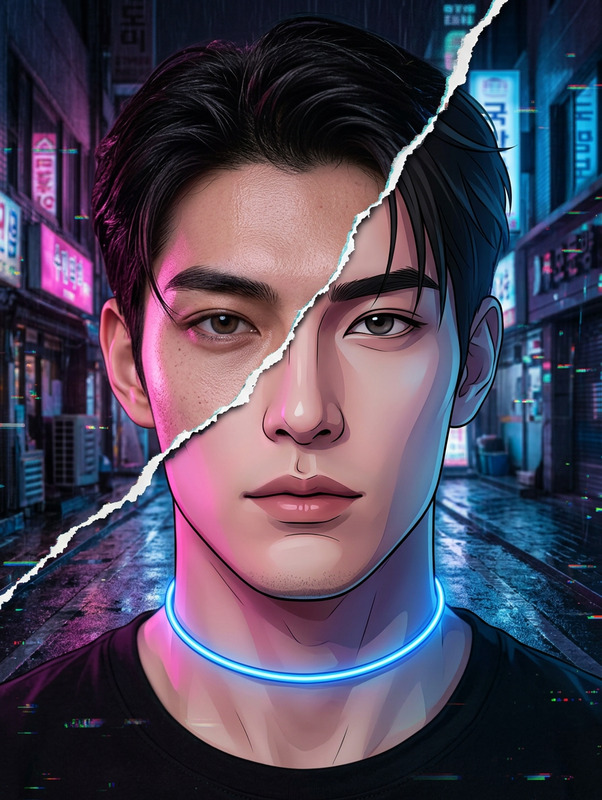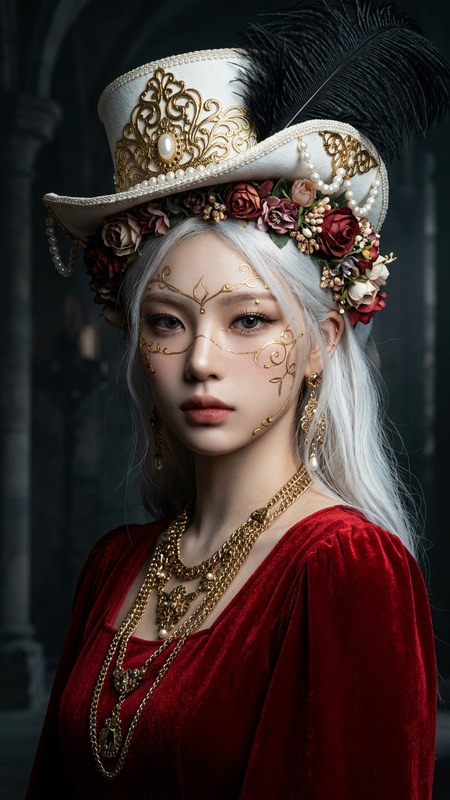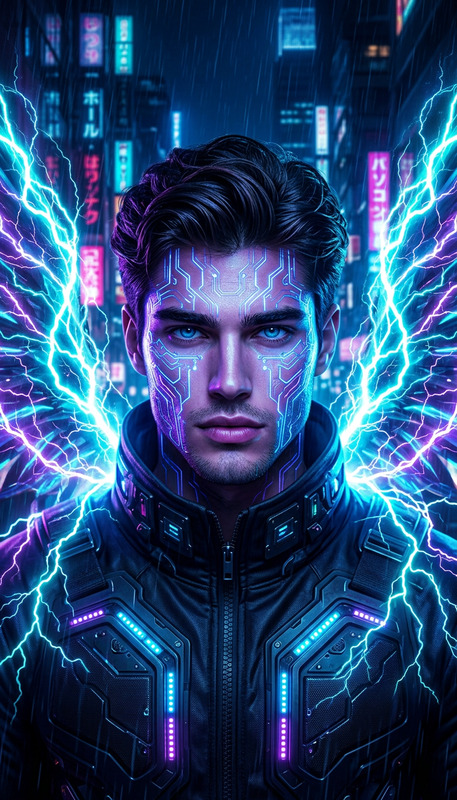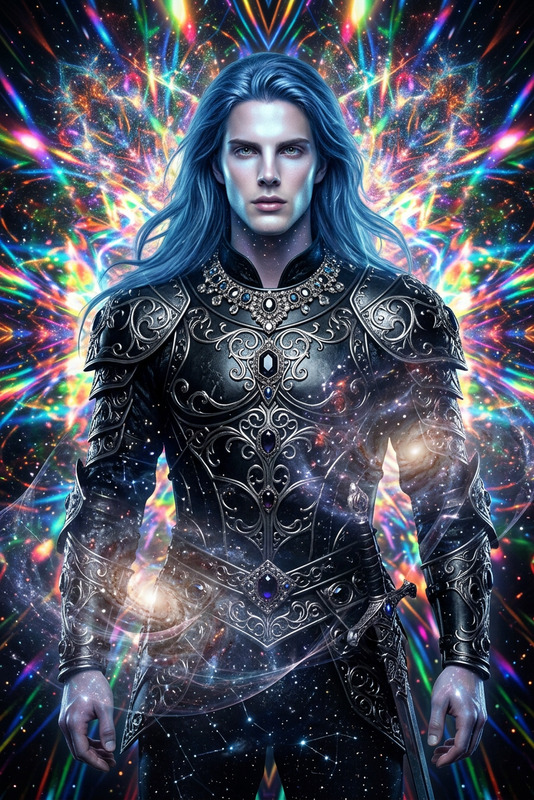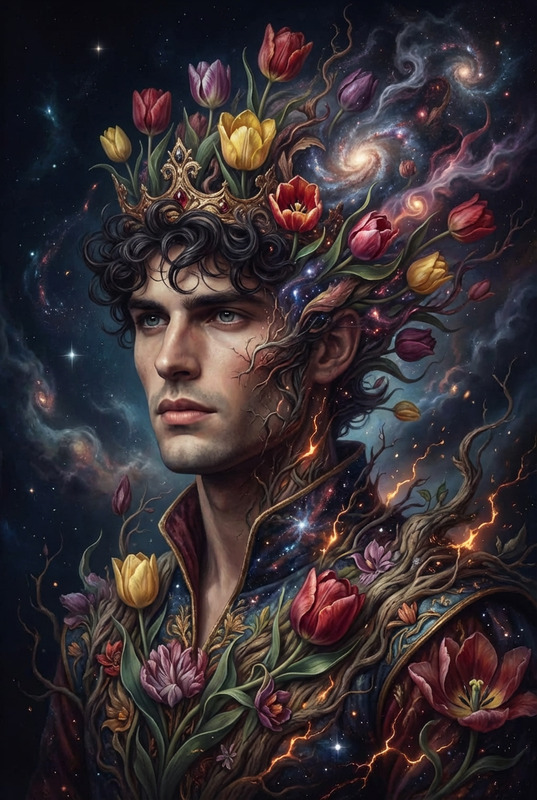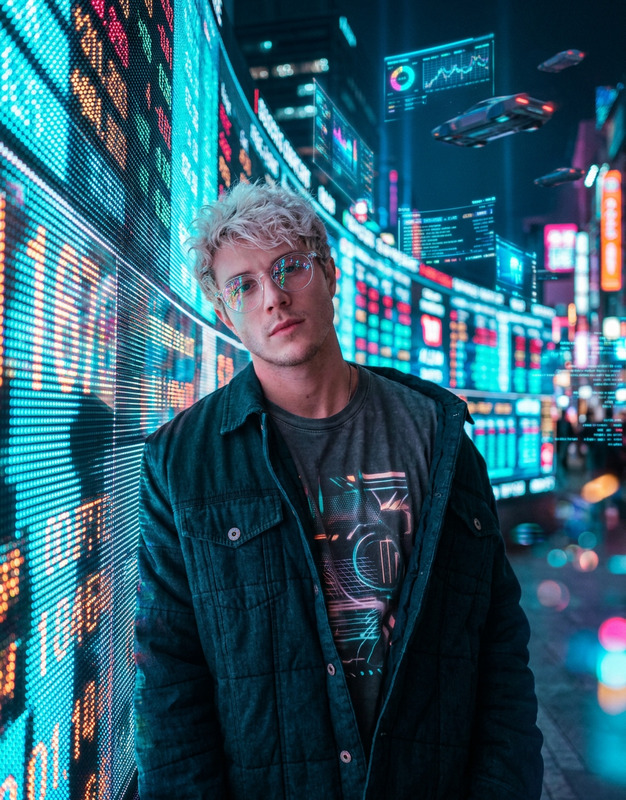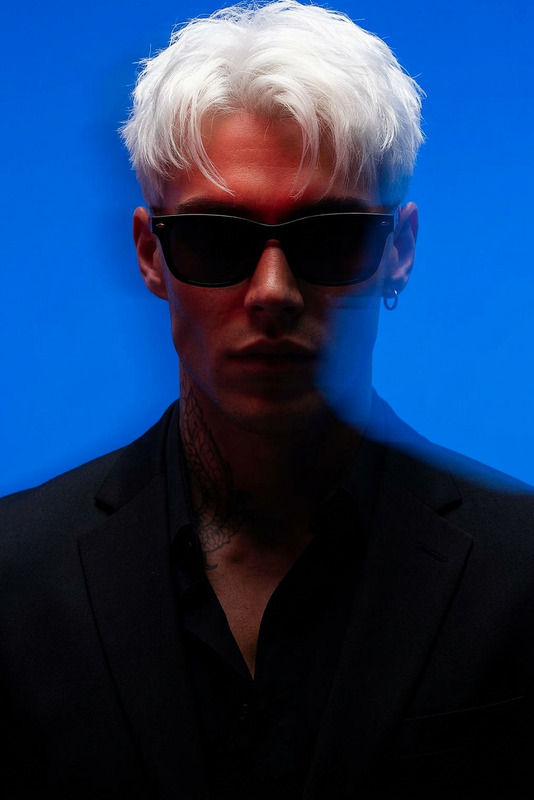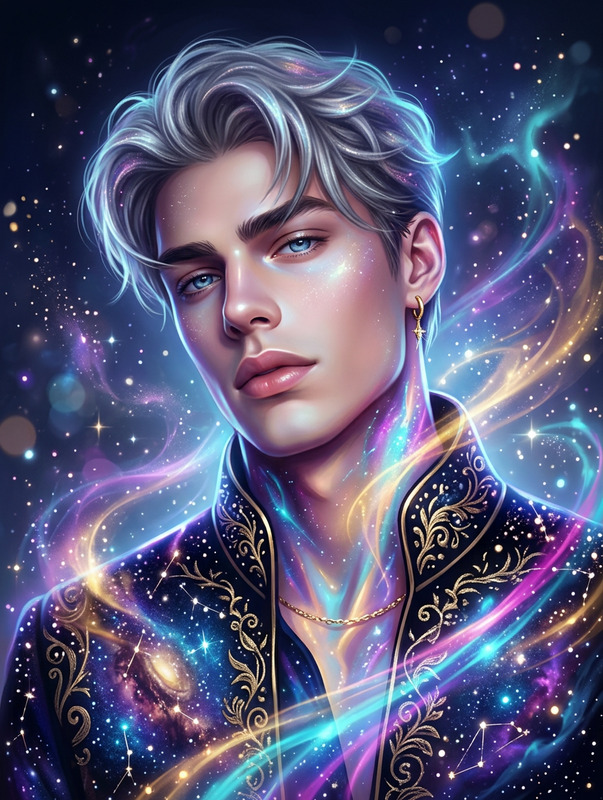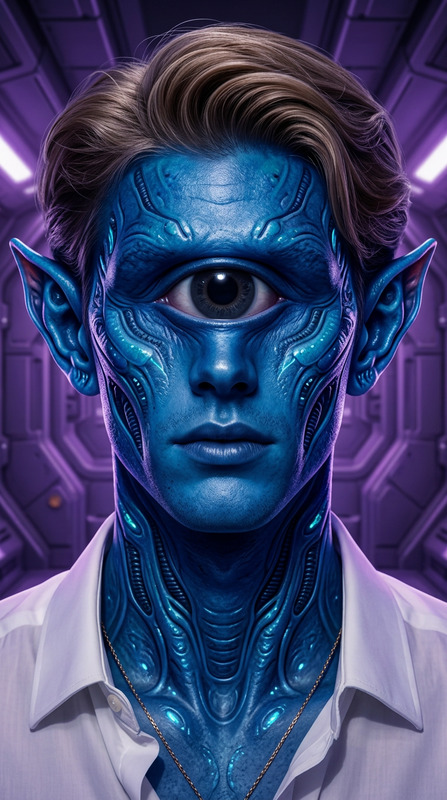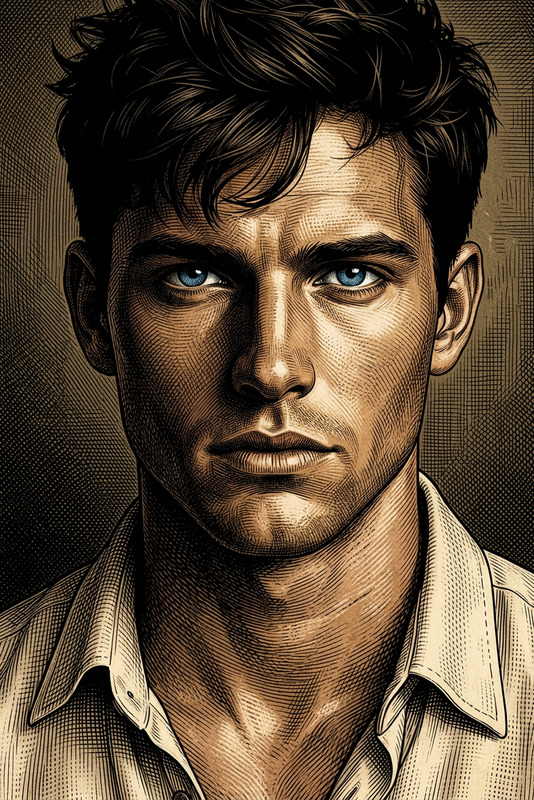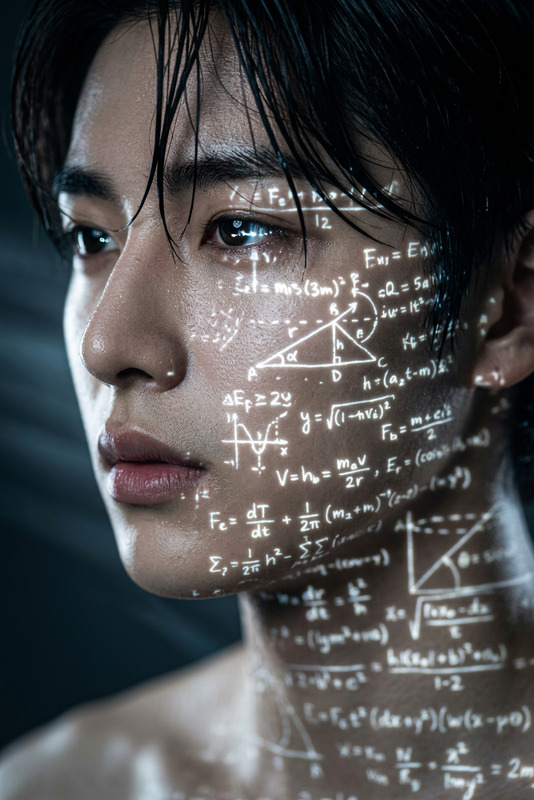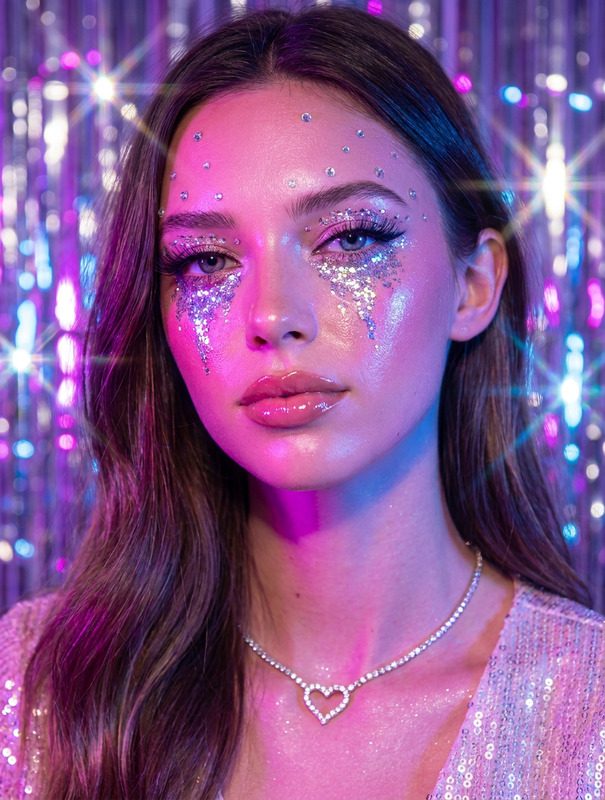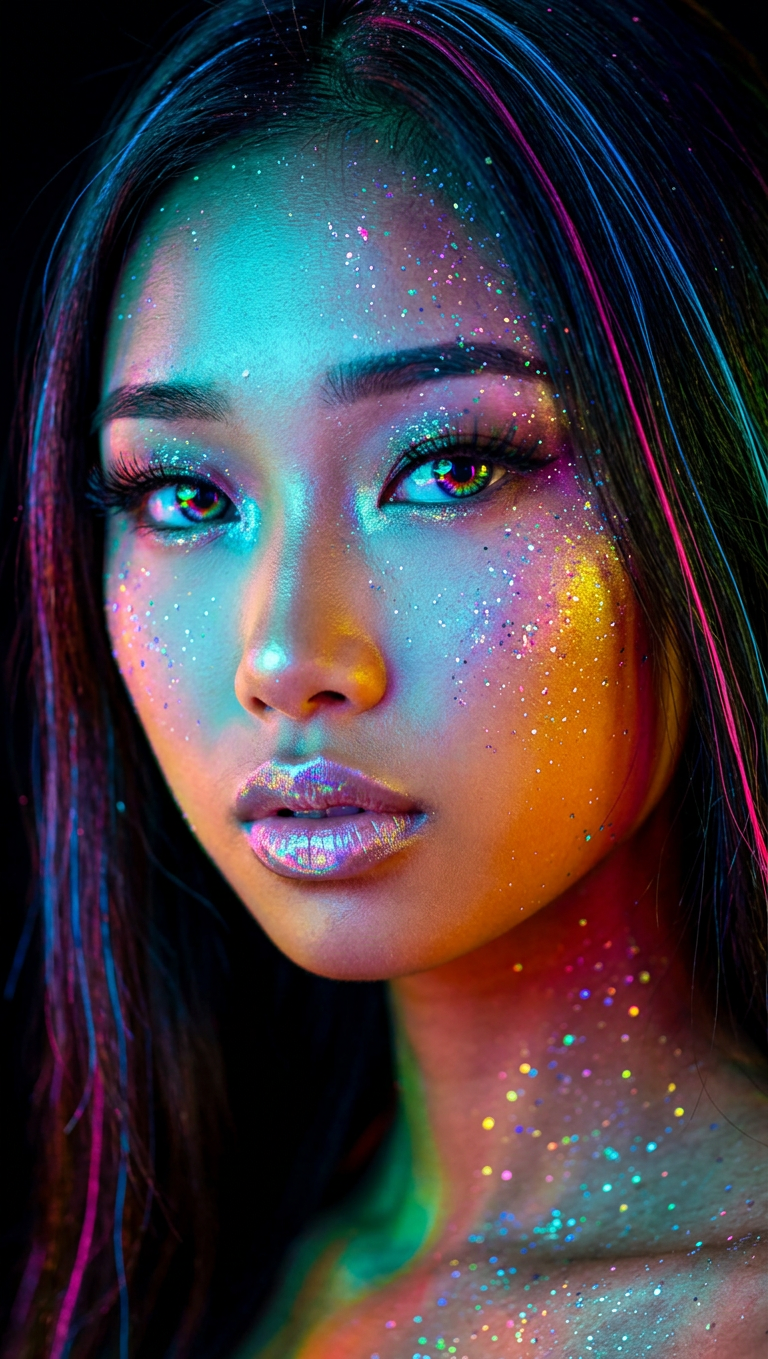
Neon Cyberpunk Beauty Portrait
ai-image-editor
Any aspect ratio
Generate a hyper-realistic close-up portrait of a subject illuminated by vibrant neon lighting, featuring a dynamic mix of cyan, magenta, yellow, emerald green, and contrasting warm orange tones; the face is sculpted by bold color transitions, with sharp contours and high contrast against a deep black background; iridescent, glitter-like particles are scattered across the skin, creating a cosmic shimmer effect; the eyes are intense with multicolored reflections, framed by dramatic lashes, while the lips carry a holographic sheen; the hair blends into the background in fluid streaks of electric blue and hot pink; the overall aesthetic merges cyberpunk energy with high-fashion makeup artistry, rendered in ultra-sharp detail with striking color clarity and depth.
AI Image Editor Template: Turn Any Image Into High-Impact Content in Minutes
Use this template as a starting point to quickly transform, clean up, or completely reimagine any image with the AI Image Editor. It’s built for creators, marketers, designers, and founders who need production-quality visuals fast—without opening Photoshop or writing code.
What This Template Is For
This template is ideal if you want to:
- Remove unwanted objects, people, or text from a photo
- Replace or enhance backgrounds for product shots, social posts, or thumbnails
- Edit faces (expressions, age, style, makeup, hair) with precision
- Convert rough drafts or moodboards into polished visuals
- Rapidly A/B test different visual directions for campaigns or product pages
Under the hood, the AI Image Editor uses diffusion-based image models similar to those described in the Stable Diffusion and Imagen papers, enabling realistic inpainting, outpainting, and style-consistent edits while preserving key details like faces and product shapes.
How to Remix This Template in Magic Hour
You can create your own version of this template in a few steps:
Start with the AI Image Editor
Go to the AI Image Editor. Upload a base image: a product photo, headshot, scene, or design mockup.Define Your Edit Concept
Before you start editing, be explicit about your goal. Common patterns:- “Turn this into a clean e-commerce product shot with a white background”
- “Remove the person in the background and extend the scene”
- “Convert this photo into a cinematic poster illustration”
- “Clean up artifacts and upscale for print”
Apply Targeted Edits
Use the editor to focus on specific areas:- Remove or replace distractions (logos, wires, random people)
- Change backgrounds to studio, lifestyle, or abstract scenes
- Adjust facial features, clothing details, or lighting style
- Add new objects or text elements as part of the composition
Iterate and Version Your Template
Once you have a result you like:- Save variant images as reusable building blocks
- Document your prompt patterns and edit sequences
- Create separate “flows” for different use cases (e.g., “Product hero,” “Social ad,” “Profile headshot”)
Scale Your Workflow With Other Magic Hour Tools
If your use case extends beyond static images, you can chain this template with:- Image to Video to animate your edited image
- Text to Video to build full scenes or ads
- AI GIF Generator for looping, shareable content
- Video Upscaler and AI Image Upscaler for high-res outputs
Proven Use Cases for This Template
1. Product & Ecommerce Imagery
For DTC brands, marketplaces, and SaaS screenshots:
- Clean and standardize product backgrounds for catalogs
- Create lifestyle variants without additional photoshoots
- Remove reflections, hands, props, or clutter
- Turn raw screenshots into polished UI mockups
Complementary tools:
- AI Background Generator for on-brand environments
- Thumbnail Maker to adapt edited images into YouTube or course thumbnails
- Book Cover Generator for quick cover concepts
2. Professional Headshots & Avatars
If you’re creating LinkedIn photos, founder pages, or team bios:
- Clean up lighting, skin, and backgrounds
- Standardize look and feel across your team
- Generate alternate styles (studio, outdoor, minimal, editorial)
Pair with:
- AI Headshot Generator for full headshot creation
- AI Selfie Generator for social-ready portraits
- Avatar Generator for profile icons and community avatars
3. Marketing Creatives & Ad Variants
Use the template to quickly get from “idea” to “shippable creative”:
- Test different backgrounds, color palettes, and visual hooks
- Localize or personalize visuals for multiple markets
- Edit hero images for landing pages and email headers
Helpful tools to chain:
- AI Art Generator for stylized campaign concepts
- AI Logo Generator or AI Icon Generator for brand assets
- Album Cover Generator for music or podcast promos
4. Content & Creator Workflows
For YouTubers, newsletter authors, and course creators:
- Design custom thumbnails and cover art
- Turn simple photos into stylized illustrations or comics
- Clean up backgrounds and remove distracting elements
Relevant tools:
- Comic Book Generator
- AI Illustration Generator
- AI Meme Generator for quick social assets
Extending This Template Into Video & Animation
Once your images are edited, you can push them into motion:
- Use Image to Video to create short animations or scene transitions
- Use the Animation template to automatically animate characters or scenes
- Combine face edits with:
- Face Swap or Face Swap GIF
- Face Swap Video Template
- Lip Sync Template to sync edited faces with audio
- AI Talking Photo for talking portraits
For more advanced pipelines:
- Transform your edited frames with the Video to Video template
- Add AI-generated voiceovers using AI Voice Generator or AI Voice Cloner
- Automatically caption content with the Auto Subtitle Generator
Advanced Creative Directions
You can also repurpose this template for niche creative tasks:
Stylized portraits & fan art
Character and world-building
Fashion & appearance
Architecture & interiors
Cleanup, Restoration, and Quality Boosts
This template works well as the “core edit step” in a cleanup pipeline:
- Remove objects or distractions with the AI Remover
- Precisely remove items or people from photos via Remove Object From Photo
- Remove branding elements or overlays using the Watermark Remover
- Restore and enhance old images with:
Then finalize with:
- AI Image Upscaler for high-resolution outputs
Practical Tips for Power Users
- Think in systems, not one-offs: When you find a sequence of edits that works (e.g., “cleanup → background change → upscale”), treat it as a reusable template for your entire brand or product line.
- Keep a prompt library: Maintain a short internal doc with prompt patterns that reliably produce your desired look. This makes it easier for teams to reproduce results.
- Chain tools intentionally: Use this AI Image Editor template as a “hub,” then connect it outward to specialized tools (headshots, video, memes, logos) depending on each project’s goal.
Related Magic Hour Tools to Explore
If you like this template and want to expand your toolkit, these are commonly used together:
- AI Image Generator – generate base concepts before detailed editing
- AI Photo Generator – photorealistic scenes and shots
- AI Face Generator – realistic faces for ads, demos, and mockups
- AI QR Code Generator – branded, scannable visuals for campaigns
- Optical Illusion Generator – attention-grabbing creative for social and ads
Use this template as a base, then remix it into your own repeatable workflow inside Magic Hour. The more you standardize your process around it, the faster you can go from idea to production-ready visuals across web, mobile, and social.