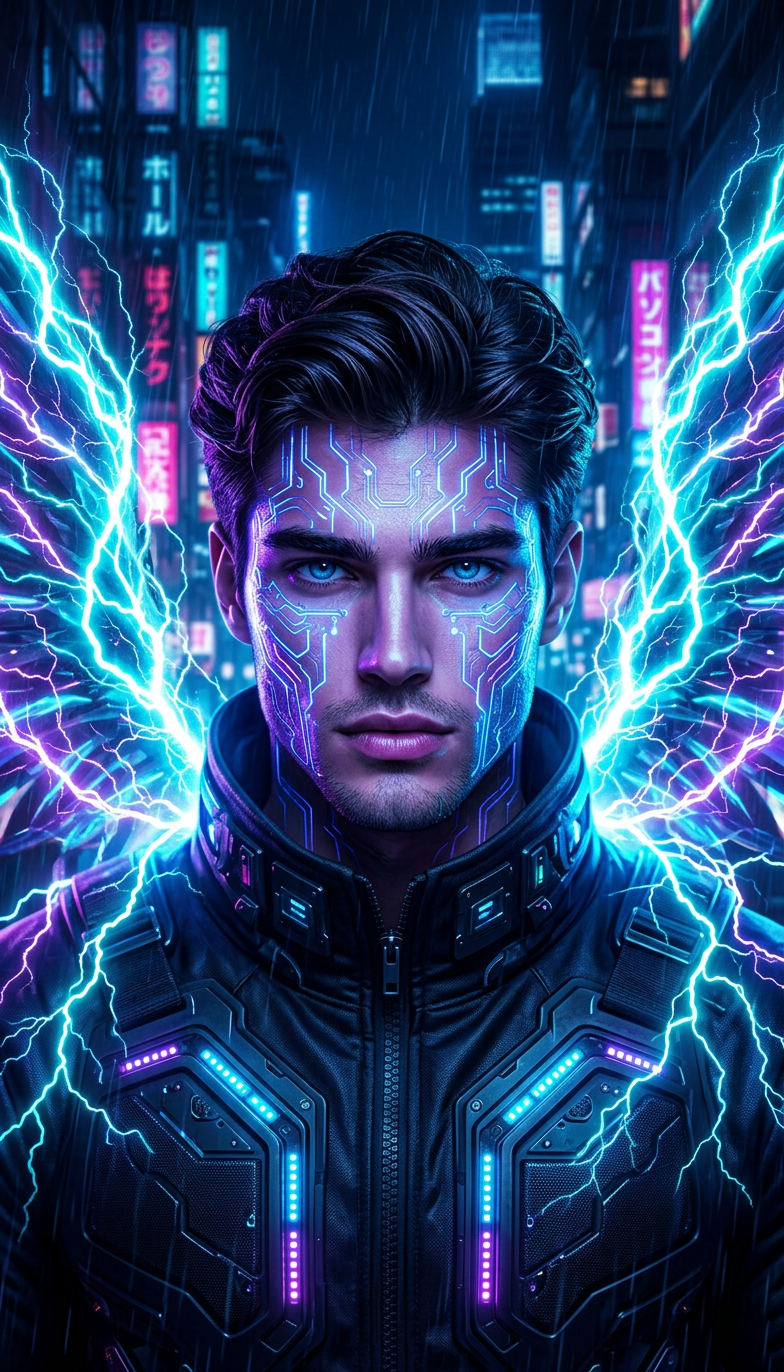
Cyberpunk Portrait
- Model
- Nano Banana 2
- Image
- 784 × 1372 px
Prompt
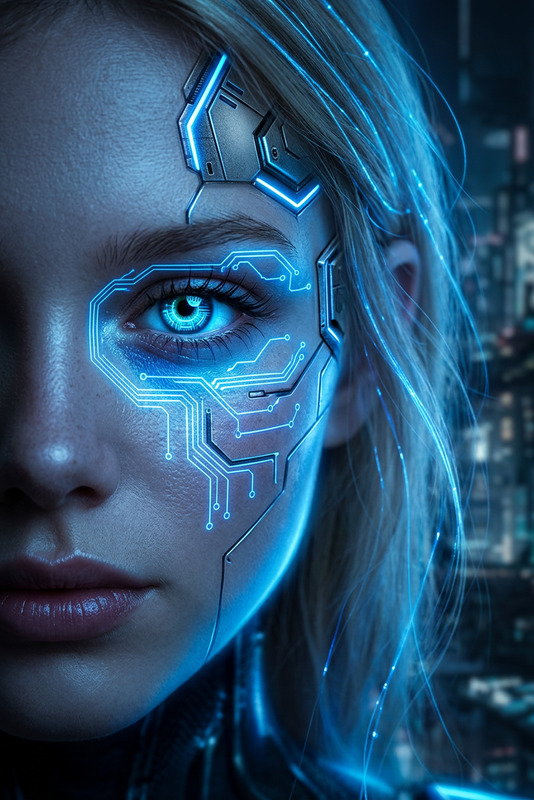
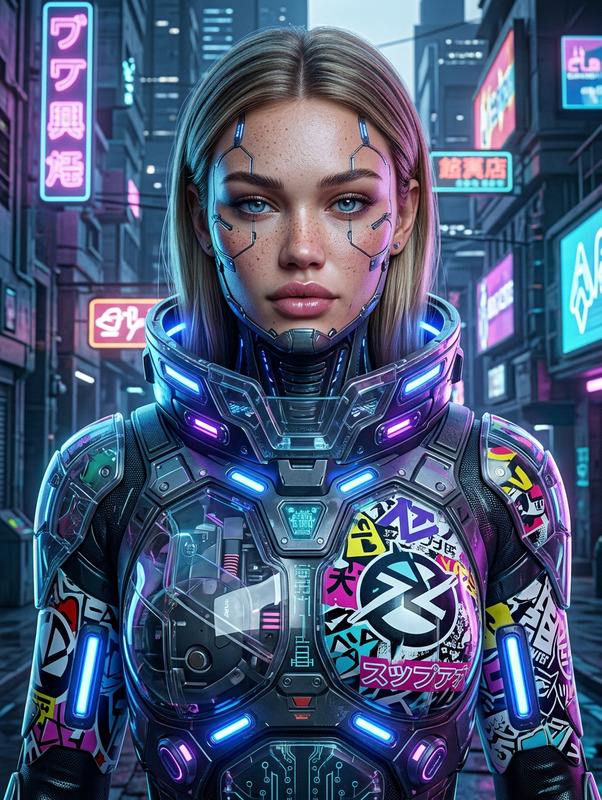
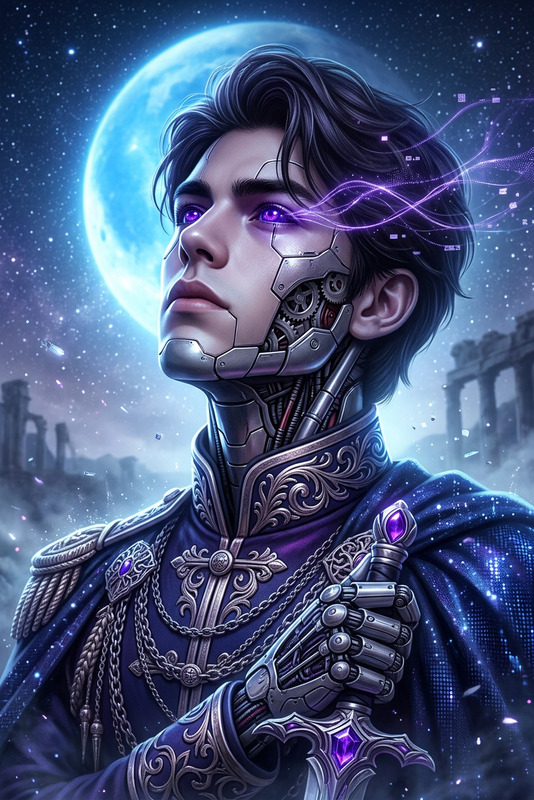
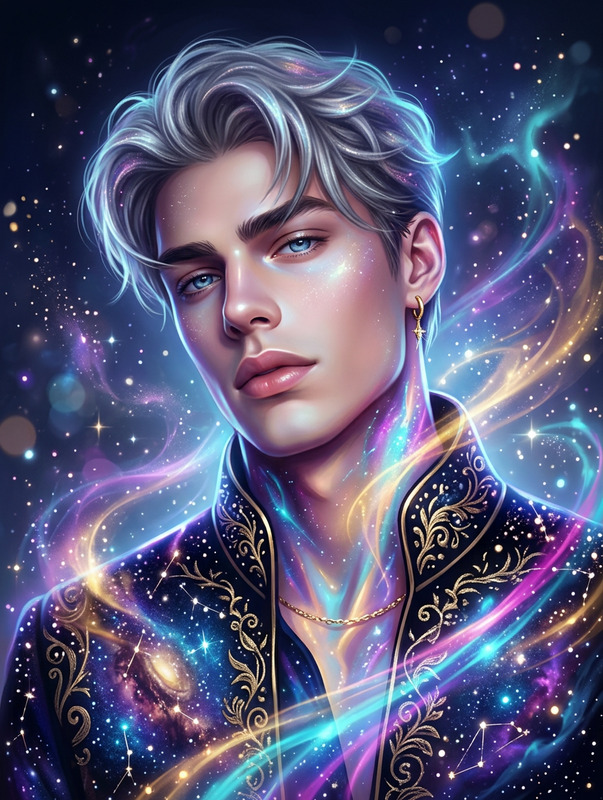
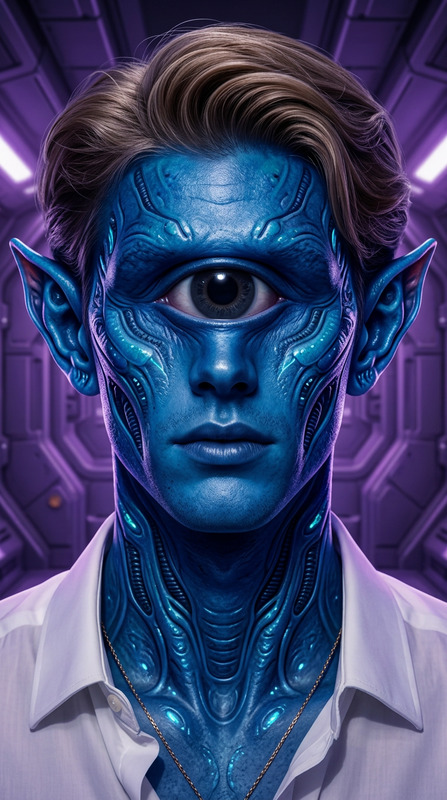
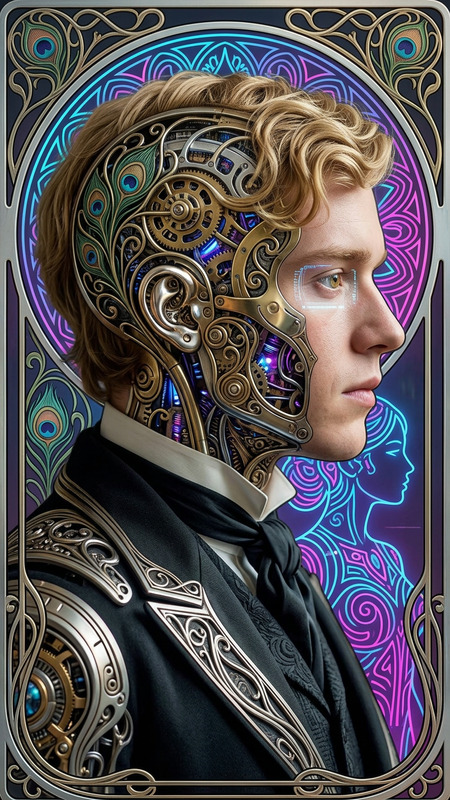
Generate a hyper-detailed cyberpunk portrait of a character featuring luminous lightning wings and intricate futuristic circuitry patterns across the face; the composition is a cinematic headshot with dramatic lighting, strong glow effects, and a sci-fi backdrop enhanced by depth-rich bokeh; the mecha elements are rendered in sharp focus with high clarity, while neon accents and vibrant color contrasts emphasize a futuristic, otherworldly aesthetic; the overall image is ultra-high resolution with HDR-like detail, combining hyper-realism, digital precision, and immersive visual intensity.
Any aspect ratio
Overview
The Cyberpunk Portrait template leverages the advanced capabilities of the AI Image Editor, using the powerful nano-banana-2 model to transform descriptions into visually striking cyberpunk art. This template focuses on creating a futuristic and dramatic aesthetic that captivates with its hyper-detailed portrayal of characters.
What It Does
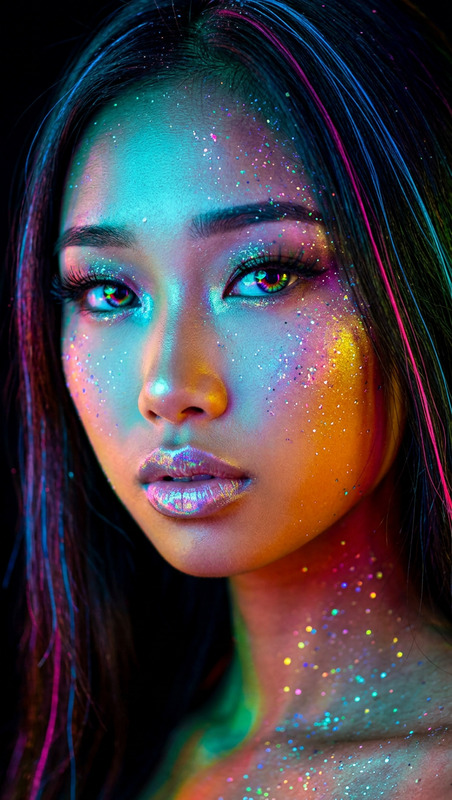
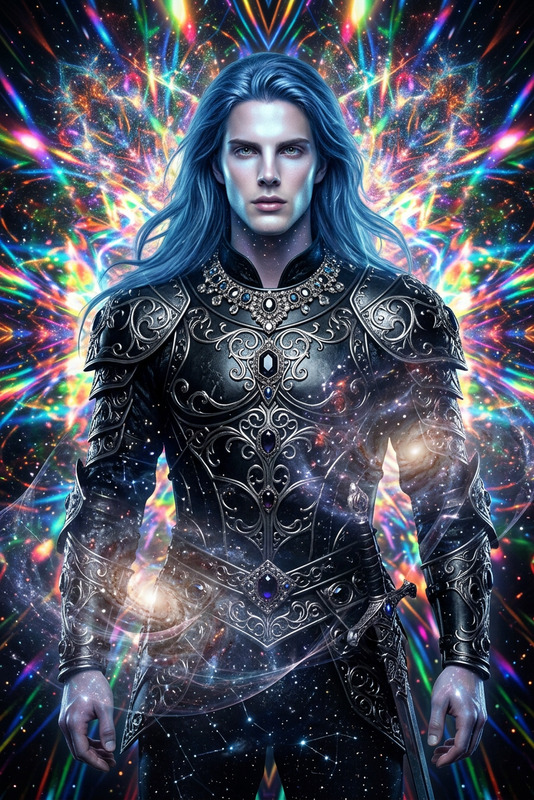
Using the Cyberpunk Portrait template, you can create high-resolution images that pop with vivid colors and neon accents. The output is a cinematic headshot enriched with elements like intricate circuitry patterns and luminous wings, making it perfect for those looking to explore artistic sci-fi imagery. The AI processes your input to deliver a final product that combines hyper-realism with precise digital design.
Who It's For
This template is ideal for digital artists, sci-fi enthusiasts, and creators who want to produce unique visual content quickly. It's also useful for game developers and concept artists needing high-quality character visuals. For those into Image to Video transformations, these portraits can enhance your projects by adding a rich, futuristic aesthetic to your visuals.
Summary
In summary, the Cyberpunk Portrait template is a gateway to creating compelling digital art with a narrative flair. By exploiting features of the AI Image Generator, users can focus on conceptual development while the AI handles the precision and detail for impactful sci-fi graphics. This intuitive process not only saves time but also opens new avenues for creative expression in digital storytelling.
How to Use
Choose the Template

Customize Your Inputs

Generate the Portrait

Use Cases
Sci-Fi Concept Art
- Vibrant neon and bokeh effects
- Detailed mecha and circuitry elements
Digital Artwork
- HDR-like detail in portraits
- Emphasis on color contrasts
Promotional Material
- Eye-catching sci-fi elements
- Engaging cinematic graphics
Best Practices
Optimize Lighting
Ensure you tweak the lighting settings to enhance dramatic effects in the final portrait.Focus on Detail
Take advantage of high-res outputs by zooming in on minor details to increase immersion.Incorporate Feedback
Use feedback from collaborators or audiences to refine the futuristic elements to your liking.