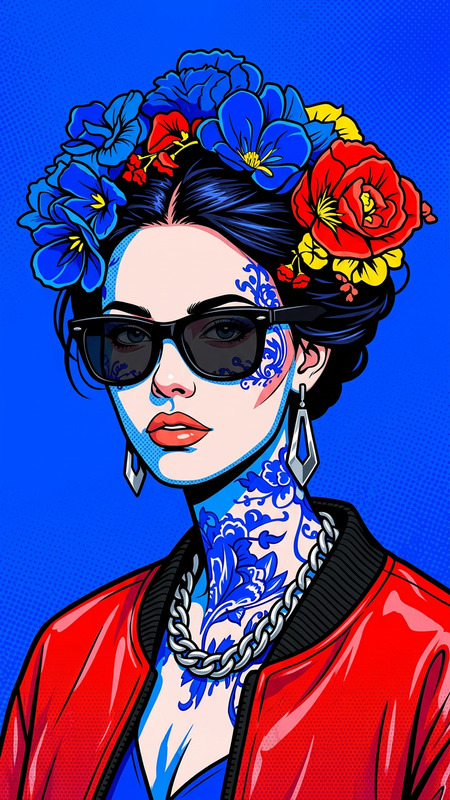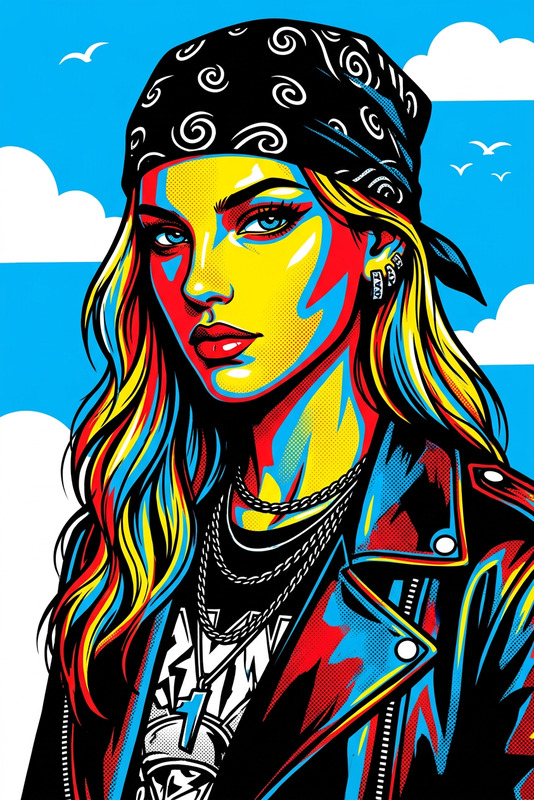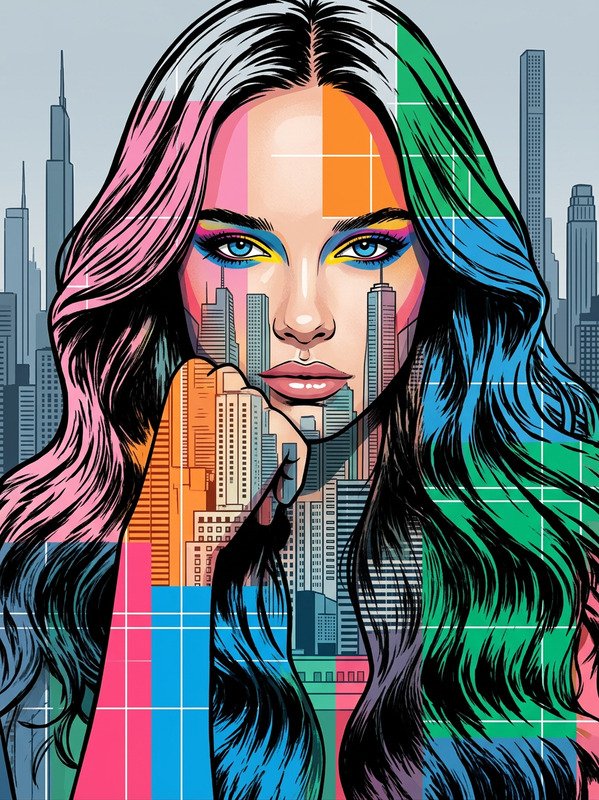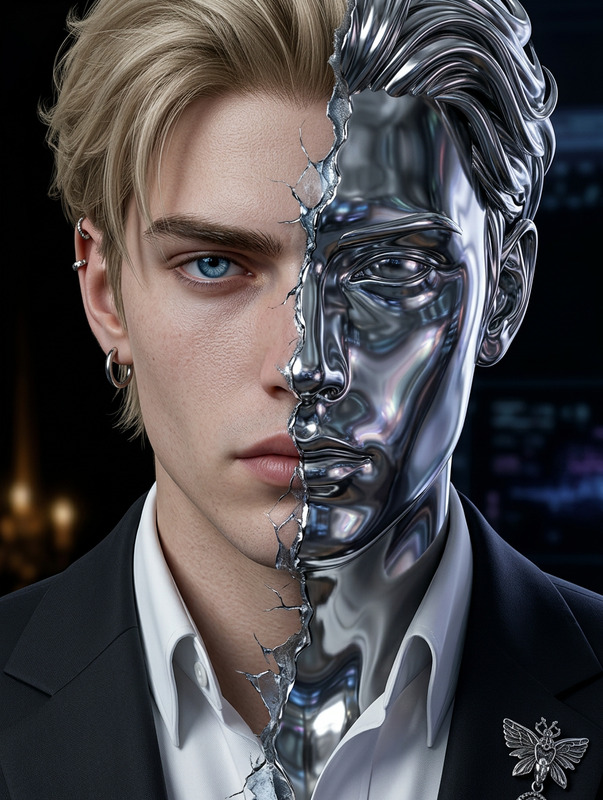
Split Pop Art Portrait
- Model
- Nano Banana 2
- Image
- 842 × 1264 px
Prompt
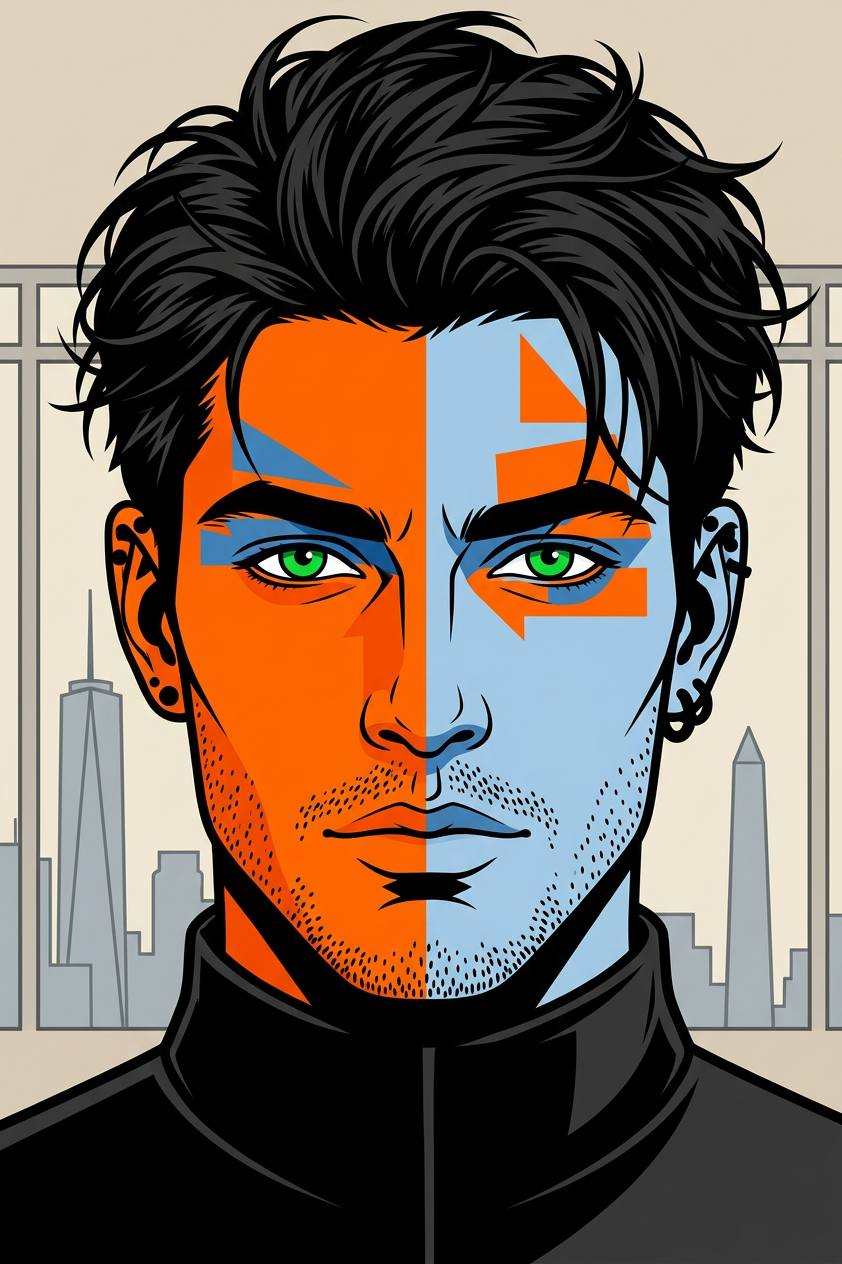
Generate a bold pop art style portrait of a subject’s face split vertically into two contrasting halves—one side vivid orange, the other pale blue; the face features bright green eyes, strong black eyebrows; geometric color blocks accent the eyes and forehead, enhancing a graphic, modern aesthetic; messy black hair frames the face naturally, paired with black earrings and a high-collared black top; the background includes a subtle grey city skyline with a tall skyscraper and an obelisk under a soft beige sky; the composition emphasizes bold outlines, high contrast, and a graphic novel-inspired style with vibrant, clean color execution and sharp detail.
Any aspect ratio
Overview
The Split Pop Art Portrait template is designed within the AI Image Editor. This template allows for the creation of striking visual art by splitting a portrait into vivid contrasting hues. Utilizing the nano-banana-2 model ensures sharp lines and vibrant colors, essential for a compelling pop art effect.
What It Does
This template generates a dramatic pop art portrait by splitting a subject's image into vibrant orange and pale blue halves. The intelligent AI highlights features like bright green eyes and black eyebrows with geometric color blocks, enhancing emphasis. A subtle city skyline backdrop adds depth, while bold outlines provide a modern graphic novel feel.
Who It's For
Ideal for designers and artists looking to add a bold statement to their projects, this template suits anyone aiming to create impactful visuals. It's also perfect for social media influencers and marketers desiring striking cover images or promotional content. Photographers can use it to offer unique portraits that stand out.
Summary
With the Split Pop Art Portrait template, craft visually stunning art through a seamless process. It's perfect for enhancing images with vibrant colors and bold designs, suitable for any project needing a modern aesthetic. Learn more about related tools such as the AI Image Generator and AI Photo Relighting for even more creative possibilities.
How To
Choose Template

Customize Inputs

Generate Artwork

Use Cases
Social Media Branding
- Engage followers with vibrant visuals
- Differentiate your personal or brand identity
- Create a series for aesthetic consistency
Art Commissions
- Stand out in the art marketplace
- Appeal to pop art enthusiasts
- Offer bespoke art solutions
Marketing Materials
- Capture public attention with creative visuals
- Increase engagement through bold design
- Ideal for event promotions and product launches
Best Practices
Optimal Image Selection
Choose high-resolution images with clear facial features to ensure maximum detail and color contrast in the final artwork.Color Harmony
Align the template’s color scheme with your project or brand identity for a cohesive look.Background Imagery
Select a simple yet complementary background to enhance the portrait without overshadowing it.