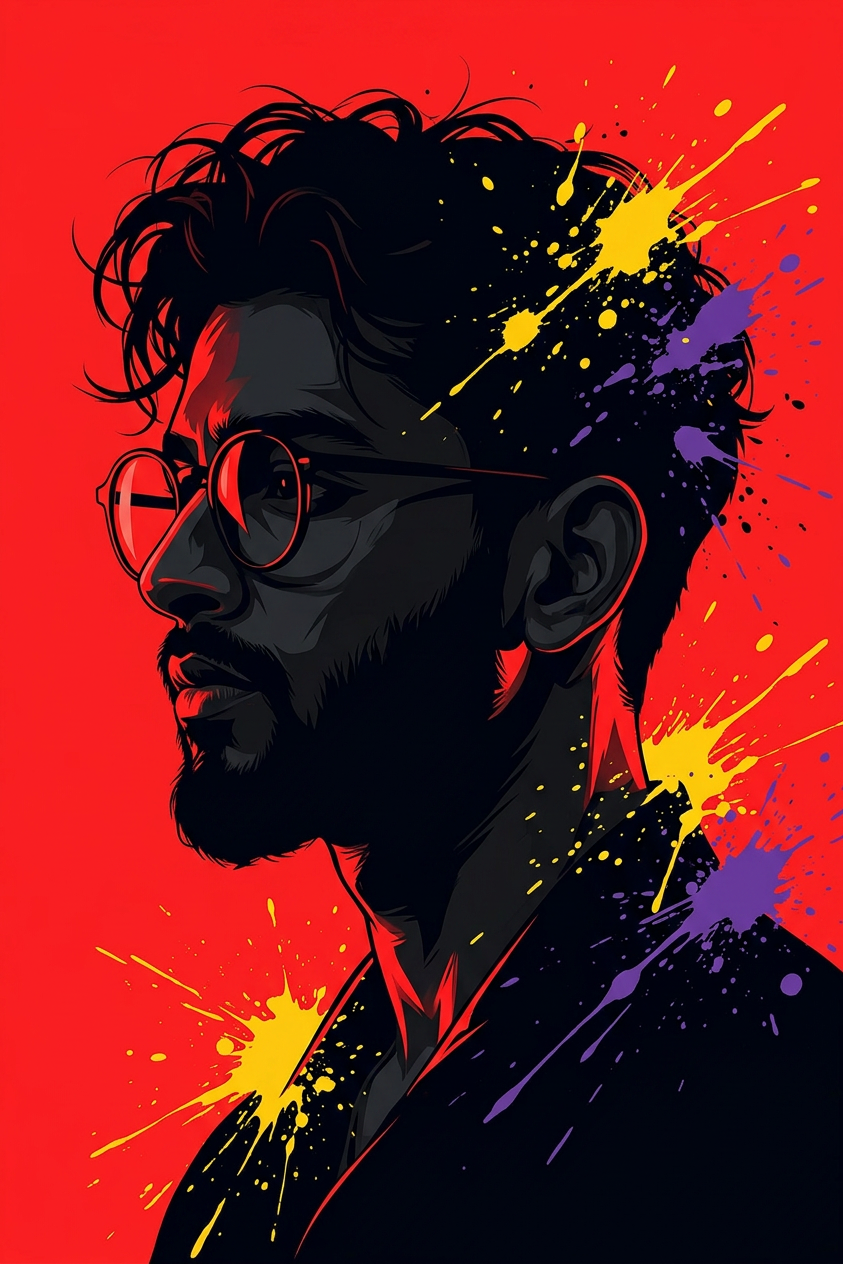
Pop Art Silhouette Splatter

Pop Art Silhouette Splatter

ai-image-editor

1 clip
0 uses

Any aspect ratio

Prompt

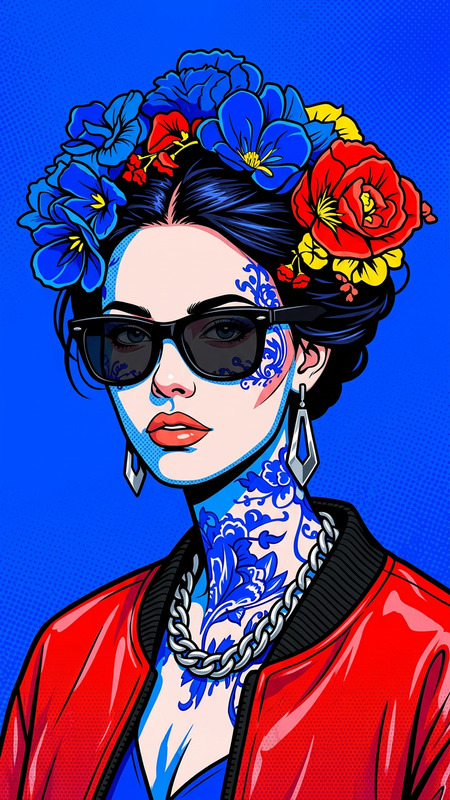
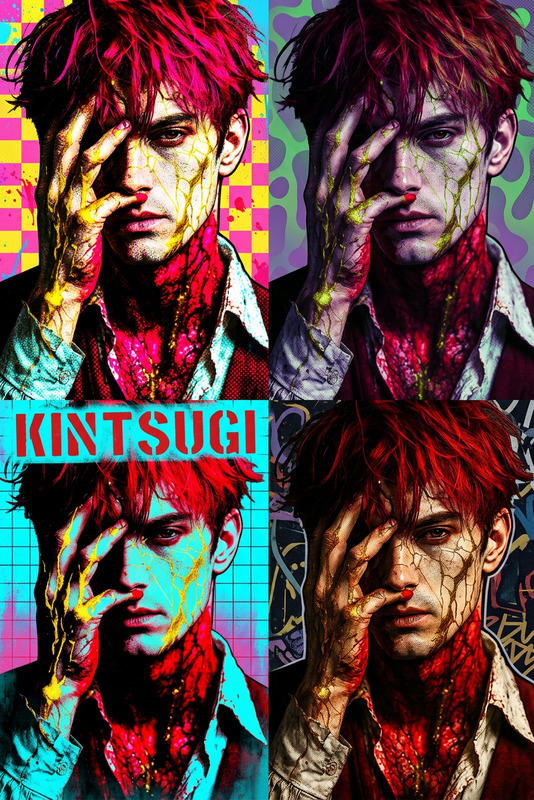
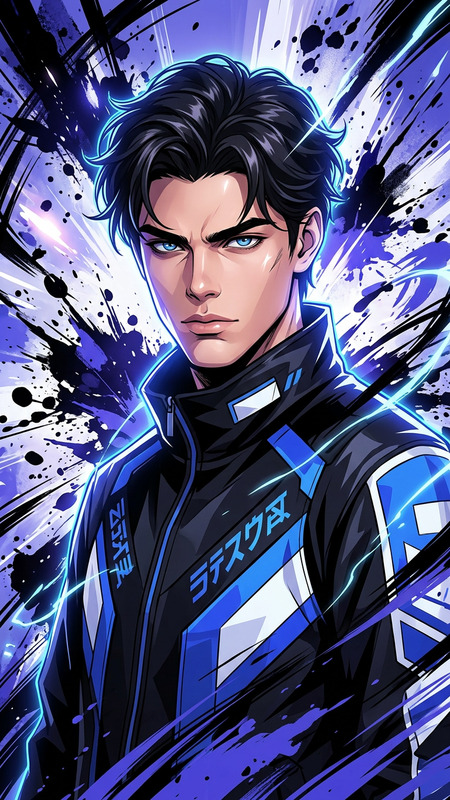
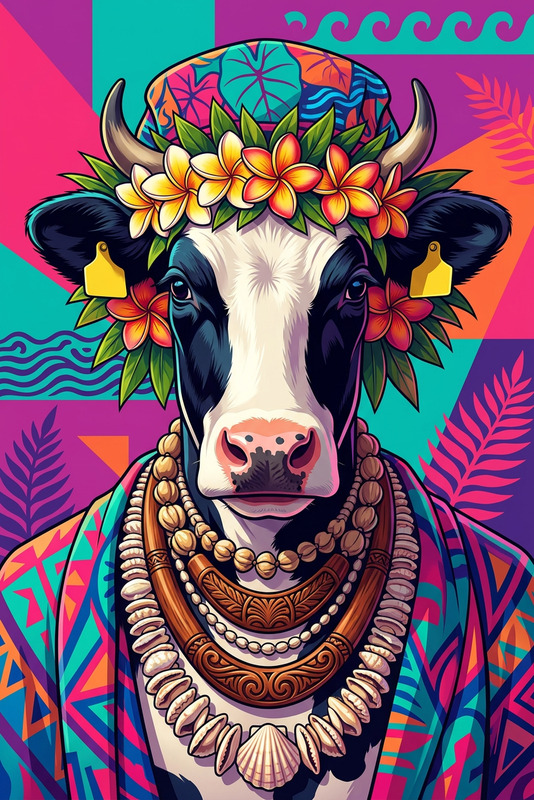
" a stylized side-profile silhouette of a subject with {argument name=""hair style"" default=""tousled dark hair""} and round glasses; set against a bold {argument name=""background color"" default=""vibrant red""} background; dramatic high-contrast lighting with deep shadows and sharp red highlights defining facial features (nose, lips, neck); dynamic paint splashes in {argument name=""splatter colors"" default=""purple and yellow""} burst from the head and shoulders, creating a sense of motion and creativity; style blends modern pop-art and street-art, graphic and bold, like a comic cover; sleek composition, moody yet energetic, high detail, clean edges."

Transform Photos with AI Image Editor: Clean, Precise, Production‑Ready

This template showcases what you can do with the AI Image Editor: remove distractions, replace elements, refine faces, and upgrade images for real creative and commercial work — not just social content.

Use it as‑is or remix it into your own workflow to build repeatable, high‑quality edits for:

  • Creators producing thumbnails, banners, and hero images
  • Marketers building ad creatives, landing page visuals, and social campaigns
  • Startup teams iterating on branding, product shots, and pitch visuals
  • Designers and developers prototyping UI, characters, or concepts

What This Template Does

This template is built around three core AI edits:

  1. Object & Background Cleanup

    • Remove unwanted objects, text, or people
    • Clean up messy backgrounds or visual noise
    • Replace backgrounds for a more on‑brand look

    For related tools, explore:

  2. Face & Portrait Enhancement

    • Subtle face cleanup and retouching
    • Expression, pose, or style adjustment via text prompts
    • Consistent character or brand persona across multiple images

    To go deeper with portraits, see:

  3. Style & Brand Consistency

    • Apply a visual style across a set of images
    • Align lighting, color, and composition
    • Generate alt versions for A/B testing of ads, thumbnails, or UX visuals

    For style‑driven generation, you can combine this with:


How to Remix This Template in Magic Hour

You can treat this template as a starting point and adapt it into your own reusable editing system inside Magic Hour.

1. Start from the Existing Template

  • Open this template in Magic Hour.
  • Inspect what the AI Image Editor is doing conceptually: removal, replacement, and enhancement driven via text instructions and image masks (where relevant).

2. Swap in Your Own Input Images

  • Replace the sample image with:
    • Product shots (SaaS UI, hardware, consumer goods)
    • Portraits and team photos
    • App screens and mockups
    • Illustration drafts or concept art

3. Rewrite the Prompts for Your Use Case
Focus your prompts on:

  • What you want removed (“remove background objects and stray cables”)
  • What you want added or changed (“replace background with a clean light‑gray studio wall”)
  • The target style (“minimal, product‑led, high contrast, brand‑safe”)

You can create variations of this template for:

  • Ad creatives: one version tuned for performance ads, one for brand campaigns
  • Landing pages: hero images, feature sections, testimonial blocks
  • Product shots: one setup for clean e‑commerce style, one for lifestyle context

4. Chain With Other Magic Hour Products (Optional)
Once you have a strong edited image, you can push it into other Magic Hour flows:


Practical Use Cases for Teams

1. Marketing & Growth

  • Ad Creatives & A/B Tests

    • Duplicate this template for each campaign.
    • Keep the subject the same, but adjust backgrounds, props, and color schemes.
    • Export multiple variations, then test performance across channels.
  • Social & Content

    • Clean up behind‑the‑scenes shots into polished social posts.
    • Remove distracting elements while preserving authenticity.
    • Generate consistent visual narratives from event photos or UGC.

Related tools for marketers:

2. Product, Design & UX

3. Founders & Small Teams

  • DIY Brand Assets

    • Make founder photos pitch‑deck ready.
    • Clean up office shots for “About” pages.
    • Generate consistent press kit imagery without a full design team.
  • Investor & Sales Decks

    • Turn messy whiteboard photos into clean, abstract diagrams.
    • Replace distracting backgrounds with neutral or on‑brand gradients.
    • Upscale and sharpen visuals with AI Image Upscaler and Unblur Image.
  • Experiments & Side Projects


Advanced Creative Pipelines You Can Build

This template is intentionally minimal so you can compose it into more complex pipelines:

  1. Photo → Edit → Stylize → Animate

  2. Portrait → Branded Headshot → Talking Avatar

  3. Sketch / Draft → Clean Concept → Production Asset

    • Convert rough sketches with Photo to Sketch or draw first offline
    • Refine into a clean visual using AI Image Editor
    • Scale up, sharpen, and finalize with AI Image Upscaler

When to Use AI Image Editor vs. Other Magic Hour Tools

Use AI Image Editor when you already have an image and you need:

  • Precise changes (remove/replace/edit specific regions)
  • Subtle improvements rather than full regeneration
  • To preserve identity, layout, or product fidelity

Use generative tools when you need a new visual from scratch:


Tips for Better Results

  • Be explicit in your instructions. Describe what to remove, what to keep, and what the final image should feel like (e.g., “minimal, high‑contrast, product‑first”).
  • Work iteratively. Use this template to generate 3–5 variations, then refine the one that best matches your brand.
  • Think in systems, not one‑offs. Once a prompt works for one asset, save and reuse it as your “image editing spec” across campaigns and channels.
  • Combine with restoration tools when working with older or low‑quality inputs:

Extend This Template into Niche Use Cases

You can fork this template into specialized editors for:


Use this template as a production‑ready starting point: duplicate it, swap in your own assets, refine the prompts to match your brand or product, and connect it with other Magic Hour tools to build a complete, AI‑assisted visual pipeline.

More Like This