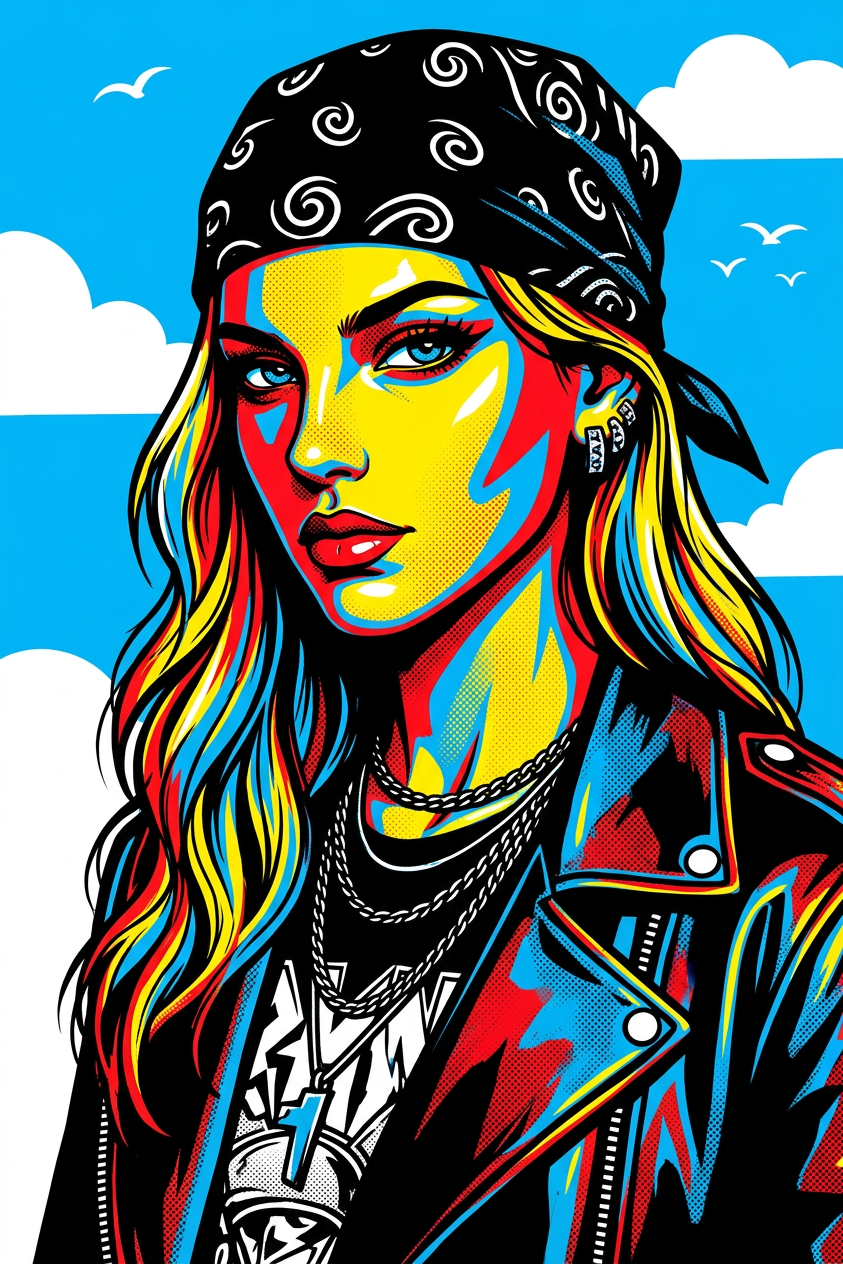
Pop Edge Subject – Sky Contrast
- Model
- Nano Banana 2
- Image
- 843 × 1264 px
Prompt
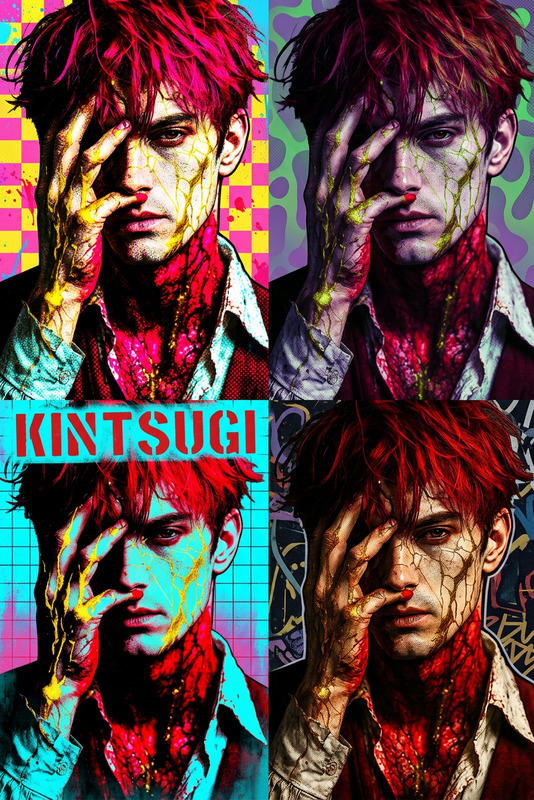
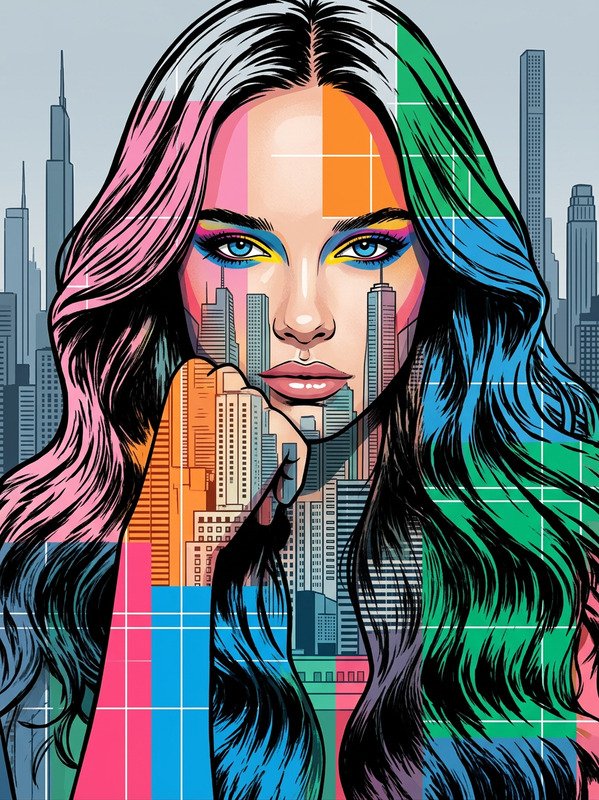
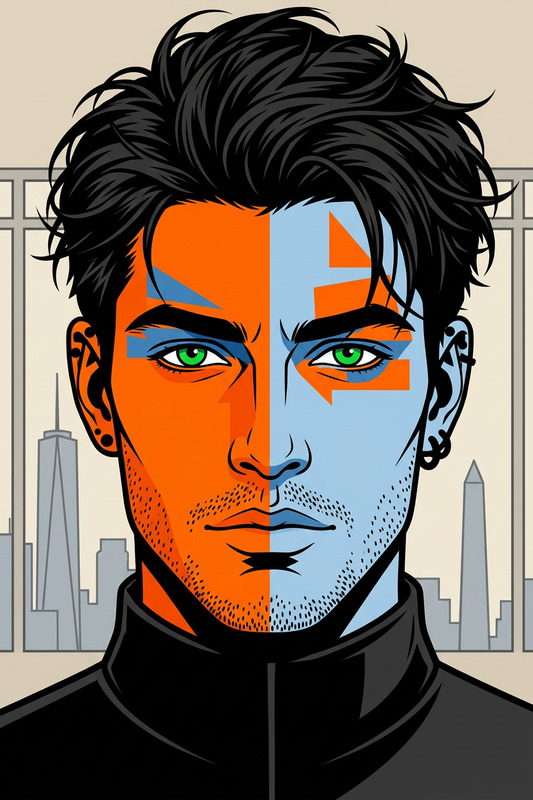
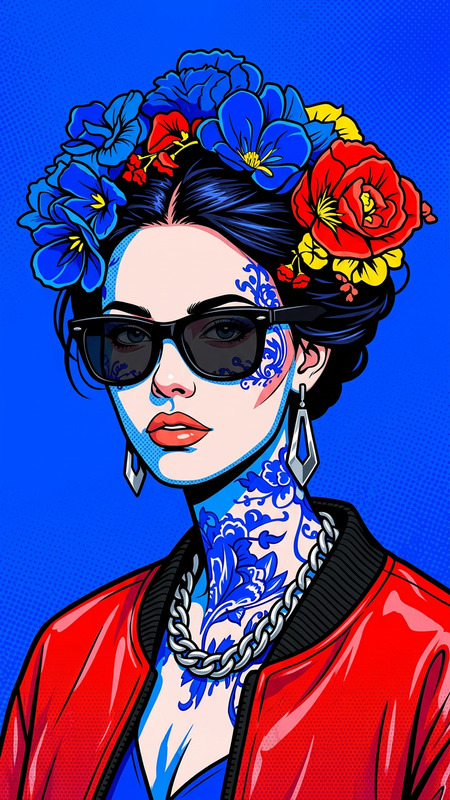
Close-up portrait of a subject, side angle, with an edgy, modern aesthetic. The subject presents a mysterious, confident presence with a calm yet intense expression, slightly provocative in attitude. The subject wears a black bandana with white swirl patterns and trendy, stylish fashion details. The subject has modern, slightly messy hair, partially covering the forehead. Front lighting highlights the subject’s facial features and outfit, set against a bright blue sky background. Pop art style with bold colors, high contrast, graphic shapes, clean outlines, and a striking, contemporary visual impact.
Any aspect ratio
Overview
The Pop Edge Subject – Sky Contrast template, powered by the nano-banana-2 model, is designed to infuse your images with a modern, edgy aesthetic. This AI Image Editor template adds a striking pop art style to your visuals, enhancing contrast and injecting bold colors against vibrant sky backgrounds. Perfect for those aiming to create dynamic and evocative imagery with a strong visual impact.
What It Does
This template transforms ordinary images into vibrant artworks, emphasizing high contrast and bold colors. It accentuates the subject's features with clean outlines and graphic shapes, making each image a standout piece. Whether it's for promotional content or personal projects, this template ensures your imagery leaves a lasting impression.
Who It's For
This template is ideal for photographers, designers, and content creators who want to add a bold, modern look to their images. It's especially suited for those looking to create impactful visuals for social media, ads, or art projects. Artists aiming for a contemporary pop art style will find this template invaluable.
Summary
The Pop Edge Subject – Sky Contrast template is a versatile tool for anyone seeking to enhance their imagery with a modern pop art style. It provides a unique aesthetic with its emphasis on high contrast and bold visual elements. Explore this tool alongside other creative options such as the AI Clothes Changer or the AI Image Upscaler to elevate your projects further.
How To
Choose Your Template

Customize Your Inputs

Generate and Download

Use Cases
Social Media Content
- High contrast portraits for Instagram
- Bold cover images for Facebook
- Eye-catching profile pictures
Advertising Materials
- Unique images for ad campaigns
- Visually appealing content for flyers
- Posters and billboards
Art Projects
- Digital art pieces
- Gallery displays
- Custom graphic designs
Best Practices
Select High-Quality Inputs
Begin with a high-resolution image to ensure the final output retains clarity and detail.Contrast and Lighting
Balance the lighting in your original image to complement the high contrast style effectively.Experiment with Styles
Test different fashion elements and background contrasts to find the most striking combination for your project.