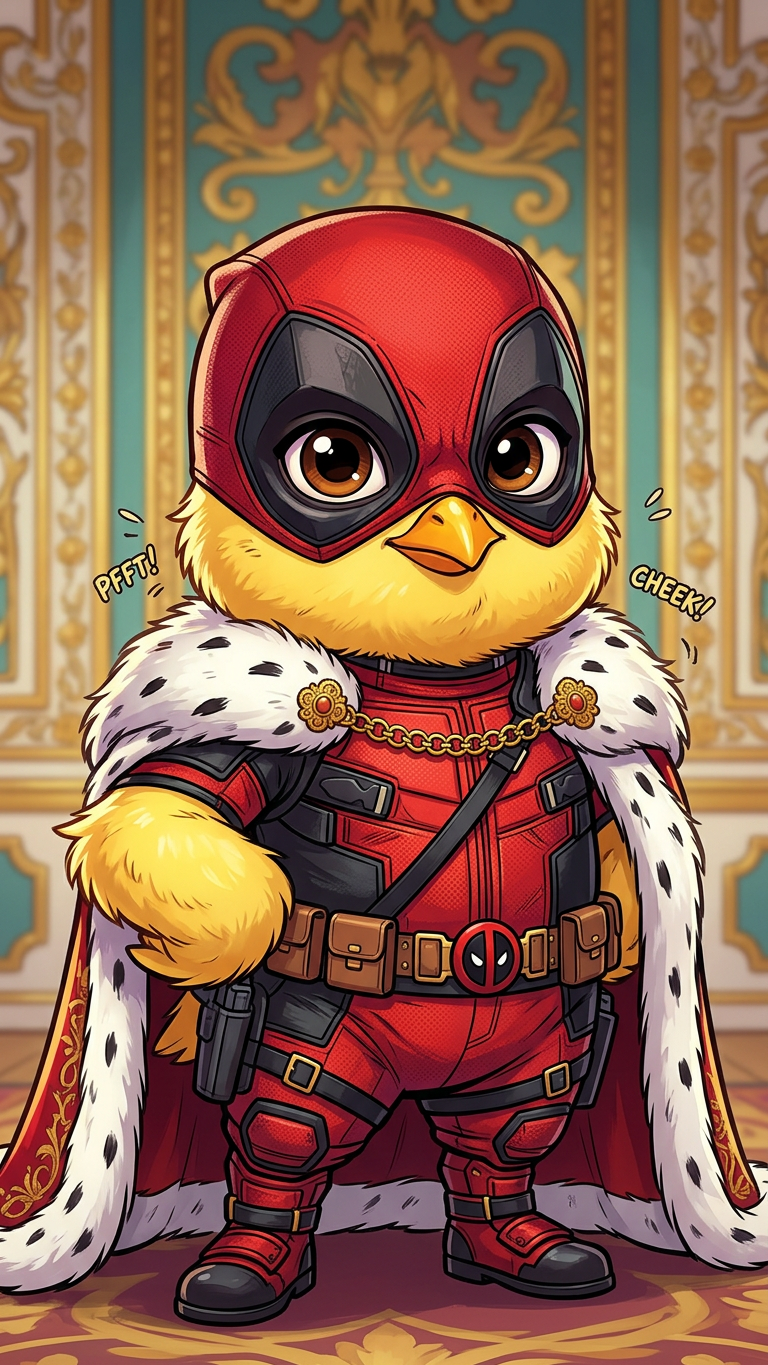
Chickpool

Chickpool

ai-image-editor

1 clip
1 uses

Any aspect ratio

Prompt

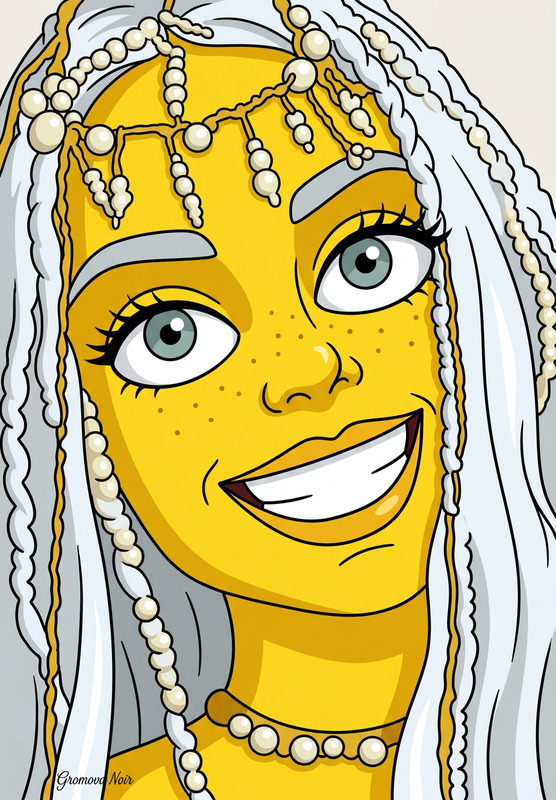
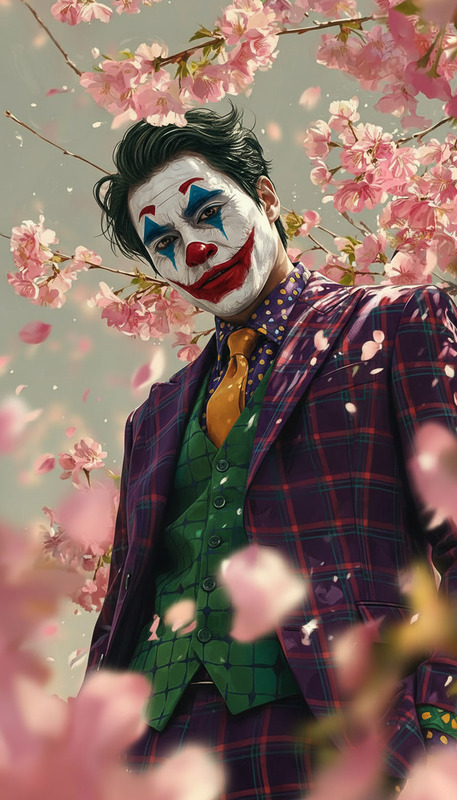
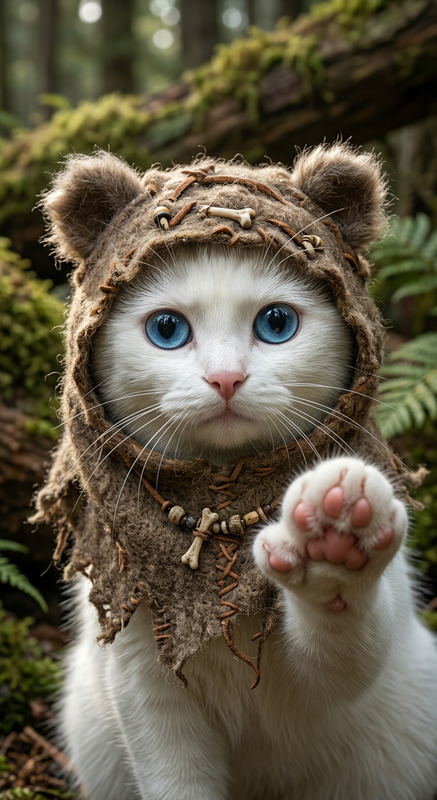
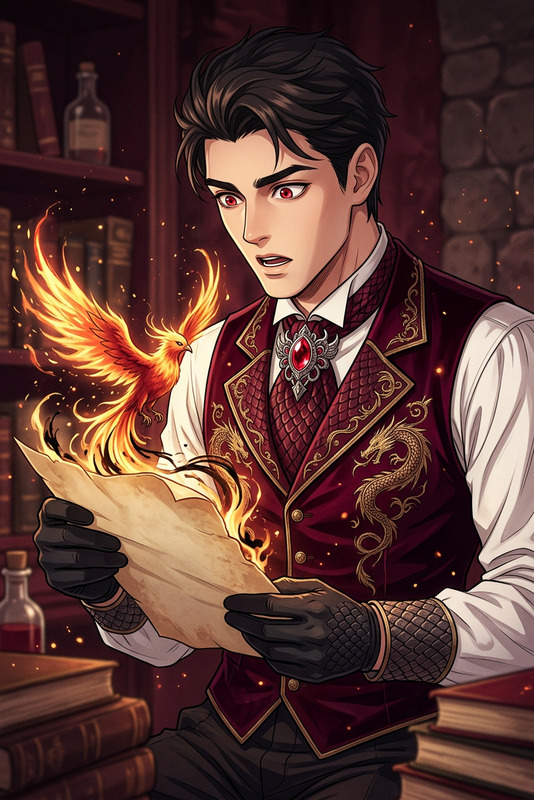
Subject transforms into a baby yellow chick styled as a playful parody of a red-and-black masked antihero. Small fluffy body with bright yellow feathers, oversized expressive eyes, wearing a miniature red-black suit with tiny utility details. Cute yet mischievous pose. Comic-inspired style, vibrant colors, soft lighting, humorous and energetic atmosphere.

Clean Background Portrait Template – Powered by AI Image Editor

Create clean, professional portraits from any photo in seconds. This template uses Magic Hour’s AI Image Editor to remove distractions, replace messy or busy backgrounds, and polish your subject—without manual retouching or Photoshop skills.


What this template does

This template is designed for fast, repeatable portrait cleanup. It’s ideal when you need:

  • A clean background headshot from a casual photo
  • Consistent profile pictures across your team
  • Creator thumbnails and social banners without visual clutter
  • Product / model shots with studio-style backdrops

Using the AI Image Editor, you can:

  • Remove or replace backgrounds
  • Erase unwanted objects and people
  • Subtly enhance faces and clothing
  • Keep realistic lighting and shadows

The result: polished, on-brand images you can reuse across LinkedIn, pitch decks, landing pages, and social content.


How to remix this template in Magic Hour

You can use this template as-is, or treat it as a starting point and build your own version. To remix it inside Magic Hour:

  1. Open the template
    Start from this template in Magic Hour so the basic structure (input → AI Image Editor output) is already set up.

  2. Swap in your own image

    • Upload a selfie, team photo, or product shot.
    • For best results, use a reasonably sharp image with the subject clearly visible.
  3. Edit or change the background
    With the AI Image Editor, you can:

    • Remove busy office or home environments
    • Replace them with clean solid colors (white, gray, brand colors)
    • Add subtle gradients or studio-like backdrops
    • Keep natural shadows so the result still looks real

    If you want more advanced background options (e.g., stylized environments, illustrations, or branded scenes), combine this with:

  4. Remove distractions and refine details
    Use AI-powered cleanup to:

  5. Export and reuse everywhere
    Download your final portrait and reuse it for:

    • LinkedIn, X, and other social profiles
    • Team pages and investor decks
    • Email signatures and marketing assets
    • Thumbnails for YouTube, webinars, and tutorials (you can pair this with Thumbnail Maker for fast, consistent cover images)

Who this template is for

This template is optimized for:

  • Founders and startup teams
    Quickly standardize headshots for pitch decks, landing pages, and investor updates.

  • Creators and marketers
    Produce clean, consistent portraits for channels, newsletters, and campaigns—no designer required.

  • Developers and product teams
    Rapidly generate profile images for apps, communities, and internal tools, then automate around this workflow.

If you work with visual content regularly and care about speed, brand consistency, and flexibility, this template gives you a practical, repeatable base.


Advanced ways to extend this template

Because this is built on the AI Image Editor, you can chain it with other Magic Hour tools to build richer workflows:


Best practices for high‑quality results

To get reliable, production-ready outputs:

  • Start with the best source photo you have
    Use a photo where the subject is clearly visible, reasonably lit, and not heavily compressed. If needed, run it through the Old Photo Restoration tool or Photo Colorizer.

  • Keep lighting consistent
    When replacing backgrounds, choose environments that match the general lighting direction and color of the original photo to keep it realistic.

  • Use upscaling for final export
    For web and print, send the cleaned image through the AI Image Upscaler or Video Upscaler if you later convert to video.

  • Stay brand‑consistent
    Reuse similar background colors, gradients, or environments across your team’s portraits. You can generate brand-aligned backgrounds with the AI Background Generator and save them for repeated use.


Related Magic Hour tools to explore

If you find this template useful, these tools work well alongside the AI Image Editor:


Build your own repeatable portrait pipeline

You can treat this template as:

  • A ready-made portrait cleaner you can use immediately, or
  • A building block in a bigger workflow that goes from raw photo → clean portrait → avatar/headshot → video or marketing asset.

Remix it, connect it with other Magic Hour products like AI Image Editor, AI Photo Generator, and AI Talking Photo, and adapt it for your own team, product, or content stack.

More Like This

Insufficient credits