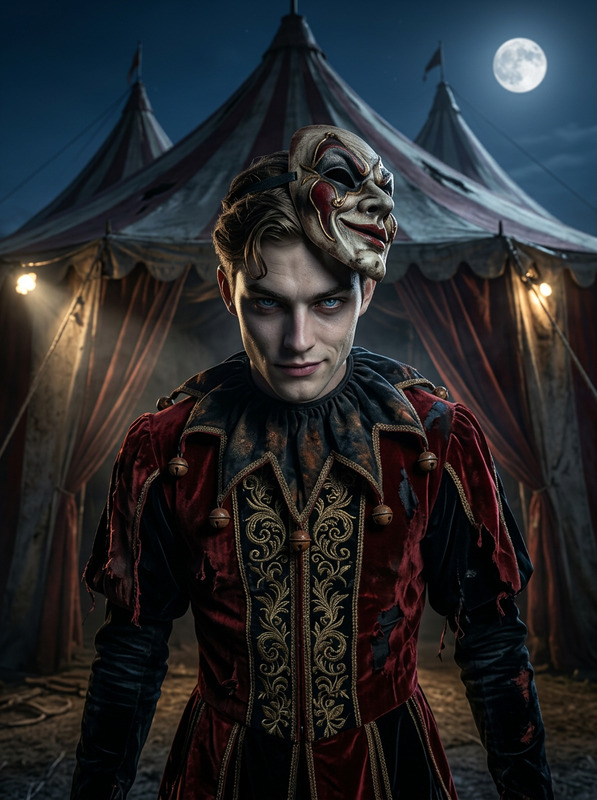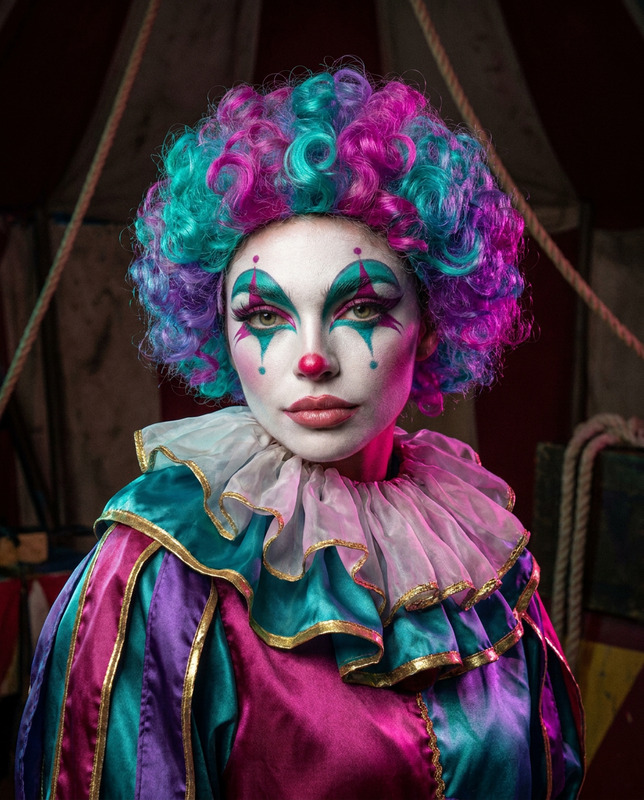
Chaotic Clown Elegance
- Model
- Nano Banana
- Image
- 768 × 1344 px
Prompt
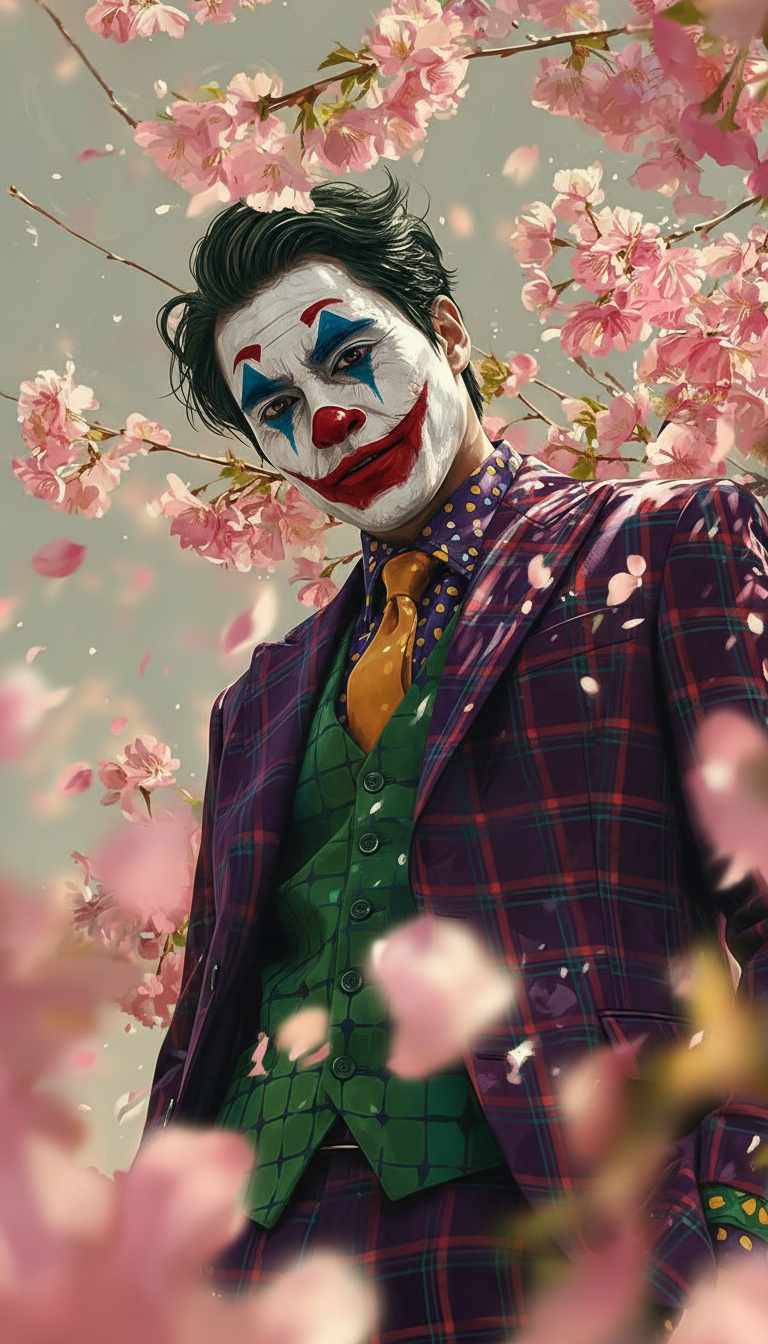
A subject’s face transforms into clown makeup with white face paint, a red nose, exaggerated red lips, and blue eye accents in a Joker-inspired style. The subject wears a colorful tailored suit with vest, patterned shirt, and tie, fully styled in a chaotic clown aesthetic. Cinematic lighting, ultra-detailed facial textures, realistic hair and clothing folds, dynamic expression, photorealistic style, vibrant colors, and a dramatic, slightly chaotic atmosphere.
Any aspect ratio
Overview
Transform your images with our Chaotic Clown Elegance template, a tool within the AI Image Editor suite. Using the advanced nano-banana model, bring a touch of whimsical chaos to any subject by giving them a Joker-inspired clown makeover. This template offers a vivid photorealistic finish that blends humor with high-fashion.
What It Does
The Chaotic Clown Elegance template transforms a subject's appearance, applying detailed clown makeup and attire. It captures the essence of a vibrant, dramatic aesthetic with features like white face paint, a red nose, and bold red lips. The template perfects the look with a tailored suit and delicate fabric details, providing a high-contrast, cinematic result.
For those interested in delving deeper into transformations, explore the Face Swap product to uncover additional creative potentials.
Who It's For
This template is perfect for graphic designers, content creators, and brands looking to infuse their visuals with a quirky yet sophisticated clown motif. It's ideal for advertisements, social media content, and artistic projects that demand attention-grabbing imagery.
The AI Ad Creative Generator can be another resource for users aiming to create bold marketing campaigns.
Summary
With the Chaotic Clown Elegance template, your images can take on an adventurous new look that's both bold and detailed. Capture the juxtaposition of chaos and elegance in your visuals, whether for marketing or creative storytelling. Learn more about similar transformations in our AI Image Editor's full offerings.
How to Use
Choose the Chaotic Clown Elegance Template

Customize Your Inputs

Generate Your Edited Image

Use Cases
Unique Social Media Content
Advertisement Campaigns
Event Promotion
Best Practices
Select High-Quality Images
For best results, choose images with clear facial details to ensure the clown makeup and clothing appear seamless.Balance Color and Light
Adjust the brightness and contrast settings to enhance the dramatic and colorful features, ensuring the image pops.Test Different Outfits
Experiment with the clothing style options in the customization phase to find the perfect look for your subject's clown persona.