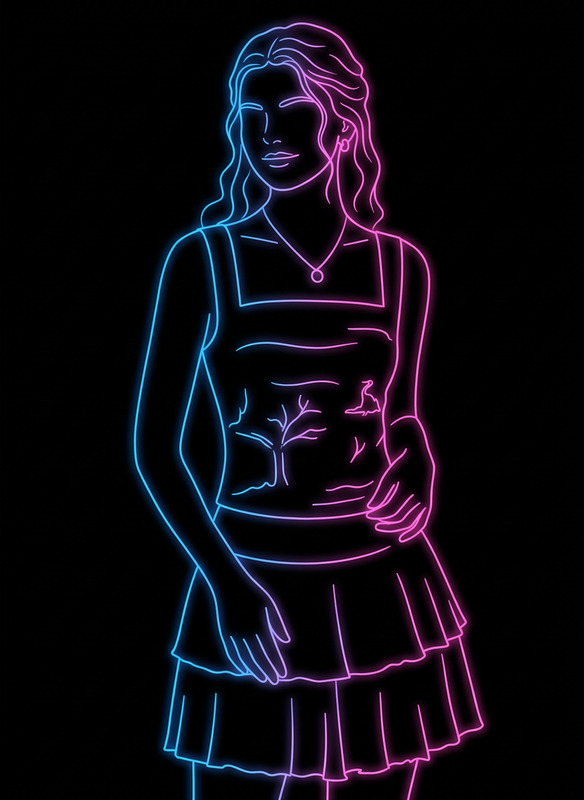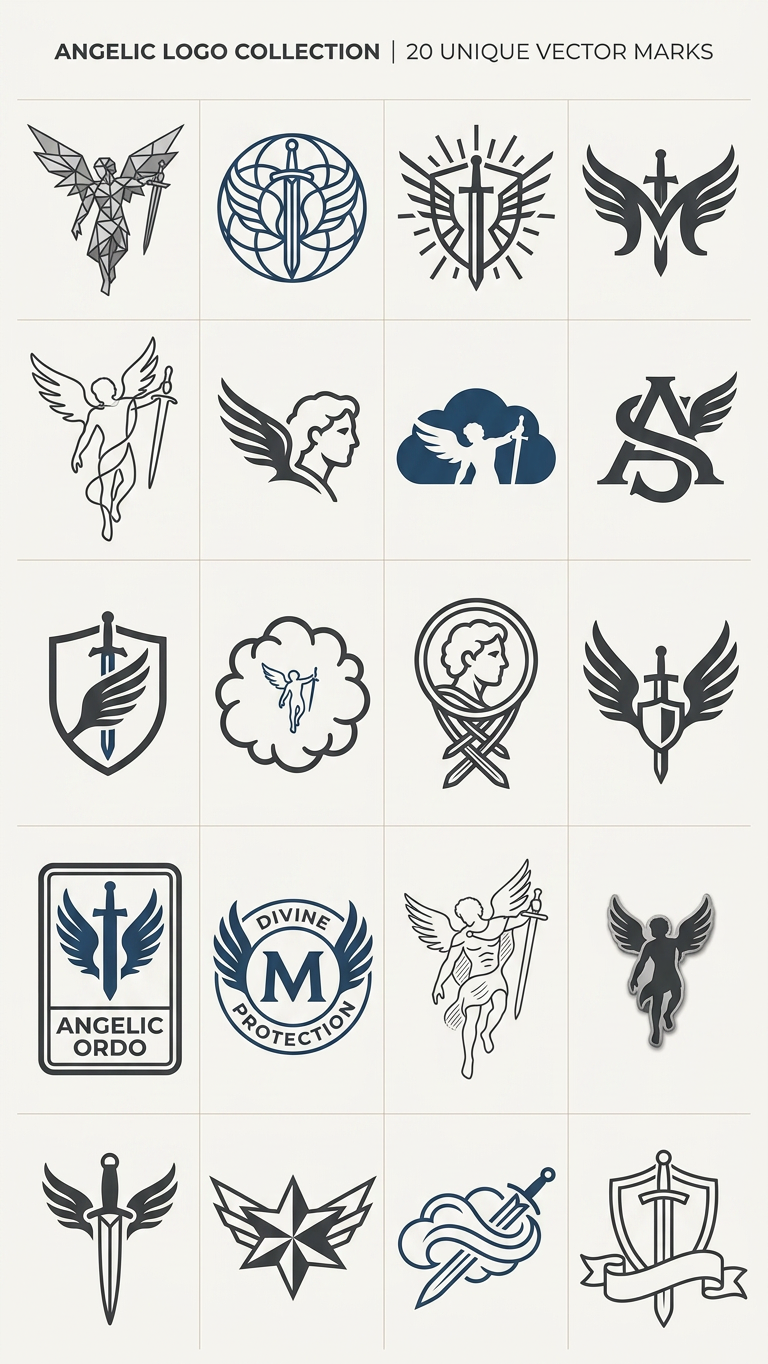
Logo Grid
- Model
- Nano Banana 2
- Image
- 768 × 1364 px
Prompt
Transform this image into a grid of minimalist logos using the main subject as the core icon. Abstract and simplify the primary element into multiple unique vector-style logo marks. Each variation should reinterpret the same subject in different ways (geometric, line art, negative space, emblem, badge, monogram). Arrange 16-20 logos evenly on a light background. Keep designs clean, modern, with balanced spacing. Maintain consistency while exploring creative variations of the original subject as a cohesive branding logo collection.
Any aspect ratio
Overview
The Logo Grid template in our AI Image Editor is designed for transforming images into a grid of minimalist logos. Using the nano-banana-2 model, this template works by reimagining a central subject into various stylized logo marks. It's ideal for creating cohesive branding collections, whether for presentations or social media campaigns.
What It Does
This template takes an existing image and deconstructs it into multiple vector-style logos, each offering a unique interpretation of the core subject. Whether in geometric shapes, line art, or monograms, these logos maintain a consistent aesthetic while exploring creative variations. They are arranged on a light background, forming an organized grid that showcases the potential of a single subject diversely.
Who It's For
The template is perfect for designers, marketers, and branding agencies looking to present multiple logo options in a single glance. It's also suited for those in need of dynamic presentations and engaging visuals for social media ads or product launches. Innovation-driven projects can leverage this tool to explore abstract concepts efficiently.
Summary
Use the Logo Grid template to create visually appealing collections of logos. Transform your central image into an abstract and minimalist representation using various styles. This template aids in building a cohesive set of logos ready for diverse applications, enhancing brand identity work with a modern, clean visual approach.
How To
Choose

Customize

Generate

Use Cases
Brand Identity Development
Social Media Content
Product Launch Visuals
Best Practices
Opt for High-Quality Images
Use clear and high-resolution images to ensure that the generated logos are crisp and detailed.Experiment with Styles
Try different styles like geometric or line art to make your collection diverse. This can be guided by adjusting the prompt for specific creative directions.Consistency is Key
Ensure that while each logo is unique, they share visual elements to maintain a cohesive collection. Use the Full Body Generator for larger projects needing uniformity across various designs.