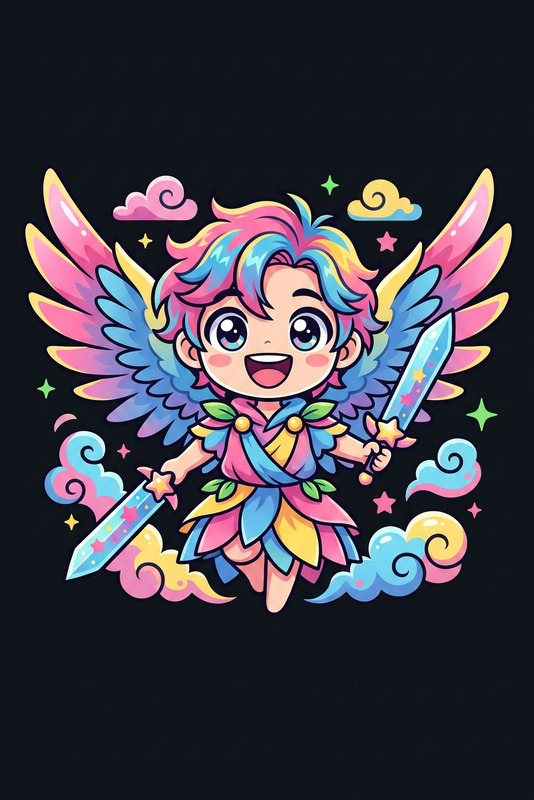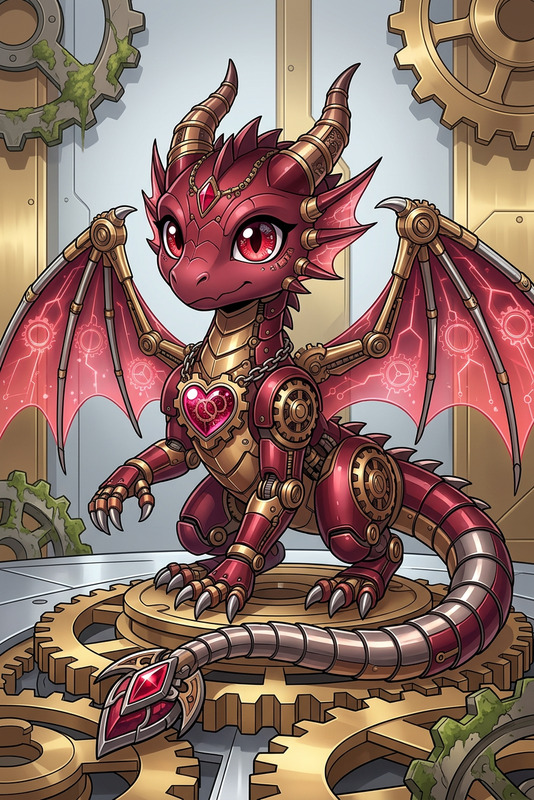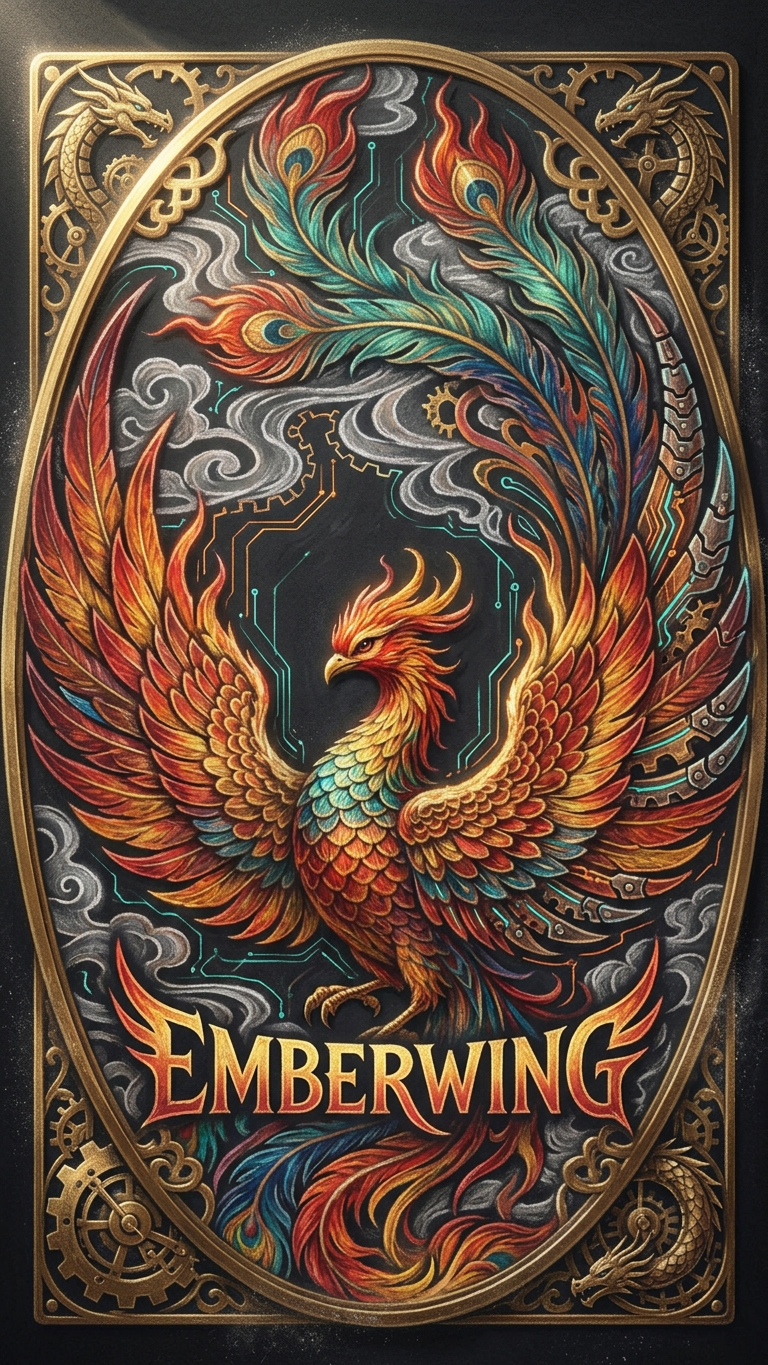
Chalk Logo
- Model
- Nano Banana 2
- Image
- 768 × 1365 px
Prompt
Subject designed as a fantasy logo in chalk-art style on a dark textured board; bold stylized lettering seamlessly integrated with mechanical dragon motifs and subtle glowing circuit accents; expressive chalk strokes with soft smudges and layered color buildup; dramatic side lighting enhances surface depth and texture; high-detail edges with a handcrafted, mystical-tech aesthetic, suitable for VTuber or branding use.
Any aspect ratio
Overview
The Chalk Logo template is an AI Image Editor tool designed to create logos that stand out with a distinctive chalk-art style. Leveraging the nano-banana-2 model, this template delivers intricately detailed designs perfect for branding or personal projects. Encapsulating mechanical elements and glowing accents, it's ideal for a high-tech, mystical aesthetic.
What It Does
This template allows users to craft detailed fantasy logos with chalk strokes and mechanical motifs. By integrating bold lettering and glowing circuit accents, it creates a unique blend of the organic and technological. The dramatic side lighting enhances texture and depth, making each logo visually engaging. Perfect for applications like AI Video Generator assisted VTuber channel graphics or unique brand marks.
Who It's For
Designed for creatives, brand designers, and digital artists, this template suits anyone needing visually unique logos. Particularly beneficial for VTubers seeking standout channel identity or businesses desiring a logo with a fantasy-tech vibe. It's also a valuable asset for content creators looking to personalize Character Replace graphics with distinctive styling.
Summary
Transform your logo designs with the Chalk Logo template's engaging style, suitable for a range of branding needs. By using advanced models like nano-banana-2, it combines hand-crafted aesthetics with technological elements. Its adaptability suits diverse creative projects, making it an essential tool for branding that requires both uniqueness and impact.
How To
Choose the Template

Customize Your Input

Generate Your Design

Use Cases
VTuber Branding
- Enhance channel identity
- Create unique avatars
Business Logos
- Align with high-tech branding
- Feature in marketing collaterals
Personalized Merch
- Stand out in a crowded market
- Appeal to niche audiences
Best Practices
Emphasize Contrasts
Use the side lighting to highlight contrasts and detail within the logo.Incorporate Branding Elements
Ensure any brand-specific elements are integrated within the chalk-styled motifs for cohesion.Experiment with Color
Try different color buildups to see which combinations resonate with your branding goals.