Fluffy Logo

Fluffy Logo

ai-image-editor

1 clip
17 uses

Any aspect ratio

Prompt

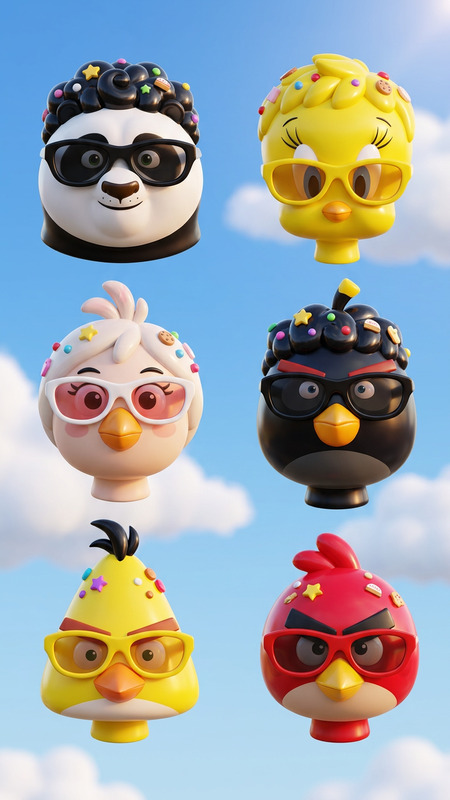
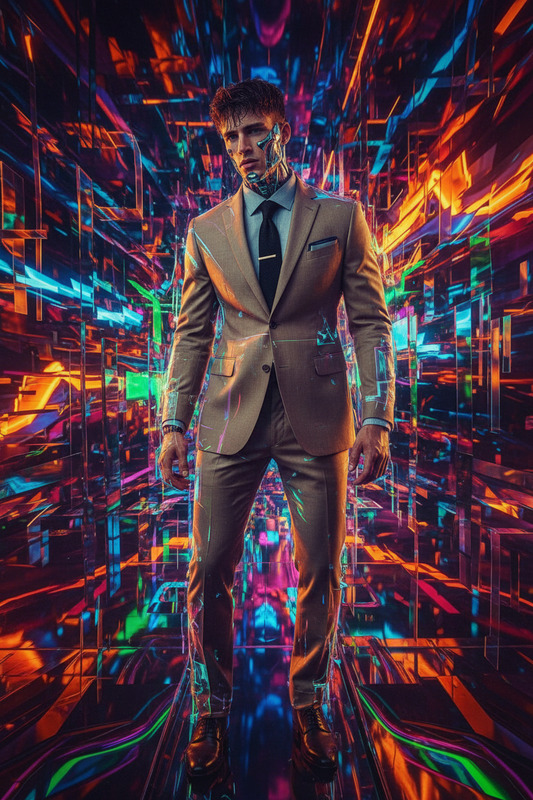
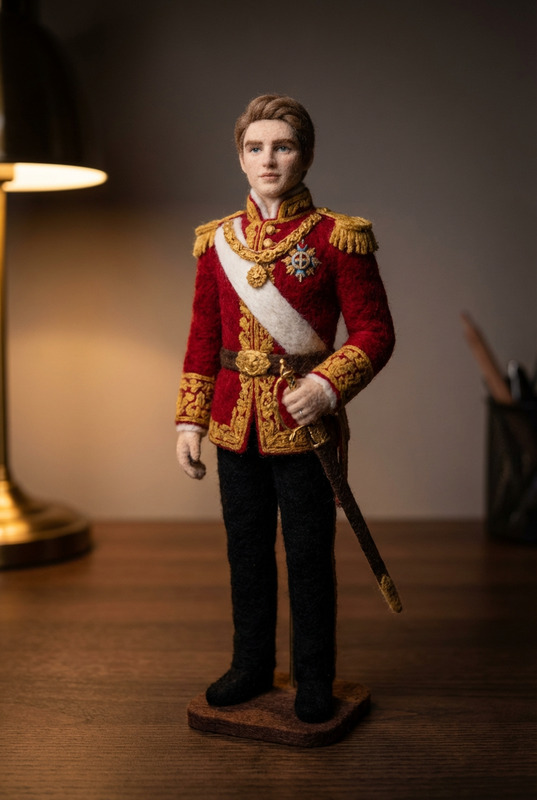
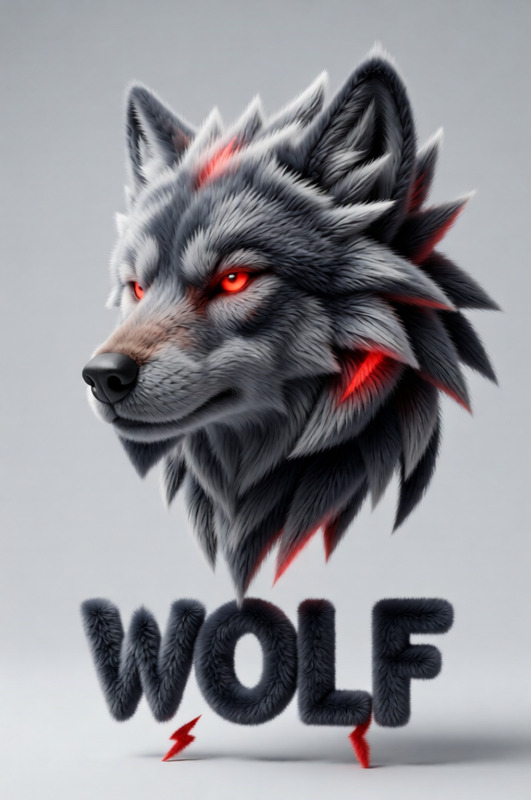
Transform the attached logo into a soft, 3D fluffy object. Use the exact colors. The shape is fully covered in fur, with hyperrealistic hair texture and soft shadows. The object is centered on a clean, light gray background and floats gently in space. The style is surreal, tactile, and modern, evoking a sense of comfort and playfulness. Studio lighting, high-resolution render

Tags

popular

AI Image Editor Template: Clean White Headshot Background

Turn any portrait into a clean, professional headshot with a pure white background—ideal for LinkedIn, resumes, company profiles, and ID photos. This template uses the AI Image Editor to remove distractions, standardize your background, and keep your subject looking natural and on-brand.


What This Template Does

This template is designed to:

  • Replace busy or messy backgrounds with a crisp white backdrop
  • Preserve face details, skin tone, and lighting as much as possible
  • Create consistent headshots across a team or brand
  • Output ready-to-use images for:
    • LinkedIn and professional networking
    • Company websites and “About” pages
    • Badges and internal HR systems
    • Marketing materials and press kits

Under the hood, it uses Magic Hour’s AI Image Editor, which combines segmentation (to isolate the person) with generative inpainting (to reconstruct the background) for a clean, studio-like result.


How to Remix This Template in Magic Hour

You can easily adapt this template to your own style, brand colors, or use cases. In Magic Hour, you have two powerful workflows:

  1. Start from this template and tweak it

    • Upload or drag in your portrait photo
    • Use the AI Image Editor to select the background area around the subject
    • Apply a white or near-white fill using the editing tools
    • Refine edges (hair, glasses, shoulders) with the brush/selection tools for a natural cutout
  2. Build your own variant from scratch

    • Open the AI Image Editor
    • Upload a headshot or selfie
    • Use the background selection tools to isolate the subject
    • Replace the existing background with:
      • Pure white (#FFFFFF) for passports and formal IDs
      • Off-white / light gray for softer, less clinical portraits
      • Brand-colored gradients for marketing or startup team pages

As you remix, you can save your own version as a reusable template for team-wide consistency.


Best Practices for Professional White-Background Headshots

To get results that look like a real studio shoot, focus on:

1. Source photo quality

  • Use a sharp, well-lit image (avoid heavy shadows or blown-out highlights)
  • Face should be clearly visible, not obscured by hats, hair, or motion blur
  • For teams, try to standardize framing: similar distance, angle, and crop

2. Framing and composition

  • Center the face, with eyes roughly in the upper third of the frame
  • Leave some space above the head and around the shoulders for flexible cropping
  • Keep posture relaxed but upright—this reads better on professional platforms

3. Clothing and styling

  • Solid colors usually work better than busy patterns
  • Avoid pure white shirts on a pure white background; mid-tone or darker tops give more contrast
  • Glasses are fine, but reduce reflections if possible in the original shot

You can further refine the face and overall look using Magic Hour’s AI Face Editor or AI Headshot Generator if you want more polished or stylized portraits (e.g., corporate, tech startup, creative agency).


Advanced Use Cases and Variations

Once you’re comfortable with this base template, you can branch into more advanced workflows:

1. Team-wide headshot systems for startups and agencies

  • Use the same background color or gradient across your entire team
  • Standardize framing with one template, then iterate on top using the AI Image Editor
  • For new hires, just drop in a new photo and apply your saved style

2. Brand-specific backgrounds

  • Swap pure white for a subtle brand color, light gradient, or blurred office background
  • Combine the AI Image Editor with the AI Image Generator or AI Art Generator to create on-brand abstract backdrops
  • Lock in a consistent style for:
    • Thought-leadership content
    • Speaking bios and event profiles
    • Media kits and PR assets

3. Cross-channel variants

  • Use this base image to generate multiple versions for:
    • LinkedIn and CVs (formal crop, tighter framing)
    • Social bios (more relaxed crop, maybe subtle color in background)
    • Internal tools (square or circular crops at smaller resolutions)

You can upscale and clean your final headshots using the AI Image Upscaler to maintain crispness on high-resolution sites and print materials.


Related Magic Hour Tools You Can Combine With This Template

If you’re building a more complete workflow around professional portraits, consider these tools:

  • AI Headshot Generator
    Generate brand-new professional headshots from sample photos—useful when your original photos are low-quality or inconsistent.

  • AI Face Editor
    Fine-tune facial details, expressions, or minor blemishes (e.g., for marketing campaigns or speaker pages).

  • AI Clothes Changer
    Virtually switch outfits (e.g., from casual to business attire) to match the new clean background.

  • AI Selfie Generator
    Create more casual or platform-specific profile images, then standardize their backgrounds with this template.

  • Image Background Remover
    Quickly cut out subjects you want to place on pure white or any other AI-generated environment.

For visual brands, you can also experiment with stylized character or avatar versions using the Avatar Generator, AI Character Generator, or Animated Characters Generator and then refine backgrounds with the AI Image Editor.


Who This Template Is For

This white-background headshot template is especially useful for:

  • Founders and startup teams
    Build a consistent “team” page in hours, not weeks, with minimal design overhead.

  • Agencies and studios
    Standardize deliverables for clients who need fast, high-quality professional portraits.

  • HR, recruiting, and operations teams
    Maintain updated, uniform internal and external profiles without coordinating new photo shoots.

  • Content creators and educators
    Create clean, reusable profile images for courses, newsletters, and personal brands.


How to Get the Most Out of It

To integrate this template into a real workflow:

  1. Collect your source headshots from your team or clients.
  2. Use this AI Image Editor template to standardize every background to white (or brand color).
  3. Run your final images through:
  4. Store your edited headshots in a shared folder or asset manager as the “single source of truth.”
  5. When you need a new variation (e.g., for a speaking event, press feature, or new landing page), simply remix this template again—no reshoot required.

Use this template as your repeatable base for clean, white-background headshots. Remix it freely in Magic Hour with the AI Image Editor, and layer in other tools across the Magic Hour ecosystem as your brand or workflows evolve.

More Like This

Insufficient credits