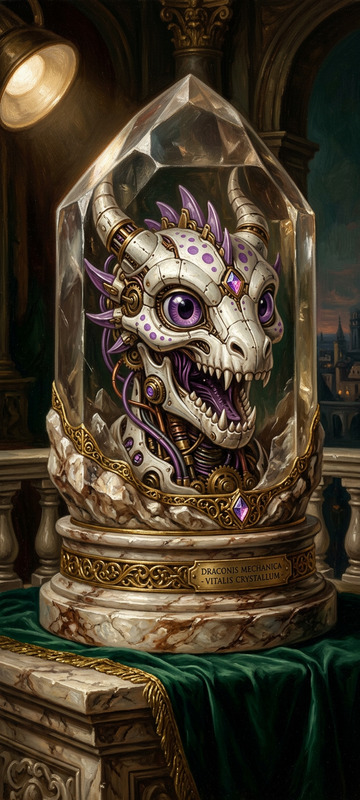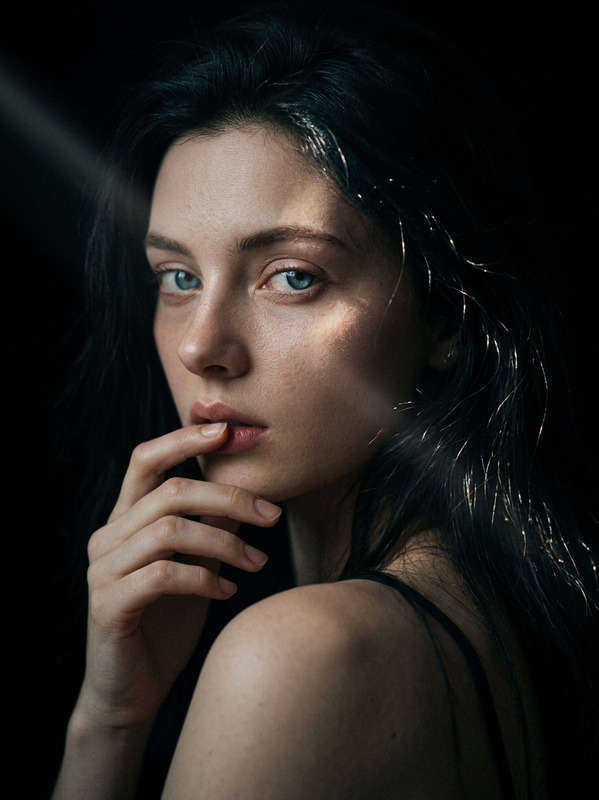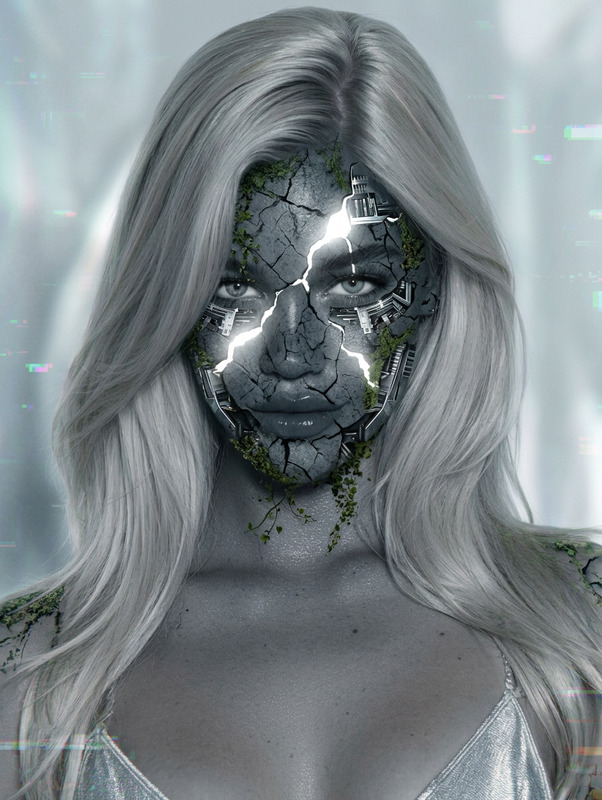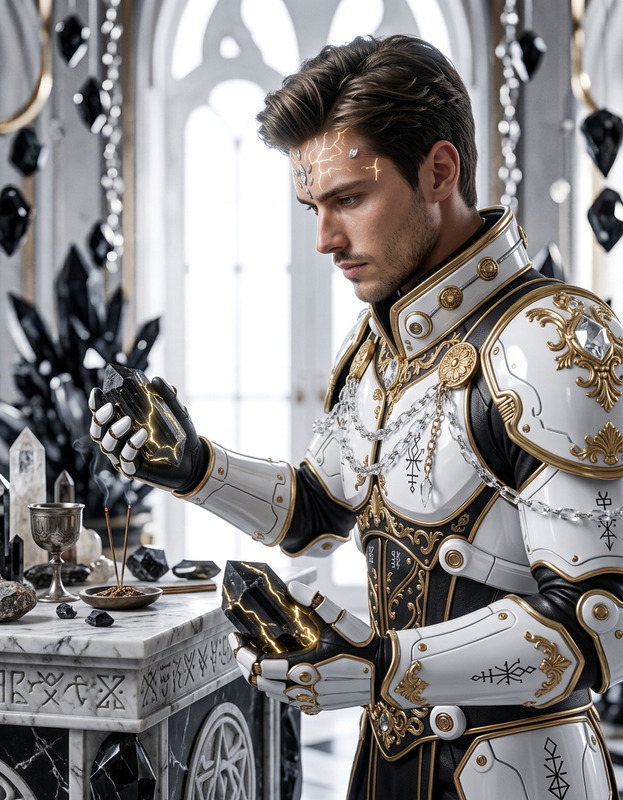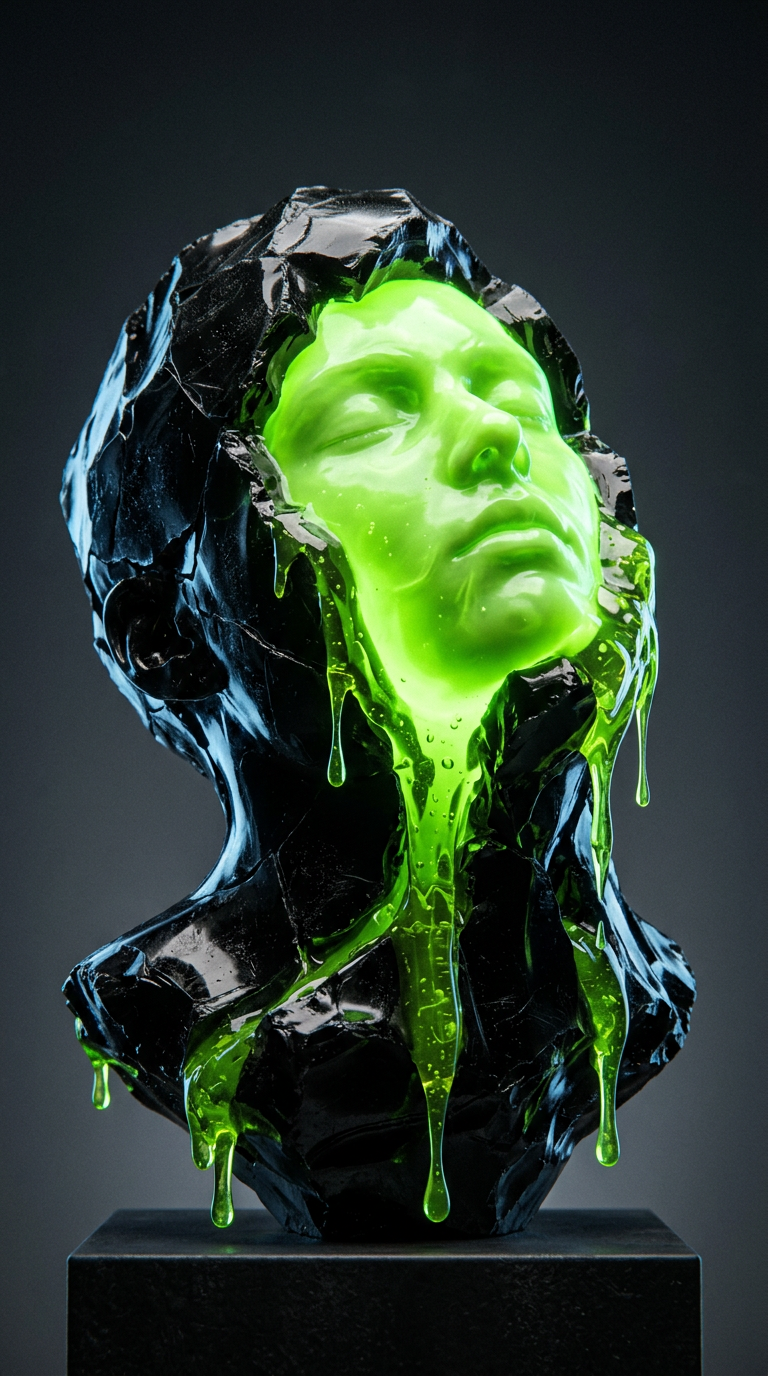
Obsidian Core Sculpture
- Model
- Nano Banana 2
- Image
- 768 × 1376 px
Prompt
Hyper-realistic studio photograph of a physical avant-garde sculpture resembling a fractured obsidian bust of a subject. The outer shell is glossy black resin with jagged breaks, exposing a glowing bioluminescent neon-green liquid core forming a serene sleeping human face with closed eyes, calm expression, smooth fluid anatomy. Thick viscous green gel with suspended bubbles and filaments drips downward, showing realistic surface tension. Head tilted back at 45 degrees, centered low-angle vertical composition. Seamless studio cyclorama background with soft grey gradient. Cinematic studio lighting with cold rim light on black shell and internal green volumetric glow creating bloom and reflections. Heavy chromatic aberration, lens distortion, dust particles, scratches, ultra-detailed macro realism, 8K, experimental fine art photography style.
Any aspect ratio
Overview
The Obsidian Core Sculpture template is an intricate AI Image Editor experience designed for transforming visuals into breathtaking studio-quality artworks. With its focus on macro realism and avant-garde style, this template leverages the nano-banana-2 model to bring exceptionally detailed images to life.
What It Does
At its core, this template enables users to create hyper-realistic images of avant-garde sculptures featuring striking contrasts between glossy obsidian and glowing neon elements. The template manipulates light, texture, and composition to produce images with cinematic qualities that are perfect for AI Product Photography.
Who It's For
This template is ideal for artists, designers, and photographers looking to enhance their visual presentations with a touch of futuristic fine art. Creatives working on mood boards or conceptual displays will find this tool particularly useful in conveying complex visual narratives.
Summary
With the Obsidian Core Sculpture template, users can easily craft high-resolution, experimentally detailed images that stand out. The template's advanced model facilitates the production of images with nuanced lighting and textural effects, pushing the boundaries of AI Image Generation into the realm of fine art.
How To
Choose the Template

Customize Your Inputs

Generate Your Image

Use Cases
Art Exhibitions
- Add depth to exhibition catalogs
- Enhance online gallery displays
Graphic Design
- Use in posters and digital ads
- Enhance design portfolios
Film and Theatre
- Design immersive set backdrops
- Develop concept art for sci-fi themes
Best Practices
Adjust Light Sources
Play with the lighting parameters to accentuate the interplay of shadows and glow for enhanced depth.Focus on Composition
Ensure the centered vertical composition is maintained to capture the full essence of the sculpture.Experiment with Textures
Use the model's capabilities to introduce subtle chromatic aberration and lens effects for increased realism.