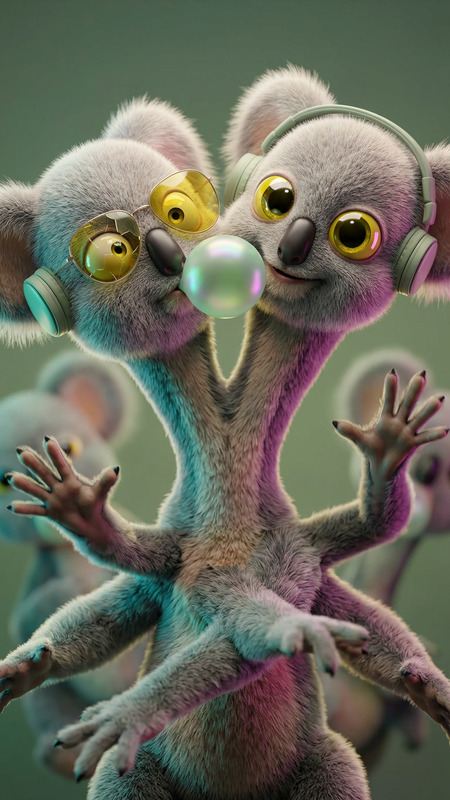
Chromatic Phantom Study
- Model
- Nano Banana 2
- Image
- 843 × 1264 px
Prompt
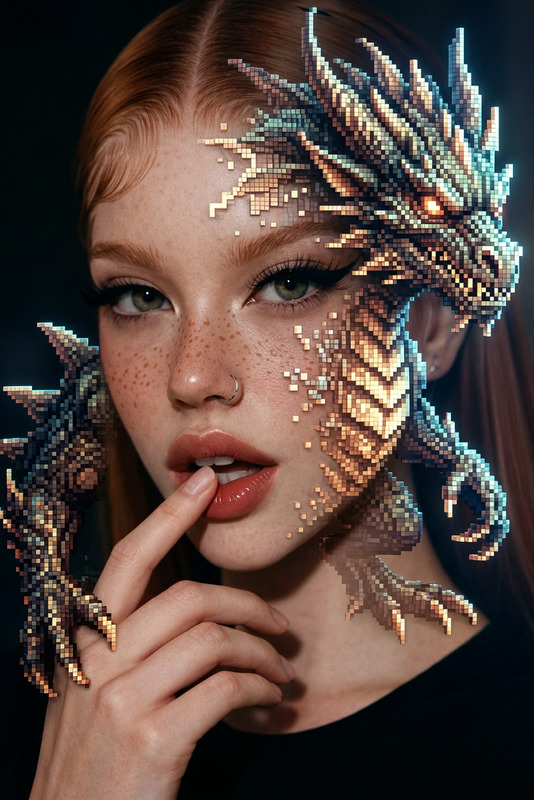
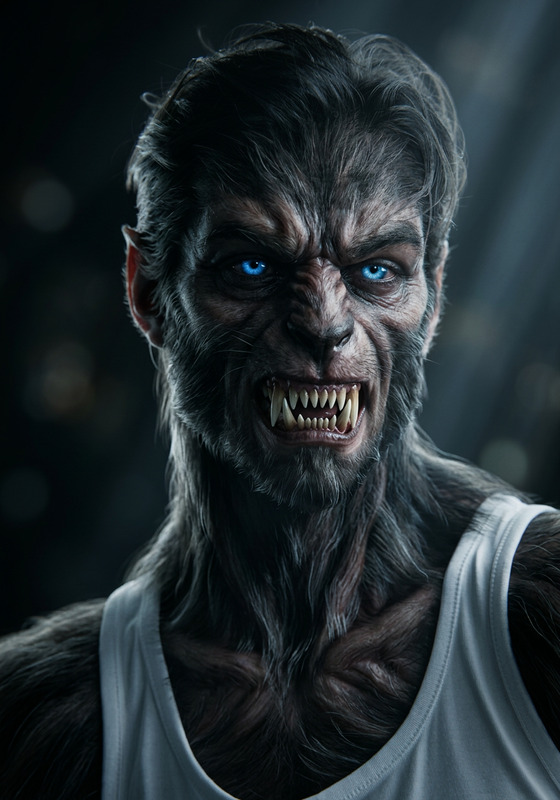
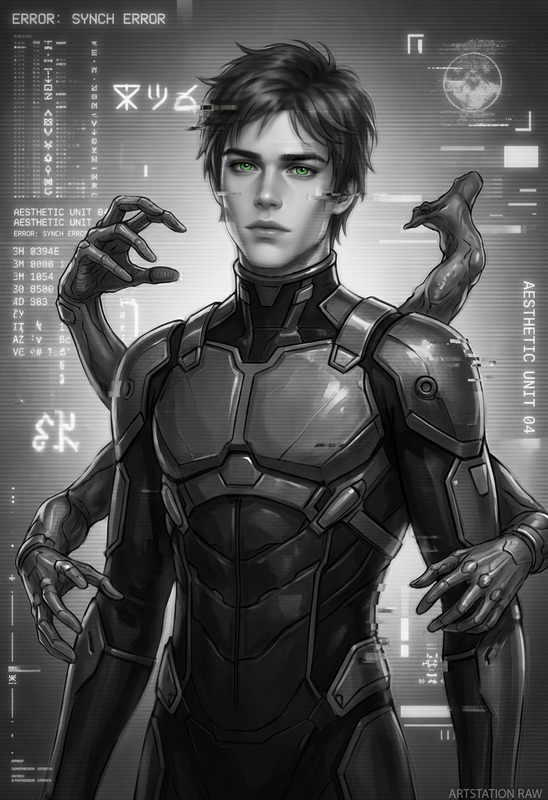
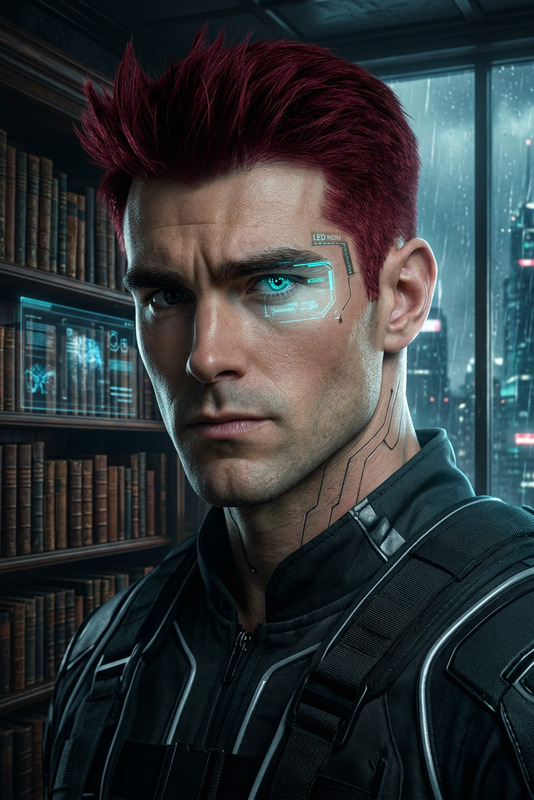
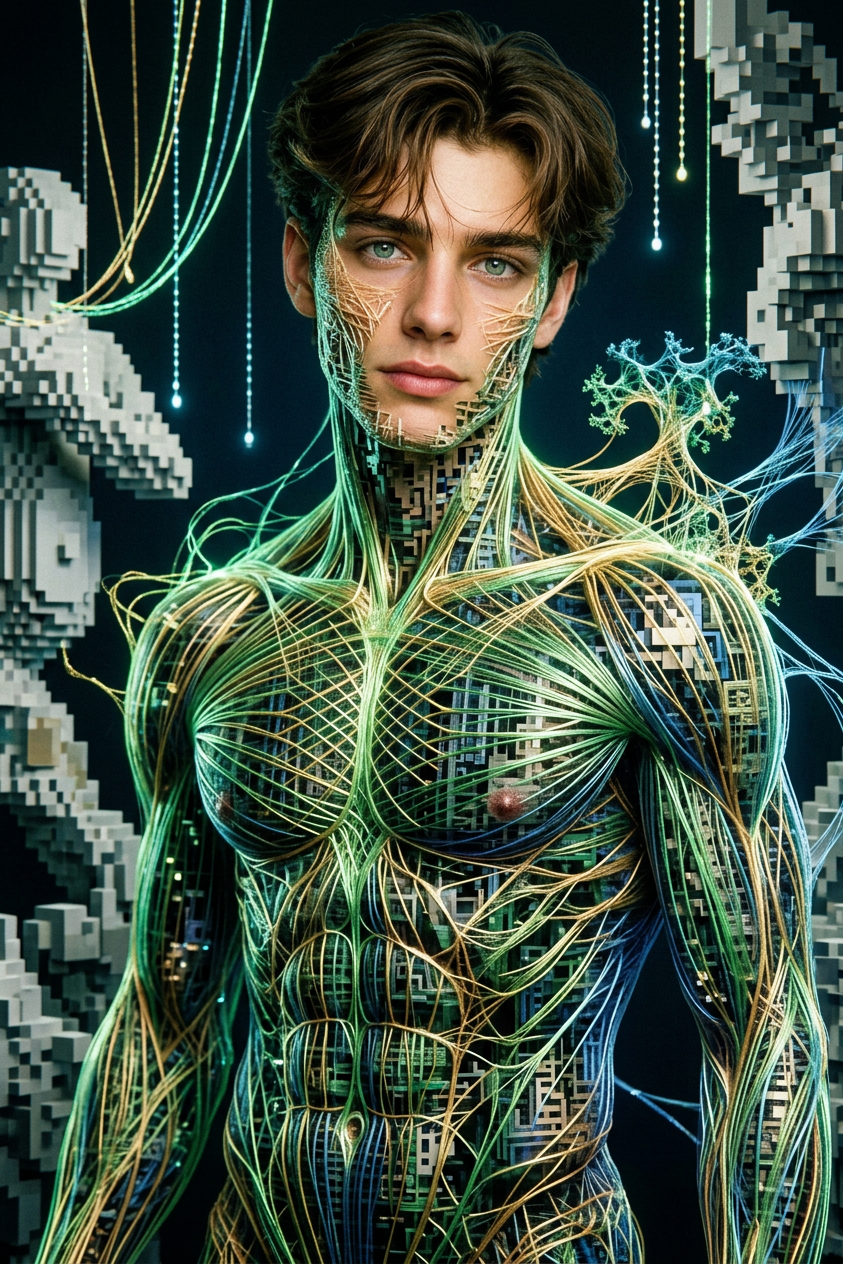
subject transforms surreal fantasy monster (monster:1.3), rendered as a hybrid of pixelated structure and hyperreal analog photography. Intricate, hyper-detailed form with luminous thread-like elements inspired by Gabriel Dawe, staged in a conceptual scene reminiscent of Gilbert Garcin and AES+F. Subsurface scattering, realistic textures, film grain, analog photography style. Soft lighting with deep shadows, cinematic contrast, poster composition, ArtStation quality, ultra-detailed, photorealistic yet subtly pixel-fragmented aesthetic.
Any aspect ratio
Overview
Immerse yourself in the Chromatic Phantom Study, an advanced AI Image Editor template powered by the robust nano-banana-2 model. Tailored for creators who seek to manifest surreal fantasy visuals, this template infuses images with rich, artistic textures, drawing inspiration from renowned artists like Gabriel Dawe and Gilbert Garcin.
What It Does
The Chromatic Phantom Study template transforms your subject into a surreal fantasy monster with intricate, hyper-detailed forms. It blends pixelated structures with hyperreal analog photography aesthetics. Expect luminous thread-like elements, cinematic contrasts, and a photorealistic yet artistic output. Soft lighting and deep shadows enhance your image's drama, making it ArtStation-quality.
Who It's For
This template is designed for visual artists and content creators who are inspired by AI Video Generators and interested in pushing the boundaries of traditional photography and digital art. Whether you're working on a conceptual art piece or crafting a unique visual story, this tool helps convert your vision into a compelling narrative.
Summary
By utilizing the nano-banana-2 model, the Chromatic Phantom Study provides a powerful tool for achieving a detailed and imaginative aesthetic. Perfect for professionals looking to enhance visual storytelling, this template integrates seamlessly with other Magic Hour products like the AI Image Generator and Full Body Generator.
How To
Choose Your Template

Customize Your Inputs

Generate Your Image

Use Cases
Artistic Visualizations
- Conceptual art pieces
- Gallery exhibitions
- Portfolio development
Fantasy Content Creation
- Book cover designs
- Visual storytelling
- Character concept art
Marketing and Branding
- Social media campaigns
- Product advertising
- Brand storytelling
Best Practices
Focus on Details
Pay attention to intricate details in textures and lighting to enhance the overall quality of your artwork.Leverage Lighting Effects
Experiment with soft lighting and deep shadows to create cinematic contrasts and dramatic scenes.Integrate with Other Tools
For enhanced effects, consider using the AI Product Photography tool for composing realistic scenes.