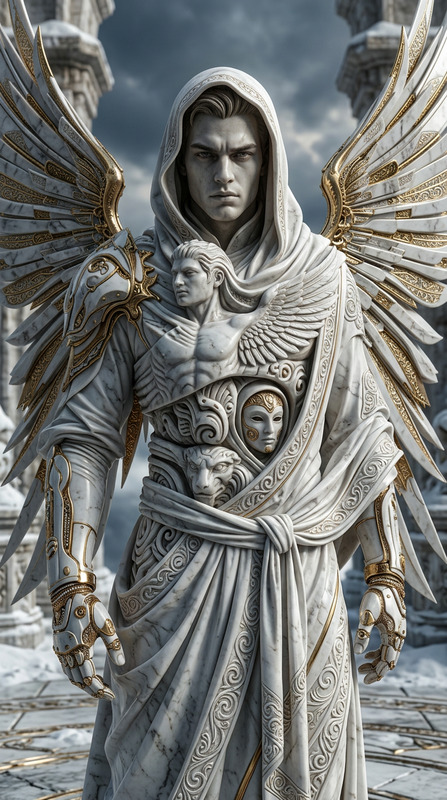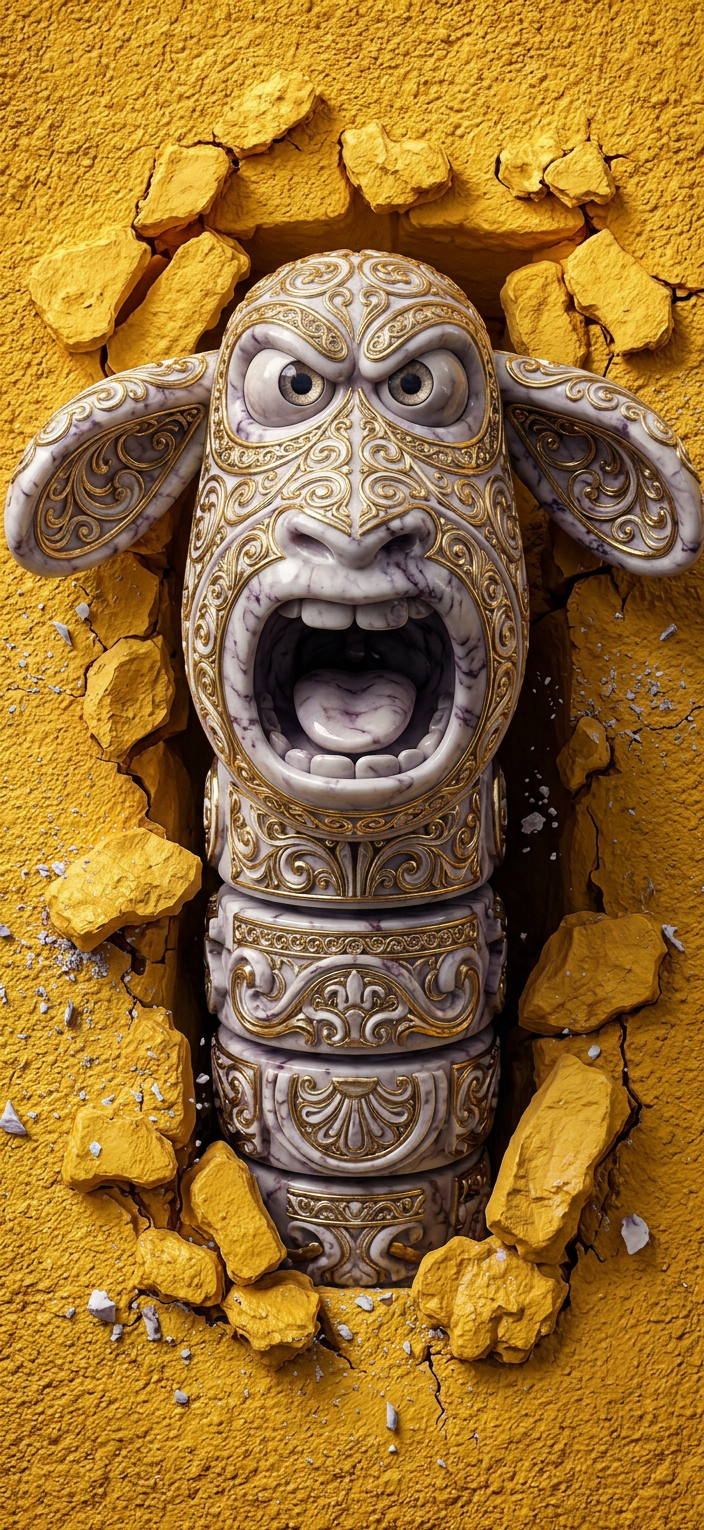
Totemic Marble Entity
ai-image-editor
Any aspect ratio
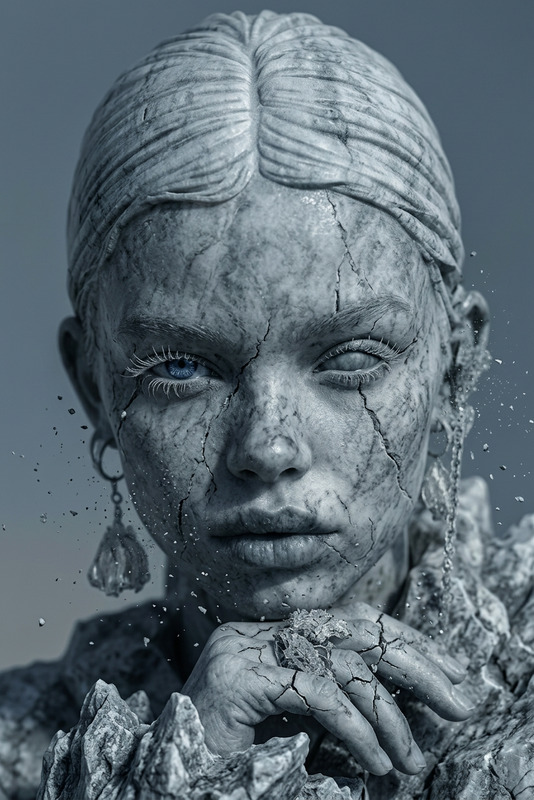
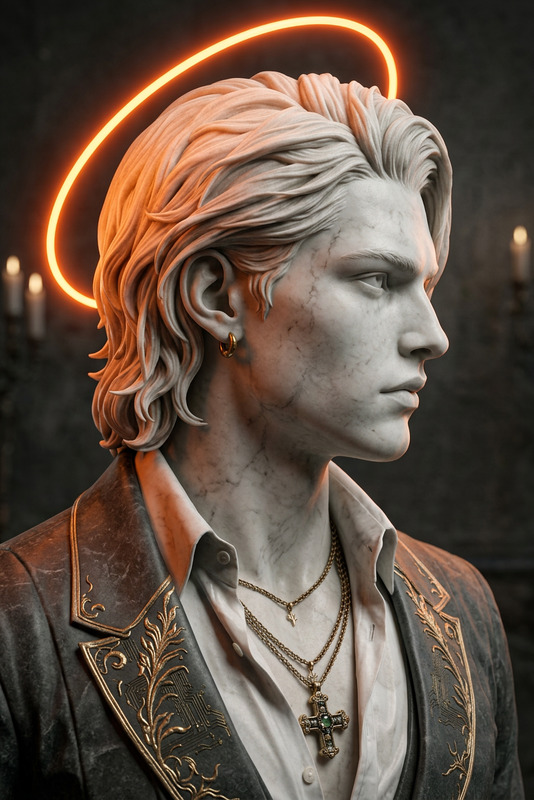
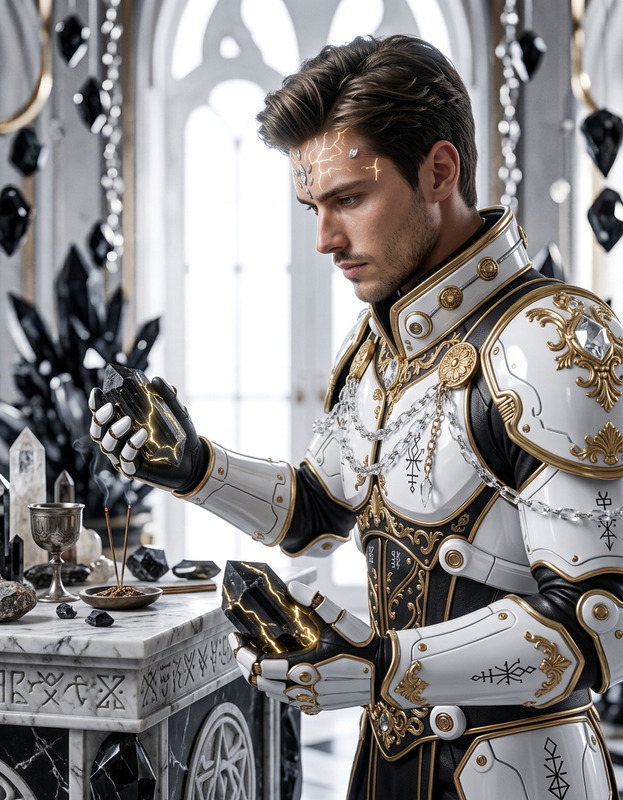
A subject transformation: a close-up marble statue entity forming with stacked torso segments like a totem, carved in intricate gold and white ornamental patterns. Hyper-real stone texture with polished surfaces and fine sculptural detail. Expression intense and imposing, surreal anatomy blending elegance and distortion. Cinematic lighting with sharp reflections, overcast reflection mapping, and deep shadows enhancing depth of field. Ultra-detailed 3D render using Octane, photorealistic, movie-quality, 8K, high contrast, precise focus.
AI Image Editor Template: Turn Any Image into a High-Impact Visual in Seconds
Use this template to quickly transform photos, product shots, marketing assets, and social content with the AI Image Editor. It’s built for creators, marketers, founders, and teams who want production-quality visuals without a design team or complex tools.
What This Template Is For
This template is ideal when you need to:
- Clean up or enhance existing photos
- Change backgrounds without reshooting
- Remove unwanted objects, text, or people
- Reframe images for different channels (web, ads, socials, pitch decks)
- Stylize visuals to match your brand or campaign
- Prepare images for downstream AI tools (video, avatars, memes, etc.)
Use it as a starting point and then remix it to match your brand, niche, or workflow.
How to Remix This Template in Magic Hour
Open AI Image Editor
Go to the AI Image Editor and upload any image: product shot, portrait, screenshot, logo, or scene.Start from This Template’s Structure
- Use the same general flow: upload → refine → export.
- Keep the core idea (e.g., “clean social image”, “ad-ready product visual”, “profile/branding shot”) and swap in your own assets.
Define Your Use Case Clearly
Before editing, decide what this version of the template is for, such as:- “LinkedIn founder headshot”
- “DTC product photo for paid ads”
- “App screenshot for landing page hero”
- “Before/after for case study”
Use that as your guiding prompt language inside the editor (e.g., what background, style, or mood you want).
Apply Focused Edits (Most Users Need 1–3)
Popular, high-impact edits you can build into your remix:- Background replacement for cleaner layouts or on-brand colors
- Object removal using the AI Remover or Remove Object from Photo
- Face and portrait cleanup with the AI Face Editor
- Upscaling and sharpening with the AI Image Upscaler or Unblur Image
- Background cleanup with the Image Background Remover
Lock In a Reusable Visual System
To make your remix function like a reusable “mini-system” instead of a one-off edit, keep these consistent across images:- Background style (plain color, gradient, studio, lifestyle, illustrated)
- Composition (framing, empty space for text, focal point)
- Lighting/mood (bright, cinematic, neutral, corporate, playful)
This makes it easy to drop in new images and get on-brand results in seconds.
Export for Your Workflow
Once you’re happy with the look, save and reuse your approach: new image in → apply same sequence of edits → export. This turns your remix into a fast, internal “template” for your team.
High-Value Use Cases You Can Build From This Template
Use this same template as the base for several specialized workflows:
1. Founder & Team Headshots
- Start with a selfie or existing portrait
- Use AI Headshot Generator to get professional-grade versions
- Fine-tune in AI Image Editor for simple backgrounds, color consistency, and crops for LinkedIn, pitch decks, and team pages
2. Product & E‑commerce Photos
- Upload raw product photos or mockups
- Use Image Background Remover to isolate the product
- Replace with clean studio or lifestyle backgrounds in AI Image Editor
- Upscale with AI Image Upscaler for marketplace or ad use
3. Social & Content Marketing Assets
- Turn a single base image into multiple campaign variations (Instagram, TikTok covers, YouTube thumbnails, blog headers)
- Pair with:
- Thumbnail Maker for YouTube and course thumbnails
- AI Meme Generator for fast, on-brand meme content
- Album Cover Generator or Book Cover Generator for content series visuals
4. Brand, App, and Startup Visuals
- Start with UI screenshots, dashboards, or prototypes
- Clean edges, remove sensitive data, and place on branded backgrounds
- Combine with:
- AI Art Generator for abstract or illustrative backgrounds
- AI Logo Generator for logo concepts
- AI Icon Generator for custom iconography
5. Character, Avatar, and Creator Branding
- Use Avatar Generator, AI Selfie Generator, or AI Face Generator to create unique faces/avatars
- Refine them in AI Image Editor for consistent lighting, backgrounds, and framing
- Extend into animation with:
Connecting AI Image Editing to Video and Motion
Once your images are clean and on-brand, you can turn them into short-form content and motion graphics without leaving the Magic Hour ecosystem:
- Turn images into video with Image to Video or Text to Video
- Animate characters or avatars with:
- Video to Video for stylized video transformations
- Animated Characters Generator
- Add voice and audio using:
- Polish and repurpose with:
This makes the template useful not just for static design, but for a full content pipeline: image → branded visual → video or campaign asset.
Niche Templates You Can Spin Off
With minimal changes, you can remix this base template into specialized tools for your own stack:
Fashion & Outfits
Creative & IP-Driven Projects
Games, Worlds, and Fiction
Architecture & Interiors
- AI Interior Design Generator
- Architecture Generator
- AI Background Generator for realistic or stylized environments
Restoration & Cleanup
Each of these can reuse the same core logic of this template: start from an existing image, transform it with AI in a focused way, and keep the results consistent and reusable.
Best Practices for Power Users
For teams and power users building repeatable workflows:
Standardize Inputs
- Use similar lighting and framing in source photos to get more predictable AI results.
- Maintain naming conventions and folders for before/after assets.
Define a Style Guide in Plain Language
- Document how you describe your brand visually (e.g., “soft, neutral, minimal, high contrast on the subject, clean background”).
- Reuse that language across AI prompts and tools for more consistent outcomes.
Chain Tools Intentionally
Example workflow for a launch visual:- Generate or capture base image
- Clean and style in AI Image Editor
- Remove distractions via AI Remover
- Upscale with AI Image Upscaler
- Animate or adapt to video with Image to Video or Animation
Optimize for Channels, Not Just Aesthetics
- Plan for where the image will live: website hero, app store, social, investor deck, ad platform.
- Ensure clarity of subject, legible negative space, and brand fit for that specific channel.
What You Can Build from This Template in Under 10 Minutes
Remixing this AI Image Editor template, you can quickly spin up:
- A consistent “founder headshot” pipeline for your whole team
- A simple product-photography system for your store or marketplace
- A repeatable way to prep screenshots for case studies and landing pages
- A unified style for your avatars, memes, and creator content
- A visual foundation that feeds smoothly into video, voice, and animation tools
Use this base template as your starting point, then remix it into whatever your workflow needs: brand kit, content machine, or internal design system—powered entirely by AI inside Magic Hour.