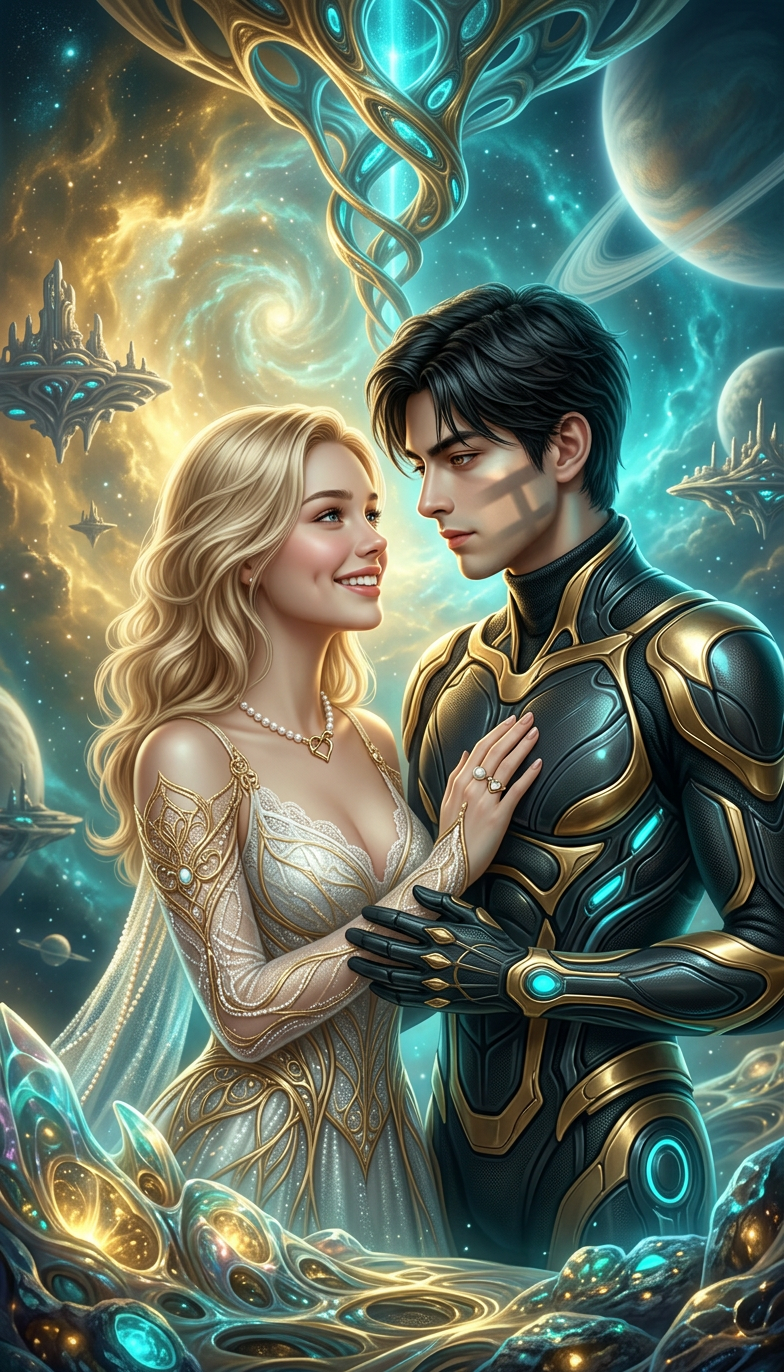
Cosmic Romantic Vision
- Model
- Nano Banana 2
- Image
- 784 × 1372 px
Prompt
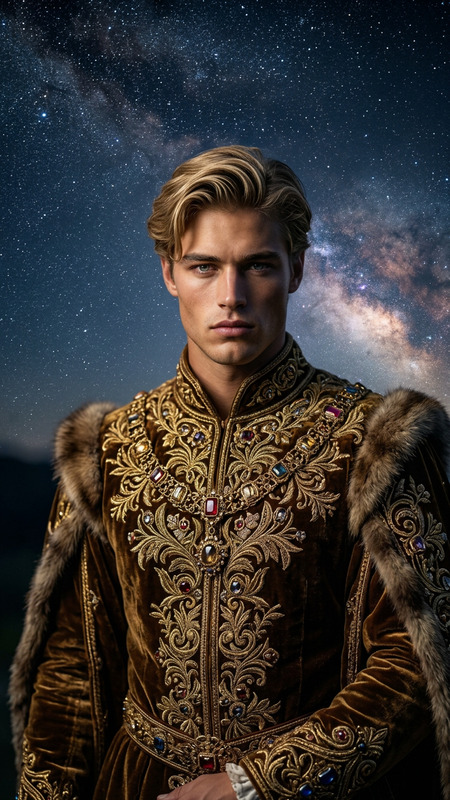
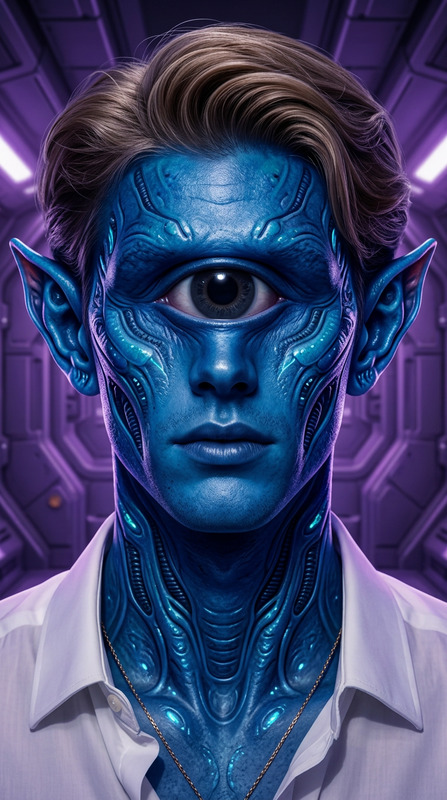
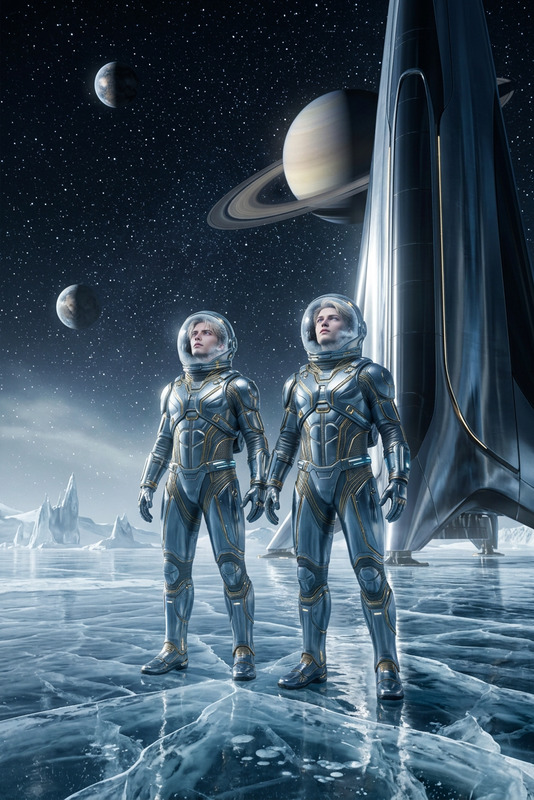
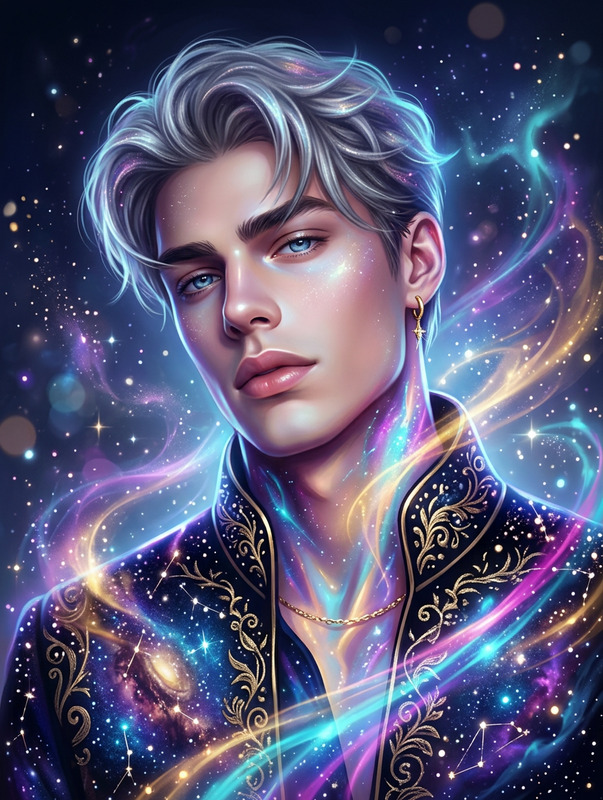
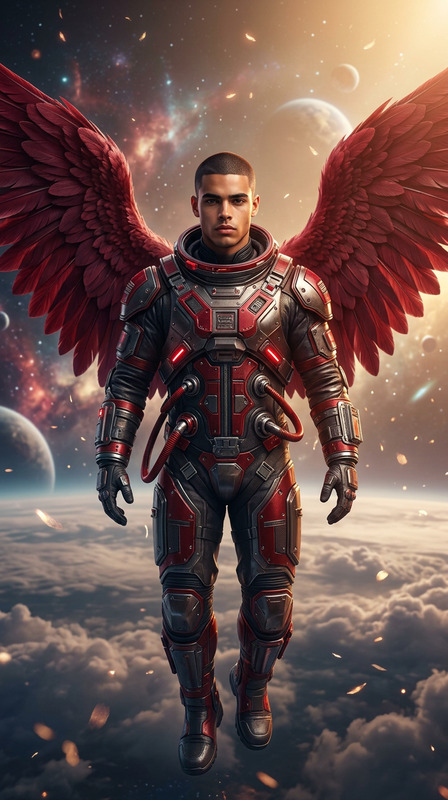
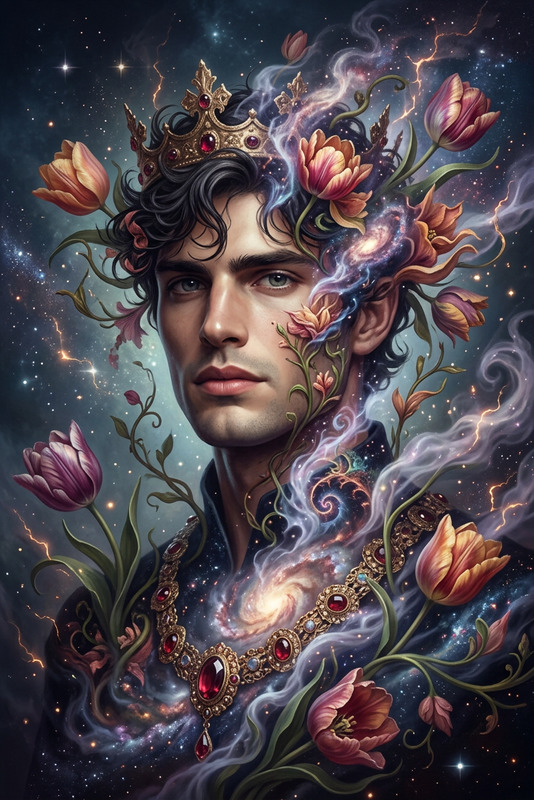
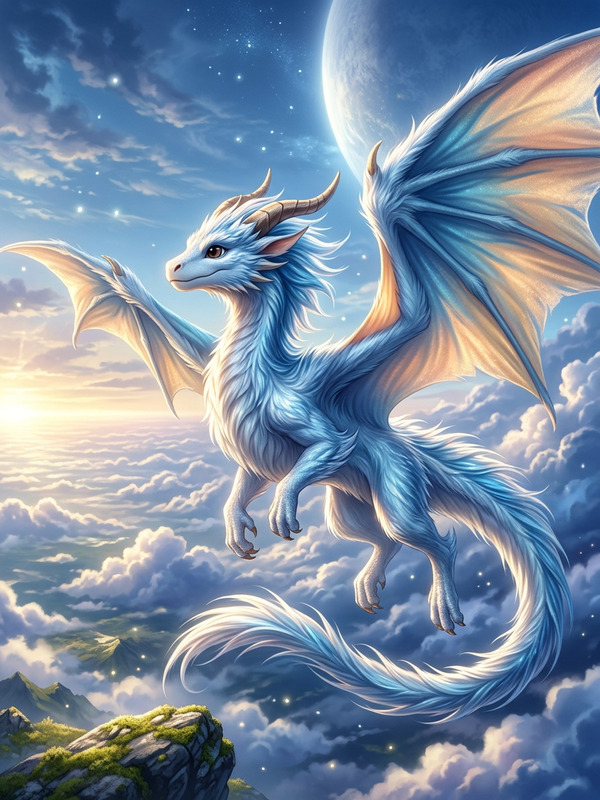
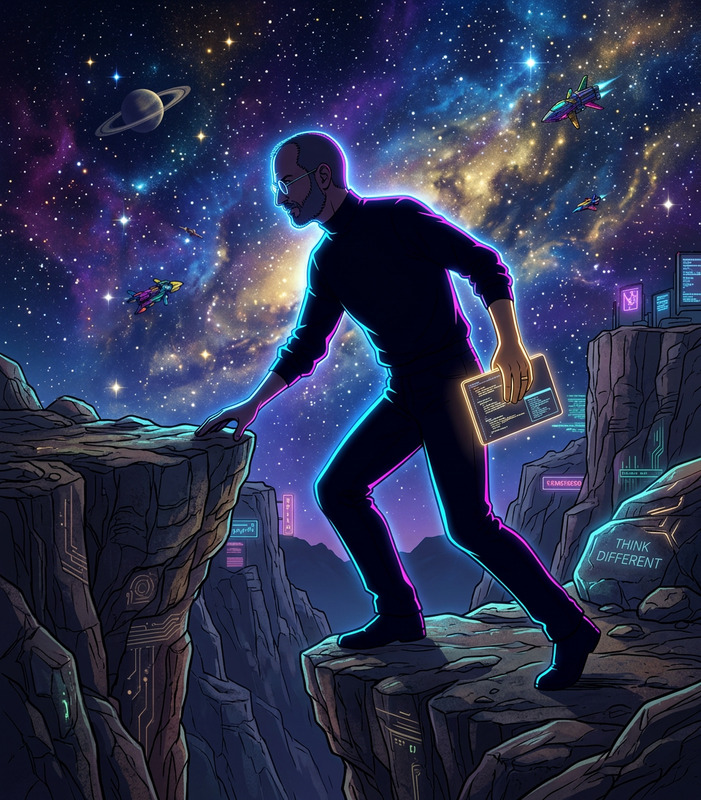
A hyper-realistic sci-fi illustration set in a romantic fantasy realm. The subject features ethereal forms with organic sculpting, blending futuristic craftsmanship and classical artistic influence. The scene uses a vibrant gold and cyan palette, creating a luminous, otherworldly atmosphere. Detailed, expressive composition with a balance of surreal elegance and emotional depth, evoking a timeless love story within a cosmic setting. Ultra-detailed, cinematic, mystical, refined
Any aspect ratio
Overview
Welcome to the Cosmic Romantic Vision template, a unique AI Image Editor designed for crafting unforgettable romantic sci-fi illustrations. Powered by the nano-banana-2 model, this tool lets you blend futuristic aesthetics with classical influences, all within a vibrant gold and cyan color scheme that captures the essence of an otherworldly love story.
What It Does
This template captures the beauty of a romantic fantasy realm through hyper-realistic and ultra-detailed imagery. Perfectly suited for creating expressive compositions, it excels in producing scenes where ethereal forms are sculpted with both futuristic and classical flair. Its cinematic and mystical qualities make it ideal for telling timeless love stories in a cosmic setting.
Who It's For
The Cosmic Romantic Vision template is built for creatives and designers looking to infuse their projects with an element of romantic fantasy. Whether you're a digital artist, an event planner, or a marketer, this template is an excellent choice for creating content that demands a surreal elegance and emotional depth, especially in image-to-video transformations.
Summary
Dive into a world of cosmic romance with our AI image template, designed to produce vividly detailed and expressively composed visuals. It's a perfect tool for envisioning love stories that transcend time and space, utilizing the advanced features of the AI Image Generator to bring your creative ideas to life.
How to Use
Choose

Customize

Generate

Use Cases
Digital Art Collection
- Sci-fi romantic illustrations
- Vibrant cosmic scenes
Event Planning
- Wedding backdrops
- Themed party visuals
Marketing Campaigns
- Brand storytelling
- Emotional engagement
Best Practices
Leverage the Color Palette
Utilize the gold and cyan palette to enhance the otherworldly glow of your illustrations.Focus on Composition
Ensure your scene maintains a balance of futuristic elements and classical artistry for maximum impact.Optimize for Detail
Pay attention to ultra-detailing for creating lifelike textures and depth in your artwork.