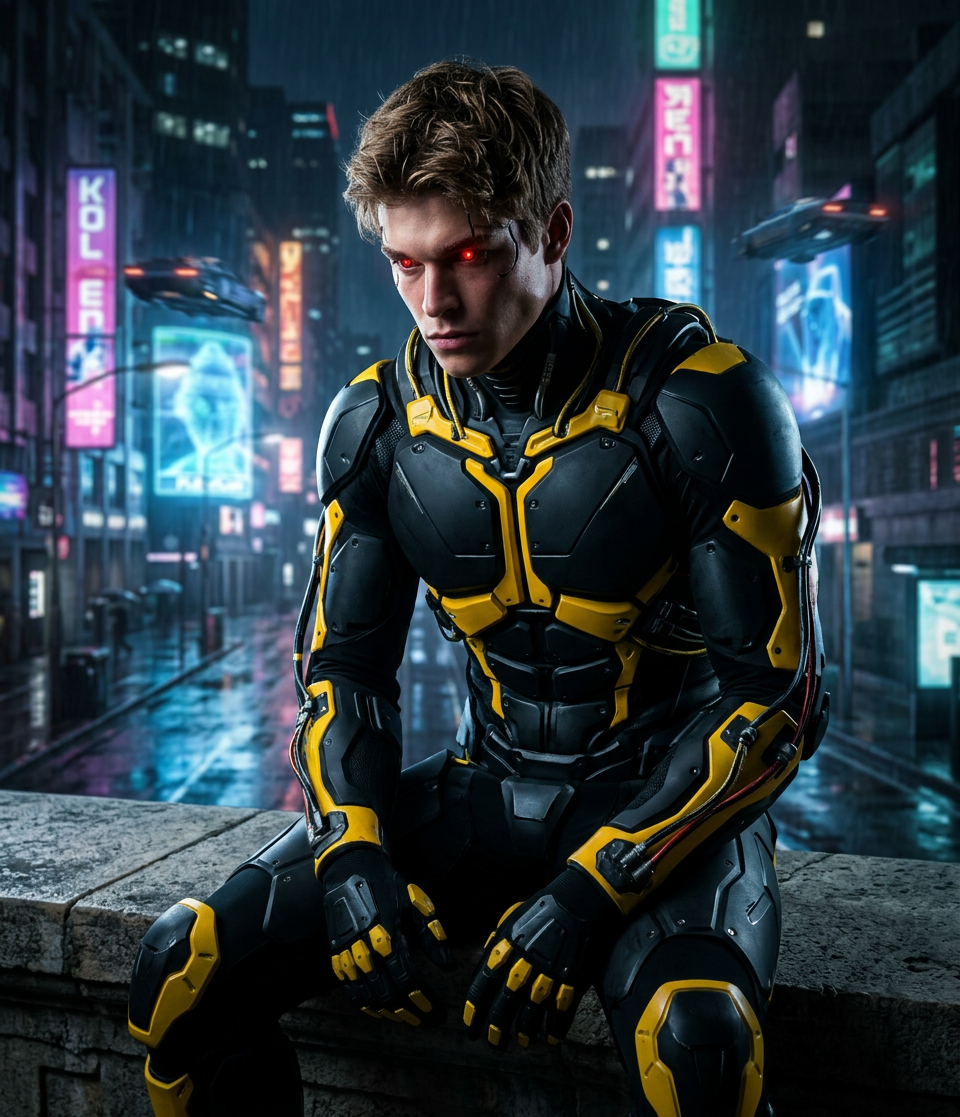
Neon Vigilante Noir
ai-image-editor
Any aspect ratio
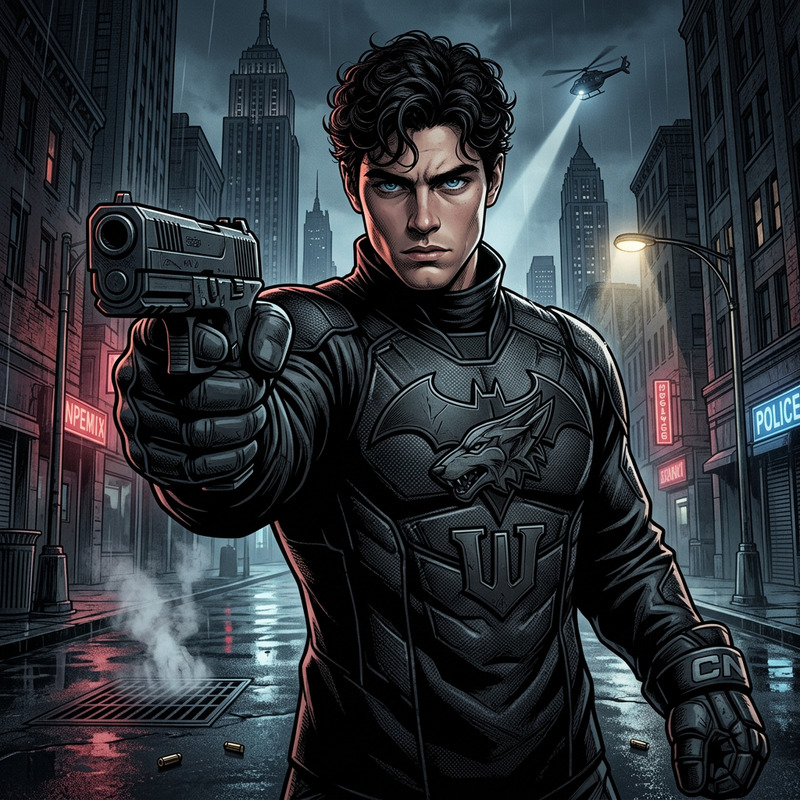
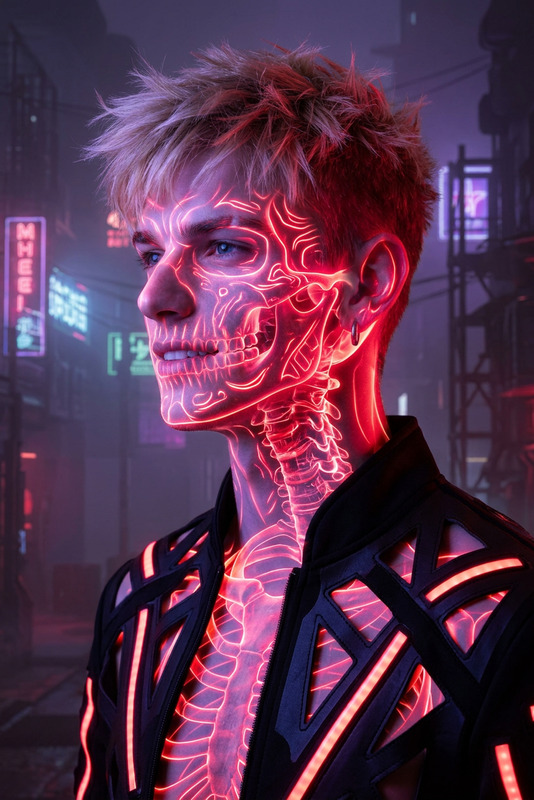
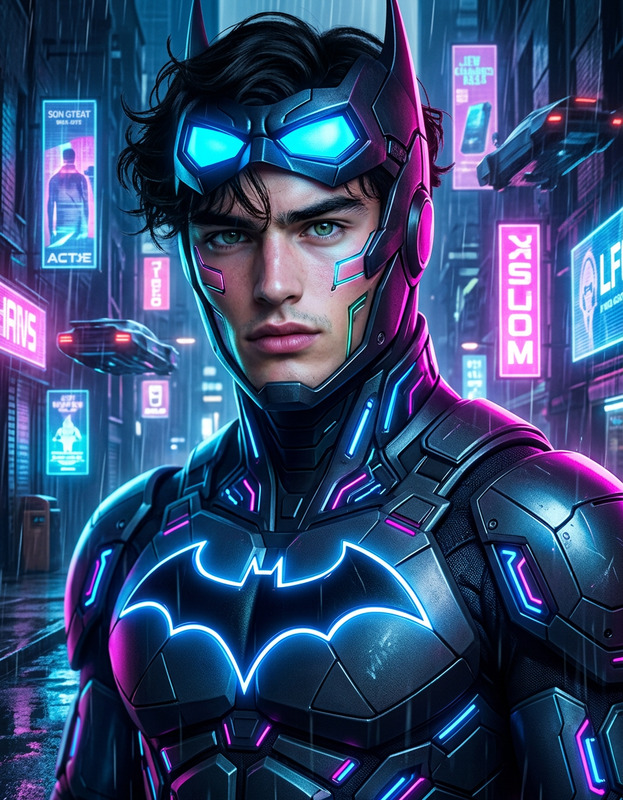
Cyberpunk vigilante figure as subject, black and yellow skeleton suit, glowing red eye elements, seated on stone ledge, futuristic cityscape background with blurred neon lights, urban noir atmosphere, high contrast lighting, cinematic composition
AI Image Editor Template: Clean Black Hat
Transform any photo into a sharp, minimalist portrait with a black hat and crisp styling using Magic Hour’s AI Image Editor. This template is designed for creators and teams who need fast, repeatable visual consistency across avatars, campaign images, product shots, and brand content.
What this template does
This template uses the AI Image Editor to:
- Add or refine a black hat while preserving realistic lighting and shadows
- Clean up backgrounds for a simple, distraction‑free look
- Smooth edges, fix artifacts, and preserve facial details
- Keep your subject’s identity and expression intact
It’s ideal for:
- Profile photos and avatars
- Creative brand portraits
- Social media key visuals
- Lookbooks and moodboards
- Character references for design or storyboarding
Who it’s for
This template is built for:
- Creators & influencers – Quickly produce a cohesive “signature look” across platforms
- Marketers & growth teams – Standardize visuals for campaigns, ads, and landing pages
- Startup founders – Generate polished, on‑brand headshots and team photos without a photoshoot
- Designers & art directors – Prototype character looks and styling before committing to a full shoot
How to remix this template in Magic Hour
You can create your own variation of this template directly in Magic Hour by starting from any image and iterating. A practical workflow:
Start with a clear base image
- Use a well‑lit photo with the face clearly visible.
- If needed, enhance it first with the AI Image Upscaler or Unblur Image.
Open the AI Image Editor
- Go to AI Image Editor.
- Upload your image and focus on the head and shoulders area for best results.
Describe the desired look
- In your edit instructions, be explicit about the style and constraints. For example:
- “Add a realistic black felt fedora, soft studio lighting, keep face and skin tone unchanged, simple neutral background.”
- “Black wide‑brim hat, modern editorial style, no logo, keep hairstyle and expression the same.”
- Mention what should not change (face structure, expression, background color, etc.) to maintain consistency.
- In your edit instructions, be explicit about the style and constraints. For example:
Iterate and refine
- Run an edit, then evaluate: hat shape, fit on the head, shadow direction, and realism around hairline and ears.
- If the hat looks off, refine your description (e.g., “smaller brim,” “tighter fit,” “tilted slightly forward”) and re‑edit.
- Save multiple variants and choose the one that fits your brand or campaign.
Standardize for your brand or project
- Once you like the look, reuse the same editing instructions across new photos to keep a consistent style.
- For a full team or cast, run the same hat style across all headshots for a cohesive series.
Tips for better results
Use high‑quality source images
Sharper inputs produce cleaner edits. If you’re working with older or low‑res photos, restore them first with:Control background complexity
Clean backgrounds make the hat and face pop and reduce visual noise. You can:- Remove or simplify backgrounds with Image Background Remover
- Generate new backdrops with AI Background Generator
Protect identity and likeness
If you’re working with real people, specify:- “Do not change facial structure”
- “Keep original eye color and facial hair”
- This helps the AI respect the subject’s recognizability, which matters for personal branding and campaigns.
Align with your visual system
Define a mini style guide for your “black hat” series:- Hat type (fedora, wide‑brim, minimalist, streetwear)
- Material (felt, wool, matte, glossy)
- Vibe (fashion editorial, cinematic, tech founder, noir)
Reuse these descriptors in every edit to build a distinctive, repeatable look.
Combine with other Magic Hour tools
Once you’ve created a strong black‑hat portrait, you can repurpose it across formats:
Turn it into an avatar or character
- Generate stylized avatars from your edited portrait with the Avatar Generator or AI Face Generator.
- Explore anime, manga, comic, or fantasy versions with:
Use in video and animation
- Animate your black‑hat portrait into motion using:
- If you want full animated scenes or characters:
Build campaigns and creative assets
- Create ad or social thumbnails featuring your black‑hat persona with the Thumbnail Maker.
- Design themed album or book covers featuring the look using:
- Generate matching icons and logos that echo the hat silhouette with:
Experiment with identity and fashion
- Test variations like different hat types and outfits using:
- Explore alternative versions of the same subject:
Extending this look into full content pipelines
For teams building repeatable content workflows around a distinctive visual identity (like a “black hat” persona):
Batch process a series of photos
- Apply the same editing instructions to multiple team or character images using the AI Image Editor.
- Standardize visuals for pitch decks, speaker pages, and campaign landing pages.
Move from stills to video content
- Use your edited portraits as reference images for:
- Face Swap Video – apply your black‑hat identity to stock or recorded footage.
- Lip Sync – create talking clips where your black‑hat persona delivers scripts or hooks.
- Video‑to‑Video – stylize live‑action footage to match your established black‑hat aesthetic.
- Use your edited portraits as reference images for:
Create derivative visual systems
- Generate themed memes, reaction images, and social content using the AI Meme Generator.
- Build consistent “universe” or lore visuals with:
- AI Character Generator
- Fantasy Map Generator
- Graffiti Generator for street‑style brand assets.
Best practices for production use
To make this template production‑ready for serious creators and teams:
Version your instructions
Maintain a living document of the exact phrases that produce your preferred hat style, lighting, and mood. This becomes a prompt “spec” your team can share.Test across demographics and use cases
Run the template on different face shapes, skin tones, hair types, and lighting conditions to ensure the look generalizes well and avoids visual bias or distortion.Preserve originals
Always keep unedited source files. This allows you to re‑run future improvements in the AI Image Editor or shift your visual direction later without loss.Chain tools intentionally
For high‑stakes assets (ads, homepage hero images, investor decks), consider a chain like:- Restore / upscale (Old Photo Restoration + AI Image Upscaler)
- Background control (Image Background Remover + AI Background Generator)
- Hat and styling (AI Image Editor – this template)
- Final polish (AI Face Editor or AI Photo Generator for subtle global tweaks)
Start now
- Edit your first image with the AI Image Editor.
- Experiment with a few variations of the black‑hat style.
- Save the version that best matches your brand or persona, then reuse the same instructions to build a consistent visual identity across your entire content stack.