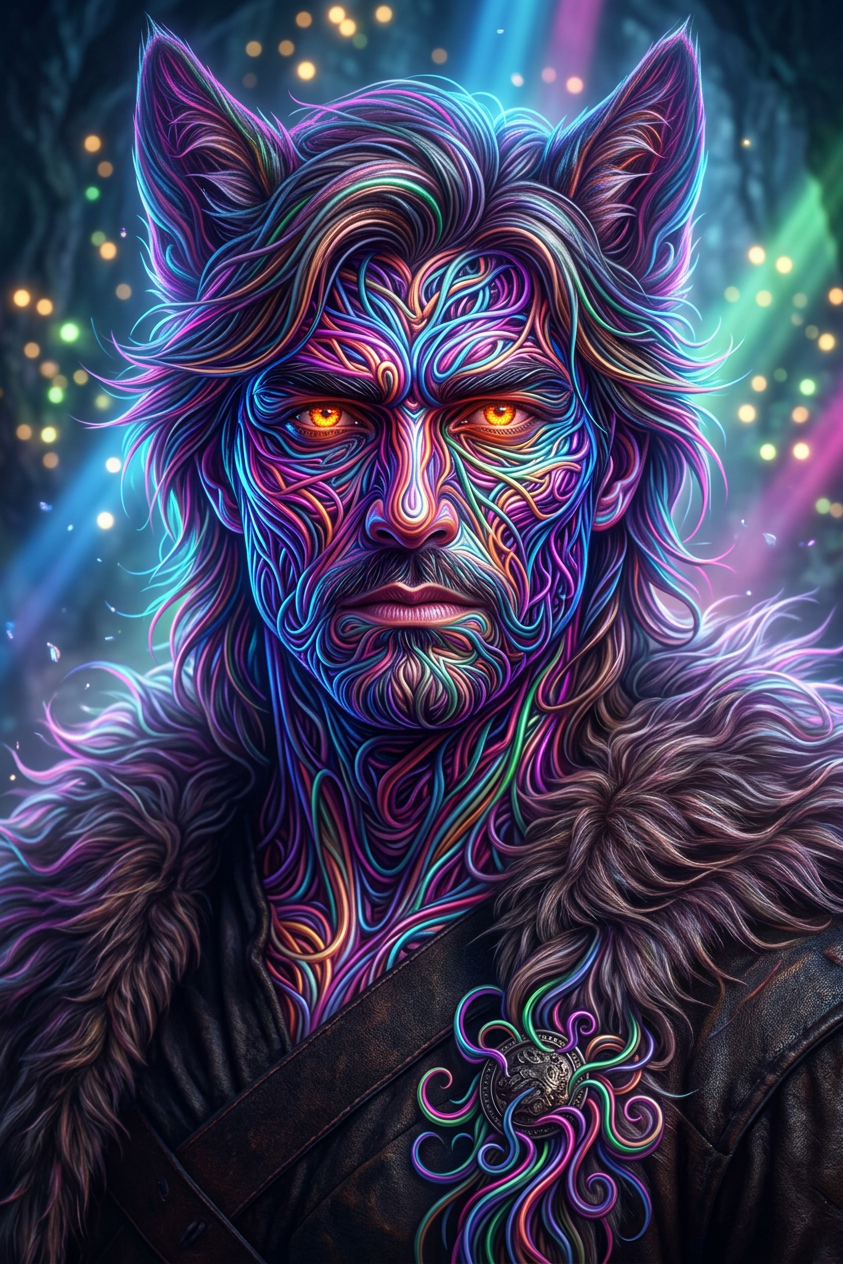
Neon Tendril Entity

Neon Tendril Entity

ai-image-editor

1 clip
0 uses

Any aspect ratio

Prompt

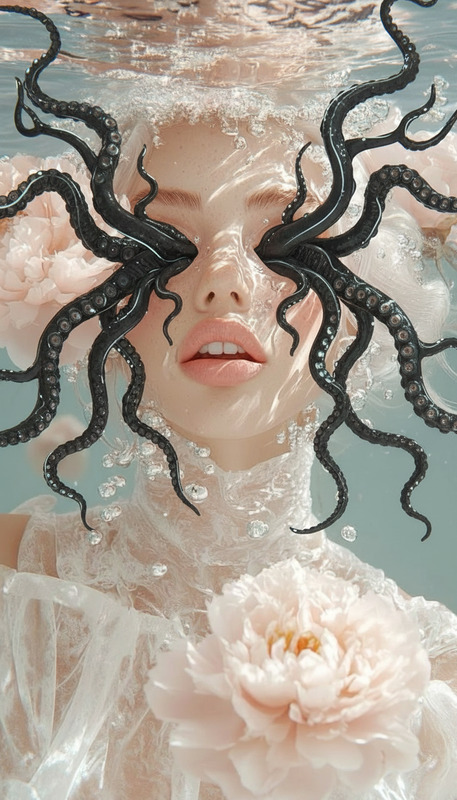
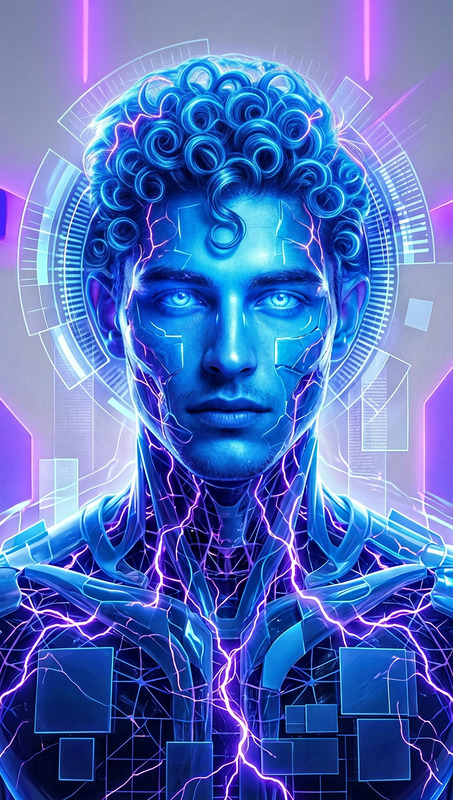
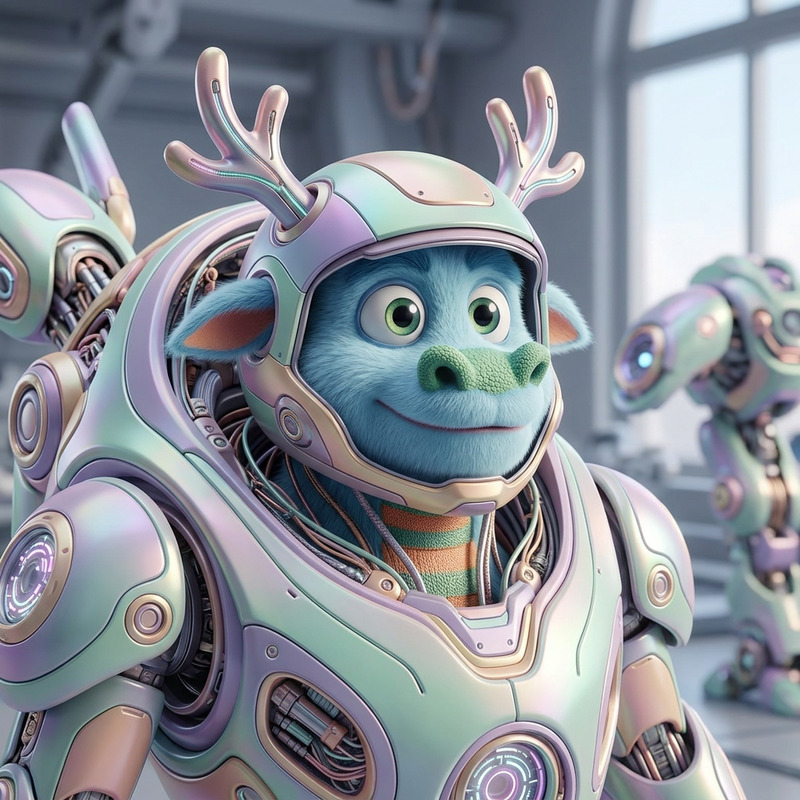
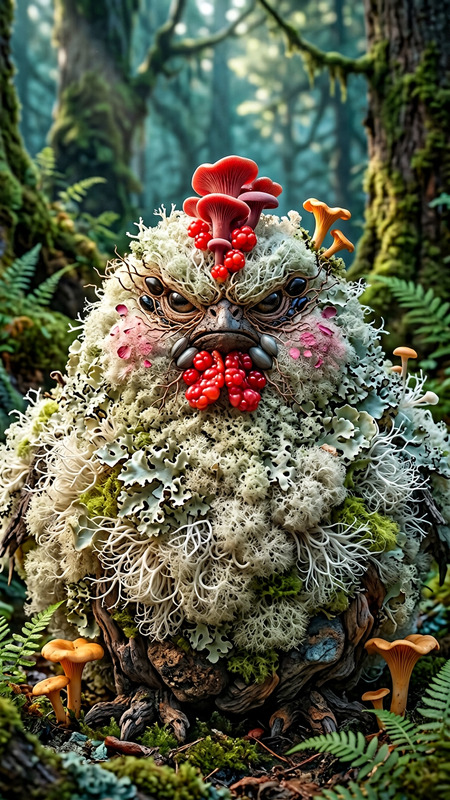
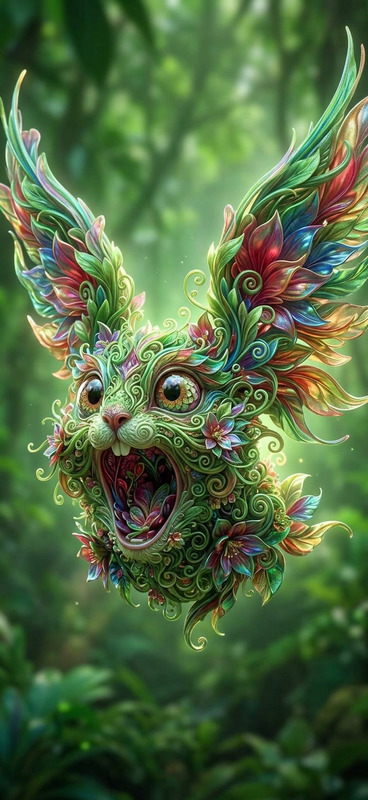
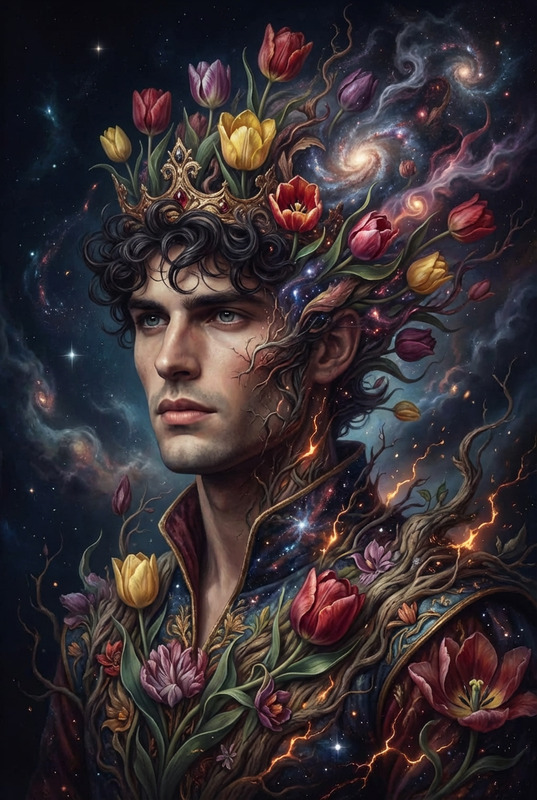
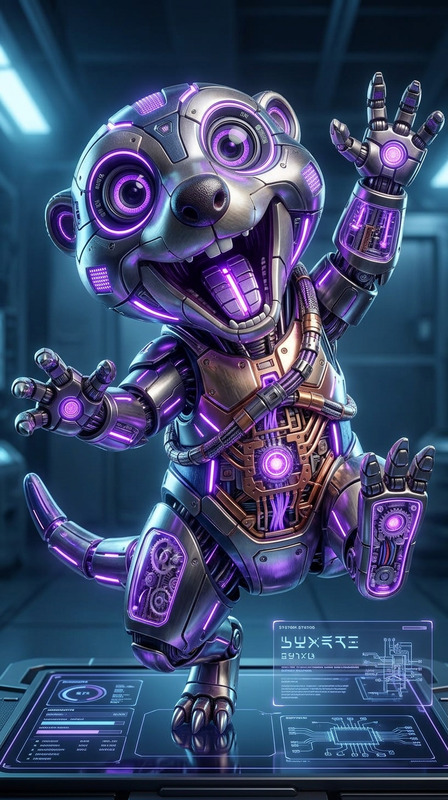
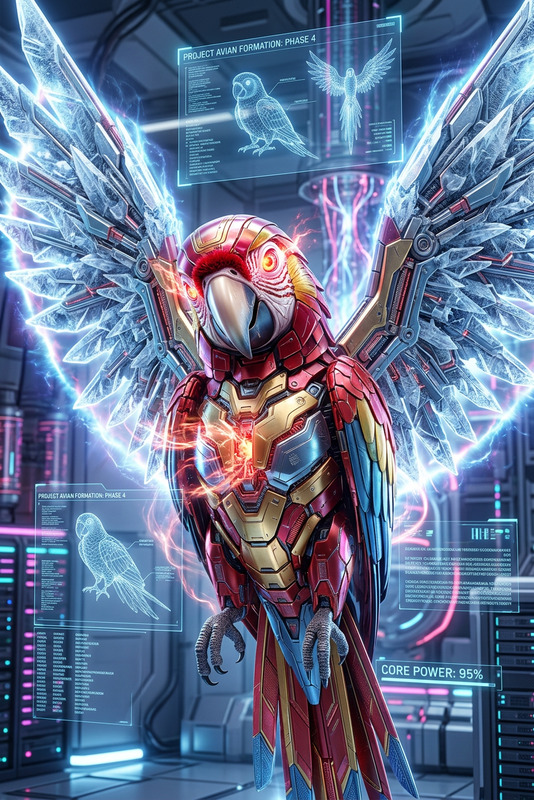
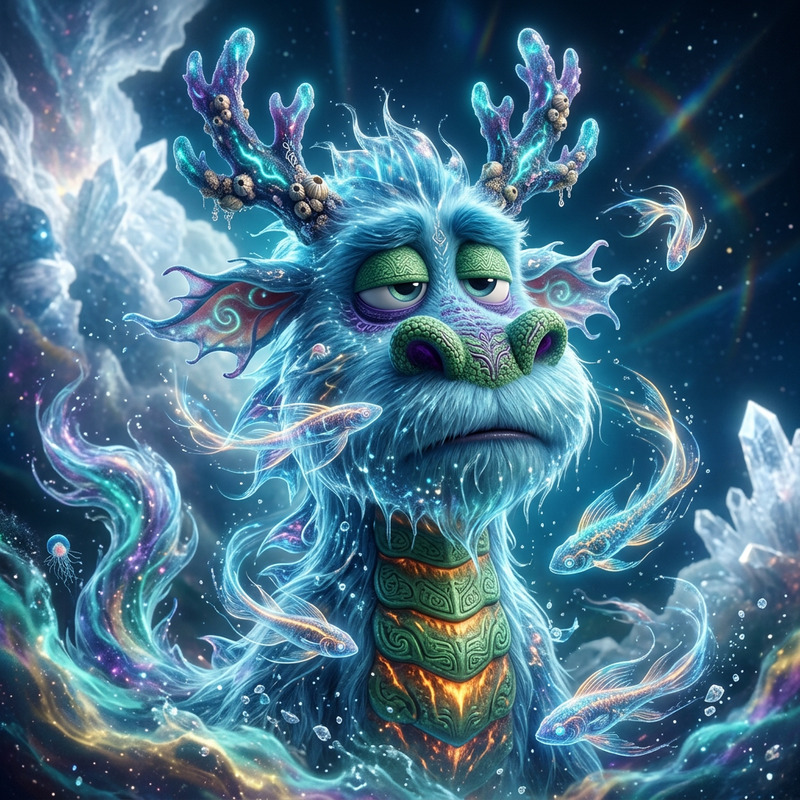
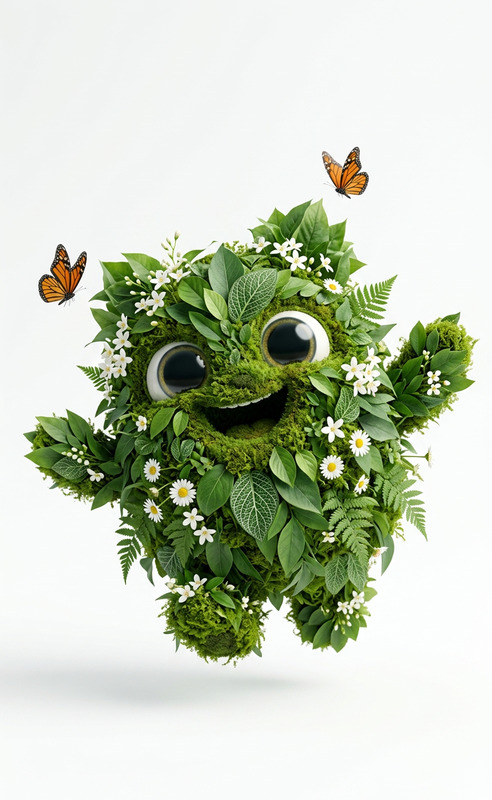
Subject transforms into a vibrant fantasy creature made of glowing neon tendrils, highly intricate and fluid. Subject radiates vivid colors under ethereal fairy lights, surrounded by soft volumetric light beams. Hyper-realistic style with high dynamic range. Vertical composition, luminous, surreal, magical atmosphere.

AI Image Editor Template: Instantly Upgrade Product Photos for Ecommerce & Ads

Turn ordinary product shots into polished, high-converting visuals in a few clicks using Magic Hour’s AI Image Editor. This template is designed for marketers, founders, and creators who need studio-quality product photos without complex tools or manual retouching.


What This Template Does

This template helps you:

  • Clean up and enhance product photos (lighting, contrast, clarity)
  • Remove distracting objects or backgrounds
  • Place products on on-brand, high-converting backgrounds
  • Generate multiple creative variations for A/B testing
  • Prepare assets for ecommerce listings, ad campaigns, and landing pages

It’s built on Magic Hour’s AI Image Editor, so you can mix precise edits (remove, replace, move objects) with generative changes (new backgrounds, styles, effects) in one workflow.


Best Use Cases

This template is optimized for:

  • Ecommerce & Marketplaces

    • Product catalog images (Amazon, Shopify, Etsy, eBay)
    • Consistent white or branded color backgrounds
    • Removing props, hands, or cluttered surroundings
    • Quickly adapting assets to platform-specific aspect ratios
  • Paid Ads & Social Campaigns

    • Facebook, Instagram, TikTok, YouTube thumbnails and creatives
    • Fast visual variations for A/B and multivariate testing
    • On-brand lifestyle scenes generated from a single product shot
  • Landing Pages & Sales Collateral

    • Hero images featuring your product
    • Clean comparison visuals (before/after, versions, bundles)
    • High-resolution images that still load fast after export
  • Brand & Creative Experiments

    • Trying new aesthetics (minimalist, luxury, playful, “studio look”)
    • Creating seasonal or regional variations of the same product
    • Generating visual concepts for photographers and designers

How to Use (and Remix) This Template in Magic Hour

You can either use this template as-is or remix it into your own custom workflow. A typical flow:

  1. Open AI Image Editor
    Go to AI Image Editor in Magic Hour.

  2. Upload Your Product Image

    • Use your best-quality product photo (natural or studio light, minimal motion blur).
    • If your image is low-res, you can later enhance it with AI Image Upscaler.
  3. Clean Up the Image

  4. Apply a Consistent, On-Brand Background

    • Generate a minimal, studio-style background with AI Background Generator.
    • For lifestyle scenes (kitchen, office, outdoors), use descriptive prompts aligned with your brand (e.g., “soft daylight on a wooden table in a modern kitchen”).
  5. Enhance for Clarity and Impact

  6. Generate Variations for Testing

    • Create multiple versions with different backgrounds, crops, and compositions.
    • For campaigns, pair this with Thumbnail Maker to quickly adapt product images to platform-specific formats.
  7. Export and Use Everywhere

    • Use output images for ecommerce listings, social ads, landing pages, email, or pitch decks.
    • If you want to extend your product images into motion, send them to:

To remix this template, simply start from a product photo and selectively combine AI Image Editor with any of the tools above based on your use case.


Practical Tips for Better Product Images

These suggestions are grounded in well-documented ecommerce and advertising best practices (e.g., Amazon listing guidelines, Shopify conversion studies, and standard creative optimization principles):

  • Keep the product dominant: Aim for the product to occupy most of the frame, with minimal dead space.
  • Use high contrast: Ensure the product is clearly separated from the background (color or brightness contrast).
  • Stay consistent across SKUs: Same angle, background style, and lighting across similar products builds trust and brand recognition.
  • Limit visual noise: Use clean backgrounds and only essential props that clarify use or scale.
  • Prepare multiple variants: Run experiments across different backgrounds, crops, and compositions for ads and landing pages.

Advanced Creative Workflows You Can Build on Top

Once your base product images are clean and consistent, you can chain this template with other Magic Hour tools to build richer experiences:


Why Use Magic Hour for Product Image Editing?

Magic Hour is optimized for creators and teams who need to ship quickly:


How to Create Your Own Version of This Template

To build a customized version of this AI Image Editor template inside Magic Hour:

  1. Start from any product or marketing image you already use.
  2. Open it in AI Image Editor.
  3. Define your “base look”: background style, lighting feel, cropping, and level of detail.
  4. Save a small, repeatable workflow:
    • Clean up → remove objects → set background → enhance → export variants.
  5. Document your prompts and preferences so you can repeat and scale the process for new SKUs or campaigns.

Over time, this becomes your internal “visual system” for product imagery—powered by AI but consistent with your brand.


Use this template as a starting point, then evolve it into your own branded product-image pipeline using Magic Hour’s AI Image Editor and connected tools.

More Like This