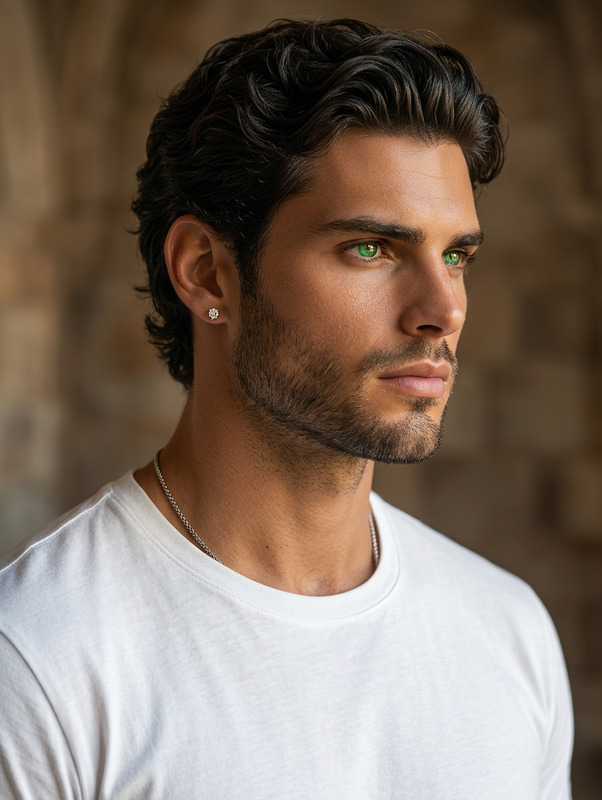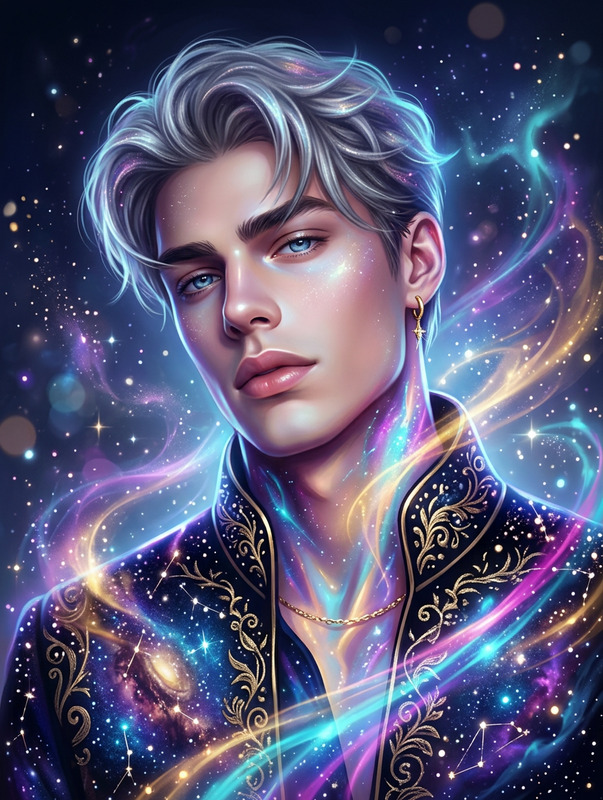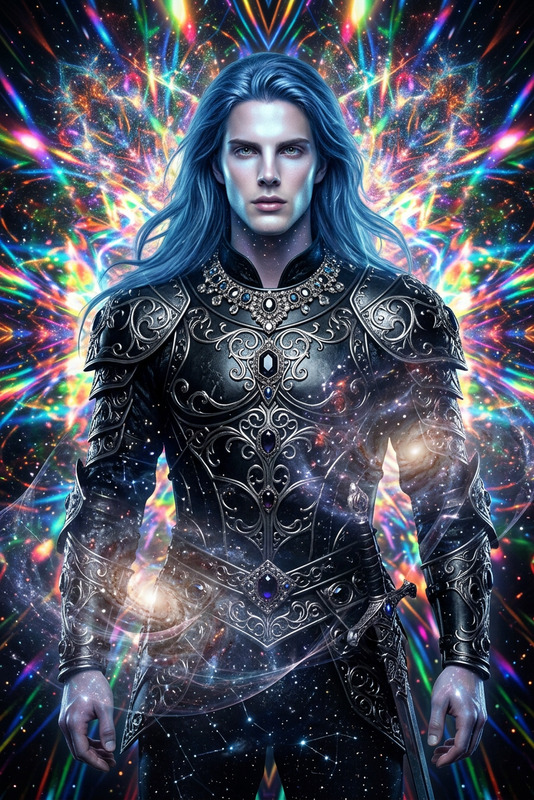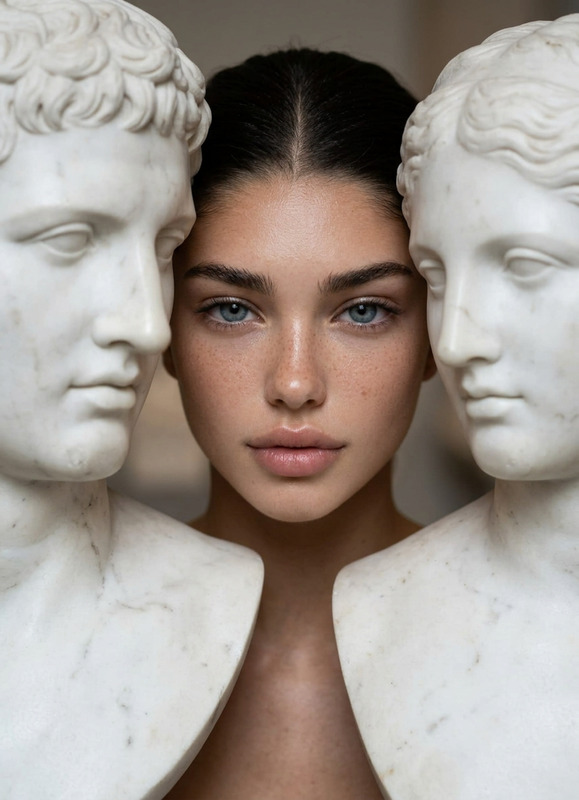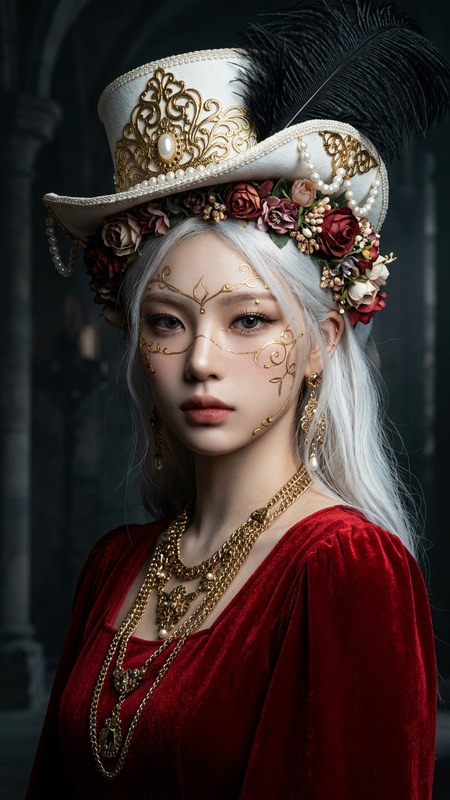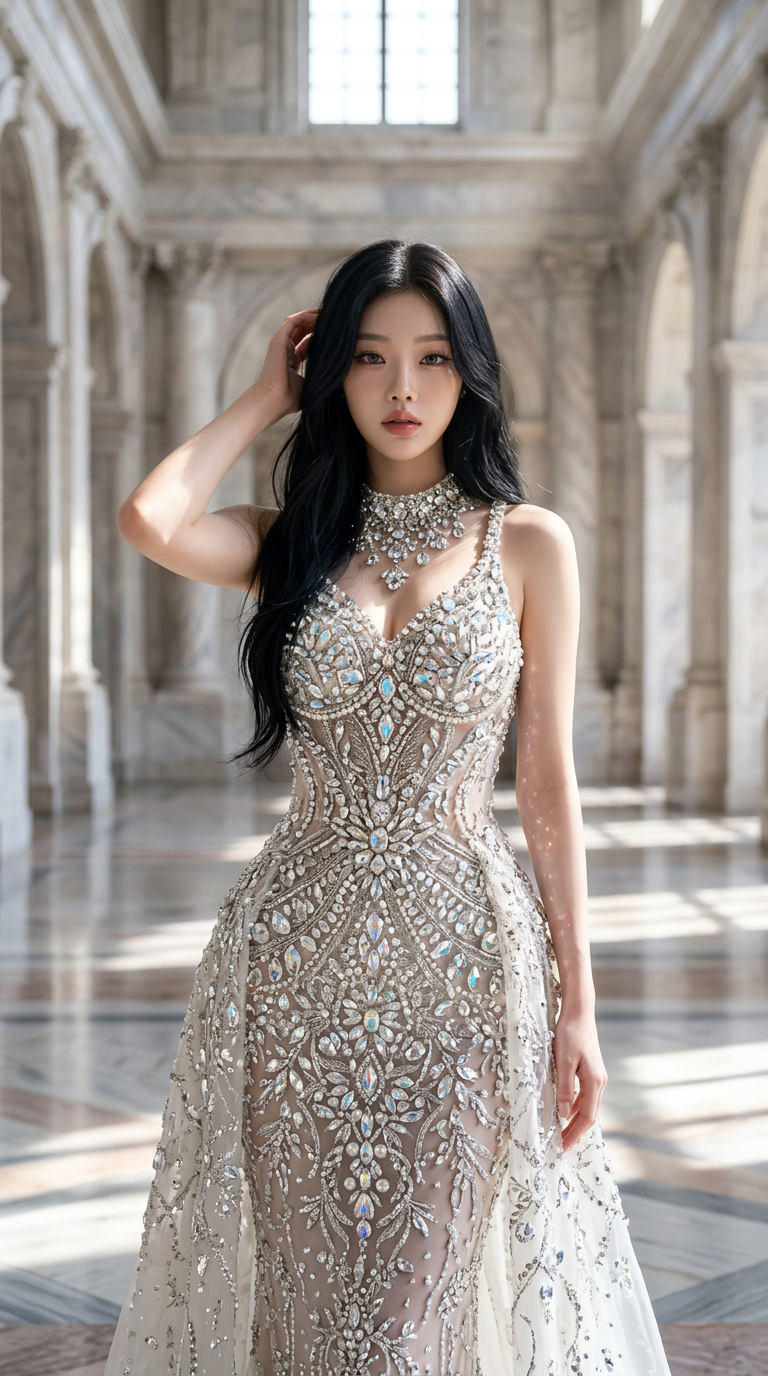
Crystal Couture Portrait
- Model
- Nano Banana 2
- Image
- 768 × 1376 px
Prompt
Generate a hyper-realistic full-body portrait of a subject wearing intricate crystal-inspired couture, set within a pristine marble hall; the outfit sparkles with detailed, light-catching elements, conveying luxury and refined elegance; the composition is cinematic with volumetric lighting enhancing depth, reflections, and texture; the pose and expression are poised and confident, blending high-fashion editorial presence with a subtle stylized (anime-influenced) touch; colors are vibrant yet polished, maintaining a premium aesthetic; the image is rendered in ultra-high resolution with shallow depth of field, as if captured on a high-end portrait lens, in a vertical 9:16 format, combining realism with artistic flair.
Any aspect ratio
Overview
The Crystal Couture Portrait is a remarkable AI Image Editor template designed to craft hyper-realistic full-body portraits. Its key feature is enabling intricate crystal-inspired fashion renderings set within luxurious environments. Utilizing the nano-banana-2 model, it generates images with volumetric lighting, accentuating the textures and depth, ideal for all editorial needs.
What It Does
This template generates ultra-high-resolution images that blend realism and artistic flair through AI technology. By focusing on detailed, light-catching couture against a pristine marble backdrop, it offers a cinematic and editorial presence to the portraits. Users can expect enhanced compositions with vibrant colors and a stylized, anime-influenced touch.
Explore the capabilities of this template in enhancing AI Image Editor workflows, perfect for industry professionals aiming to produce striking visual content.
Who It's For
The Crystal Couture Portrait template caters primarily to fashion designers, photographers, and digital artists who specialize in high-fashion editorial work. It's an excellent tool for professionals needing to visualize and present couture designs in a highly polished and stylized manner.
Additionally, social media influencers and fashion bloggers can integrate this template into their visual content creation strategies, complementing projects that involve AI Image Generator capabilities for enhanced branding efforts.
Summary
The template is versatile yet specific, offering users the tools to create opulent visual narratives. By utilizing AI-driven enhancements, users are empowered to replicate the essence of luxury fashion scenes, reinforcing traditional methods with innovative technology. Consider incorporating this into your artistic arsenal for a new dimension of creativity.
Pairing with other tools like the Image to Video converter can enrich your content, turning still images into dynamic visual stories.
How To
Choose the Template

Customize Your Inputs

Generate and Download

Use Cases
Fashion Photography
- Enhance lookbooks with AI-generated couture portraits
- Design promotional content for new fashion lines
Digital Art Creations
- Combine with digital paintings for layered visual effects
- Incorporate into storyboards for visual narratives
Social Media Visuals
- Add high-end fashion imagery to posts and stories
- Create attention-grabbing content for fashion influencers
Best Practices
Enhance Lighting
Adjust volumetric lighting settings to highlight textures and add depth to your portraits.Focus on Details
Pay attention to intricate elements like reflections and couture details to ensure realism in the final output.Experiment with Poses
Try a variety of poses to see which best communicates the fashion and editorial narrative you intend to portray.