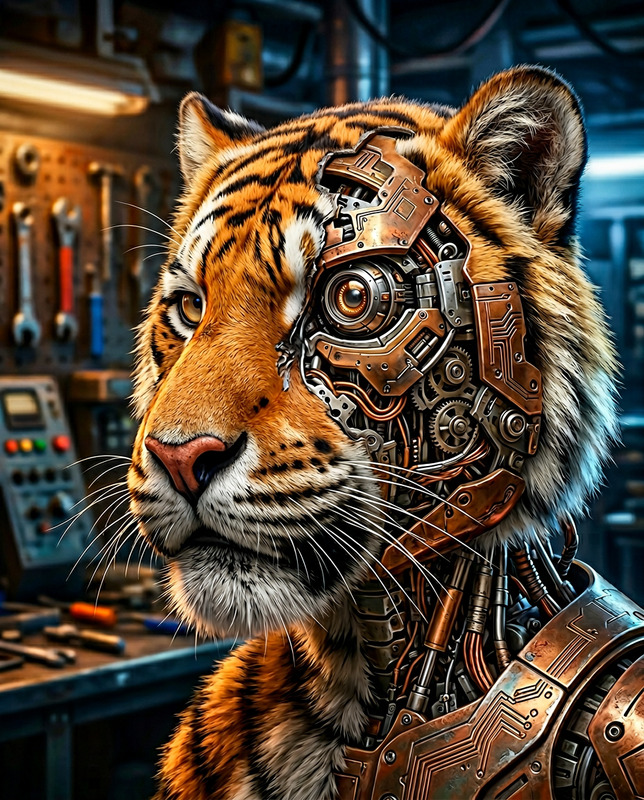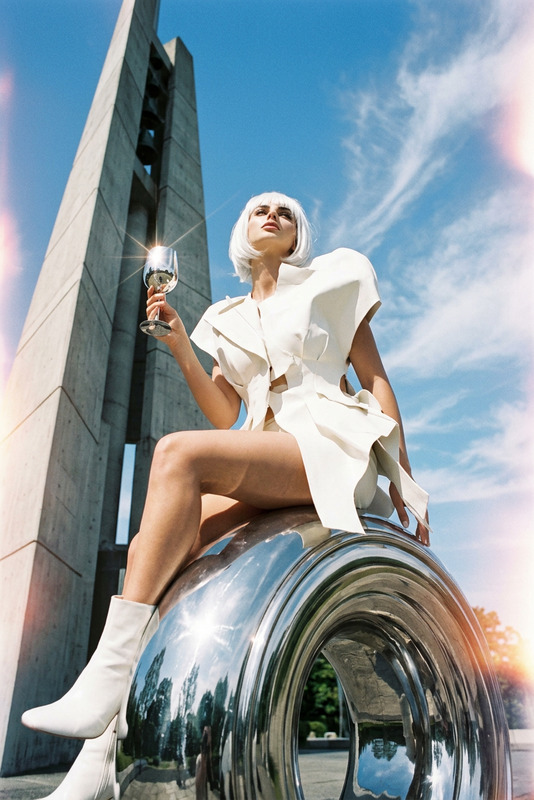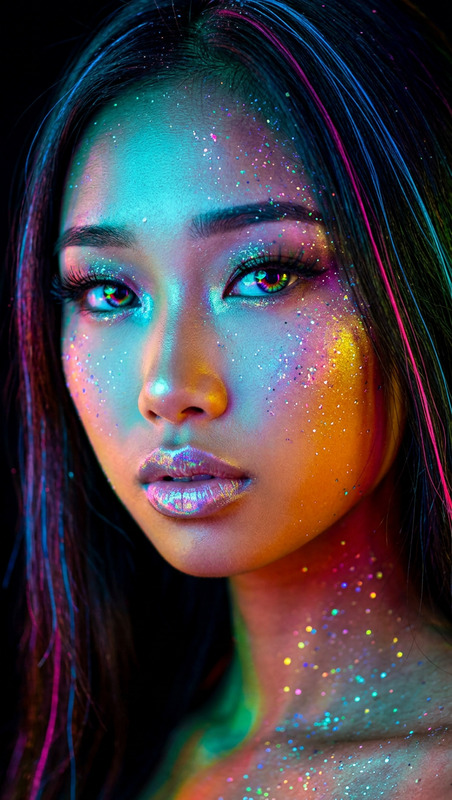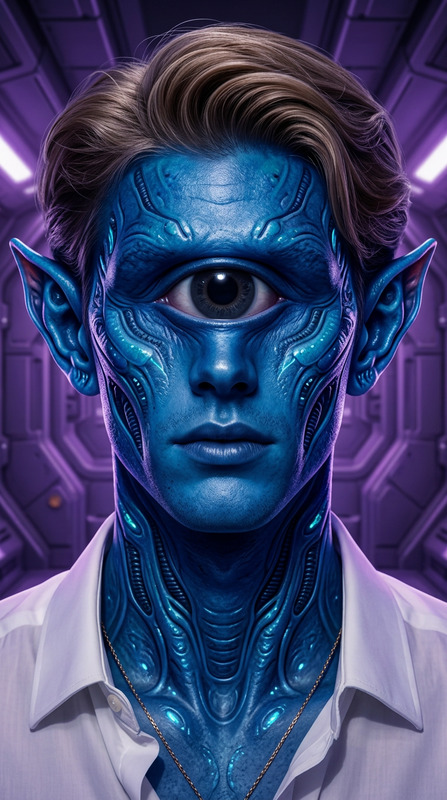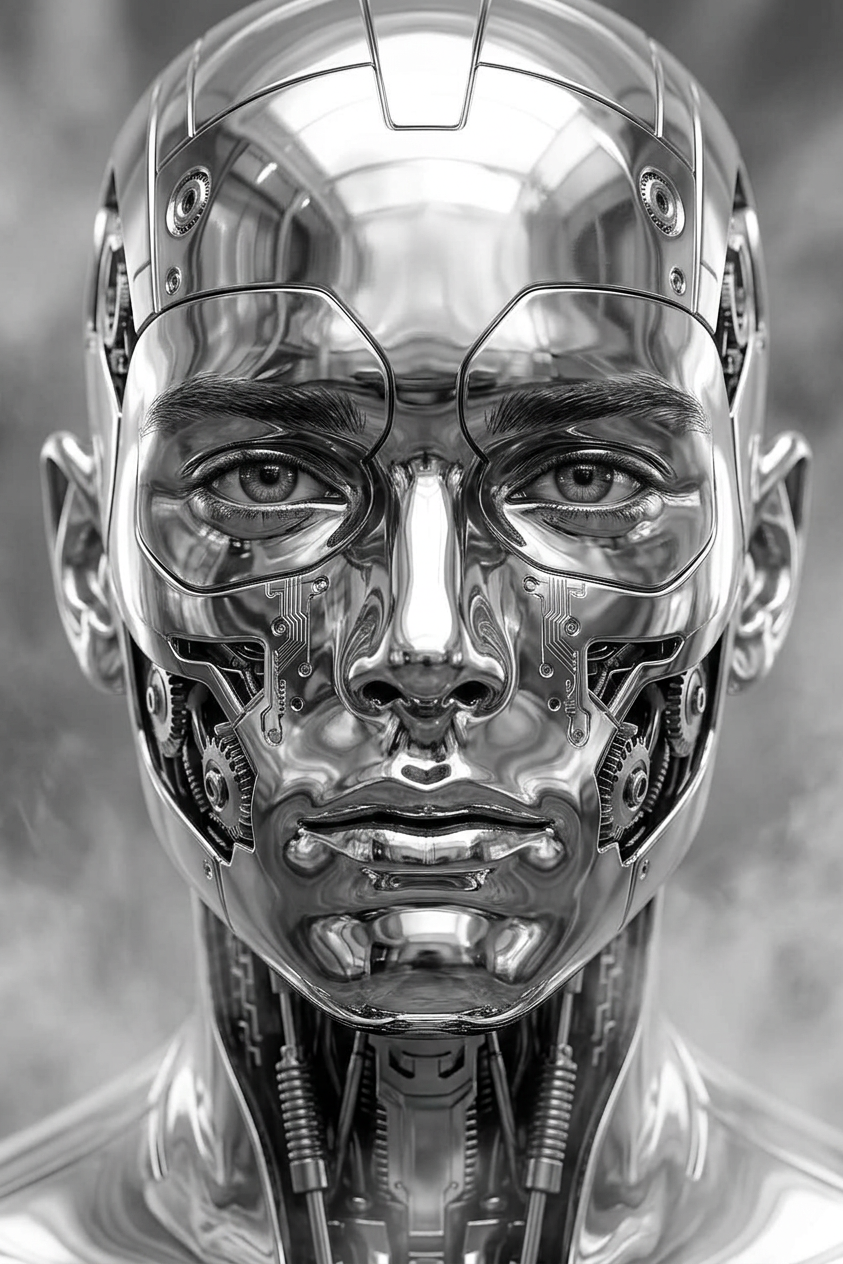
Chrome Humanoid
- Model
- Nano Banana 2
- Image
- 843 × 1264 px
Prompt
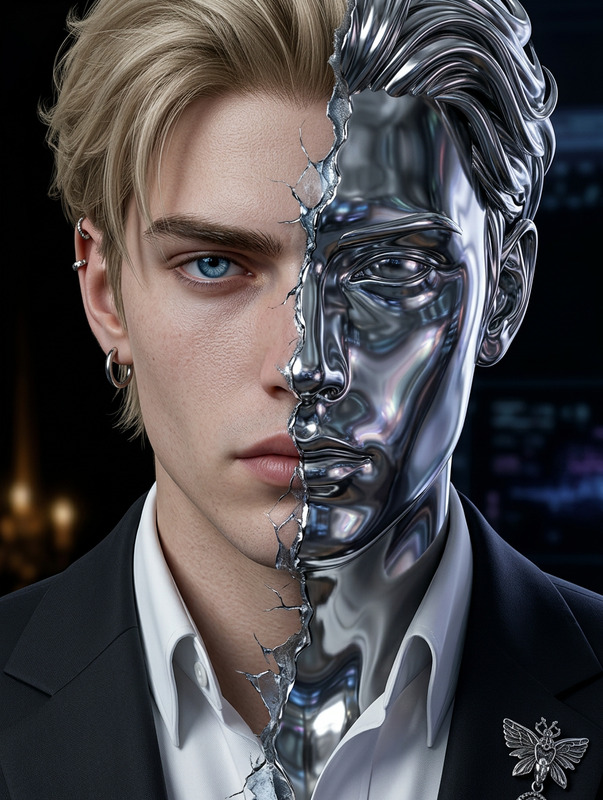
Generate a hyper-detailed portrait of a subject transforming into a perfectly symmetrical humanoid face composed of highly polished reflective metal; the surface features intricate machine elements seamlessly integrated into the structure, forming a smooth yet complex design; the material appears chrome-like, with crisp reflections and a cold, refined texture; the composition is monochromatic, emphasizing contrast, light, and metallic depth; the expression remains calm and balanced, evoking an otherworldly elegance; subtle atmospheric elements suggest a dreamlike, elevated presence, as if drifting through ethereal space; the overall aesthetic is ultra-realistic, precise, and futuristic with a clean, high-definition finish.
Any aspect ratio
Overview
The Chrome Humanoid template leverages the power of the AI Image Editor to transform your subjects into futuristic chrome entities. Designed using the advanced nano-banana-2 model, this template offers striking hyper-realistic visuals that are both complex and captivating.
What It Does
This template enables you to generate a hyper-detailed portrait of a subject evolving into a symmetrical, metallic humanoid with a polished chrome surface. Its intricate design incorporates machine elements seamlessly, creating an ultra-realistic, high-definition aesthetic. Perfect for those seeking a balance of elegance and futuristic style, it emphasizes contrast and depth through a monochromatic color scheme.
Who It's For
The Chrome Humanoid template is ideal for digital artists, designers, and creatives in the sci-fi or futuristic genres. It's also suitable for those looking to explore machine aesthetics in art, or incorporate unique visual elements into a AI Video Generator project. Whether you're developing concept art or enhancing digital storytelling, this tool can elevate your projects.
Summary
By utilizing the capabilities of the AI Clothes Changer alongside the Chrome Humanoid template, users can create visually stunning and ultra-modern designs. This template offers a unique approach to digital art, providing high-definition, chrome-like aesthetics that are both detailed and imaginative.
How to Use Chrome Humanoid
Choose Your Template

Customize Your Input

Generate Your Image

Use Cases
Sci-Fi Art
- Design book covers
- Illustrate gaming character concepts
- Produce digital art for exhibitions
Advertising
- Create stunning visuals for tech products
- Design marketing materials for futuristic brands
- Enhance social media content with unique imagery
Film and Animation
- Develop film concept art
- Design character transformations
- Create posters or promotional materials
Best Practices
Adjust Lighting
Experiment with different lighting setups to enhance the chrome's reflections and depth within your images.Focus on Details
Pay attention to the intricate machine elements by refining the details in the prompt to elevate the level of realism.Use Complementary Tools
Combine with the AI Multi-Angle Generator to explore different perspectives and angles of your humanoid designs.