Cyberpunk Equation Portrait

Cyberpunk Equation Portrait

ai-image-editor

1 clip
0 uses

Any aspect ratio

Prompt

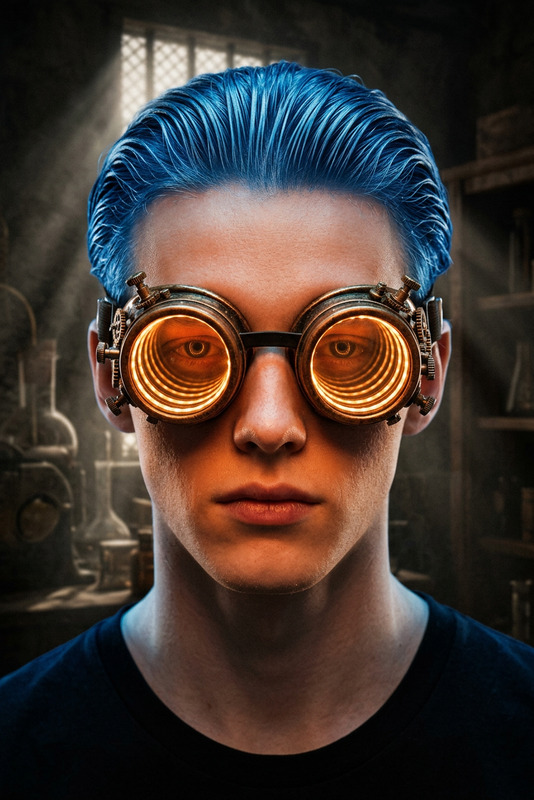
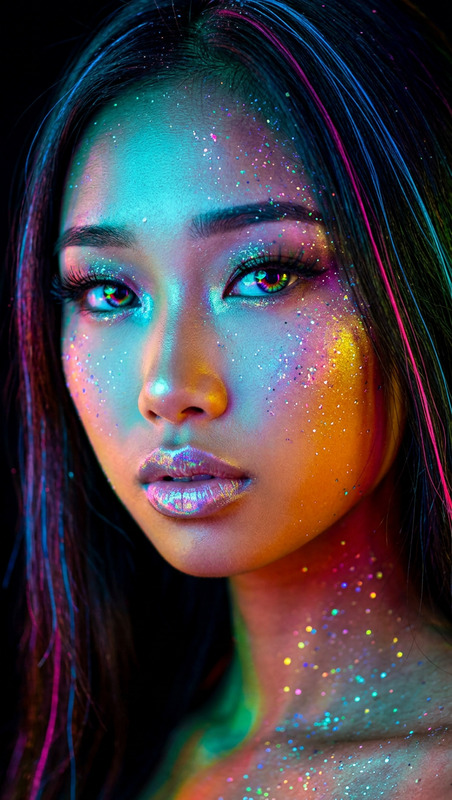
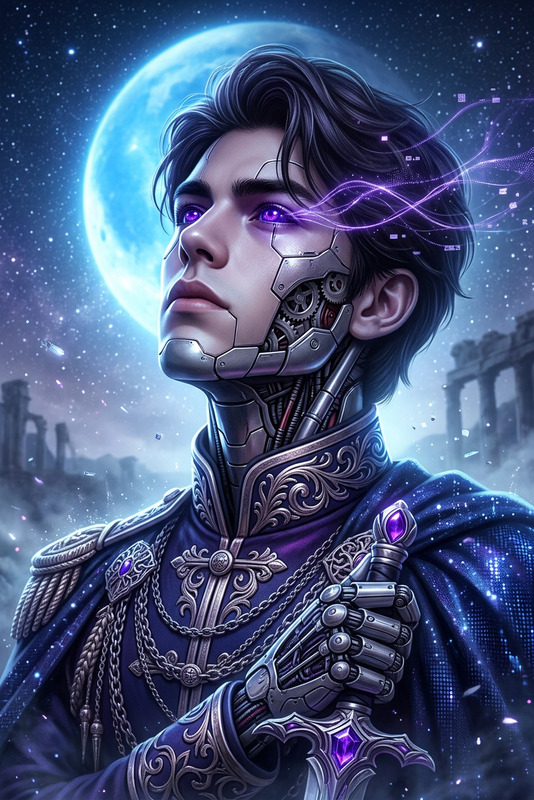
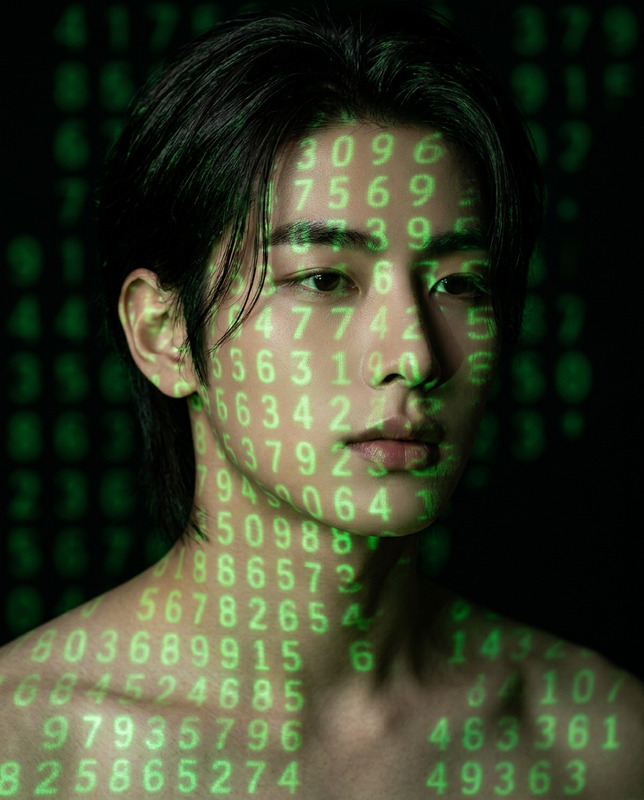
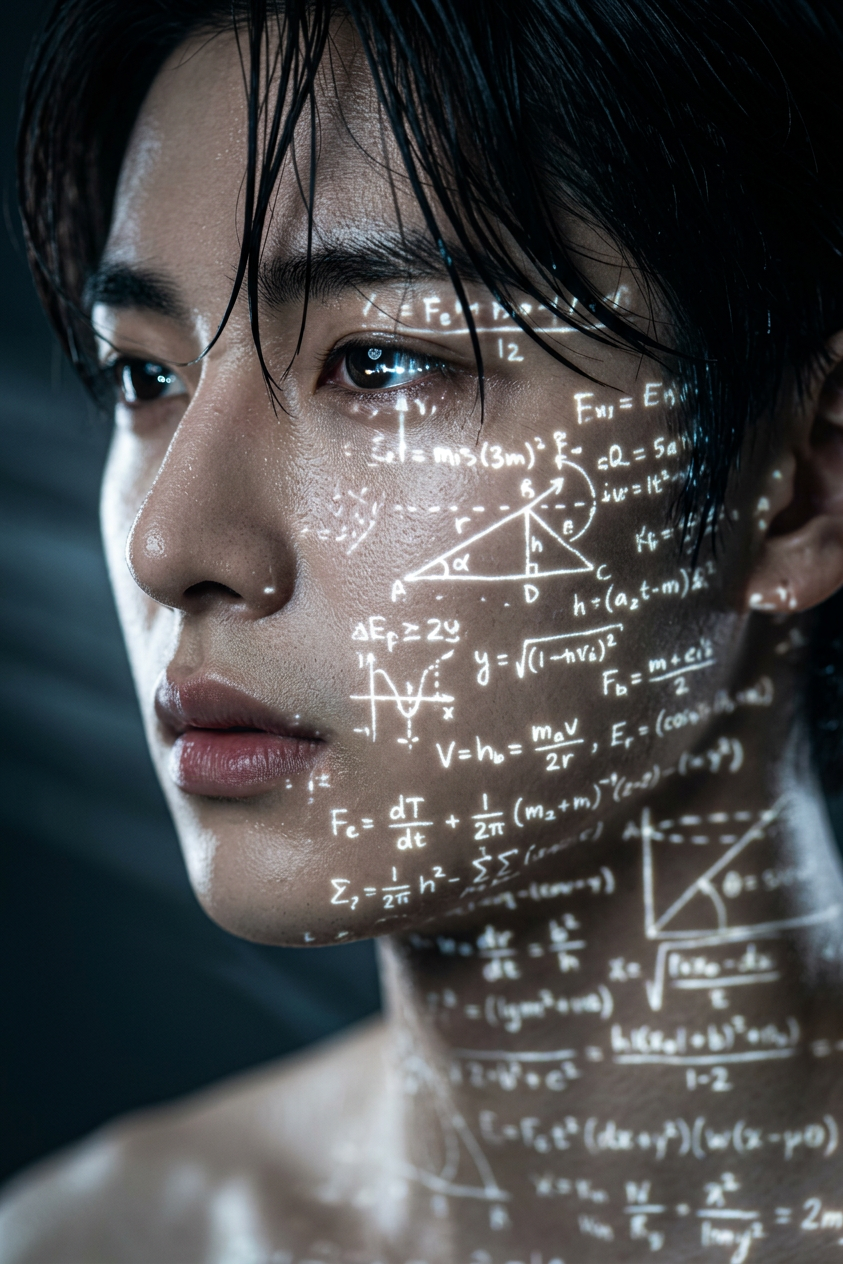
Cinematic close-up side-profile portrait of a young subject with wet hair strands clinging to subject skin, intense reflective eyes, and highly detailed skin texture. Glowing white handwritten mathematical formulas, physics diagrams, and abstract calculations are projected across subject face and neck as a futuristic holographic overlay. Dark, moody background with dramatic high-contrast lighting and subtle volumetric light beams. Shallow depth of field isolates the subject while enhancing realism. Cyberpunk science aesthetic, photorealistic 8K, film-still quality, immersive sci-fi atmosphere with crisp holographic details.

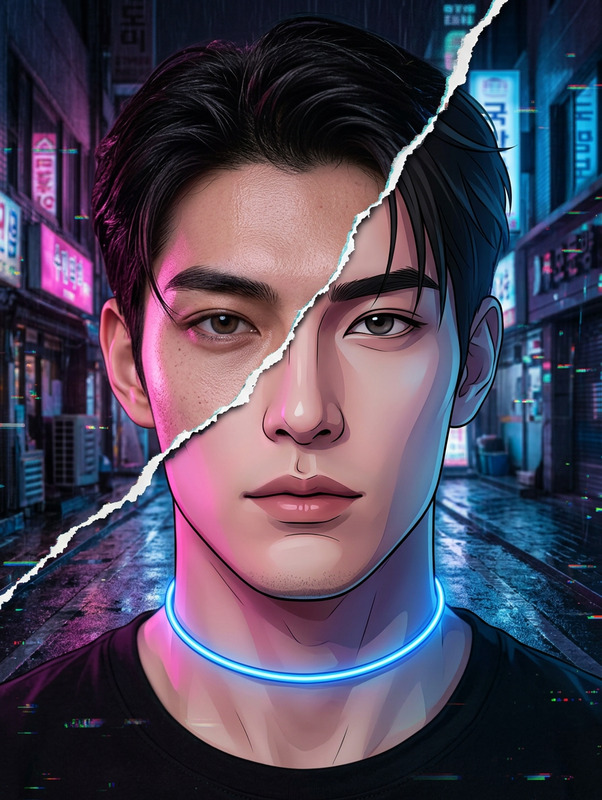
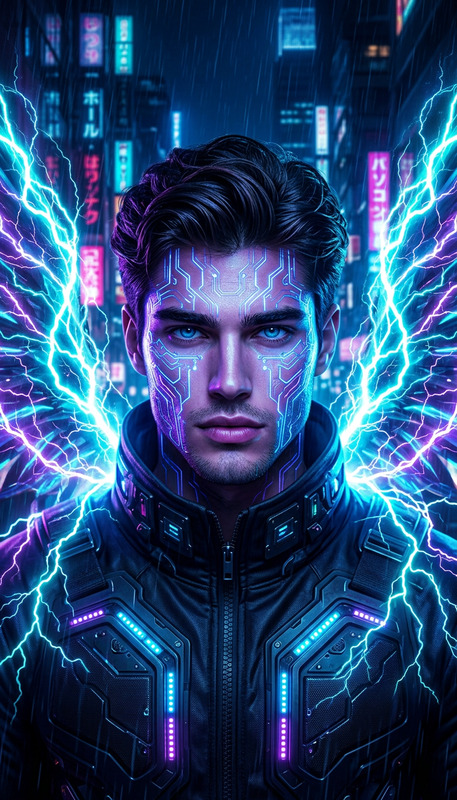
Transform any photo into a cinematic “Urban Cyberpunk Alley” scene using Magic Hour’s AI Image Editor. This template is designed for creators, marketers, and developers who want to generate high-impact visuals fast—without learning complex 3D or design tools.


What this template does

This template uses the AI Image Editor to:

  • Turn everyday photos into neon-lit, cyberpunk alley scenes
  • Add rain, reflections, signage, and atmospheric lighting
  • Preserve your subject (person, product, character) while fully reimagining the environment
  • Create consistent visual direction for campaigns, storyboards, or worldbuilding

It’s ideal for:

  • Ad creatives and landing page hero images
  • Game, anime, or sci‑fi concept art
  • Social content and thumbnails
  • Character portraits in cyberpunk settings

How to remix this template in Magic Hour

You can recreate and customize this template in a few steps:

  1. Open the AI Image Editor
    Go to the AI Image Editor.

  2. Upload your base image
    Use:

    • A portrait (for character shots in a cyberpunk alley)
    • A product photo (for futuristic product campaigns)
    • An environment shot (for location transformations)
  3. Describe your cyberpunk alley look
    In your prompt, clearly define:

    • Setting: “narrow urban alley at night, wet pavement, neon signs”
    • Style: “cinematic cyberpunk, Blade Runner inspired, highly detailed”
    • Lighting: “strong contrast, colored rim light from neon, soft fog”
    • Mood/use case: “poster-ready, clean composition, no text”

    Example base prompt you can remix:

    “Ultra-detailed cyberpunk alley at night with wet reflective pavement, dense neon signs and holograms, cinematic lighting, light rain and mist, high-contrast, sharp focus, realistic textures, perfect for a promo poster. Keep the main subject in focus, blend them seamlessly into the environment.”

  4. Iterate and refine

    • Generate multiple variations to explore different color palettes (pink/blue, green/magenta, amber/teal).
    • Adjust the description to push realism, anime, or illustration style depending on your brand.
  5. Export and reuse
    Download the final image and repurpose it across:

    • Social media, email campaigns, and ads
    • Pitch decks, landing pages, and product demos
    • Game design or narrative concept boards

Prompt patterns you can reuse

To build your own versions of this template, mix and match these prompt components:

Core setting keywords

  • “cyberpunk alley at night”
  • “dense futuristic city backstreet”
  • “rain-soaked pavement, neon reflections”
  • “holographic signage and billboards”
  • “narrow, atmospheric, cinematic composition”

Style directions

  • “cinematic still frame from a sci-fi movie”
  • “highly detailed digital art”
  • “realistic photography, 35mm, shallow depth of field”
  • “anime cyberpunk cityscape”
  • “comic-book style with bold lighting”

Lighting and mood

  • “neon pink and cyan glow”
  • “strong backlighting and rim light”
  • “soft volumetric fog and light rays”
  • “moody, slightly gritty but aesthetically polished”

Combine them, e.g.:

“Realistic portrait of a person standing in a narrow cyberpunk alley at night, wet reflective pavement, dense neon signs, holograms, soft fog, cinematic lighting, teal and magenta color palette, high detail, sharp focus, editorial photography style.”


Advanced uses for creators, marketers, and builders

Because this template is built on the AI Image Editor, it plays nicely with other Magic Hour tools:


Quality, cleanup, and enhancements

Once you’ve created your cyberpunk alley image, you can polish it with:


Practical use cases

This cyberpunk alley template is built to support real workflows:

  • Startups & product teams

    • Create distinctive brand visuals for AI, dev tools, Web3, or gaming startups.
    • Use cyberpunk cityscapes to highlight “future of X” narratives in decks and landing pages.
  • Game devs and writers

    • Rapidly prototype locations for cyberpunk, dystopian, or sci-fi worlds.
    • Generate character key art and environment mood boards.
  • Marketing & content teams

    • Produce consistent, on-brand cyberpunk assets for campaigns or seasonal creatives.
    • Design scroll-stopping social posts and video thumbnails using the same style system.
  • Creators & influencers

    • Turn selfies or portraits into stylized cyberpunk scenes for profile photos, cover art, or story arcs.
    • Animate them using Image to Video or AI GIF Generator.

How to build your own “Urban Cyberpunk Alley” variant

To create a custom version of this template:

  1. Choose a clear subject (person, product, or focal object).
  2. Decide where they are in the frame (close-up portrait, mid-shot in the alley, small figure in a wide shot).
  3. Use the AI Image Editor with a prompt that specifies:
    • “Urban cyberpunk alley” + time of day (usually night)
    • Weather (“light rain”, “mist”, “after the rain, puddles”)
    • Color palette (“neon magenta and cyan”, “amber and teal”, “green and purple”)
    • Level of realism (“hyper-realistic photo”, “anime-style illustration”, “comic cover”)

Iterate a few times, save the best results, and reuse your favorite prompt as your personal cyberpunk alley template.


Use this page as a reference point: copy, remix, and evolve this cyberpunk alley style across your Magic Hour projects using the AI Image Editor and the related tools linked above.

More Like This