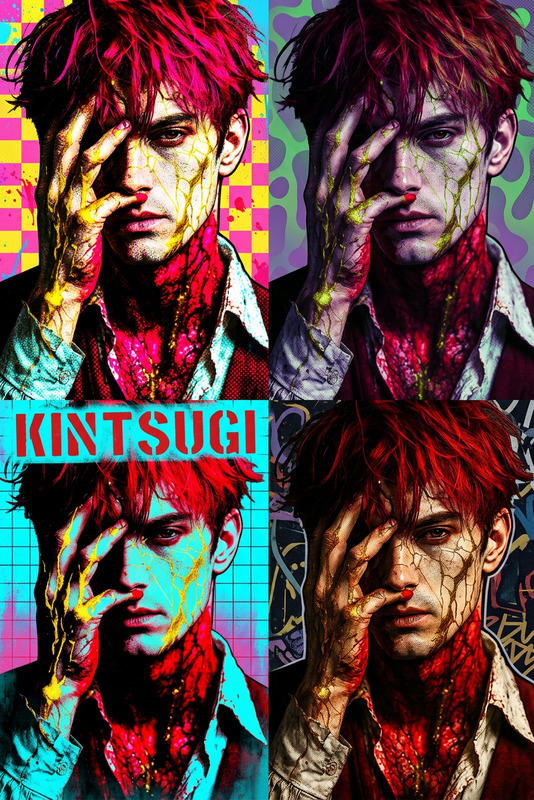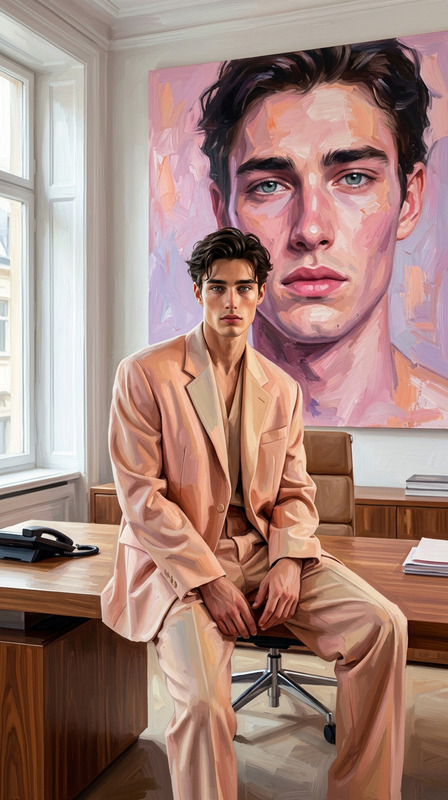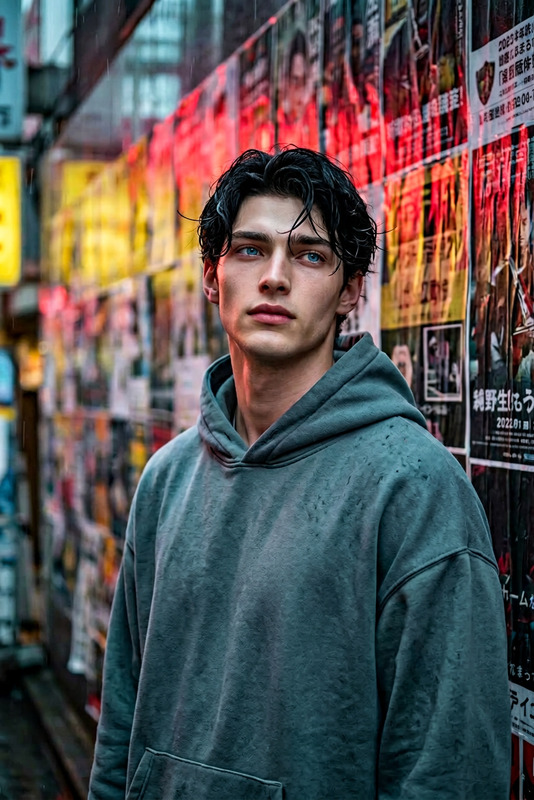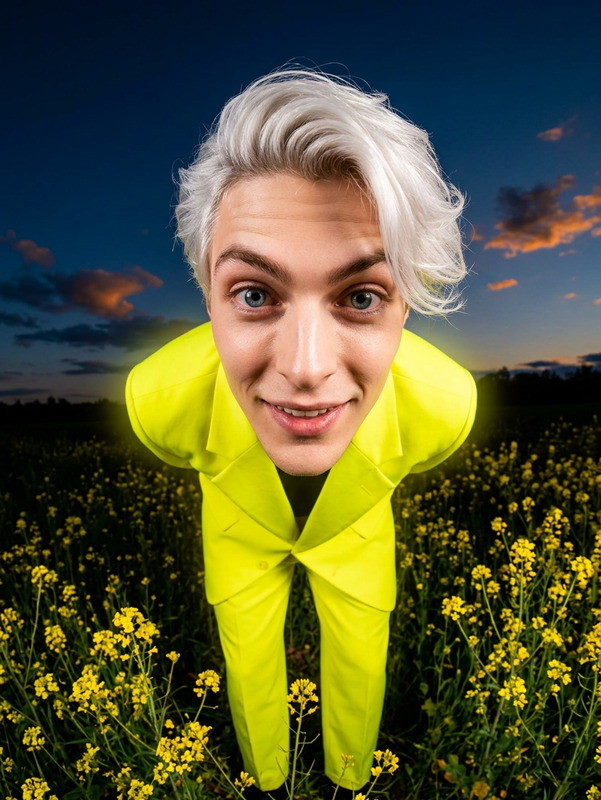
Pastel Pop Street Maximalist Portrait
- Model
- Nano Banana 2
- Image
- 944 × 1124 px
Prompt
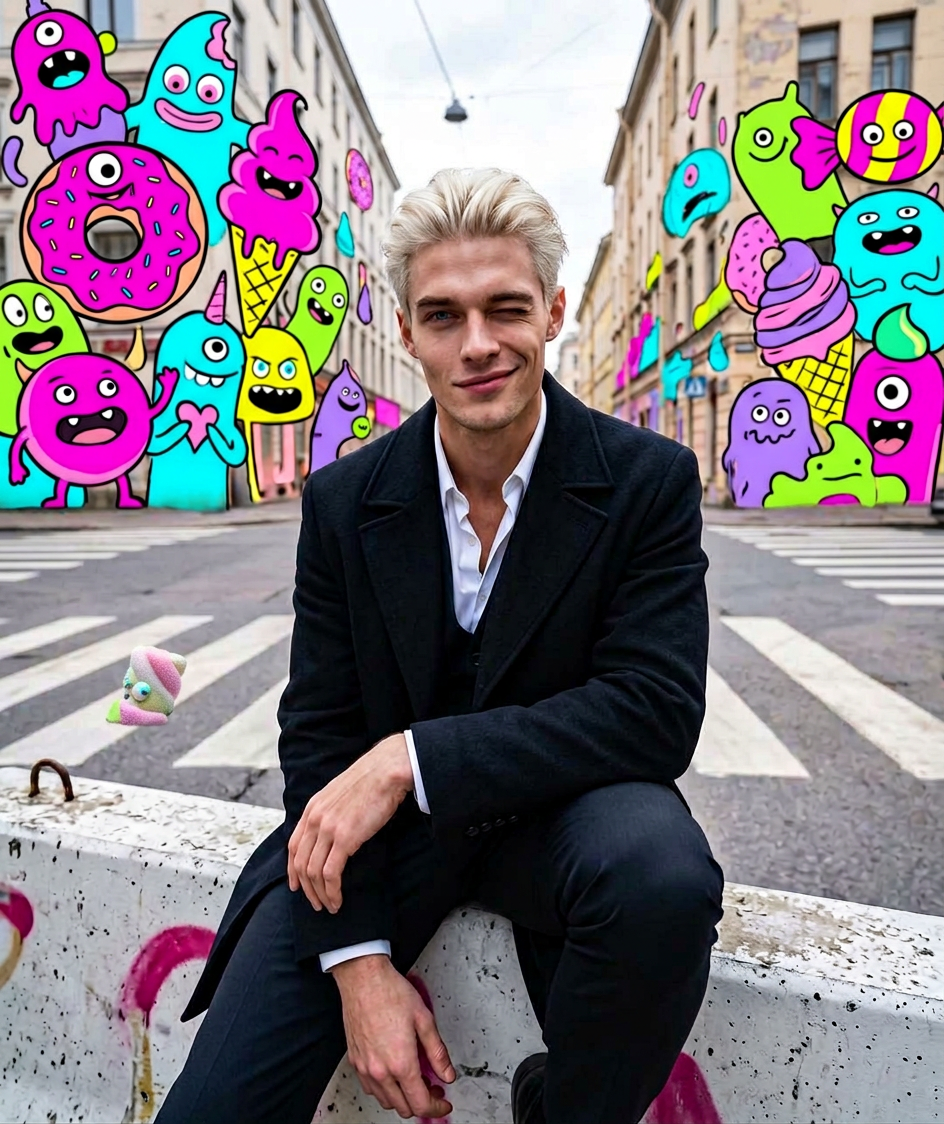
subject sitting sideways on a concrete street barrier, one knee raised, one arm resting on it, giving a playful winking smile with a confident cute expression. Urban street corner with faded crosswalk, painted curb, distant buildings under cloudy-bright sky. Background filled with dense surreal sweets-monster pop-art elements in neon pastel colors (pink, cyan, lime, yellow, purple). Mid-to-low angle wide lens, slight depth warp, soft diffused daylight, airy pastel surreal aesthetic, highly stylized and vibrant.
Any aspect ratio
Overview
Transform your portrait photography into vibrant street-style art with the Pastel Pop Street Maximalist Portrait. This template leverages the capabilities of the AI Image Editor to deliver a unique, colorful aesthetic reminiscent of pop art with a pastel twist. Perfect for photographers and creatives looking to infuse energy and style into their urban portraits.
What It Does
This template applies a pastel pop art style to your images, focusing on turning street portraiture into an eye-catching composition of colors and styles. By using the gender-swap tool integrated in the editor, you can experiment with various stylistic elements to enhance images further. The result is an image bursting with vibrant pastel colors and surreal elements, perfect for modern digital art presentations.
Who It's For
This template is designed for fashion photographers, content creators, and digital artists who specialize in vibrant urban scenes. If you're aiming to capture the energetic essence of city life with a twist of surrealism, this is an ideal tool. Whether you're working on an ad campaign, magazine feature, or social media content, the AI Clothes Changer can further enhance your styling options.
Summary
Utilizing the Pastel Pop Street Maximalist Portrait template allows creators to transform everyday street scenes into dramatic, stylized art pieces. Pairing it with tools like the AI Image Upscaler ensures that the final product maintains high quality across various display formats.
How to Use
Choose Template

Customize Your Image

Generate & Download

Use Cases
Fashion Photography
Social Media Content
Digital Art Projects
Best Practices
Focus on Lighting and Angles
To maximize the template's stylizing effects, ensure your input image has good lighting and interesting angles that match the template’s aesthetic.Experiment with Background Elements
Leverage the dense pop-art elements by playing with the saturation and color balance to enhance the surreal vibe.Use Image Upscaling
Apply the AI Image Upscaler to maintain quality and detail for different media formats.