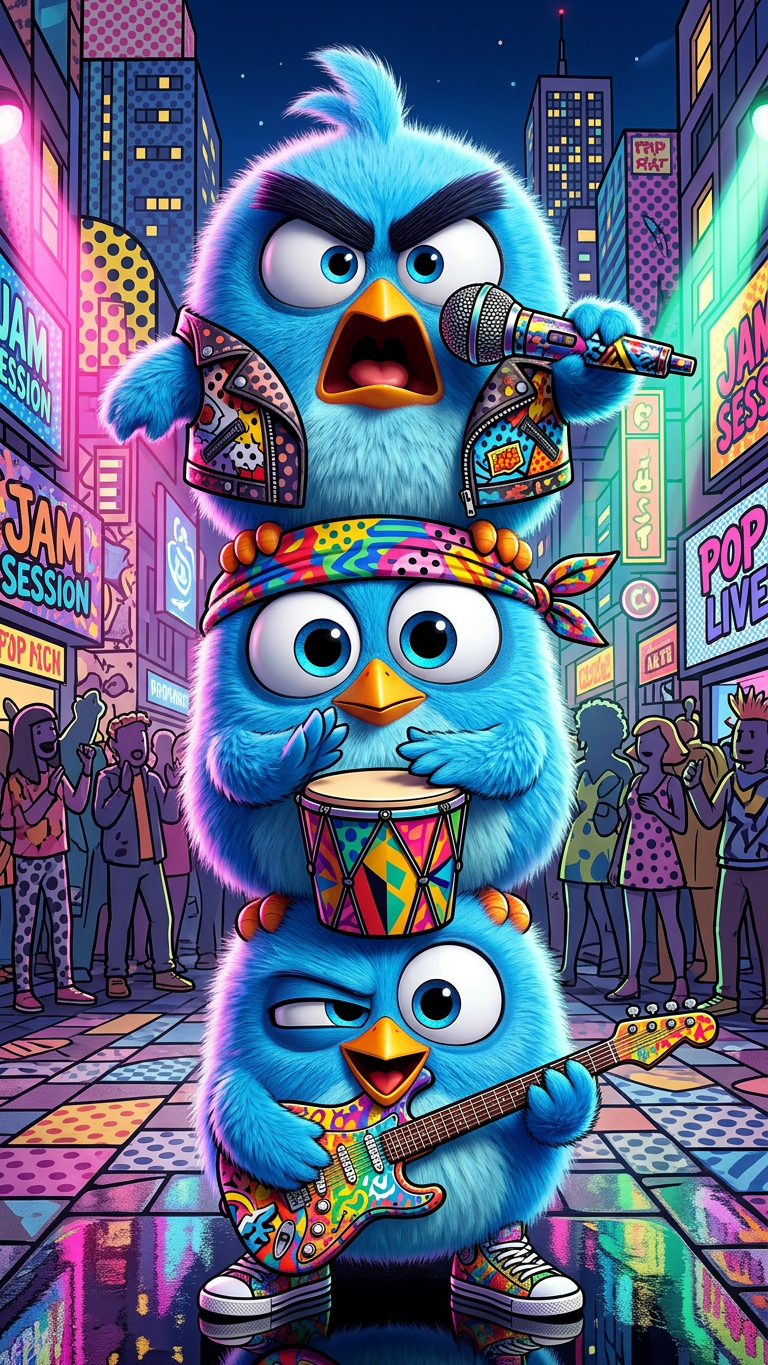
Pop Art Street Performance
ai-image-editor
Any aspect ratio
Subject depicts vibrant pop art scene of three youthful figures performing music on a bustling street corner with colorful instruments reflecting city lights. Outfits feature bold patterns expressing eclectic urban creativity. Composition shows dynamic gestures and expressive energy, set against a stylized cartoon-like cityscape with surrounding audience elements. Scene emphasizes joyful spontaneity with bright colors and lively atmosphere.
Tags
stylesAI Image Editor Template: Remove & Replace Backgrounds in One Click
Use this template to instantly remove, clean up, or replace any background with the AI Image Editor. It’s built for creators and teams who need fast, production-ready visuals without manual Photoshop work.
What this template does
This template shows you how to:
- Remove busy or distracting backgrounds from photos
- Replace a background with a clean studio look, gradient, or on‑brand setting
- Fix or extend backgrounds that were cropped too tightly
- Remove unwanted objects, logos, or text and seamlessly fill the space
- Prepare images for ads, product listings, social media, or pitch decks
It uses the same underlying tech as Magic Hour’s AI Image Editor, so you can:
- Work directly on your browser, no installs
- Edit photos of people, products, environments, screenshots, and more
- Remix this template into your own reusable workflow
How to remix this template in Magic Hour
You can recreate and customize this template in a few steps:
Open AI Image Editor
Go to the AI Image Editor.Upload your base image
- Product photo, portrait, team shot, room interior, or artwork
- Higher resolution images give better edge quality and cleaner fills
Remove or adjust the background
- Use the editor to cut out the subject from the existing background
- Clean up edges, stray artifacts, or unwanted elements as needed
Generate a new background with AI
- Describe the background you want (e.g. “soft gradient studio”, “modern office”, “dark cinematic environment”, “clean white Amazon-style background”).
- Let the AI fill or replace the background around your subject.
Polish and export
- Make any final touch‑ups (small removals, minor fixes)
- Download in the format that fits your workflow (e.g., transparent PNG for design, JPG for web)
You can save the result, then duplicate and remix it for future shoots or campaigns, so your images stay visually consistent.
Best use cases for this background-removal template
This template is optimized for people who care about quality, speed, and brand consistency:
1. Product & e‑commerce teams
Swap messy or inconsistent product photos for clear, conversion‑focused visuals:
- Isolate products for marketplaces or catalogs
- Create on‑brand campaign variants from the same base shot
- Generate lifestyle backgrounds that match your target audience
Pair with:
- AI Image Upscaler to sharpen low-res product shots
- AI Photo Generator or AI Background Generator to design new environments for your products
- Thumbnail Maker for YouTube, product launch, and ad creatives
2. Creators, marketers, and growth teams
Quickly produce on-brand visuals for:
- Paid ads (Meta, TikTok, Google, LinkedIn)
- Landing pages and hero images
- Blog post illustrations and lead magnets
- Presentation decks and investor updates
Combine with:
- AI Art Generator or AI Illustration Generator to generate unique, on-brand backgrounds
- AI Logo Generator and Album Cover Generator for branding-heavy creatives
- AI Meme Generator to rapidly test visual hooks in social feeds
3. Founders and small teams
When you don’t have in‑house designers:
- Turn scrappy photos into clean, “designed” assets
- Create consistent backgrounds for team headshots and founder photos
- Upgrade pitch decks and product one‑pagers with unified visuals
You can also generate professional portraits using the AI Headshot Generator or AI Selfie Generator, then refine or restage them with this background-removal flow.
4. Designers and technical creatives
Use this template as a fast pre‑processing stage:
- Cut out subjects before compositing in Figma, Photoshop, or Webflow
- Quickly explore multiple background concepts with prompting instead of manual painting
- Build design systems where “subject + AI background” becomes a repeatable pattern
For more specialized images, you can:
- Generate stylized characters with the Animated Characters Generator or AI Character Generator
- Design spaces using the AI Interior Design Generator or Architecture Generator and then integrate real products or people via background editing
Advanced workflows: chaining tools with AI Image Editor
Because this template is built on the core AI Image Editor, you can combine it with other Magic Hour tools for more powerful pipelines:
Face-focused edits
- Clean up and restage portraits, then refine details with AI Face Editor
- Generate entirely new faces with AI Face Generator, then place them into custom scenes using the editor
Object and artifact cleanup
- Remove stray objects, people, or brand marks with AI Remover or Remove Object from Photo, then rebuild a consistent background using this template
- Delete old text or watermarks with the Watermark Remover and replace that area with a clean AI‑generated background
Image restoration and enhancement
- Restore damaged or vintage photos with Old Photo Restoration
- Upscale and unblur using the AI Image Upscaler and Unblur Image, then remove or modernize the background for reuse in new contexts
- Add color to historical or grayscale shots using Photo Colorizer before placing them in new scenes
From static image to motion
- Once your background and subject are clean, animate them with:
- You can also turn portraits into talking clips using AI Talking Photo or remix into animations with template-driven tools like:
How to adapt this template to your own brand
To create your own version of this template in Magic Hour:
Pick a small reference set
Start with 3–10 images that represent the look you want: studio product shots, website hero images, previous campaign visuals, or moodboard examples.Define background “patterns” you reuse
Examples:- Neutral gradient + soft shadow
- Branded color field with very subtle texture
- Minimal “office” or “desk” scene
- On‑location lifestyle backgrounds (e.g., “urban coffee shop”, “clean tech office”, “cozy home studio”)
Remix this template with your own prompts and assets
- Use the AI Image Editor with your real assets and background descriptions
- Save the outputs as a small library of “layout + background” combinations
- Duplicate and iterate whenever you launch a new campaign, test a new angle, or localize for different markets
Create variants for experiments
- Keep the same subject, change only the background (for A/B tests)
- Keep the same background, rotate different products or angles
- Localize by changing background cues (e.g., city skylines, cultural references) without reshooting
Related templates and tools worth exploring
If you like this background-removal template, you may want to explore:
- AI Image Generator – generate original scenes from text, then refine with the editor
- AI Background Generator – build background libraries for consistent visual systems
- Avatar Generator, AI Anime Generator, Disney AI Generator – create stylized avatars, then place them into custom backgrounds with the editor
- AI Outfit Generator, AI Clothes Changer, and Full Body Generator – design full-look character or fashion imagery and then unify with a shared background style
- AI QR Code Generator – create scannable codes that visually match the background style you design in this template
Why use Magic Hour for background removal and replacement
For time-constrained builders, the main advantages are:
- Speed with control – You get AI automation, but you can still iterate and refine until the image fits your brand.
- Ecosystem integration – Because you’re working inside Magic Hour, you can chain tools (generation → editing → upscaling → animation) without exporting across different apps.
- Template-friendly workflows – Once you’ve remixed this template to match your brand, it becomes a repeatable system you can hand off to teammates and contractors.
Use this template as your starting point, then adapt it into a custom, reusable workflow that fits your product, team, and creative stack.