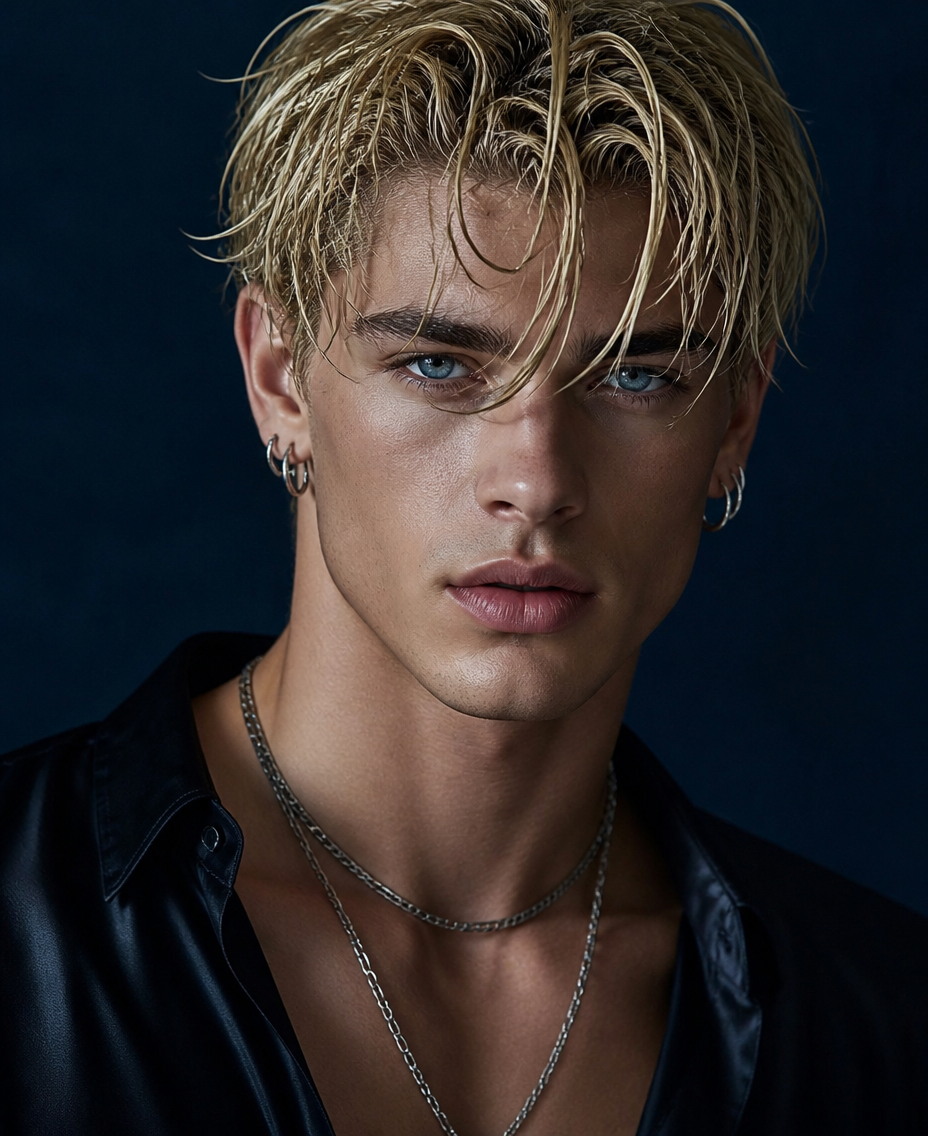
Ice Blue Noir Idol
- Model
- GPT Image 2
- Image
- 928 × 1136 px
Prompt
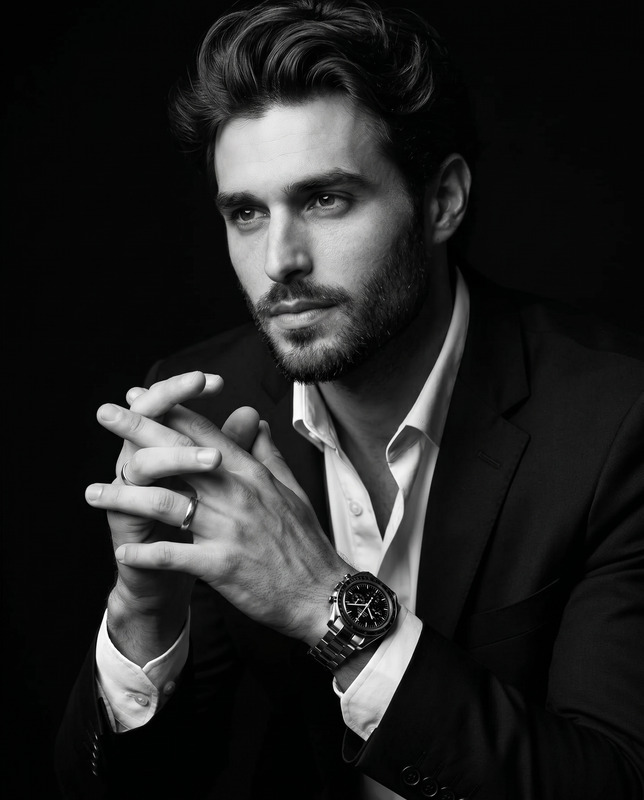
Create a high-fashion cinematic portrait of the subject with a sharp jawline, deep monochromatic ice-blue eyes, subtle eyeshadow, pale natural skin, and wet tousled blond hair. The subject looks directly into the camera with an intense, confident gaze, wearing an unbuttoned black silk shirt that subtly reveals the collarbones, layered silver chain necklaces, and multiple silver hoop earrings. Use cool cinematic lighting with a deep blue background, refined editorial styling, realistic skin and fabric texture, shallow depth of field, crisp facial detail, and photorealistic rendering with a sophisticated dark-luxury mood. Avoid distorted anatomy, facial deformation, extra fingers, cartoon styling, 2D illustration, or excessive blur.
Any aspect ratio
Overview
The Ice Blue Noir Idol template is an AI Image Editor tool designed for crafting high-fashion cinematic portraits. Utilizing the AI Image Editor feature, this template enables creators to transform ordinary images into sophisticated, dark-luxury visuals. Perfect for anyone seeking to elevate the drama and elegance of their photography.
What It Does
This template focuses on creating photorealistic portraits with a dark, cinematic flair. The model emphasizes sharp jawlines, ice-blue eyes, and detailed textures. It applies cool lighting and refined editorial styling to achieve a sophisticated look without distorted anatomy or excessive blur, aligning perfectly with the AI Image Upscaler for improved resolution.
Who It's For
Ideal for photographers, fashion designers, and content creators looking to add a high-end finish to their images. This template caters to professionals and enthusiasts who appreciate realistic skin textures and crisp details in their visual content, making it a valuable tool for product photography and editorial spreads.
Summary
Combine fashion photography with advanced AI editing to achieve captivating, cinematic portraits. This template supports the creation of detailed, high-resolution images with a focus on luxury aesthetics. Compatible with the AI Headshot Generator, it ensures your portraits are not only striking but also refined and polished.
How to Use
Choose Your Template

Customize Your Inputs

Generate and Download

Use Cases
Fashion Photography
Editorial Spreads
Marketing Campaigns
Best Practices
Focus on Lighting
Use the template's lighting features to highlight your subject's best features and create depth.Detail Clarification
Ensure all prompts are clear to maintain photorealism and avoid deformations.Combine Textures
Experiment with fabric and skin textures to enhance the luxury feel of your portraits.