Overexposed Angelic Interior Portrait
ai-image-editor
Any aspect ratio
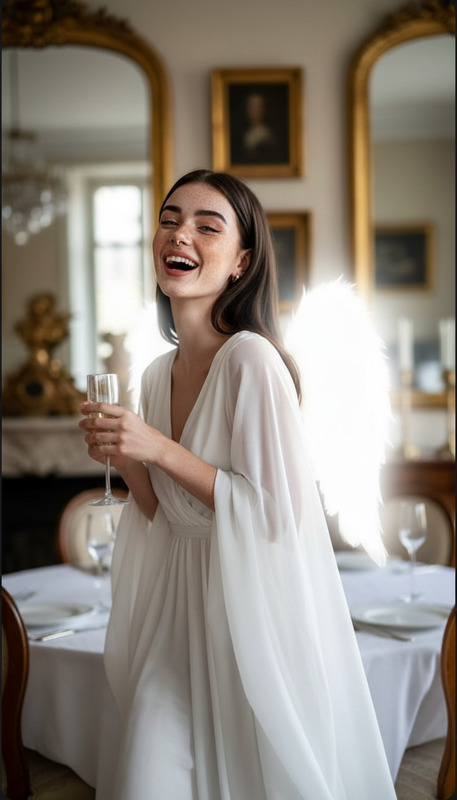
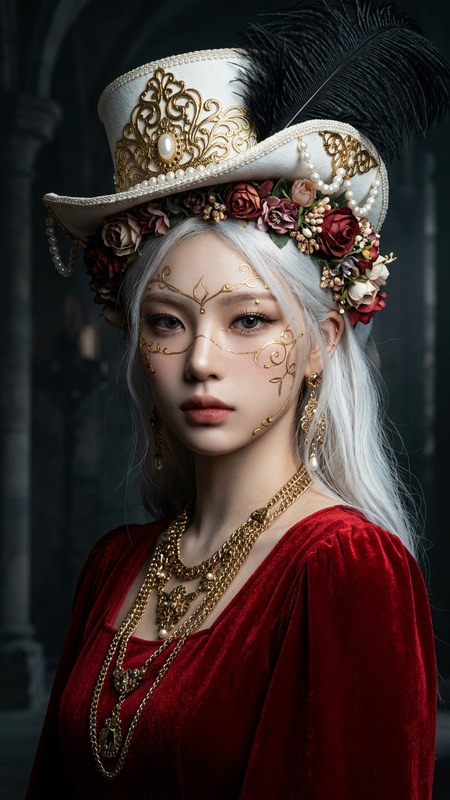
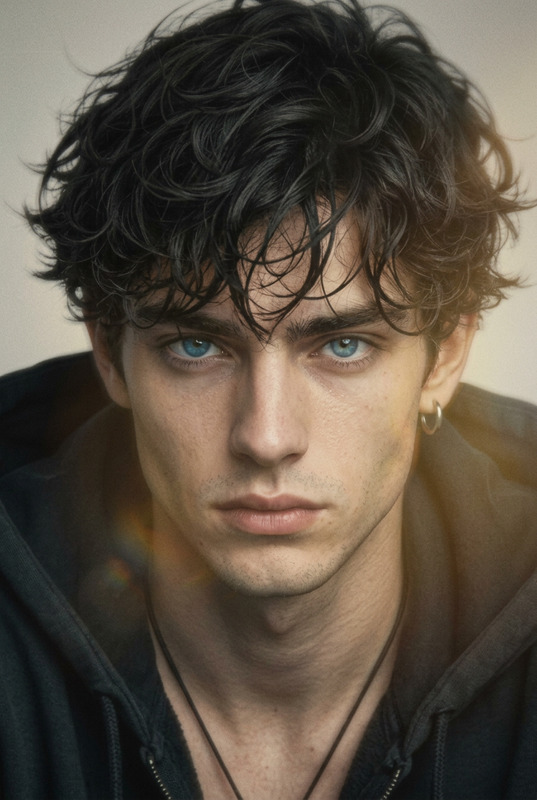
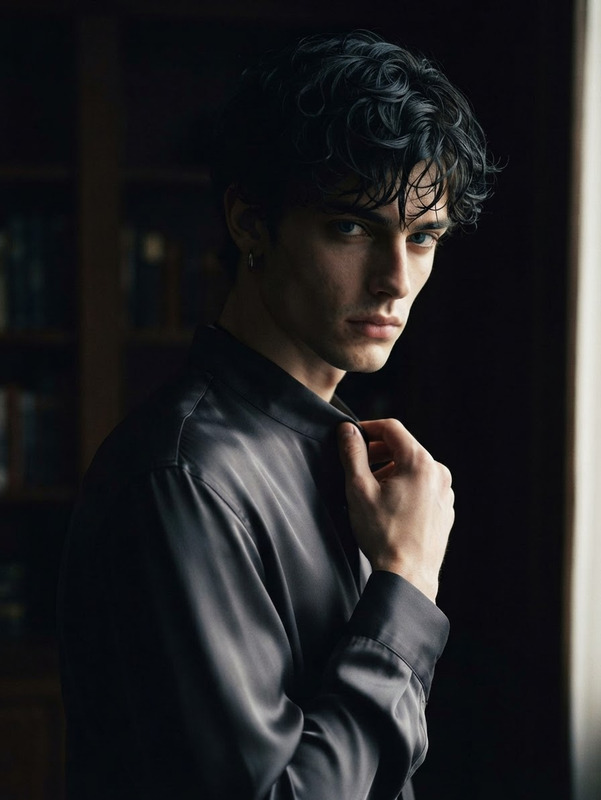
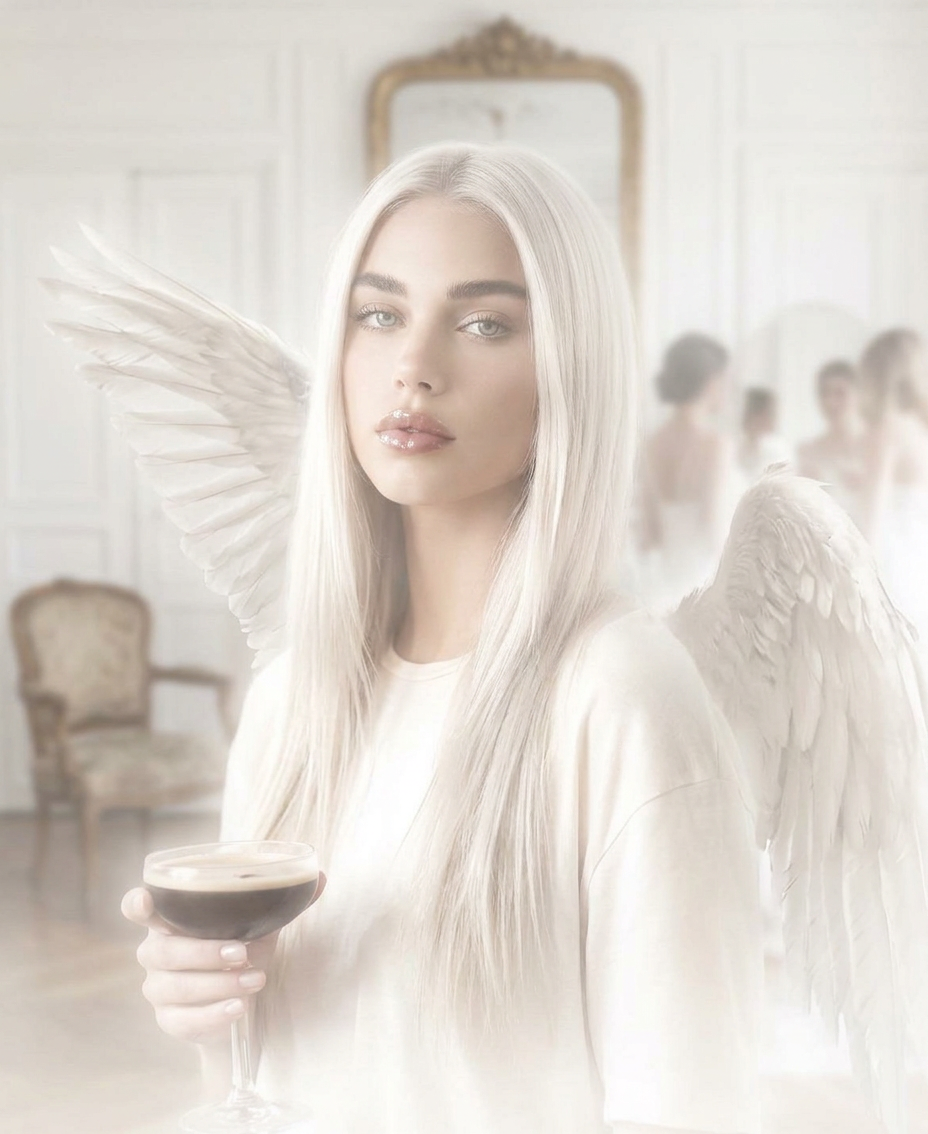
Generate a softly cinematic portrait framed from just below the shoulders upward, with the subject positioned slightly off-center in a glowing field of light where platinum straight hair, glossed lips, skin, and minimal casual clothing blend into extreme overexposure, forming a luminous silhouette with reduced texture and soft bloom; realistic angel wings as costume props remain visible yet faint, with subtle fabric wrinkles and edges dissolving into surrounding brightness, while one hand casually holds a drink and the expression remains calm and softly focused; the background shows a French apartment interior heavily softened into haze, where Louis XVI-style wall panels, an antique chair, and a vintage mirror appear only as indistinct shapes, with blurred moving figures in the dim ambient light further dissolving into the scene, creating a quiet, suspended atmosphere where the glowing central figure gently merges with the overexposed, dreamlike environment.
Smart Clothing Swap – AI Fashion Mockups with Image Editor
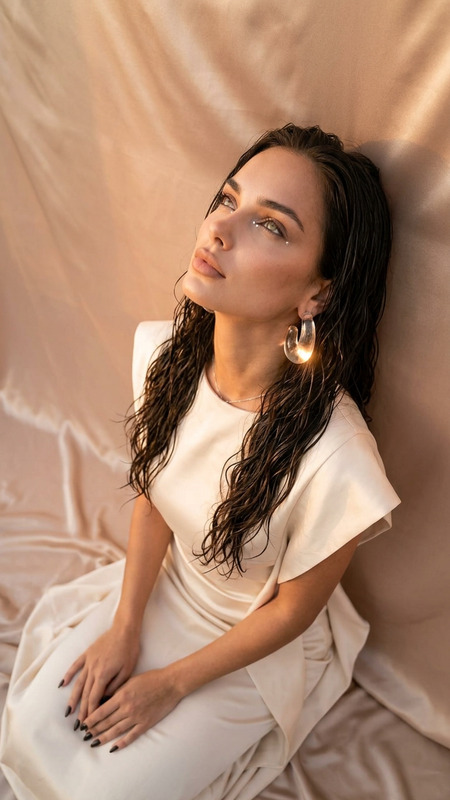
Experiment with new outfits, product mockups, and fashion concepts on any person photo—without a photoshoot. This template uses Magic Hour’s AI Image Editor to replace clothing with photorealistic garments while preserving the person’s face, pose, and lighting.
What this template does
Use this template to:
- Swap casual clothes for suits, dresses, streetwear, or uniforms
- Test brand or merch designs on real people
- Create before/after fashion visuals for marketing
- Generate profile photos, lookbooks, and styled portraits
- Prototype outfit ideas for content, ads, and social posts
The AI automatically:
- Keeps the subject’s identity, face, and body shape intact
- Matches lighting, shadows, and camera angle
- Blends new clothes realistically into the original photo
This makes it useful for creators, marketers, and startups who need fast, convincing visuals without re-shooting.
How to remix this template in Magic Hour
You can recreate or customize this template entirely inside Magic Hour:
Open AI Image Editor
Go to the AI Image Editor.Upload your base photo
- Use a clear image where the outfit is visible
- Medium or full-body shots work best
- Avoid heavy motion blur or extreme low light
Describe the new clothing
In your edit prompt, be specific about:- Garment type (e.g., “oversized hoodie”, “three-piece suit”, “evening gown”)
- Style & fit (slim, relaxed, tailored, baggy)
- Fabric & texture (denim, silk, wool, leather, cotton)
- Color palette (e.g., “monochrome black streetwear set”)
- Context if relevant (“startup founder portrait”, “fashion e‑commerce product photo”)
Iterate quickly
- Try multiple variations (e.g., different colorways or styles)
- Compare options for A/B tests or client approvals
- Save your favorite outputs as your own internal “template” to reuse across campaigns
Create your own template set
Once you get a look you like:- Reuse the same prompt with different models
- Standardize outfit types for a whole team or catalog
- Build a repeatable style system for brand visuals
If you want moving visuals from your edited image, you can extend your workflow with Image to Video or AI GIF Generator.
Best practices for realistic AI clothing swaps
For convincing results that hold up in campaigns and client work:
Use high-quality source images
Higher resolution, clear lighting, and visible clothing contours give the model more to work with. If you’re starting from an older or low-res photo, you can enhance it first with the AI Image Upscaler or restore damaged images with Old Photo Restoration.Match clothing to pose and context
Describe outfits that naturally fit the pose and environment (e.g., “smart casual blazer and chinos for office setting” rather than an impractical garment for a gym scene).Think like a fashion spec sheet
Treat your prompt like a mini product description: cut, fabric, color, pattern, and style reference (“techwear jacket with waterproof zippers”, “minimalist black turtleneck, no logos”).Keep faces and identity consistent
If your priority is identity integrity (e.g., for founders, influencers, or employees), you can combine this with AI Face Editor or AI Headshot Generator to tune the final look while preserving who the person is.Plan for multi-channel use
If you know the final asset will be used as a LinkedIn photo, product image, or ad creative, specify that in your prompt (“optimized for LinkedIn profile photo”, “e‑commerce studio product shot, white background”).
Use cases for creators, marketers, and startups
This template is designed for practical, production-grade work, not just experimentation:
Founder & team photos
- Generate consistent outfits for an entire founding team
- Move from casual snapshots to investor-ready portraits
- Align clothing style with brand positioning (e.g., enterprise, creative, streetwear, luxury)
E‑commerce & fashion
- Prototype product shots before physical samples are ready
- Test different colorways and fabric ideas visually
- Create rapid moodboards and style guides for collections
Content & social media
- Build themed outfit series (e.g., “startup uniforms”, “conference looks”)
- Quickly adapt visuals to different platforms or campaigns
- Generate thumbnails and hero images using Thumbnail Maker
Virtual try-on–style ideation
While this isn’t a full try-on engine, it’s effective for:- Pitch decks and product concept visuals
- Marketing mocks to validate ideas before building full solutions
- Investor or partner presentations requiring polished imagery
Creative concepts & storytelling
Combine clothing swaps with character or style changes using:- AI Character Generator for archetypes or mascots
- Animated Characters Generator for stylized looks
- AI Fashion Generator to explore futuristic or unconventional designs
Advanced workflows: combine with other Magic Hour tools
For more complex pipelines, you can chain this clothing-swap template with other Magic Hour capabilities:
From text to styled photo
- Generate a base person image with the AI Photo Generator or AI Selfie Generator.
- Apply this clothing-swap workflow in AI Image Editor.
- Upscale for print or high-res campaigns via AI Image Upscaler.
From static outfit to video
- Turn your edited outfit shot into motion with Image to Video or Text to Video.
- Refine the person’s face or expressions or create talking visuals using AI Talking Photo.
- If needed, sharpen or enhance your footage with Video Upscaler.
Brand & campaign assets
- Create on-brand avatars with Avatar Generator.
- Design campaign visuals such as posters, covers, or social tiles with tools like Album Cover Generator, Book Cover Generator, or AI Logo Generator.
- Ensure clean results by removing distracting elements from photos with AI Remover or Remove Object from Photo.
Related templates and tools you might remix
If you like this template and want to experiment further:
Turn your stylized person into animated content using:
- Face Swap Video for swapping in different faces while keeping outfits and scenes
- Lip Sync to make your styled characters speak or sing
- Video to Video to transform existing clips into new aesthetics with your chosen outfits
- Animation to generate inventive motion from prompts or stills
Explore more visual styles and genres:
- AI Art Generator for concept art and stylized fashion imagery
- AI Anime Generator or Disney AI Generator for stylized characters in different clothing
- AI Background Generator to place your styled subject into custom environments
Why use Magic Hour for AI clothing edits?
Compared to manual Photoshop workflows or custom ML pipelines, Magic Hour gives you:
- Speed – Iterate outfits in minutes, not days
- Consistency – Reuse prompts and flows as internal templates across teams and campaigns
- Quality – State-of-the-art generative models optimized for faces, fabric details, and realistic lighting
- Flexibility – Plug into a broader toolset (image, video, voice, avatars, and more) as your use case grows
Start by uploading a single portrait to the AI Image Editor, describe the outfit you want, and iterate until you have a reusable visual style you can apply across your brand or product.