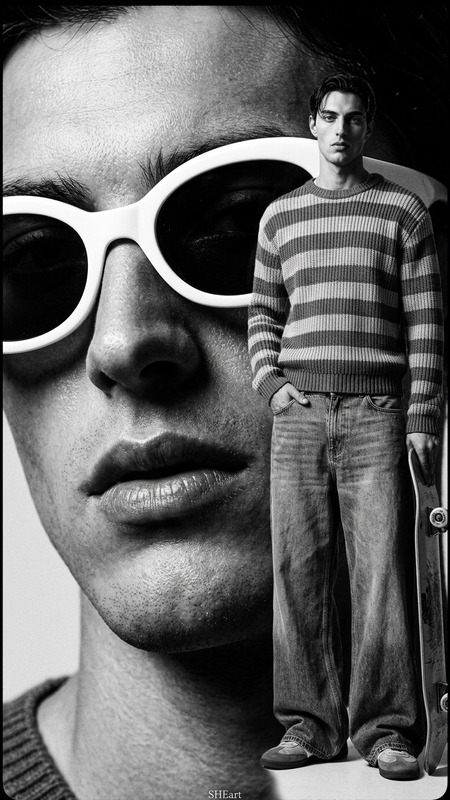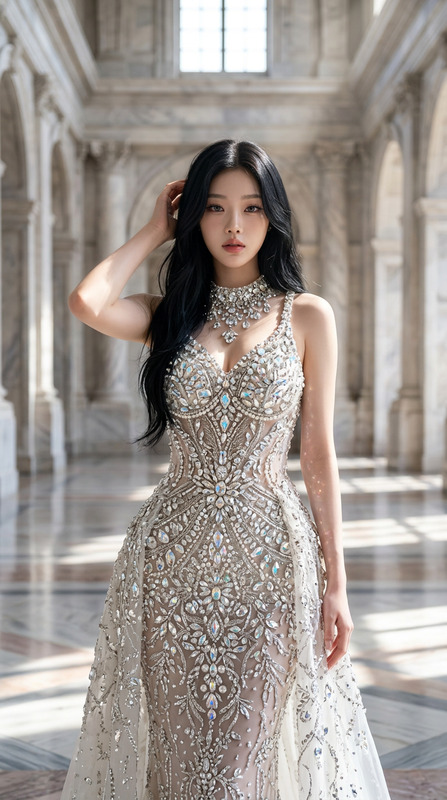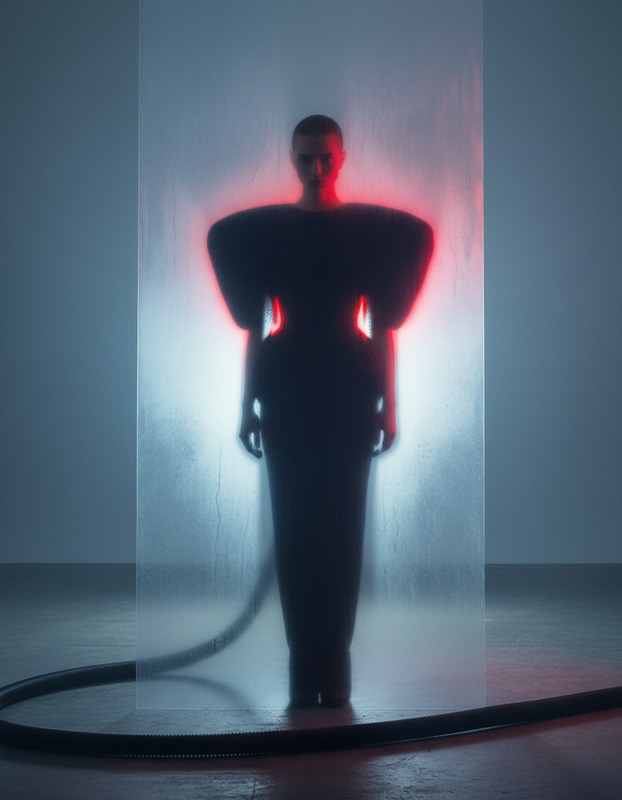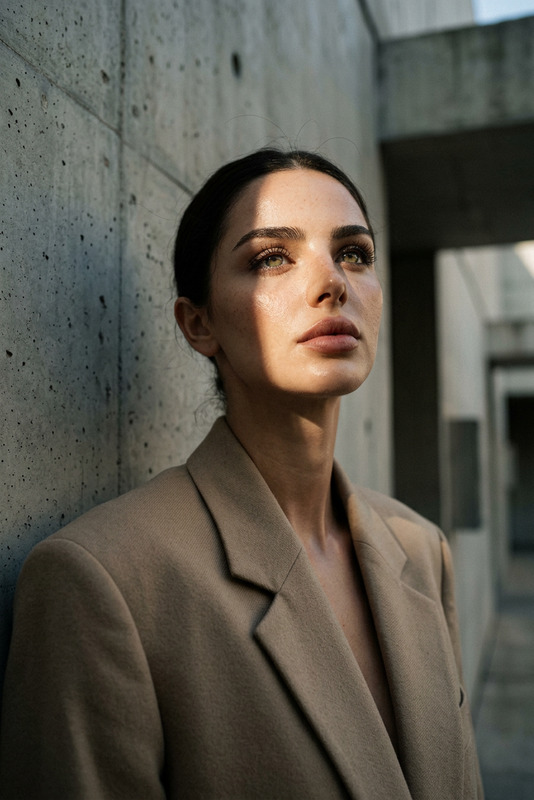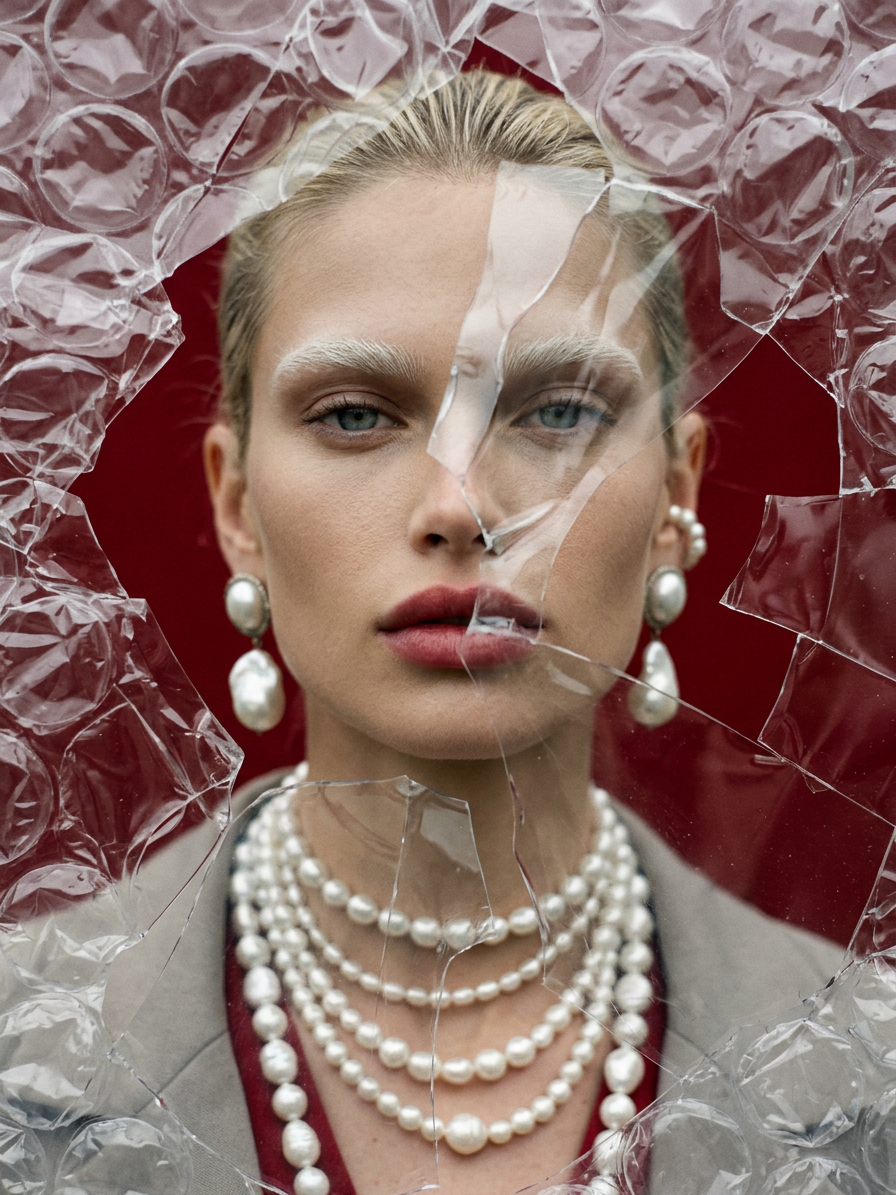
Shattered Plastic Editorial Portrait
- Model
- Nano Banana 2
- Image
- 896 × 1195 px
Prompt
Generate a high-fashion editorial portrait of a genderfluid model with white eyebrows and pearl jewelry, viewed through shattered bubble plastic that distorts and fragments the face; the scene is lit by soft overcast light, creating powdery tonal gradients in beige, gray, and subtle crimson accents; a strong red background intensifies contrast and adds visual tension behind the translucent plastic surface; the composition emphasizes texture layering between skin, pearls, and fractured plastic, with a shallow depth of field and soft focus transitions; the image is styled as an expired film simulation with visible halation, muted saturation shifts, and analog imperfections, creating an atmospheric, surreal, and emotionally charged fashion editorial aesthetic.
Any aspect ratio
Overview
The Shattered Plastic Editorial Portrait template in our AI Image Editor empowers you to create high-fashion editorial images with distinctive, surreal aesthetics. This template leverages the nano-banana-2 model to transform ordinary photos into extraordinary art pieces featuring fragmented perspectives and complex textures.
What It Does
This template generates editorial-quality portraits, encapsulating a genderfluid model adorned with white eyebrows and pearl jewelry. The visuals are crafted through shattered bubble plastic effects that fragment the face, set against a strong red background for enhanced contrast. The composition integrates expired film aesthetics, including muted saturation and analog imperfections.
Who It's For
This template is designed for fashion photographers, creative directors, and digital artists seeking to create innovative and textured imagery. Ideal for those who wish to explore new dimensions in portrait photography, offering a unique aesthetic that's both surreal and emotionally charged.
Summary
Utilize the Shattered Plastic Editorial Portrait to bring a dramatic, narrative-driven approach to your fashion projects. This template's focus on layered textures and distinct film simulation effects is perfect for those pursuing an avant-garde and editorial look.
With the AI Image Editor, you can transform your imagery into captivating works of art that push the boundaries of conventional fashion photography.
How-To
Choose Your Template

Customize Your Inputs

Generate Your Image

Use Cases
Fashion Editorial
- Add texture and drama to fashion spreads
- Emphasize unique styling through artistic visuals
Artistic Portraiture
- Use texture layering for artistic depth
- Craft visually striking images
Editorial Campaigns
- Design campaigns with visual stories
- Utilize atmospheric tones for emotional impact
Best Practices
Select the Right Base Image
Choose a clear, high-quality image of the model as the base for generating the best results.Experiment with Settings
Adjust the tonal gradients and saturation shifts to see what effects best suit your vision.Review and Refine
After generating, review the image closely for artistic elements like halation and texture balance, and make any necessary tweaks.