Ring of Fire – Crimson Presence
- Model
- Nano Banana 2
- Image
- 843 × 1264 px
Prompt
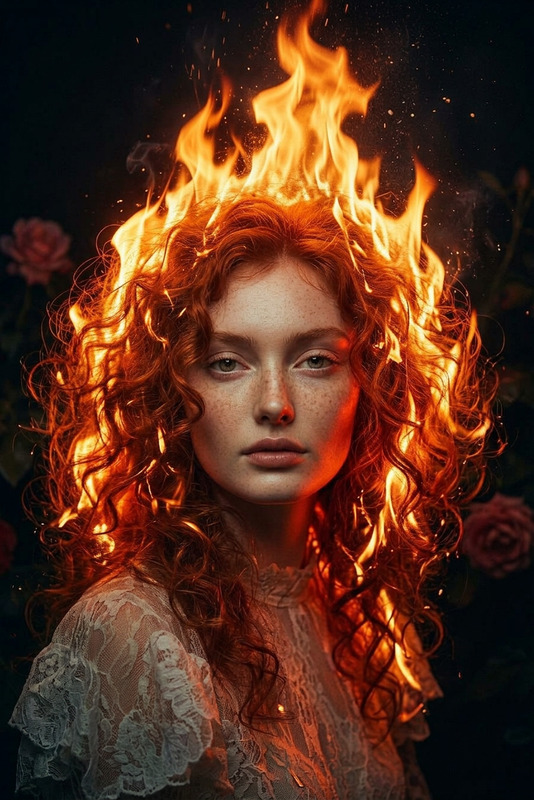
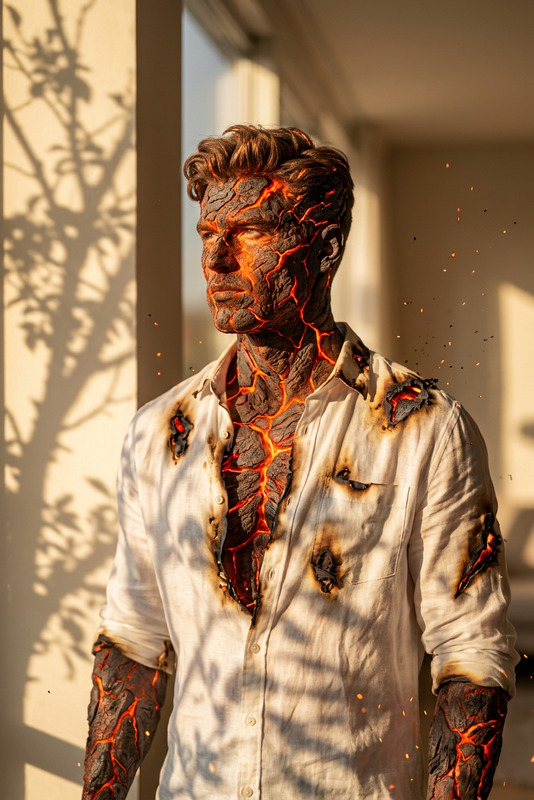
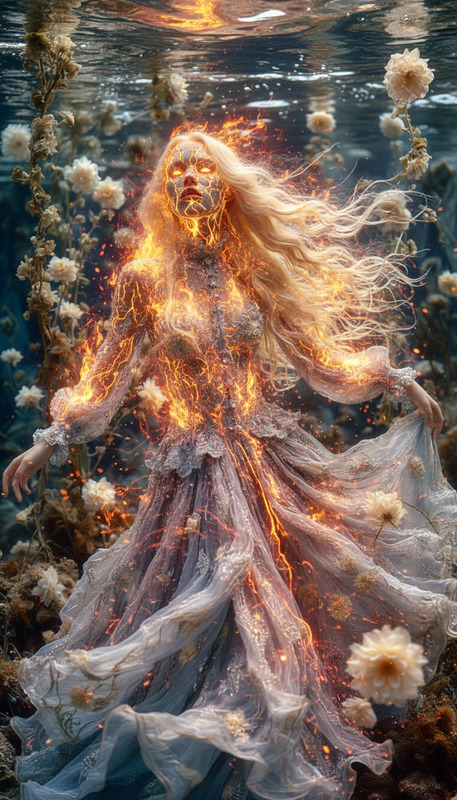
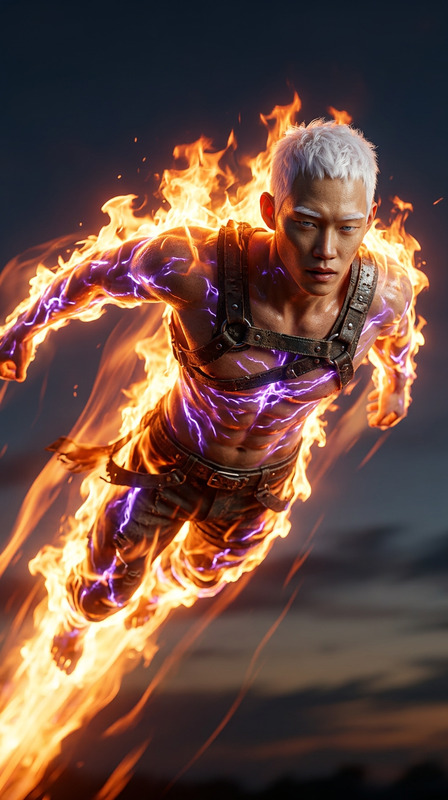
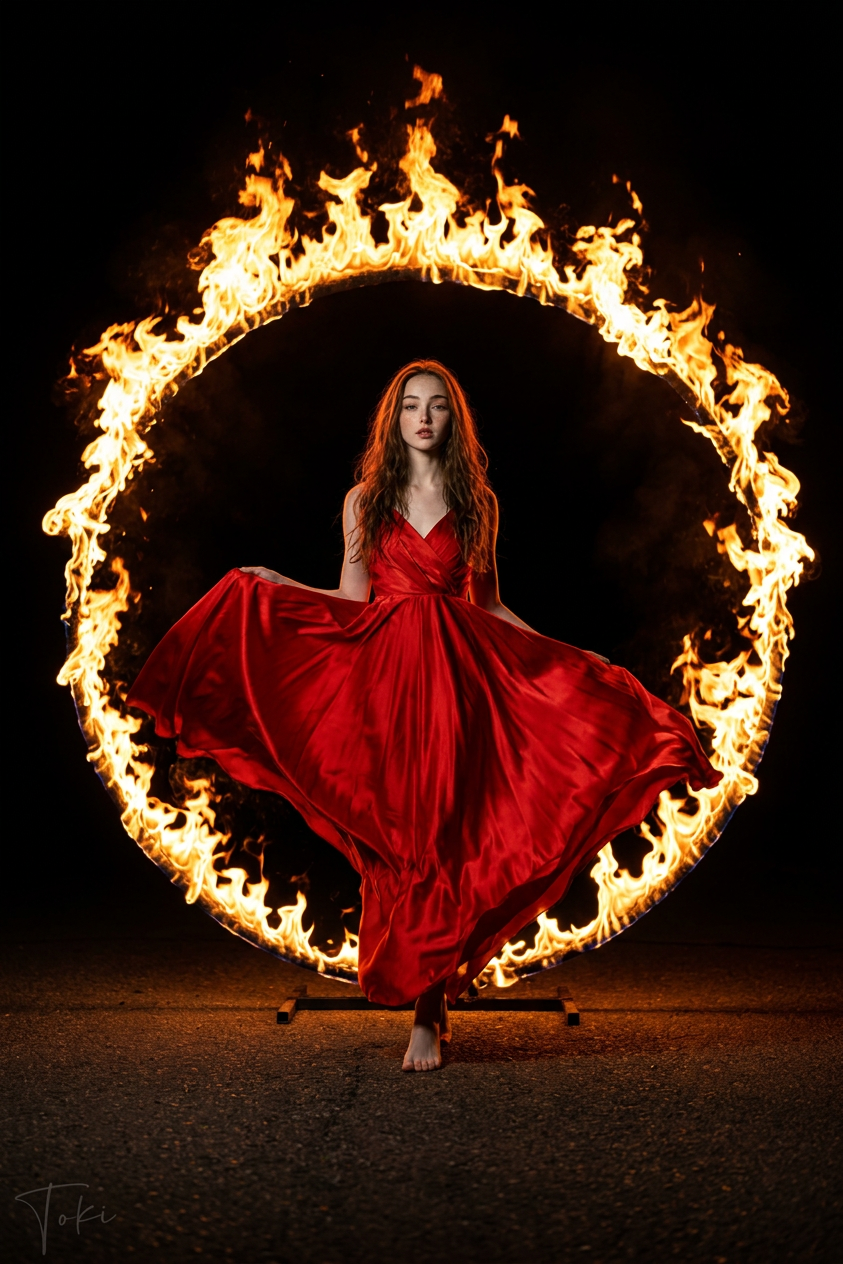
Cinematic wide shot of a subject standing at the center of a large ring of fire, wearing a flowing vibrant red dress. Orange and yellow flames encircle the subject against a pitch-black background, with dark asphalt ground beneath. Dramatic low-key lighting with a warm fire glow illuminates the subject’s form and fabric, creating strong highlights and deep shadows. Moody, high-contrast atmosphere, sharp focus, photorealistic detail, ultra-detailed, 8K resolution.
Any aspect ratio
Overview
The Ring of Fire – Crimson Presence template is an AI-driven image editing tool using the powerful nano-banana-2 model. This template specializes in creating dramatic, moody images centered around a subject amid a vibrant ring of fire. Ideal for projects that demand high-impact visuals with a photorealistic touch, this template delivers stunning results in 8K resolution.
What It Does
This template transforms your input images into dramatic scenes where a subject is depicted at the center of a flaming ring. The vibrant red dress amidst the flames enhances the cinematic effect, providing a striking contrast to the deep shadows and intense highlights. If you're looking to create visually arresting images, this template provides the tools you need to do so effectively.
Explore additional features with the AI Image Editor for even more creative possibilities.
Who It's For
Ring of Fire – Crimson Presence is designed for creators across a range of fields. Photographers, filmmakers, and digital artists seeking bold visual statements can benefit from its capabilities. Whether working on a fantasy project or developing dramatic media content, this template suits projects that thrive on fiery, dynamic imagery.
For more creative editing options, visit the AI Multi-Angle Generator.
Summary
In summary, the Ring of Fire – Crimson Presence is a compelling tool for generating high-quality, photorealistic images with a cinematic flair. Perfect for users aiming to produce standout visuals with a dramatic edge, this template pairs creativity with cutting-edge AI technology.
How to Use
Choose Your Template

Customize Your Inputs

Generate Your Image

Use Cases
Fantasy Projects
- Immersive album covers
- Fantasy book illustrations
Promotional Material
- Eye-catching social media posts
- Dynamic advertising content
Art Exhibitions
- Gallery installations
- Experimental art pieces
Best Practices
Lighting Control
Focus on balancing the warm glow of the fire with shadows to maintain the cinematic feel.Resolution Setting
Ensure your input images are high-quality to take full advantage of the 8K output.Subject Positioning
Place subjects centrally to enhance the impact of the flame ring effect.