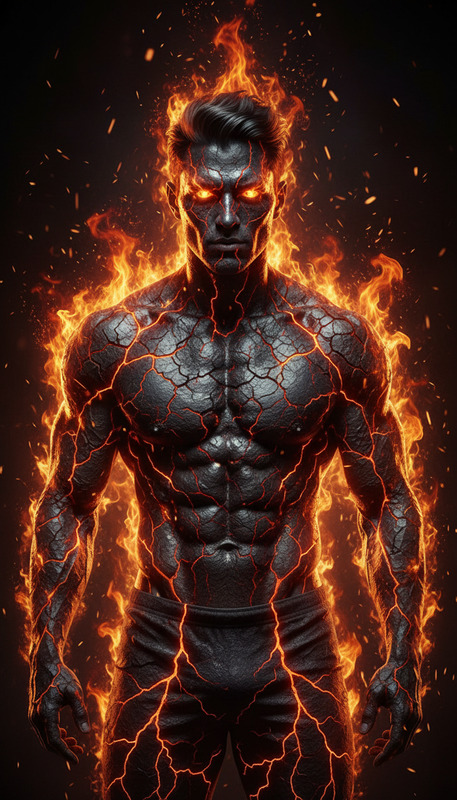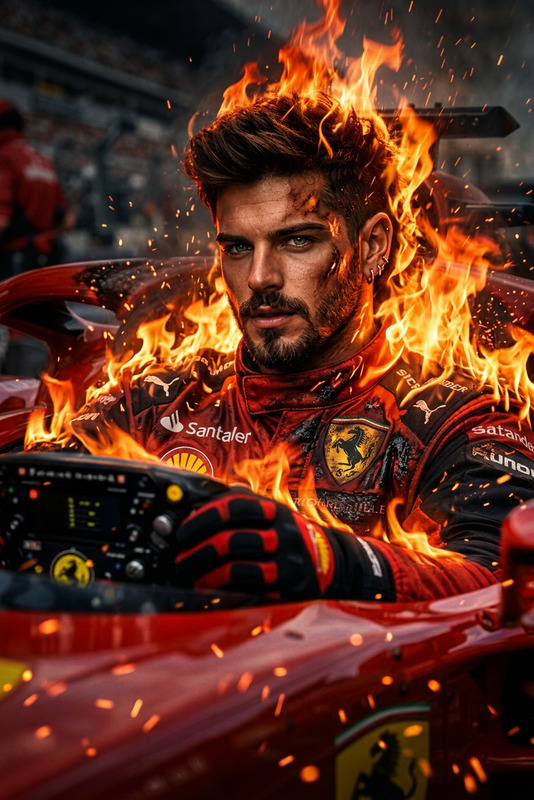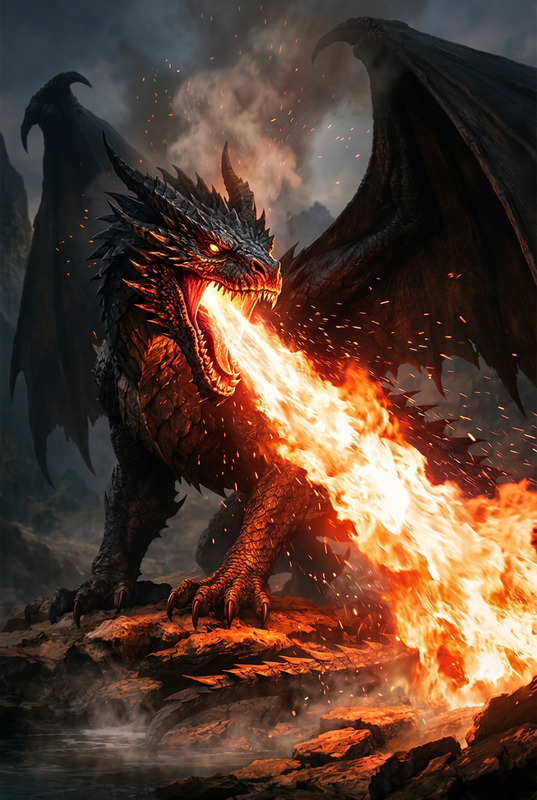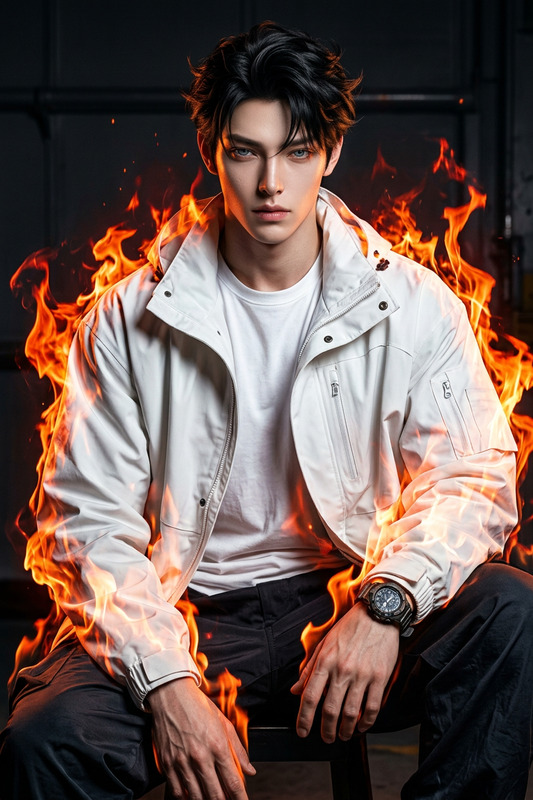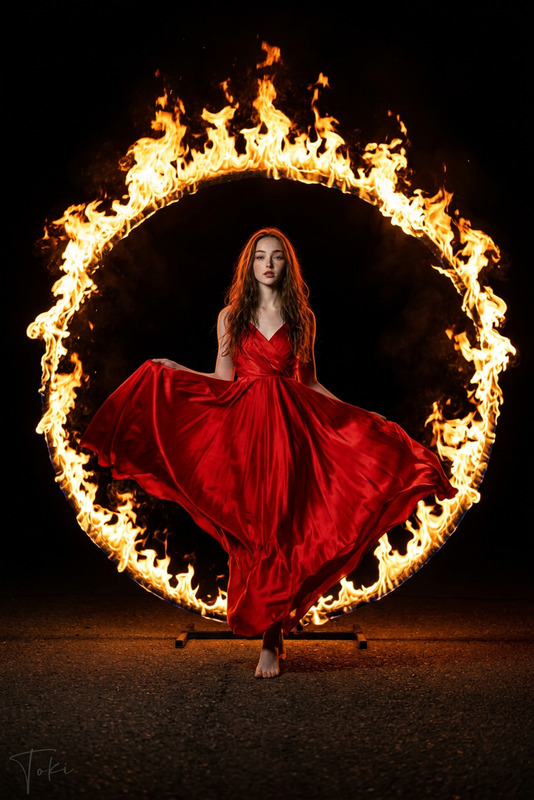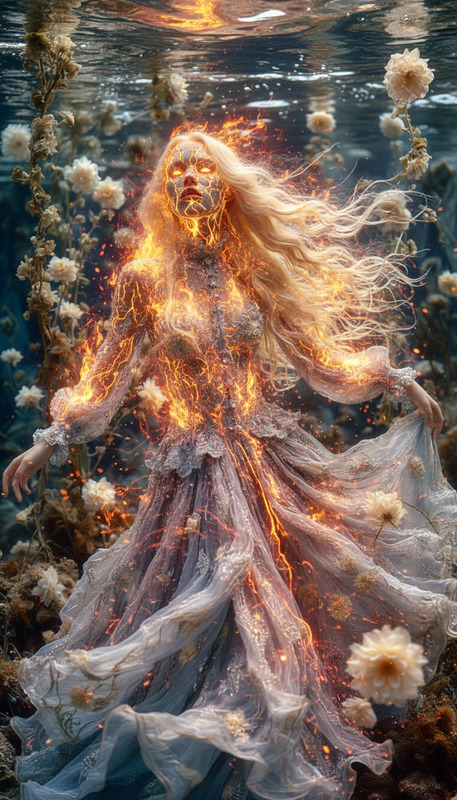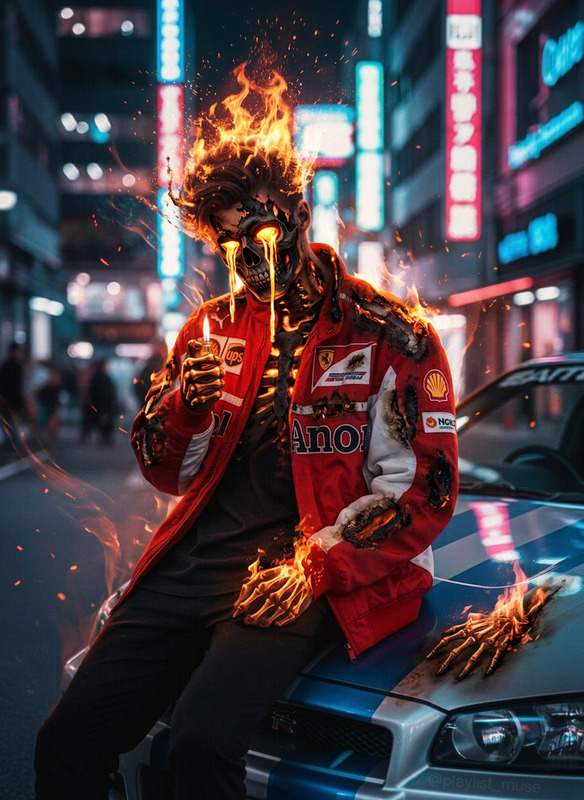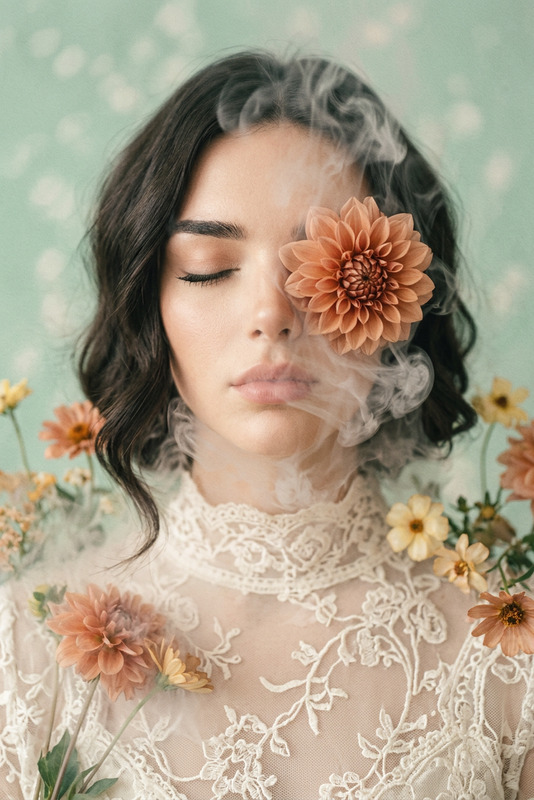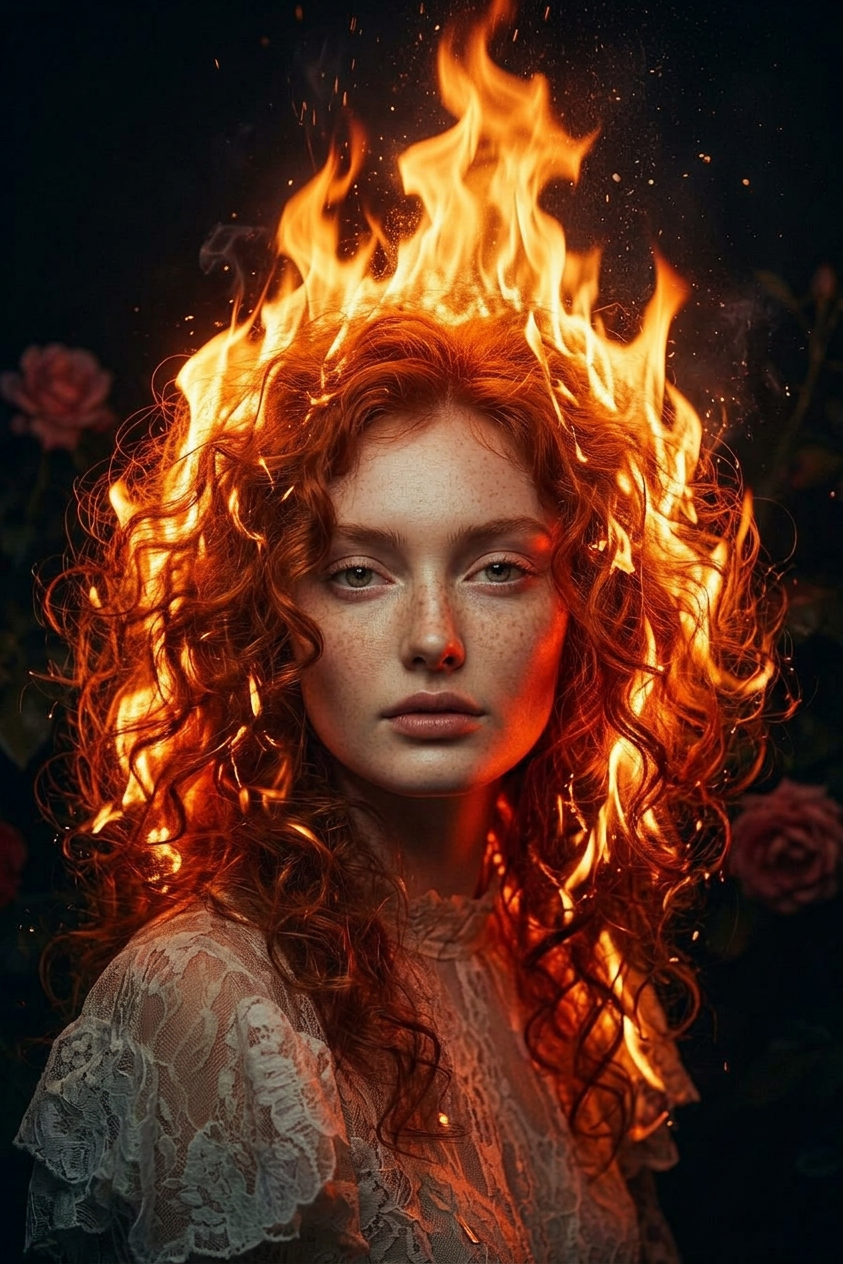
Burning Hair Cinematic Portrait
- Model
- Nano Banana 2
- Image
- 843 × 1264 px
Prompt
A cinematic close-up portrait of a subject facing the camera, with only the hair engulfed in vivid realistic flames, strands burning and flickering upward while the face remains calm and untouched. Detailed embers and sparks rise subtly, casting a warm glow on the forehead and facial edges. Dark background, high contrast dramatic lighting, surreal and ultra-detailed, photorealistic fire simulation, slow-motion cinematic feel.
Any aspect ratio
Overview
The Burning Hair Cinematic Portrait template offers users a captivating way to generate images with a signature surreal flair. Built with the nano-banana-2 model, this AI Image Editor template creates striking portraits that feature vividly flaming hair. The high contrast, dramatic lighting, and attention to photorealistic detail ensure your projects stand out.
What It Does
Transform ordinary portraits into extraordinary works of art with the Burning Hair template. By focusing on detailed fire simulation and realistic lighting effects, it captures movement and emotion in a surrealistic style. It is particularly well-suited for high stakes visual storytelling, adding a layer of intensity that engages viewers through dramatic visual effects, much like the AI Image Editor capabilities.
Who It's For
This template is perfect for graphic designers, digital artists, and filmmakers who seek to add dramatic flair to their projects. With its detailed cinematic effects, it serves as a valuable tool for those involved in dramatic storytelling, as well as marketing professionals aiming to create captivating visual content.
Summary
By seamlessly blending photorealistic fire effects with portrait photography, the Burning Hair template presents a bold and dramatic option for visual creators. Ideal for enhancing AI-generated images or handpicked creative endeavors, this template sparks innovation in storytelling through visuals, keeping audiences mesmerized.
How To
Choose the Template

Customize Your Inputs

Generate and Download

Use Cases
Dramatic Storytelling
- Visualizing emotional intensity
- Enhancing plot twists
Marketing and Advertising
- Eye-catching social media graphics
- Attention-grabbing posters
Artistic Projects
- Gallery-ready prints
- Unique digital artworks
Best Practices
Choose the Right Portrait
Select images with clear facial features and enough headroom to enhance the flame effect's visibility.Adjust Lighting Settings
Match the template’s high-contrast requirement by tweaking brightness and contrast settings beforehand.Experiment with Flames
Use different flame colors and intensities to create varied effects and tailor the mood of the image.