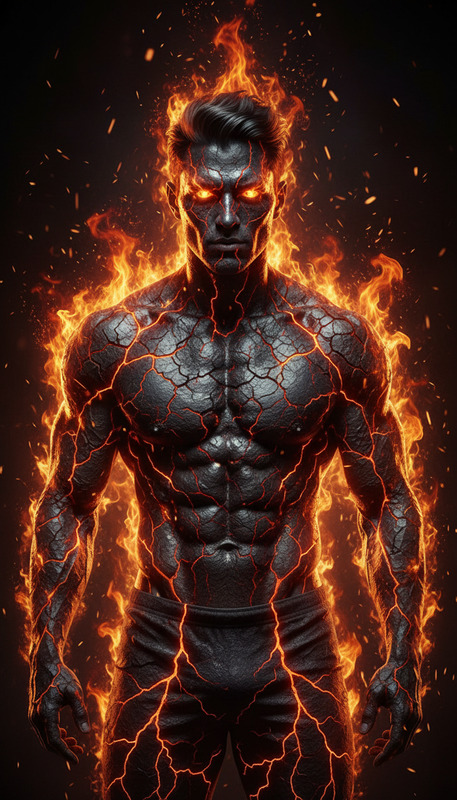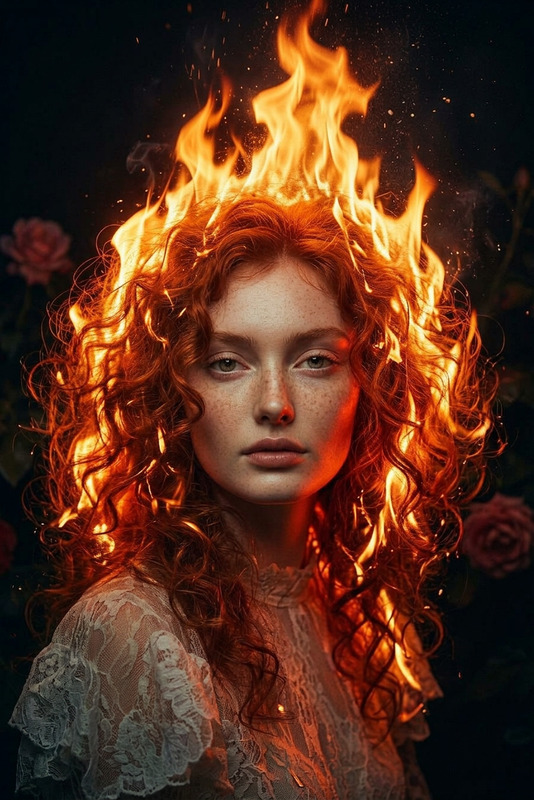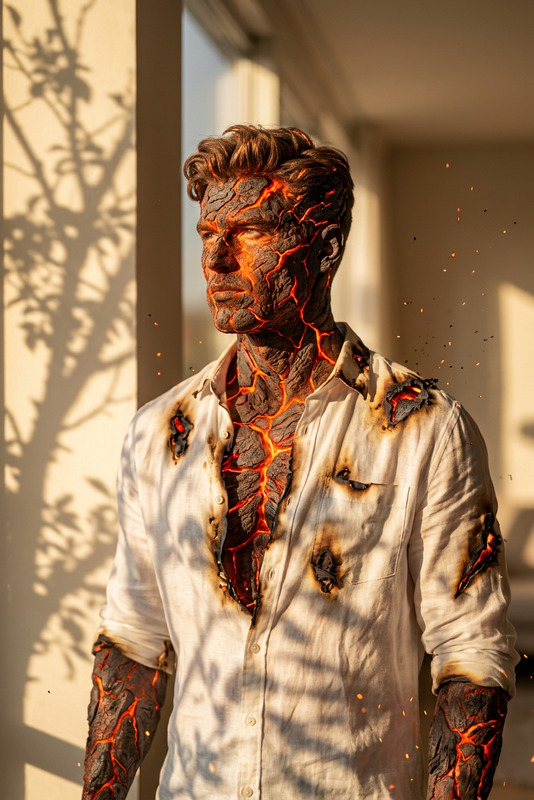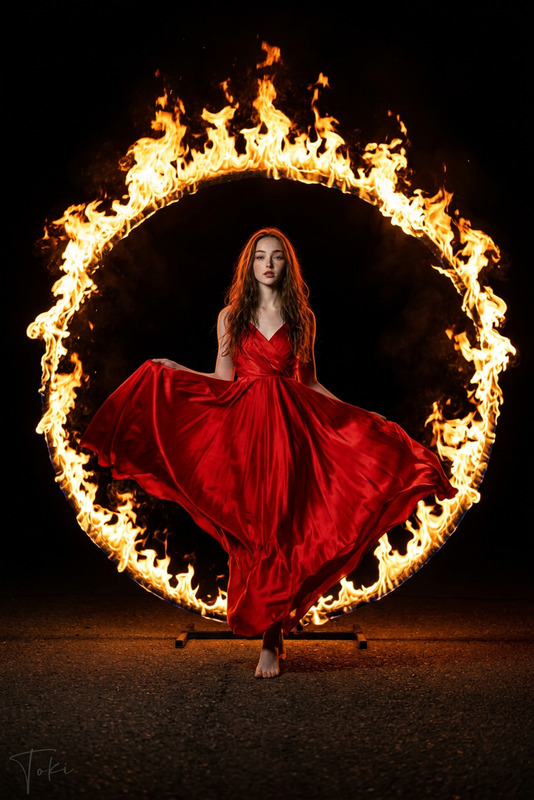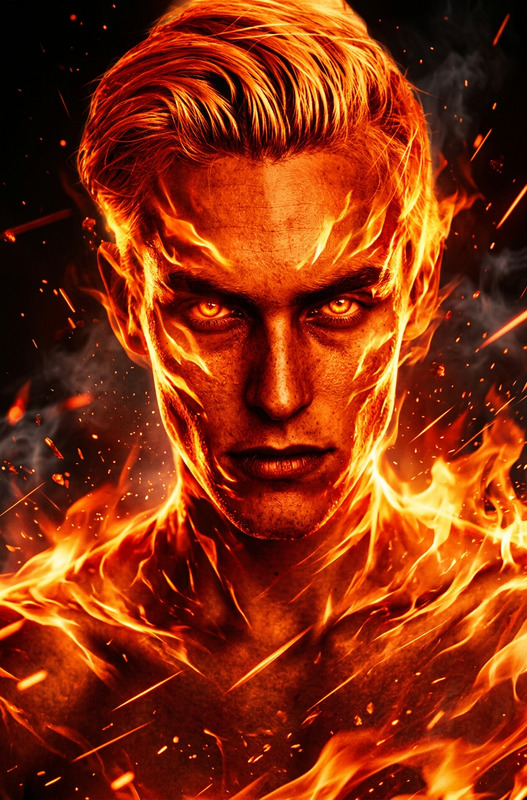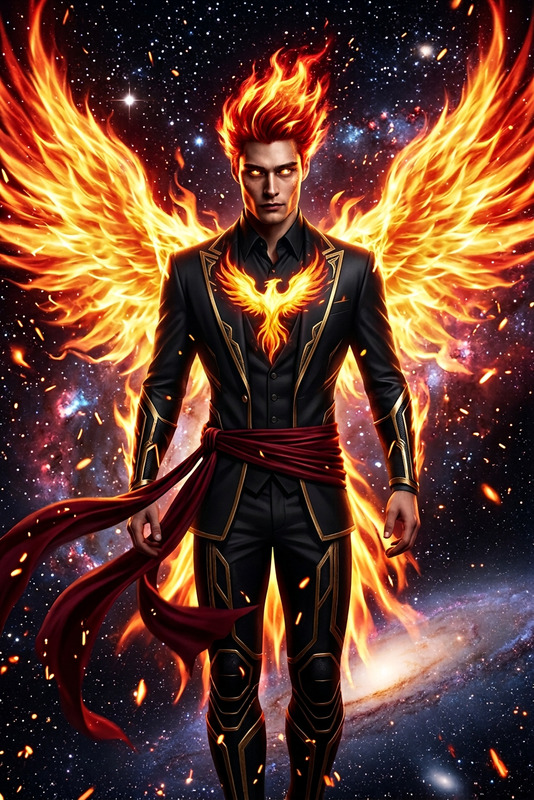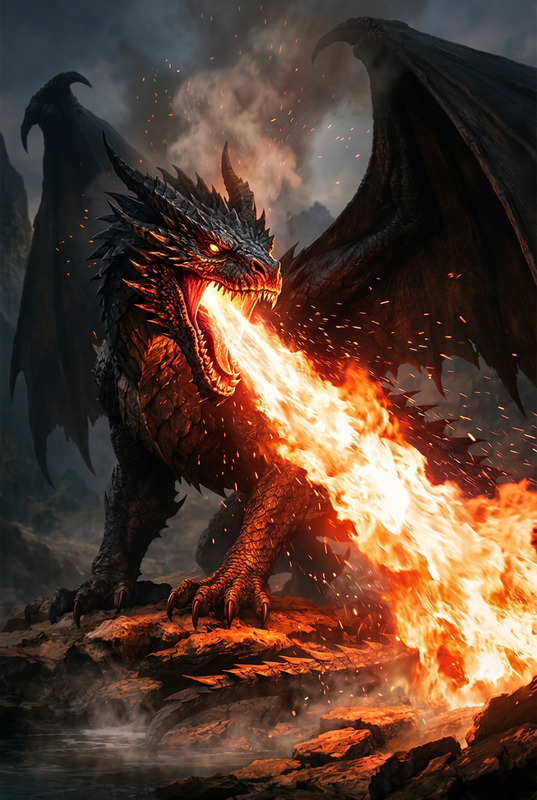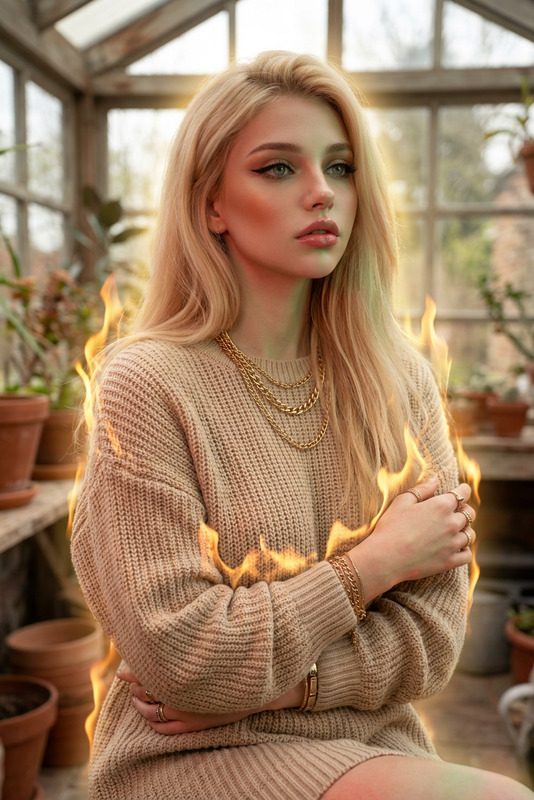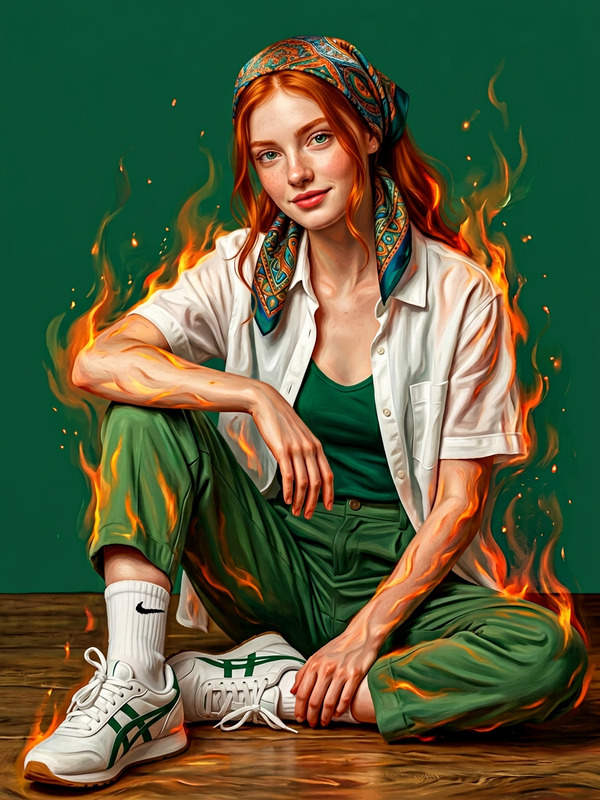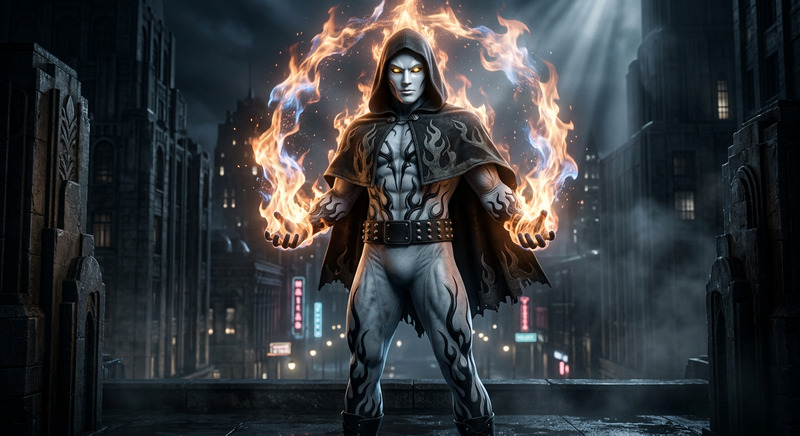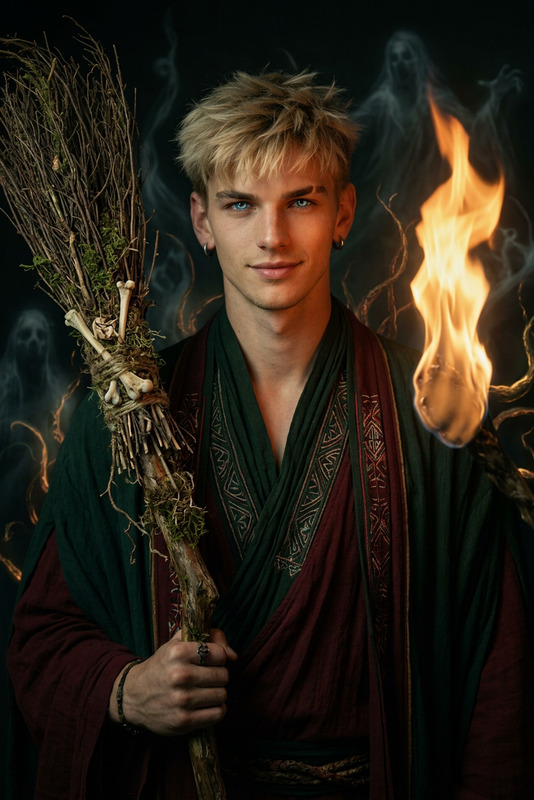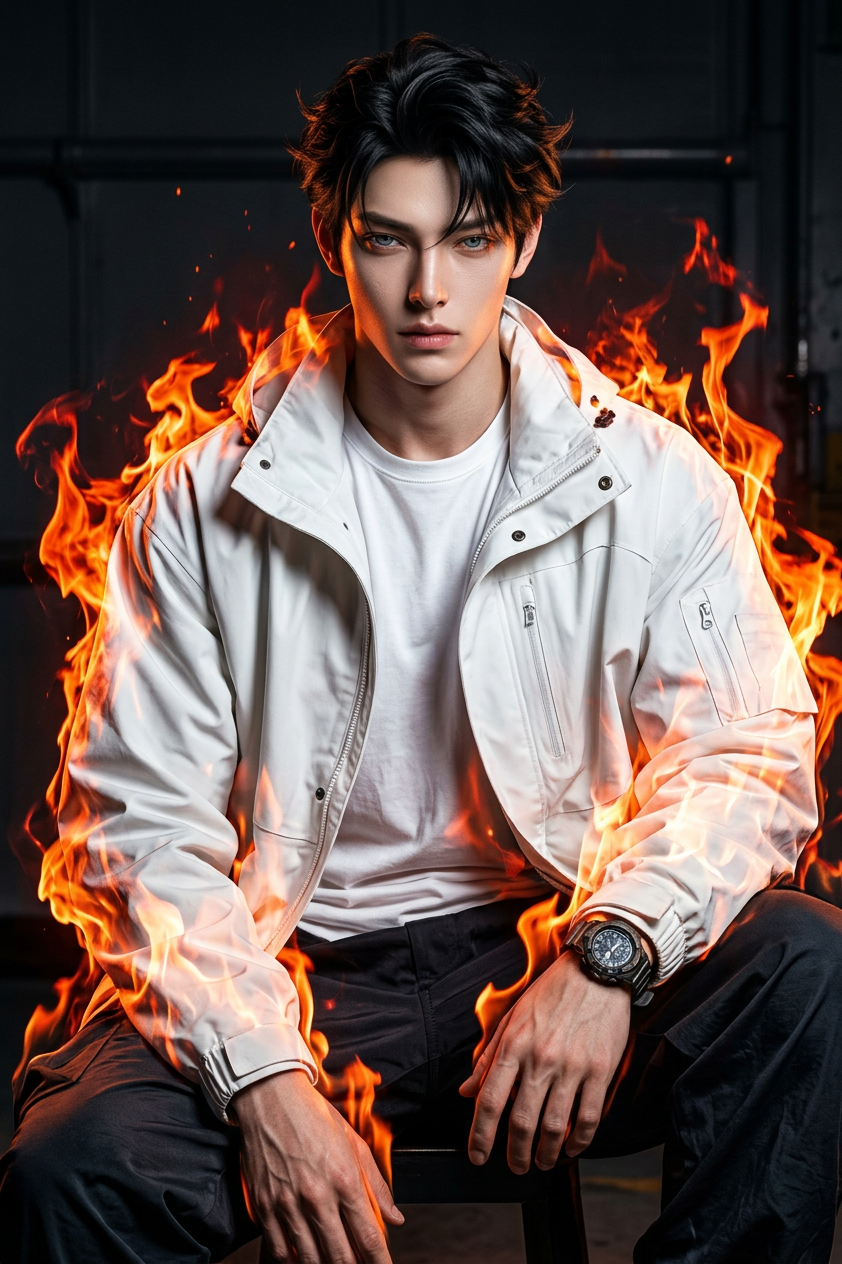
Flame Aura Street Portrait
- Model
- Nano Banana 2
- Image
- 842 × 1264 px
Prompt
The subject has stylish voluminous black hair with a brown tone and light skin, wearing an oversized white jacket, t-shirt, baggy pants, and a watch. Keep 100% exact facial likeness from the reference image with no alteration. The subject’s entire body is engulfed in dynamic flames, creating a powerful, fiery aura while maintaining clear visibility of details. Cinematic lighting, high contrast, intense energy, sharp focus, photorealistic.
Any aspect ratio
Overview
The Flame Aura Street Portrait template enhances your images with a captivating fiery aesthetic using the AI Image Editor. It's tailored for artists who love vivid colors and dynamic compositions in street-style imagery.
What It Does
This template adds a dramatic flame effect to portraits while preserving the subject’s exact facial likeness. Crafted with the nano-banana-2 model, it integrates photorealistic cinematic lighting to amplify the image’s intensity and focus.
Who It's For
Ideal for digital artists, photographers, and creators on platforms like Instagram Reels or TikTok who wish to experiment with high-energy visuals. It's also suitable for anyone eager to take their portrait photography to a new, creative level.
Summary
The Flame Aura Street Portrait template is a straightforward yet powerful tool that turns ordinary street portraits into stunning visual narratives. With the AI-driven capabilities of AI Image Editor, enjoy bold, colorful outcomes that speak to contemporary artistic trends.
How to Use the Flame Aura Street Portrait Template
Choose Your Template

Customize Your Inputs

Generate and Download

Use Cases
Artistic Photography Enhancements
- Creative portfolios
- Unique social media content
Social Media Content
- Instagram posts
- TikTok videos
Digital Art Projects
- Graphic design projects
- Illustration enhancements
Best Practices
Start with High-Quality Images
For the best results, use high-resolution images to ensure details remain sharp and clear post-editing.Experiment with Flame Intensity
Adjust the flame settings to find a balance that complements rather than overwhelms your portrait.Preserve Original Features
Always ensure the subject's key facial characteristics remain unchanged to maintain authenticity.