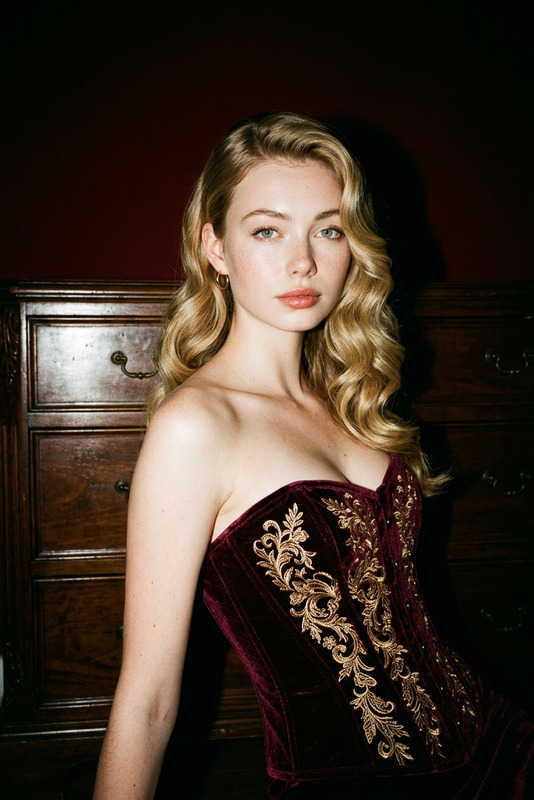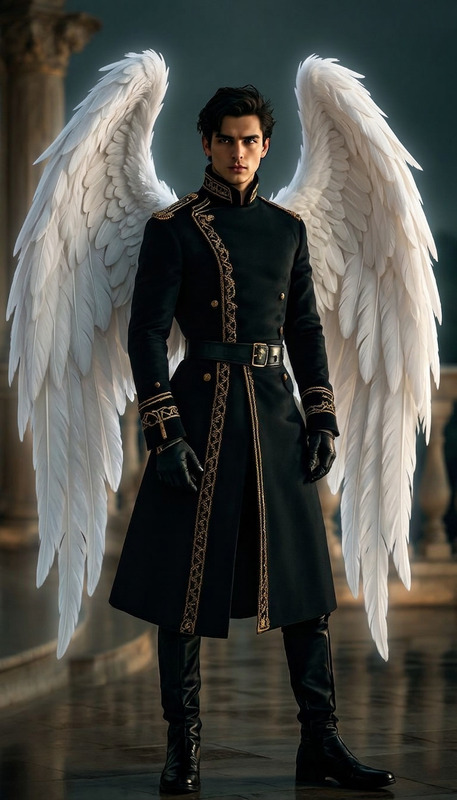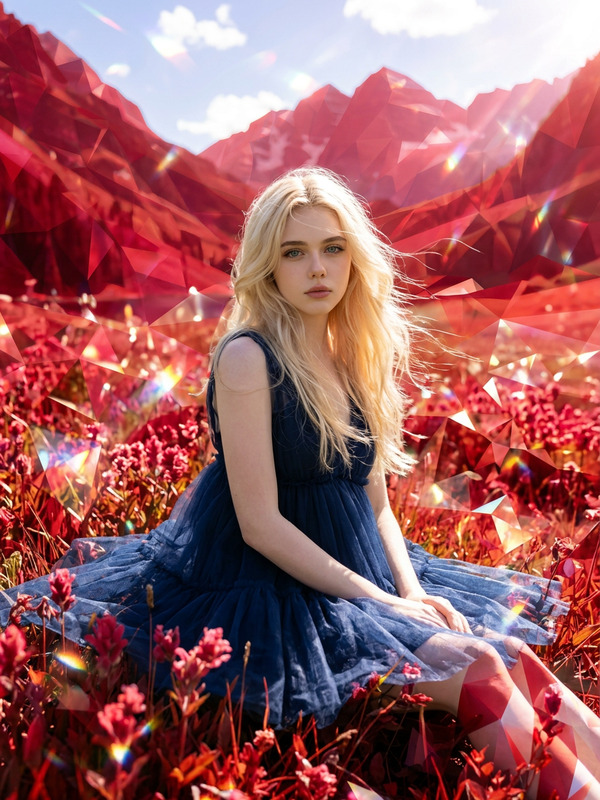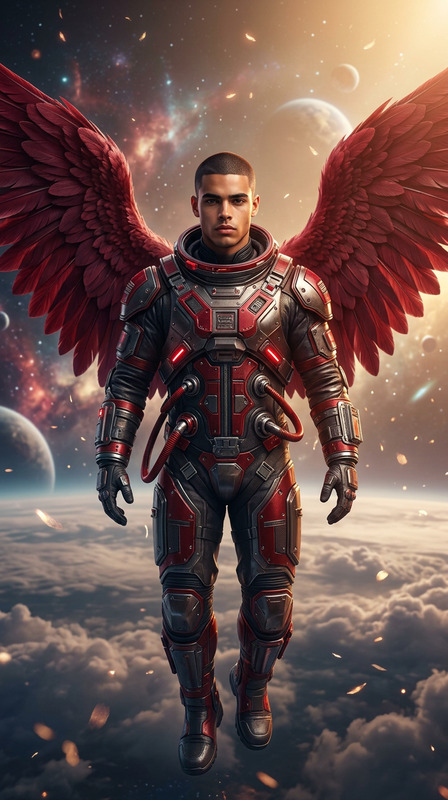
Red wings

Red wings

ai-image-editor

1 clip
1 uses

Any aspect ratio

Prompt

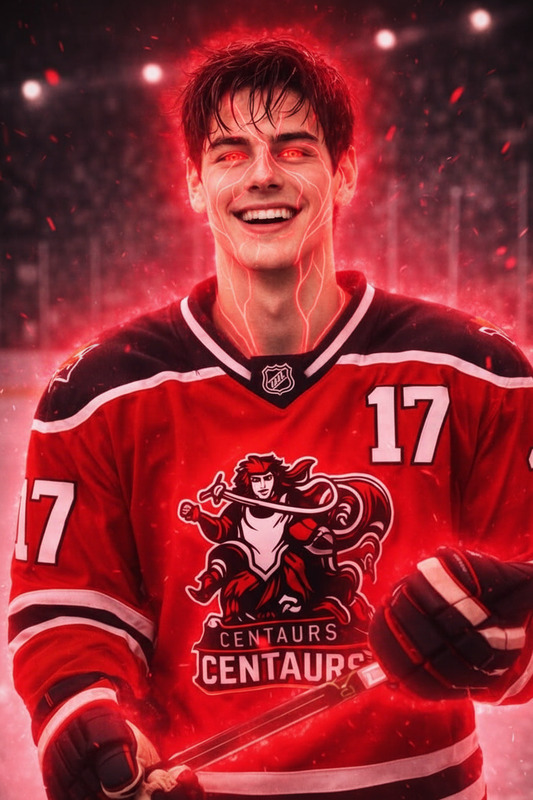
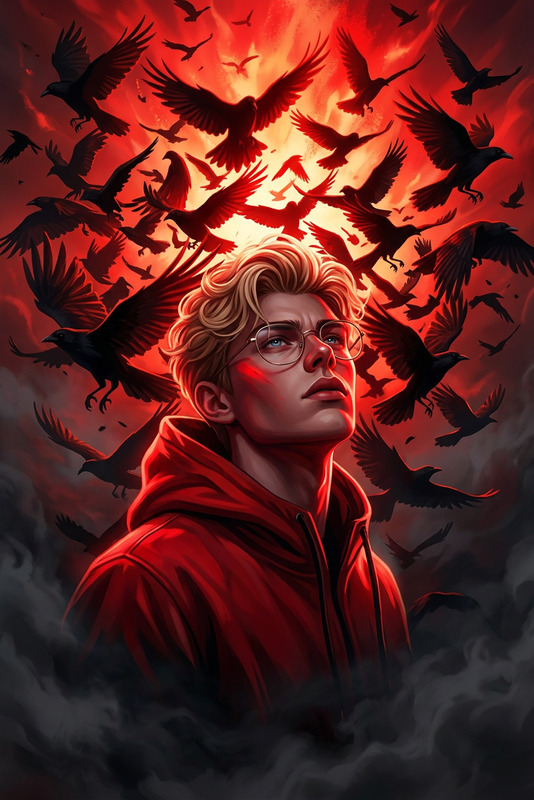
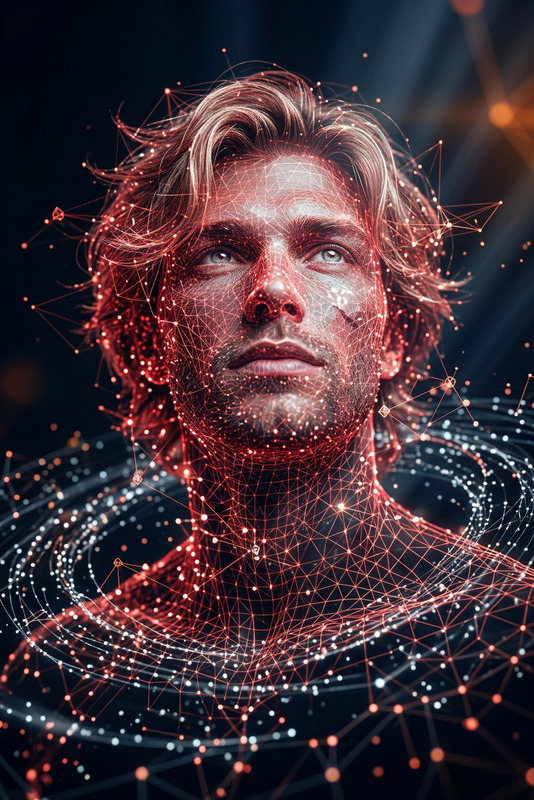
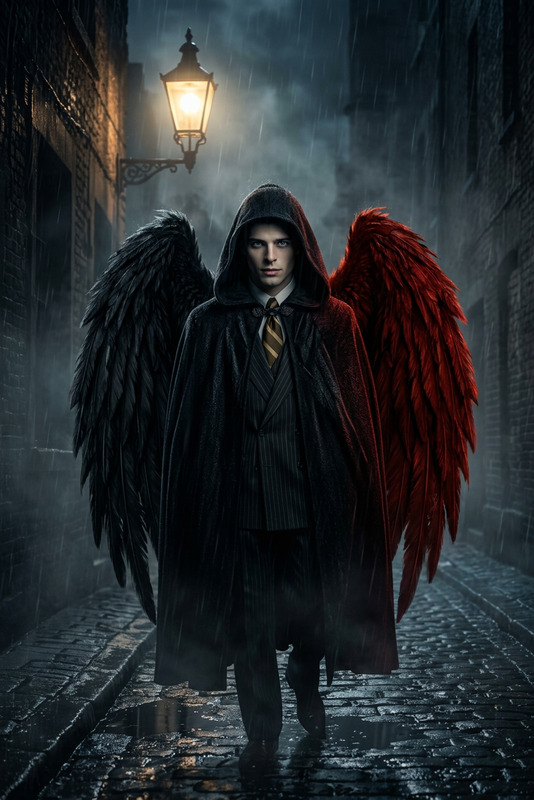
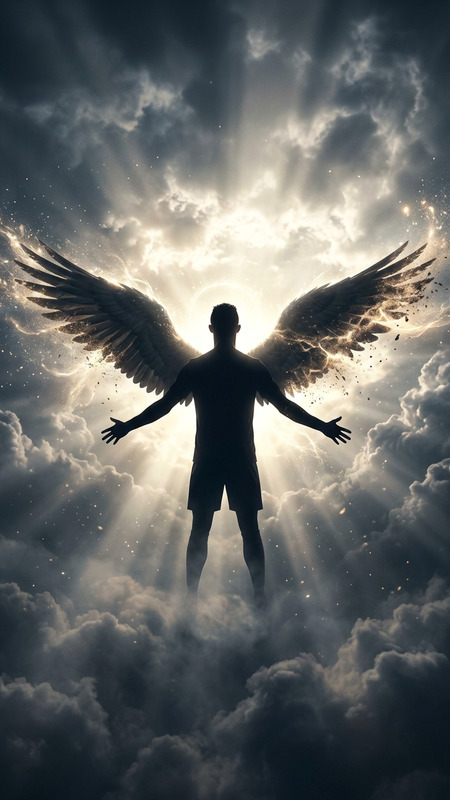
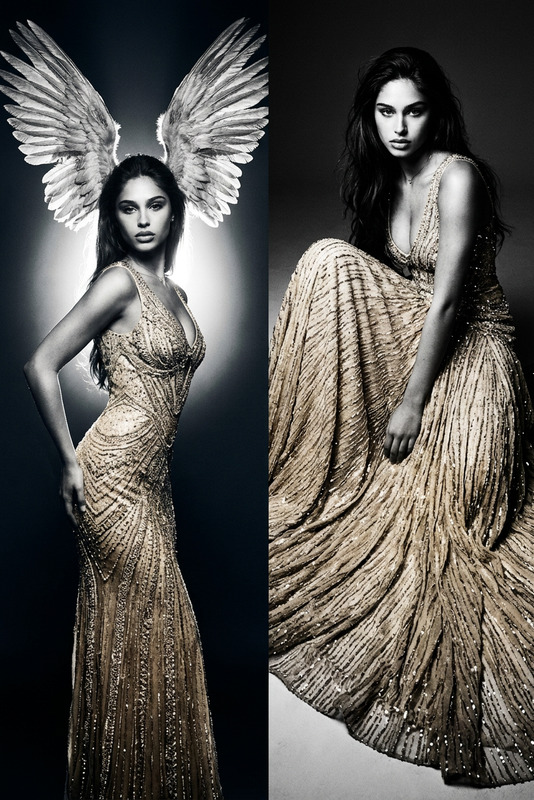
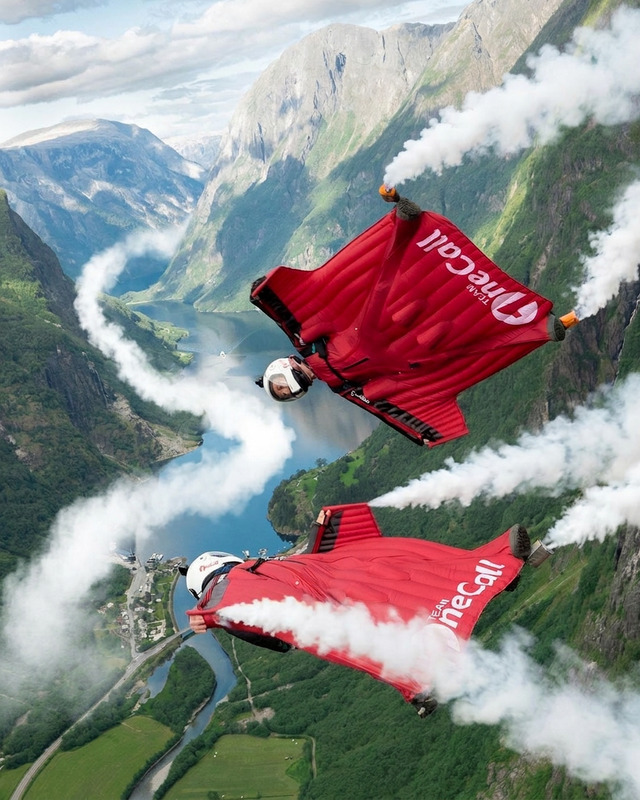
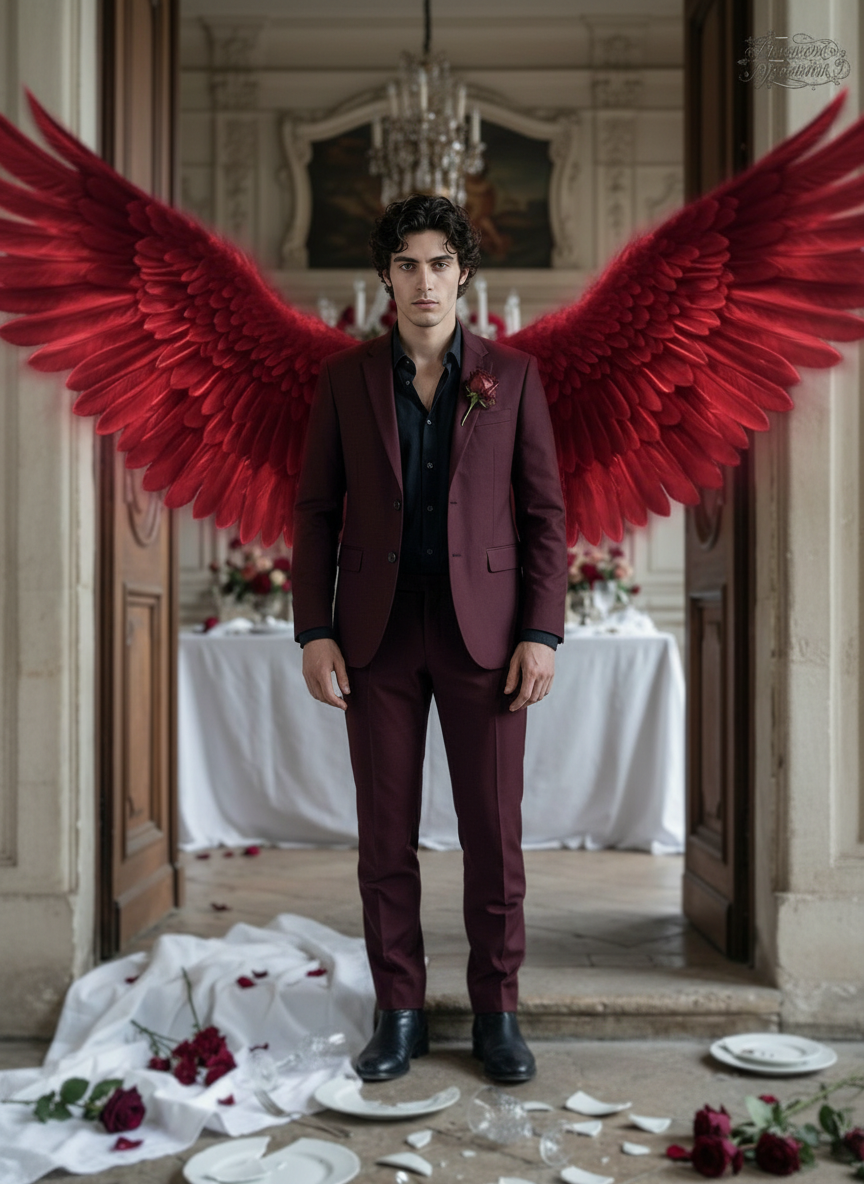
Cinematic shot of a subject as large red angel wings unfurl from their shoulders, feathers spreading wide with dramatic motion. The wings glow subtly with deep crimson tones, catching light as they extend. The subject stands powerful and composed, framed by the striking contrast of red against the background. Majestic, intense aesthetic, ultra-realistic, HDR, high contrast, shallow depth of field.

Transform Product Photos into High-Converting Ads with AI Image Editor

Turn ordinary product shots into scroll-stopping ecommerce creatives in minutes. This template is built on Magic Hour’s AI Image Editor, so you can quickly remix backgrounds, lighting, props, and compositions—without reshoots or Photoshop.

Use it to create:

  • Ecommerce product photos for Shopify, Amazon, Etsy
  • Social media ad creatives (Meta, TikTok, Pinterest)
  • Landing page hero images and banners
  • Variant testing assets for performance marketing

What This Template Does

This template gives you a repeatable workflow to:

  • Cleanly isolate your product
  • Drop it into professional, on-brand environments
  • Add realistic lighting, reflections, and shadows
  • Generate multiple style variations for A/B testing

Under the hood, it uses the same engine as Magic Hour’s:

You can easily remix this template inside Magic Hour to match your brand’s style, channels, and campaign goals.


How to Remix This Template in Magic Hour

You don’t have to start from scratch. Here’s a practical way to clone and adapt this workflow using Magic Hour tools:

  1. Import Your Base Product Photo

    • Use a clean shot of the product (ideally centered, good lighting).
    • If you only have lifestyle photos, the template can still work; the AI will help you isolate the product.
  2. Remove or Replace the Background

    • Use the Image Background Remover or the erase tools in AI Image Editor to separate your product from the background.
    • This gives you a flexible “cutout” you can drop into unlimited scenes (studio, lifestyle, seasonal, UGC-style).
  3. Apply This Template’s Prompt Logic

    • Open the template and look at how the prompt describes:
      • Background style (studio, lifestyle, minimal, luxury, natural, etc.)
      • Lighting (soft light, hard shadows, golden hour, neon, etc.)
      • Camera angle (front, three-quarter, top-down, macro)
      • Context (kitchen counter, office desk, bathroom shelf, outdoor scene)
    • Remix it by swapping in:
      • Your product category (e.g., “skincare serum bottle,” “running shoe,” “minimalist backpack”)
      • Your brand style (“minimal, Apple-like,” “warm, natural light,” “bold, colorful DTC look”)
  4. Generate Multiple Variants for Testing

    • Create multiple scenes and compositions in one session:
      • Clean studio shots for product pages
      • Lifestyle setups for paid social
      • Seasonal or themed versions (holidays, summer, back-to-school)
    • Use AI Image Upscaler to prep final assets for marketplaces or large-format ads.
  5. Add People, Context, or Storytelling (Optional)

    • If you want human-focused creatives:
    • For UGC-style ads, keep scenes imperfect and natural (phone-like angles, casual lighting) using the same prompt structure.
  6. Export and Reuse as a System

    • Save your best-performing looks (e.g., “TikTok dark mode layout,” “Amazon main image,” “Pinterest lifestyle vertical”) as reusable prompt recipes.
    • You can build a small internal library of “brand-safe” templates by duplicating this one and adjusting prompts for each channel.

Who This Template Is For

This AI Image Editor template is designed for teams that need to move fast without compromising on visual quality:

  • Ecommerce brands & DTC founders
    Ship new product photo sets or seasonal campaigns without booking a studio every time.

  • Growth marketers & performance teams
    Launch and iterate ad creatives faster, generate 10–20 variants per concept for testing.

  • Designers & creative leads
    Use AI as a first-pass ideation tool, then refine in your preferred design stack.

  • Developers & product builders
    Prototype visual flows (onboarding screens, paywalls, landing pages) with realistic product shots quickly.


Ideas for Advanced Remixes

If you want to go beyond basic product photos, you can connect this template with other Magic Hour tools:

  • Turn edited images into animated videos

    • Use Image-to-Video or Text-to-Video to turn your hero product images into short motion assets.
    • Great for TikTok, Reels, or paid social intros.
  • Create looping GIFs for email & social

    • Use AI GIF Generator to animate subtle movements (shimmering product, rotating bottle, lighting shifts).
  • Generate entire brand visual worlds

  • Make ad-ready thumbnails & covers


Best Practices and References

Teams that excel with AI-generated product visuals tend to:

  • Maintain consistent angles, lighting, and color across collections to build recognizable brand identity.
  • Use multiple creative directions (minimalist, lifestyle, bold experimental) in early tests, then double down on what converts.
  • Keep text overlays minimal in images; reserve detailed copy for ad text, emails, and landing pages.
  • Respect platform guidelines (e.g., Amazon image policies, Meta ad text rules) when exporting final assets.

For deeper reading on high-performing ad creatives and product photos, see:

  • Meta’s “Creative Guidance Navigator” for ad best practices
  • Amazon’s style guides for main and secondary product images
  • Shopify’s recommendations for ecommerce photography and conversion

You can translate those best practices directly into your prompts and scene descriptions in this template.


Related Magic Hour Tools Worth Exploring

Depending on your workflow, these tools can complement this AI Image Editor template:

If you later want to add motion, facial performance, or character-driven elements on top of your edited images, explore templates and tools like:


How to Get Started

  1. Open this template inside Magic Hour.
  2. Upload a clear product photo or use AI Image Generator / AI Photo Generator to create one.
  3. Follow the steps above to remove the background, apply the prompt logic, and generate multiple scenes.
  4. Save your best results as your own reusable “brand templates” and keep iterating.

Use this AI Image Editor template as a foundation, then keep remixing it to build a robust, testable system for product visuals that can keep up with your marketing and product roadmap.

More Like This