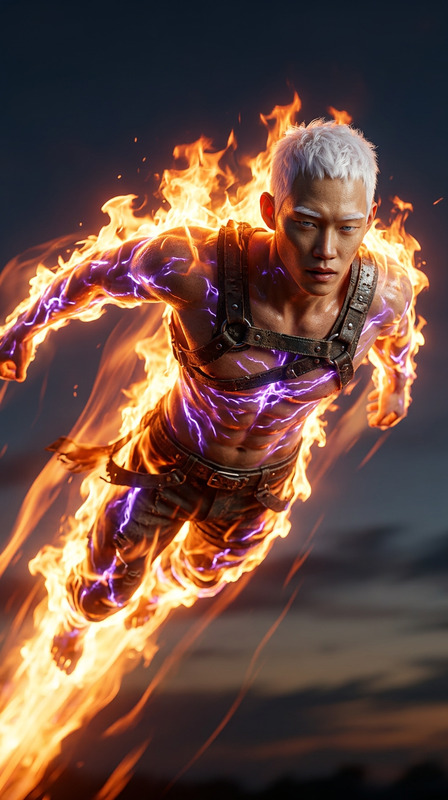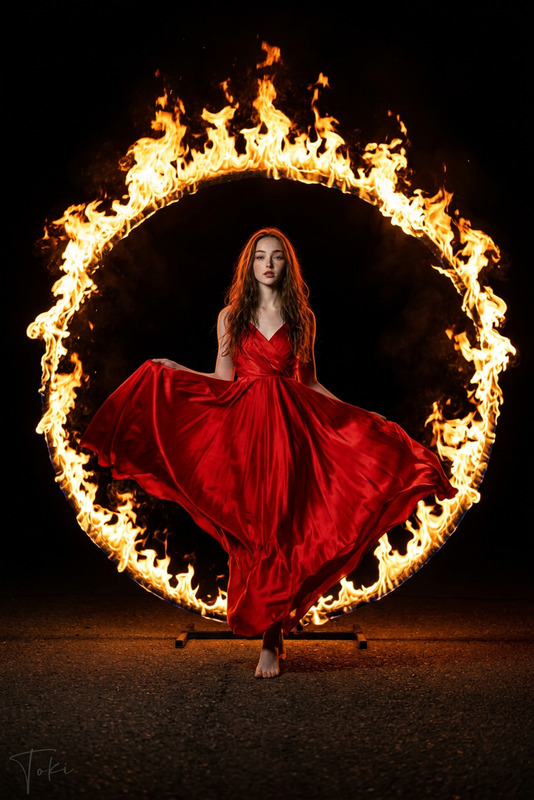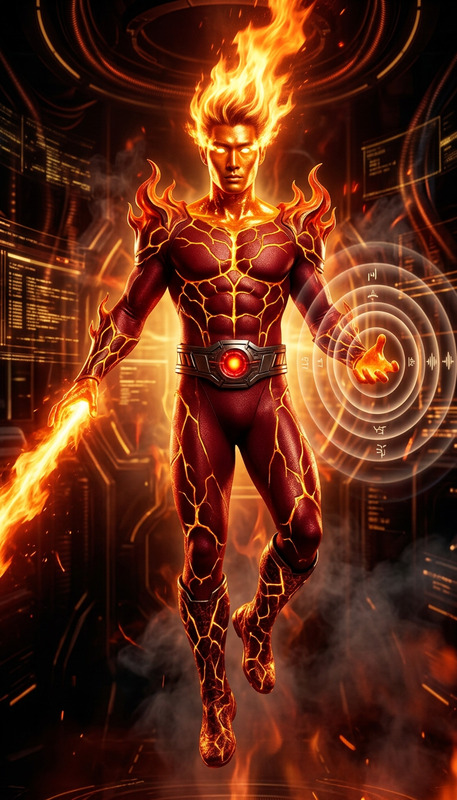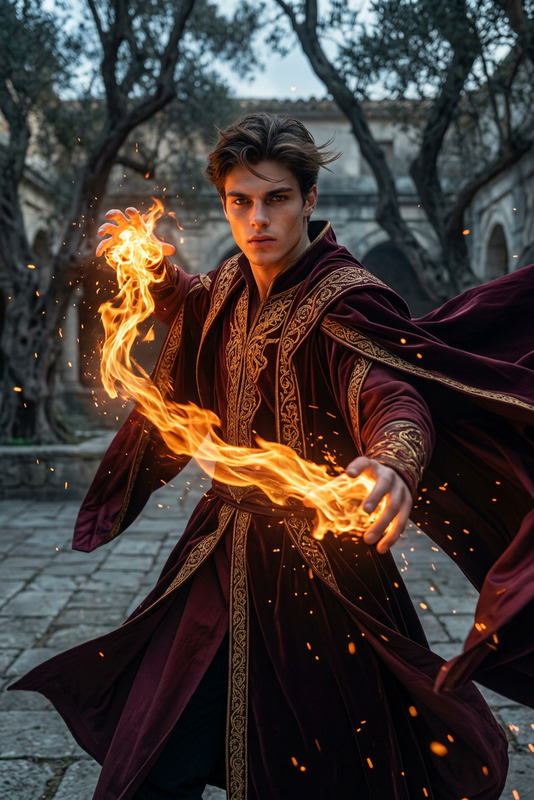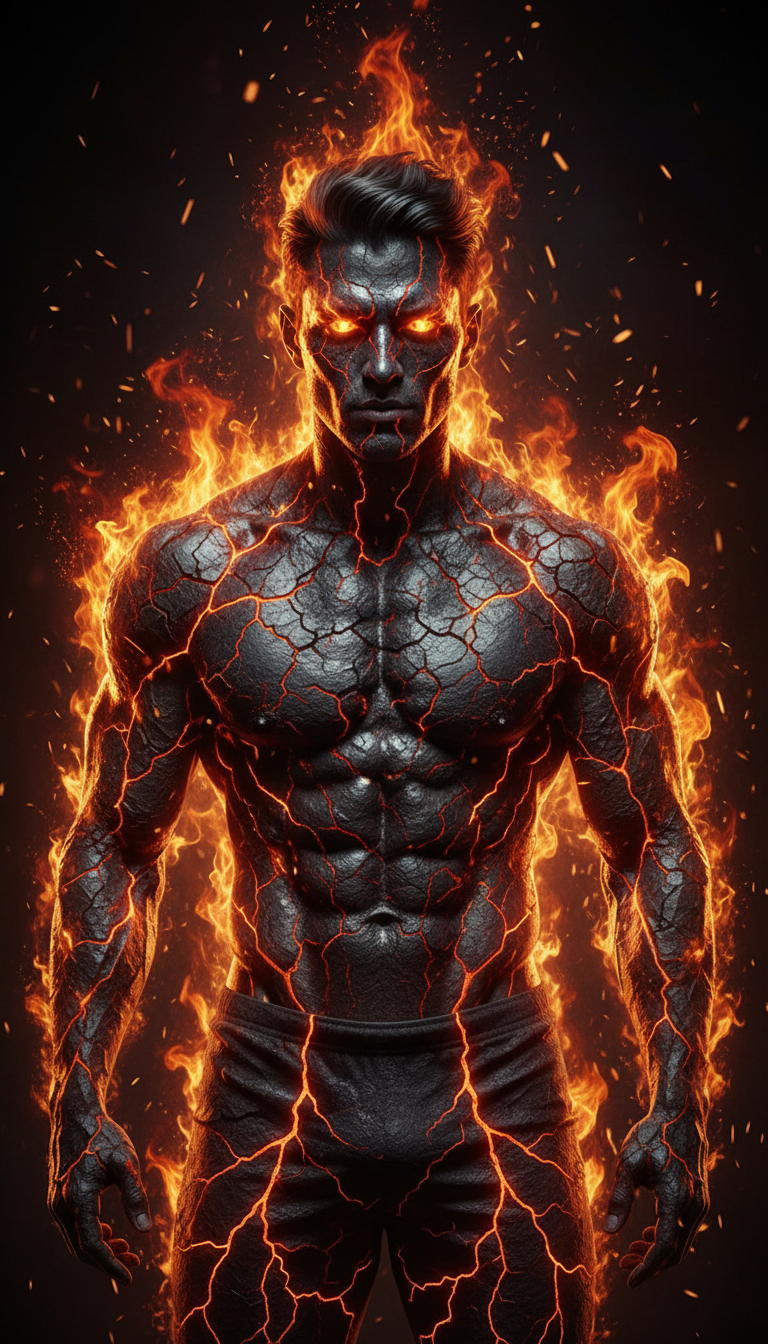
Fire Element
- Model
- Nano Banana
- Image
- 768 × 1344 px
Prompt
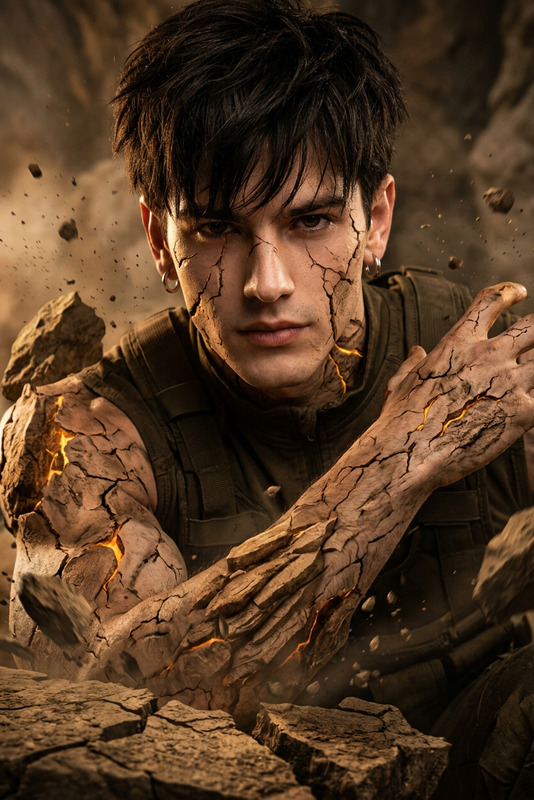
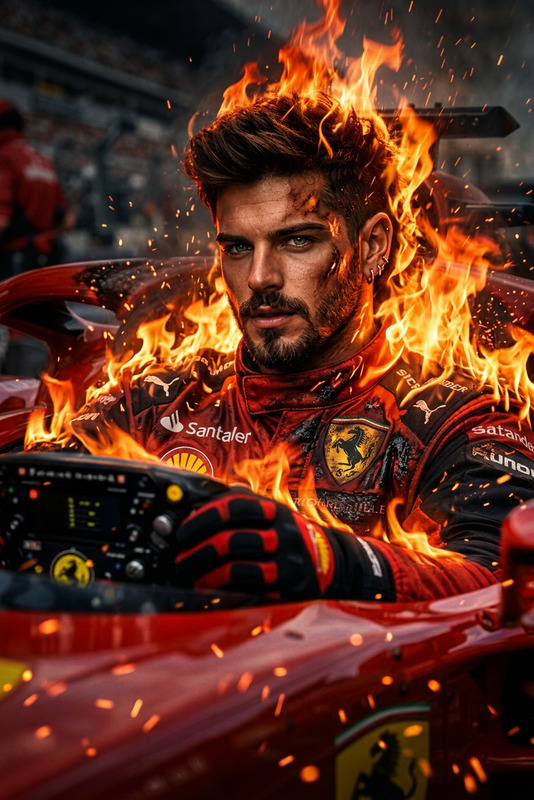
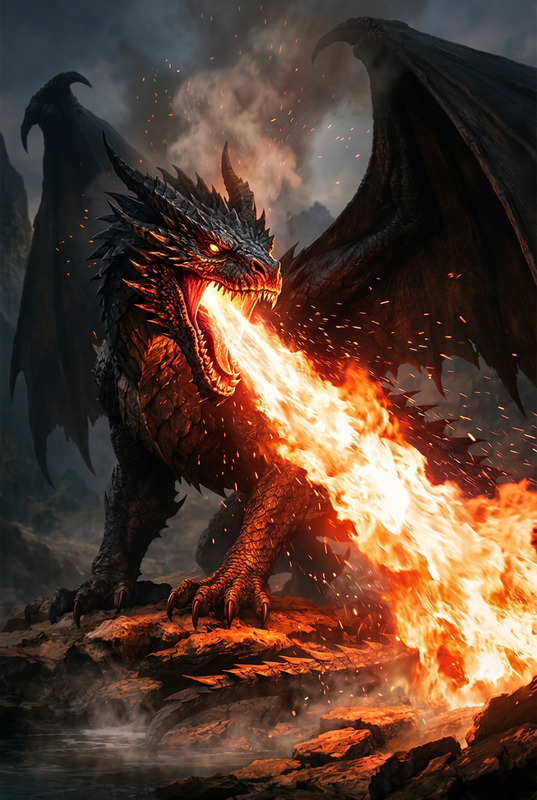
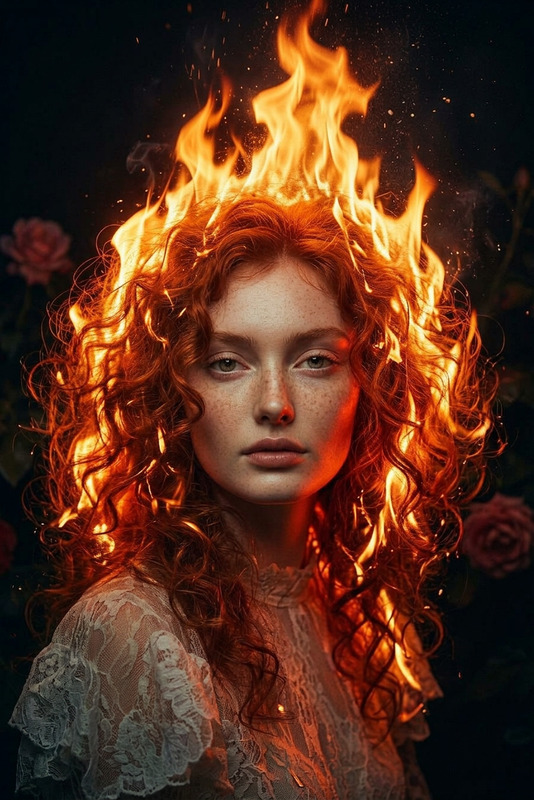
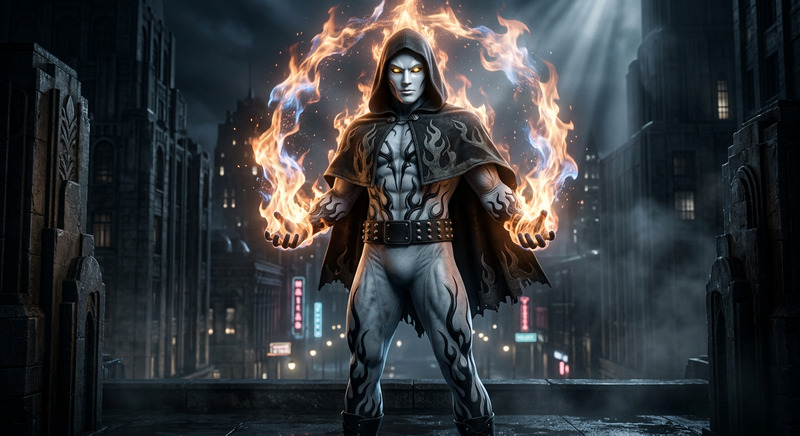
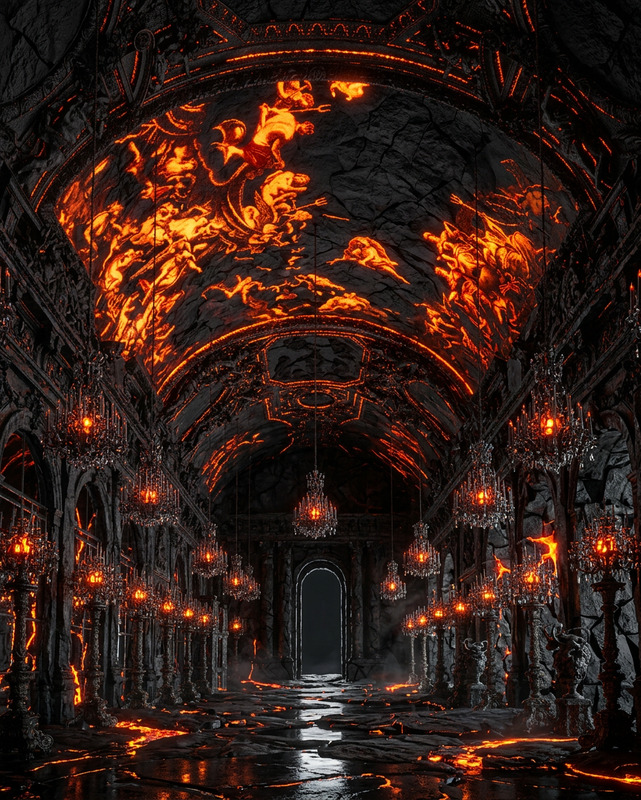
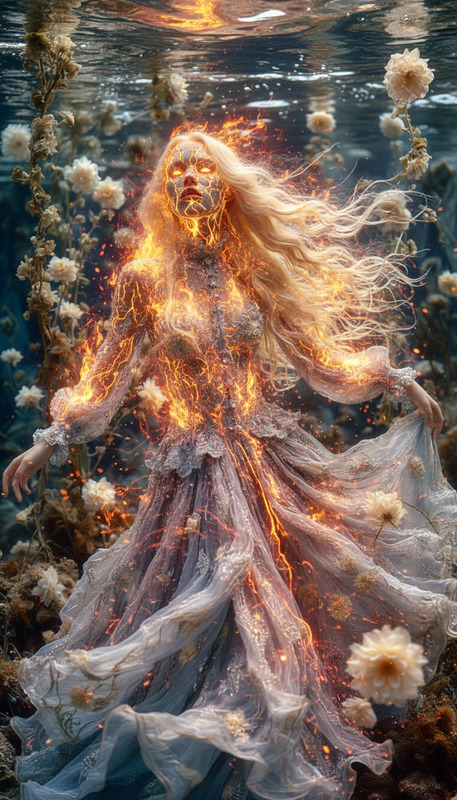
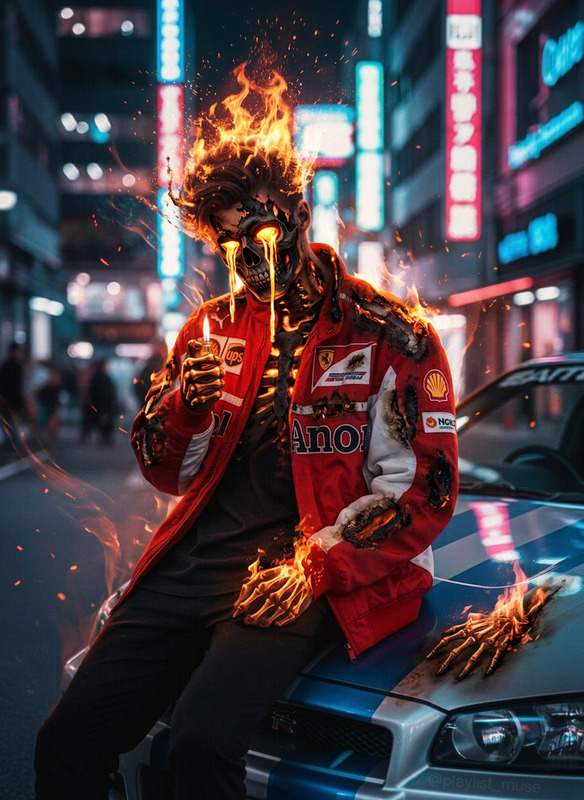
A cinematic medium close-up of a subject embodying the fire element, with skin transformed into cracked volcanic rock, glowing molten lava visible through the fissures. Intense flames erupt and swirl outward, engulfing the body in fiery energy, while molten veins pulse beneath the surface. Bright orange and deep red lava glows contrast with dark, charred stone texture. Sparks and embers fly through the air as the subject stands firmly, eyes blazing like molten cores. Strong contrast lighting, fire illuminating the face with dramatic shadows, dark background, ultra-realistic, high detail, HDR, sharp focus, cinematic atmosphere.
Any aspect ratio
Overview
Enter a realm of molten creativity with our Fire Element template. Designed using the Nano-Banana model and classified as an AI Image Editor template, it provides a strikingly dramatic cinematic transformation suited for your fiery projects.
What It Does
The Fire Element template crafts a visually arresting scene by transforming the skin of your subject into cracked volcanic rock. Molten lava pulses through the cracks, illuminated by flickering flames, creating a fierce and dynamic representation of the fire element. The ultra-realistic details and HDR quality make it perfect for projects that demand striking visuals.
Who It's For
This template is ideal for digital artists, filmmakers, and content creators looking to add a fiery edge to their projects. It's perfect for use in movie trailers, video style transfer projects, or any creative endeavor that calls for elemental transformations.
Summary
With striking contrast, vivid colors, and a cinematic feel, the Fire Element template is your go-to tool for fiery visualizations. Utilize this template within AI Video Generator workflows to amplify your project's aesthetic and emotional impact. Incorporate it into any high-energy narrative to showcase transformation and intensity.
How To
Choose

Customize

Generate

Use Cases
Movie Trailers
- Enhance action scenes with fiery transformations.
- Create captivating teaser visuals with elemental effects.
Video Style Transfer
- Apply fire effects to scenes for a dramatic shift.
- Shoot epic sequences with dynamic fire integration.
Art Projects
- Create high-impact artwork with volcanic elements.
- Explore new styles and techniques with AI-assisted art.
Best Practices
Use High-Quality Inputs
Start with high-resolution images to ensure the best fidelity and detail in the transformation.Adjust Prompt Settings
Modify the intensity and background details to suit the mood of your project. Experiment with the flames' brightness and contrast for optimal visual appeal.Balance the Scene
Ensure that the element of fire does not detract from the subject. Maintain a harmonious balance of light and shadow for maximum cinematic effect.