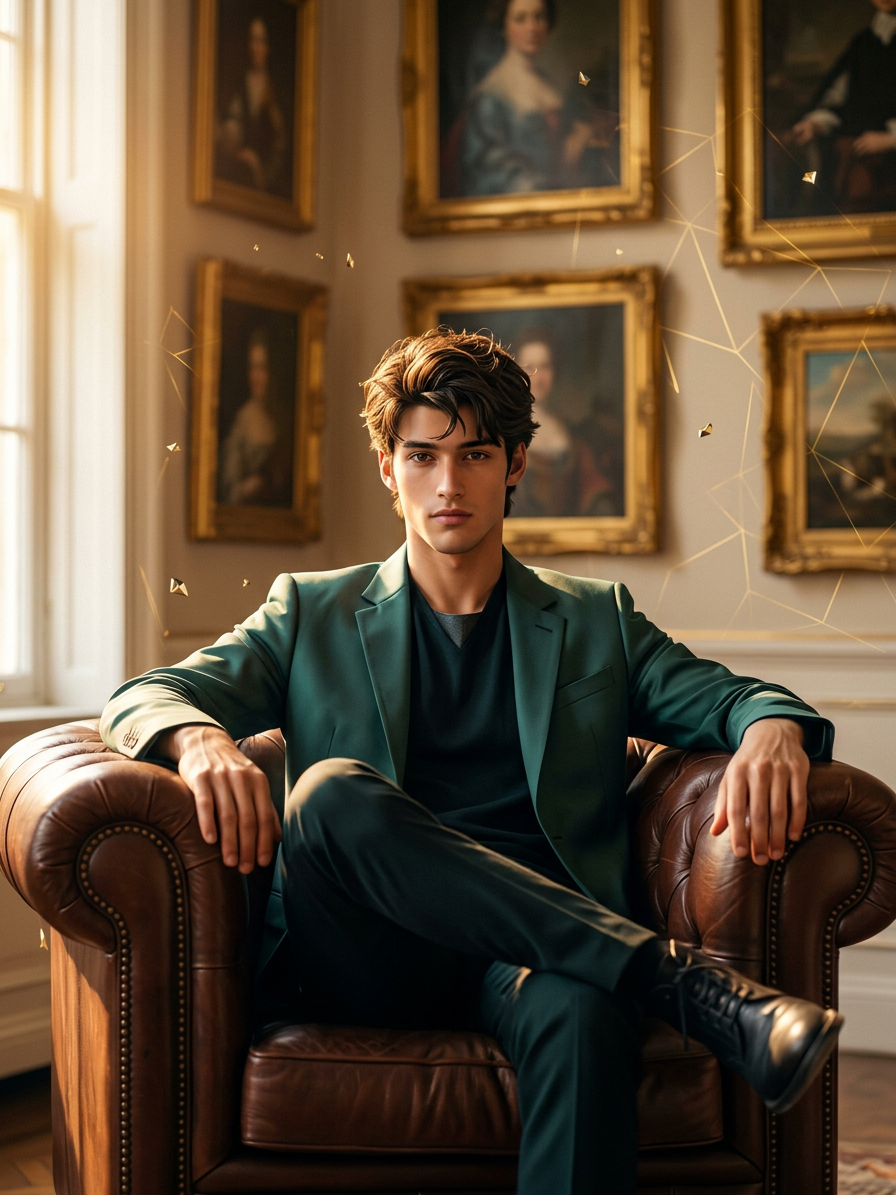
Golden Polygon Elegance

Golden Polygon Elegance

ai-image-editor

1 clip
1 uses

Any aspect ratio

Prompt

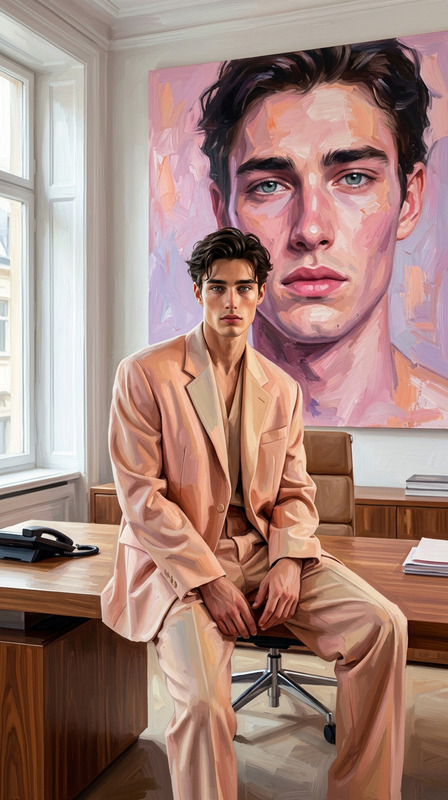
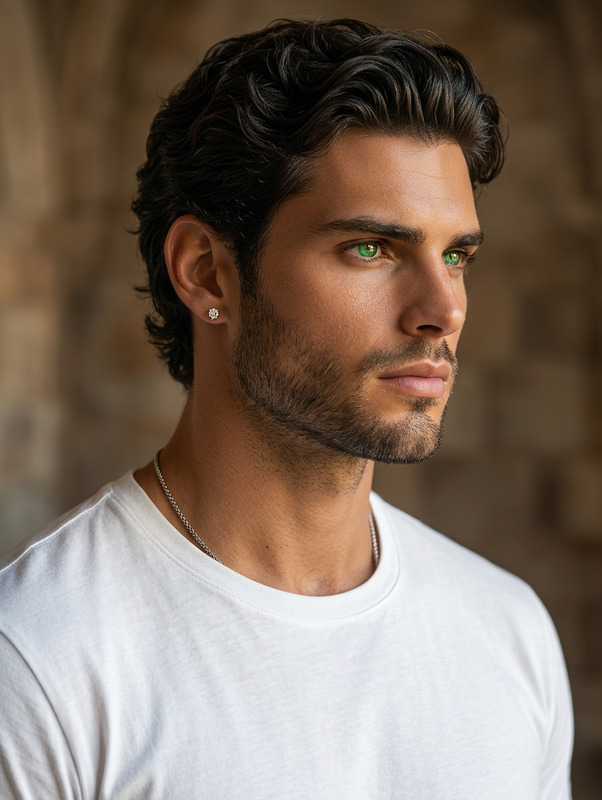
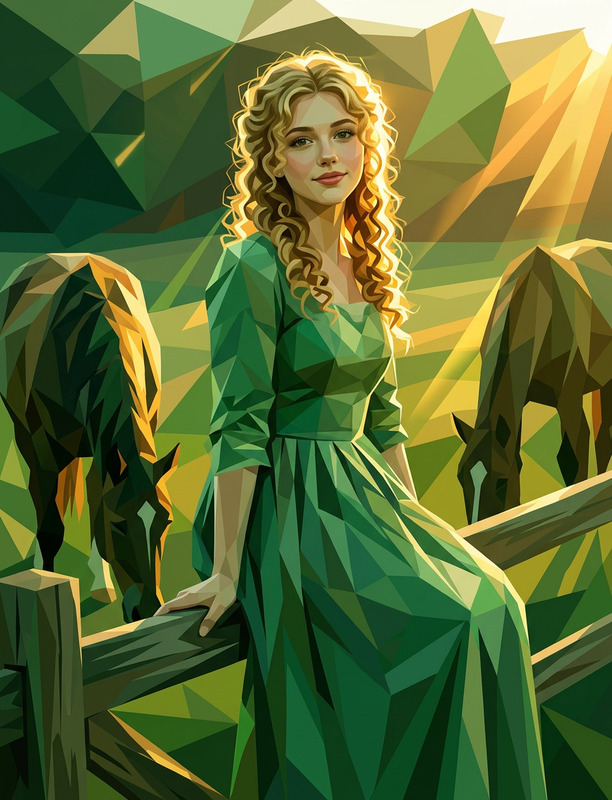
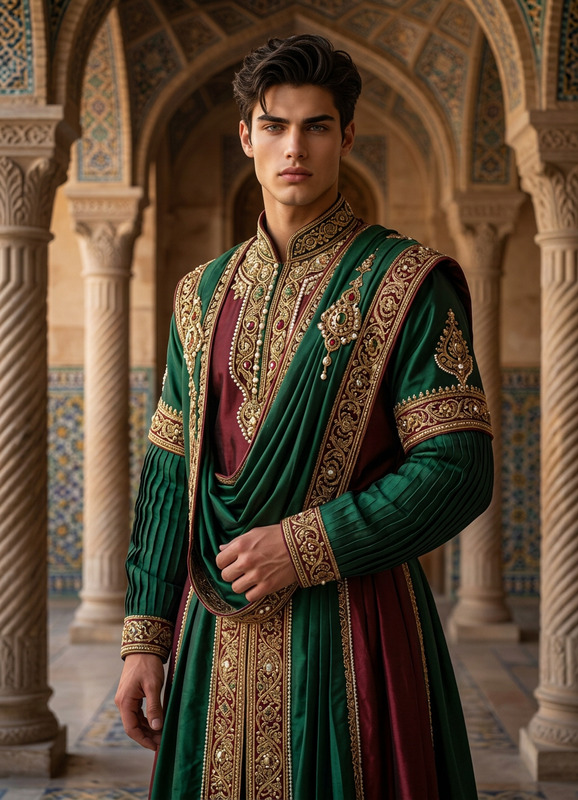
A hyper-realistic cinematic full-body portrait of a subject seated in a dark brown or burgundy leather armchair within an elegant interior featuring beige walls and classic gold-framed artwork. Warm golden-hour light from the left casts soft highlights and gentle shadows, with shallow depth of field, smooth bokeh, and subtle film grain. The visual style blends refined semi-realistic cartoon rendering with ultra-detailed textures, clean illustrative forms, and realistic lighting. The scene is enhanced with subtle gold polygonal geometry and metallic facet accents, integrated as modern artistic overlays that add a luxurious, futuristic touch while preserving a calm, sophisticated cinematic atmosphere.

AI Image Editor Template: Clean White Background Product Shot

Create studio-quality product photos with a pure white background in seconds. This AI Image Editor template is designed for founders, marketers, and creators who need conversion-focused visuals for ecommerce, ads, and pitch decks—without hiring a photographer or learning Photoshop.


What this template does

This template uses the AI Image Editor to:

  • Remove busy or distracting backgrounds
  • Replace them with a clean #FFFFFF-style white background
  • Preserve your product’s shape, lighting, and key details
  • Output ready-to-use images for product pages, marketplaces, and ads

Use it for:

  • Ecommerce product photos (Shopify, WooCommerce, Amazon, Etsy, eBay)
  • Ad creatives (Meta, Google, TikTok)
  • Decks, one-pagers, and investor updates
  • Marketplace listings and catalog exports
  • Social posts announcing launches or new features

A clean, consistent white background is a known driver of higher clarity and trust in ecommerce UX patterns and marketplace guidelines (e.g., Amazon’s product image requirements strongly favor pure white backgrounds for the main listing image).


How to use this template in Magic Hour

  1. Upload your product image

    • Use any existing shot: smartphone, DSLR, or export from design tools.
    • Works best if your subject is clearly visible and not too small in the frame.
  2. Apply the AI Image Editor template

    • The template will automatically detect the subject and remove the original background.
    • The background is then replaced with a uniform white, studio-like backdrop.
  3. Review and export

    • Check edges around your product (handles, cables, translucent materials, hair, etc.).
    • Download your edited image for direct upload to your ecommerce platform, ad manager, or CMS.

You can also start directly from the AI Image Editor and remix this workflow by:


How to remix this template for your own use case

You don’t have to stick to a pure white background. You can turn this into a family of templates tailored to your funnel:

1. Branded product hero images

  • Start from this white-background template.
  • Swap in a subtle gradient or brand color using AI Image Editor.
  • Add minimal shadows or reflections for a “studio render” feel.
  • For campaigns, generate matching lifestyle variations with the AI Art Generator or AI Image Generator and keep the same product asset.

2. Marketplace-optimized photos

3. Founders & team product shots

  • Photograph yourself holding or using the product.
  • Use this template to standardize the background across your whole team page or pitch deck.
  • For headshots separate from products, pair it with the AI Headshot Generator.

4. Thumbnail and ad creative variations

  • Start with a clean white product base from this template.
  • Use Thumbnail Maker to layer text, logos, and badges.
  • For social or YouTube, keep the same product image and rotate:
    • Headlines
    • Brand colors
    • CTAs
      while reusing the exact same cleaned base image.

Creating a “from scratch” version of this template in Magic Hour

If you want to build your own white-background workflow instead of using this template directly:

  1. Go to the AI Image Editor.
  2. Upload your original product or object photo.
  3. Use the editor to:
    • Isolate the subject (product, person, object)
    • Remove the original background
    • Replace the background with a flat white or any solid color
  4. Optionally, chain other Magic Hour tools:

Once you’ve dialed in a look you like, save this flow as your personal standard. You can then re-apply it to every new product or iteration, giving you consistent, “on-brand” visuals without rethinking each edit.


Connect this template to the rest of your content pipeline

For teams building full funnels (landing pages, ads, video, social), this template is a base layer you can reuse everywhere:

  • Product → Talking demo

    • Use this template to get a crisp product image.
    • Then turn a founder or spokesperson photo into a short talking explainer with AI Talking Photo or Text to Video.
  • Product → Short video

    • Start with your cleaned product shot.
    • Convert it into motion with Image to Video.
    • If you already have video, stylize it or iterate with Video to Video or animate characters with the Animation template.
  • Product → Social variants & memes


Best practices for higher-quality results

To get consistently strong outputs with this template and the AI Image Editor:

  • Start with clear, well-lit photos

    • Avoid extreme low-light, heavy motion blur, or tiny subjects.
    • Even smartphone photos work well if the product is in focus.
  • Keep your product centered and not too small

    • AI segmentation works best when the subject is clearly distinguishable from the background.
  • Use consistent angles and framing

    • For ecommerce catalogs, choose a couple of standard perspectives (front, 45°, side) and reuse them.
    • This makes your store or marketplace presence feel professional and coherent.
  • Combine cleanup + enhancement


Who this template is for

This AI Image Editor template is tuned for:

  • Startup founders & solo builders

    • Launching new products without a design team
    • Quickly producing investor-ready or AppSumo/Product Hunt visuals
  • Ecommerce & DTC marketers

    • Standardizing product catalogs
    • Generating fast A/B test variants for ads and landing pages
  • Agencies & growth teams

    • Systematizing creative production for multiple clients
    • Building reusable branded presets that juniors and non-designers can safely apply
  • Developers & technical teams

    • Preparing assets for in-app stores, documentation, or internal tools
    • Combining AI image workflows with programmatic pipelines

If you’re already using other Magic Hour tools such as AI Photo Generator, AI Art Generator, or AI Character Generator, this template gives you a reliable, repeatable way to finalize and standardize your outputs—especially for anything customer-facing, ecommerce-related, or brand-critical.

More Like This