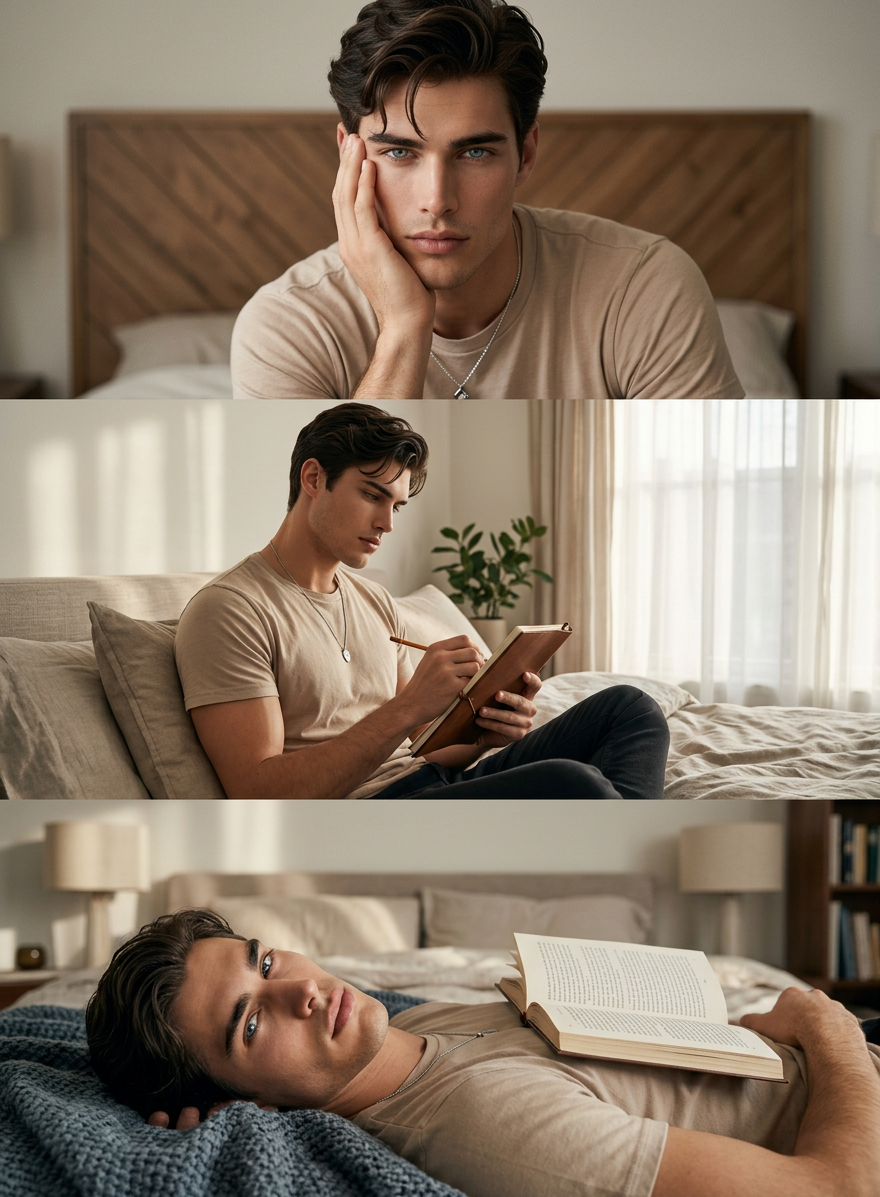
Cozy Bedroom Triptych
ai-image-editor
Any aspect ratio
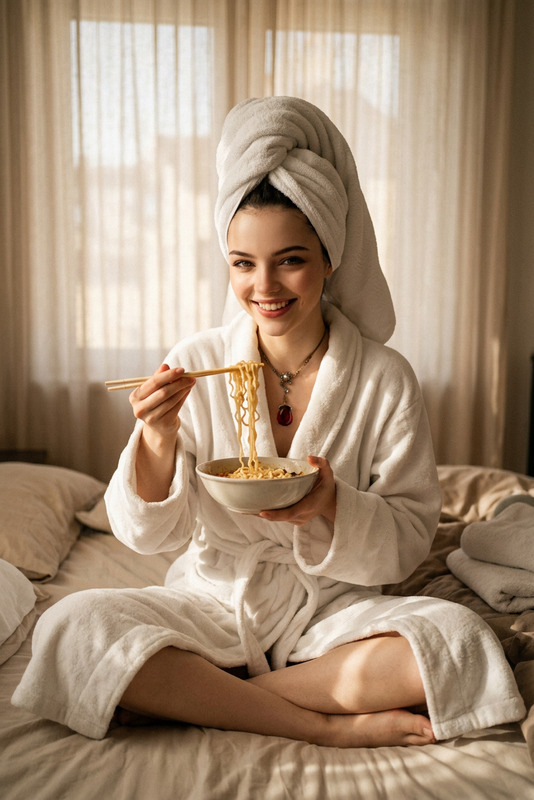
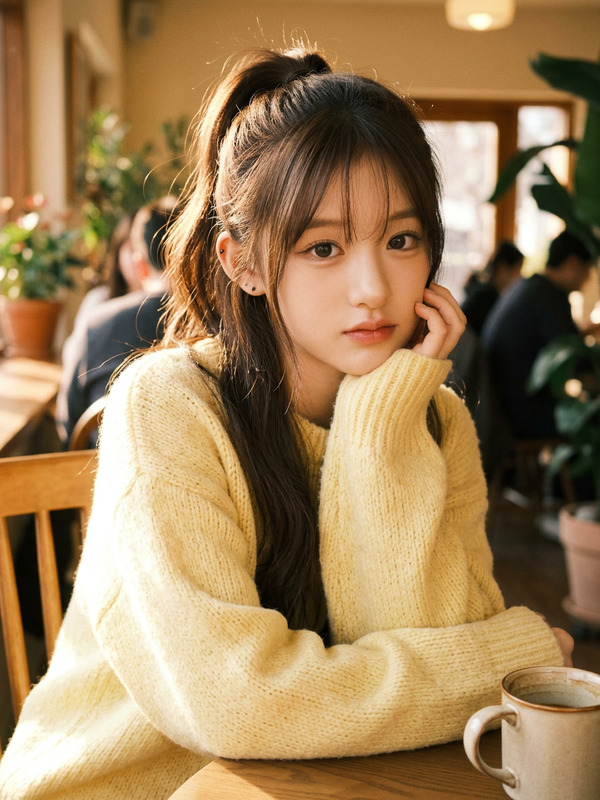
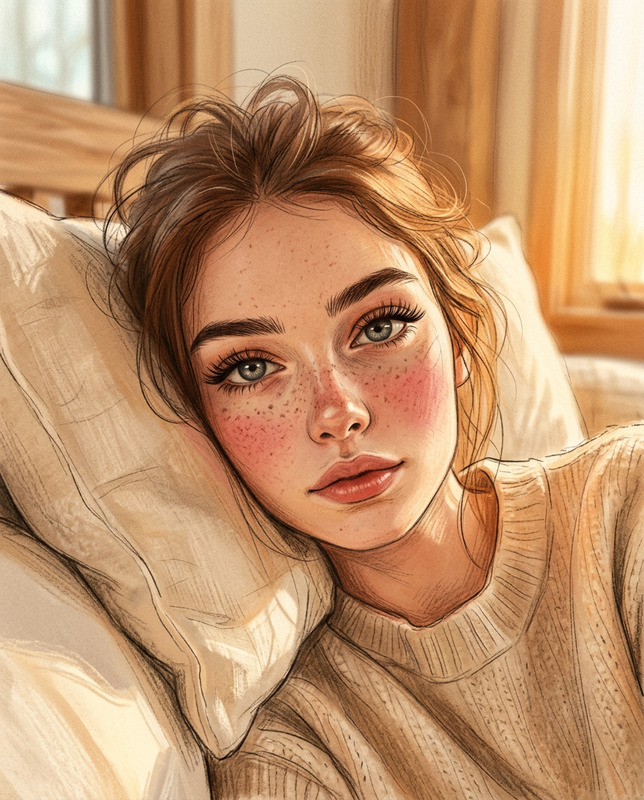
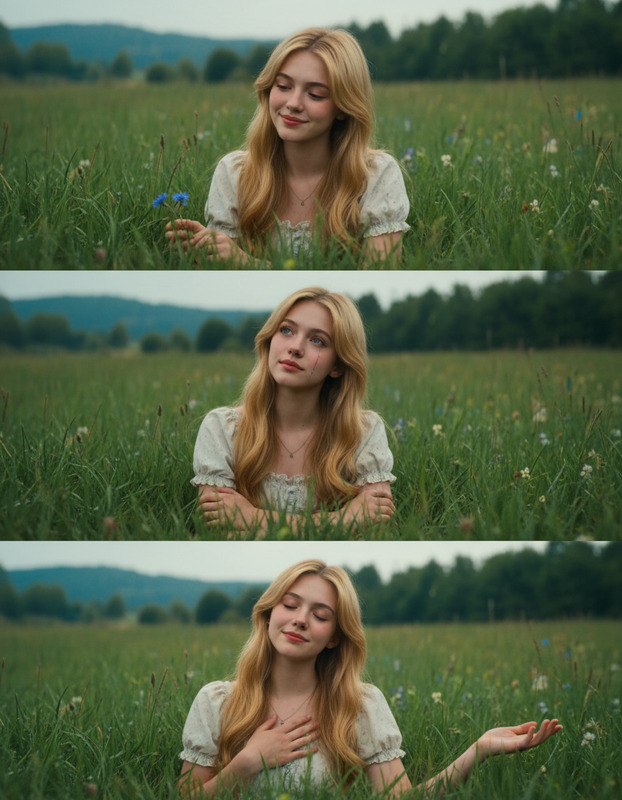
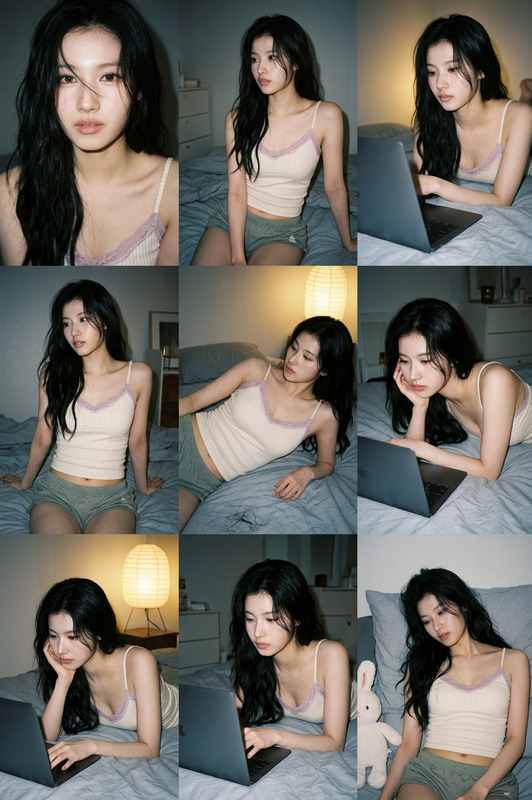
An ultra-realistic vertical triptych of the same subject, with face and hairstyle exactly matching the uploaded image, perfectly styled, face slightly turned toward the camera. The subject wears a soft beige T-shirt and a thin necklace with a small pendant. Each panel shows a different pose: the subject holding his face with his right hand, the subject sitting on a bed with legs slightly bent while sketching in a notebook, and the subject lying on the bed with a blanket and an open book on his chest. The setting is a modern bedroom with natural window light creating a warm, relaxed, cinematic, cozy atmosphere, soft natural lighting, highly detailed, ultra-realistic.
AI Image Editor Template: Turn Raw Photos into Production‑Ready Assets
Use this template to transform any image into polished, on‑brand visuals in minutes with the AI Image Editor. Clean up photos, adjust composition, swap backgrounds, and generate multiple creative variations without opening Photoshop.
What You Can Do With This Template
This template is built for fast, repeatable editing workflows. Remix it in Magic Hour to:
Clean up raw photos
Remove distracting objects, smooth imperfections, fix colors, and sharpen details for marketing, e‑commerce, or product shots. Combine with the AI Image Upscaler or Unblur Image to recover detail.Replace or redesign backgrounds
Instantly swap cluttered or generic scenes with clean, branded environments. For more advanced background workflows, pair this template with:Remove unwanted elements
Clean logos, text, people, or objects from photos while preserving lighting and perspective. You can also use:Restyle images for campaigns or brands
Re‑skin the same base image for different audiences or channels—minimalist, cinematic, anime, comic style, and more. Explore specialized style tools like:Generate multiple creative directions from one source image
Start with a single test shot and rapidly spin out variants for landing pages, ads, and social content. For concepting and ideation, combine with:
Who This Template Is For
This template is designed for people who need consistent, usable outputs—not experiments:
Founders & growth teams
Ship landing pages, ads, and pitch visuals without waiting on design backlogs. Rapidly A/B test creative directions by cloning and tweaking the same base edit.Marketers & performance advertisers
Generate on‑brand ad creatives, thumbnails, and social visuals in volume. Combine this template with:- Thumbnail Maker for YouTube/social
- Album Cover Generator or Book Cover Generator for top‑of‑funnel campaigns
- AI Meme Generator for quick, contextual content
Product & e‑commerce teams
Clean up product shots, test different environments, and standardize catalog visuals. Consider using:- AI Outfit Generator and AI Fashion Generator for apparel
- AI Clothes Changer for “try‑on” style imagery
- Full Body Generator to create consistent models
Developers & technical teams
Build content pipelines that rely on consistent transformations from source assets. Use the template as a predictable step in larger workflows that may also include Image‑to‑Video, Text‑to‑Video, or Video Upscaler.
How to Remix This Template in Magic Hour
You can use this template as a starting point and customize it for your own workflows in the AI Image Editor. A practical way to remix it:
Start from the template
- Open the template in Magic Hour.
- Upload a sample image: product photo, headshot, scene, illustration, or brand asset.
Define the core transformation
Decide the primary job of your remix:- “Clean and standardize product photos”
- “Convert portraits into professional headshots”
- “Turn sketches into polished concept art”
- “Convert messy photos into clean, minimalist social posts”
Add complementary tools to your workflow
Depending on your use case, chain this template with other Magic Hour capabilities:For people & faces
- AI Face Editor for subtle face adjustments
- AI Headshot Generator for polished corporate or LinkedIn‑style results
- Gender Swap or AI Face Generator for exploration
- AI Selfie Generator to rapidly create social‑ready selfies
For stylized or fictional content
For environments & props
- Architecture Generator for buildings and spaces
- AI Interior Design Generator for room mockups
- Fantasy Map Generator for world‑building
- AI Tattoo Generator for body art concepts
Create your own reusable “mini‑template”
- Once you’re happy with your edit flow, reuse it across similar images.
- Apply the same transformation to new inputs for consistent results across a campaign or dataset.
Extend to video, avatars, or talking content (optional)
After you refine your still images, you can upgrade them into motion or interactive content using other Magic Hour tools:- Image‑to‑Video to animate your edited images
- AI Talking Photo to make portraits speak
- Face Swap Video or Face Swap to map edited faces onto video
- Lip Sync to match mouth movement to audio
- Video‑to‑Video or Animation to restyle or animate existing clips
- AI Voice Generator or AI Voice Cloner for voiceovers
- AI Voice Changer to adapt voices for different characters
Example Use Cases
Use this template as a reliable blueprint for:
Landing page hero images
- Start with a raw product or team photo.
- Use this template in the AI Image Editor to clean, brighten, and make the composition web‑ready.
- Generate alternate styles via the AI Background Generator for different campaigns.
LinkedIn and team headshots at scale
- Clean up portraits with this template.
- Enhance realism and consistency via AI Headshot Generator.
- Upscale for print or decks with the AI Image Upscaler.
Content for decks, reports, and case studies
- Turn quick phone photos into polished illustration‑like assets using this template plus AI Illustration Generator.
- Use AI Icon Generator and AI Logo Generator to build supporting visual systems.
Social media and creator workflows
- Clean and restyle personal photos, then:
- Turn them into avatars with Avatar Generator
- Colorize old content with Photo Colorizer
- Restore damaged assets with Old Photo Restoration
- Convert to sketch or stylized formats using Photo to Sketch
- Clean and restyle personal photos, then:
Tips for Best Results
Start with the highest‑quality input you have
AI models preserve structure from the original image. Clear, well‑lit inputs produce more reliable edits. If your asset is low‑res, run it through the AI Image Upscaler first.Keep each template focused
For operational reliability, dedicate each remix to a narrow job (e.g., “remove backgrounds and standardize lighting for catalog images”) instead of mixing many different transformations into one template.Standardize across teams
Share a remix of this template with your team as the “single source of truth” for:- Product shot preparation
- Headshot updates
- Social image polish
This helps keep your brand consistent across channels and campaigns.
Related Magic Hour Tools to Explore
If this template is useful, you may also want to explore:
- AI Art Generator for concept and mood exploration
- AI QR Code Generator to embed visuals into scannable experiences
- Optical Illusion Generator and Graffiti Generator for standout campaign visuals
- DND AI Art Generator and Dark Fantasy AI for game and world‑building concepts
- AI Icon Generator and AI Logo Generator for product and brand systems
Use this AI Image Editor template as a reliable, remixable foundation for your visual pipeline: start with a single high‑quality image, define a repeatable transformation, and scale it across your entire content operation.