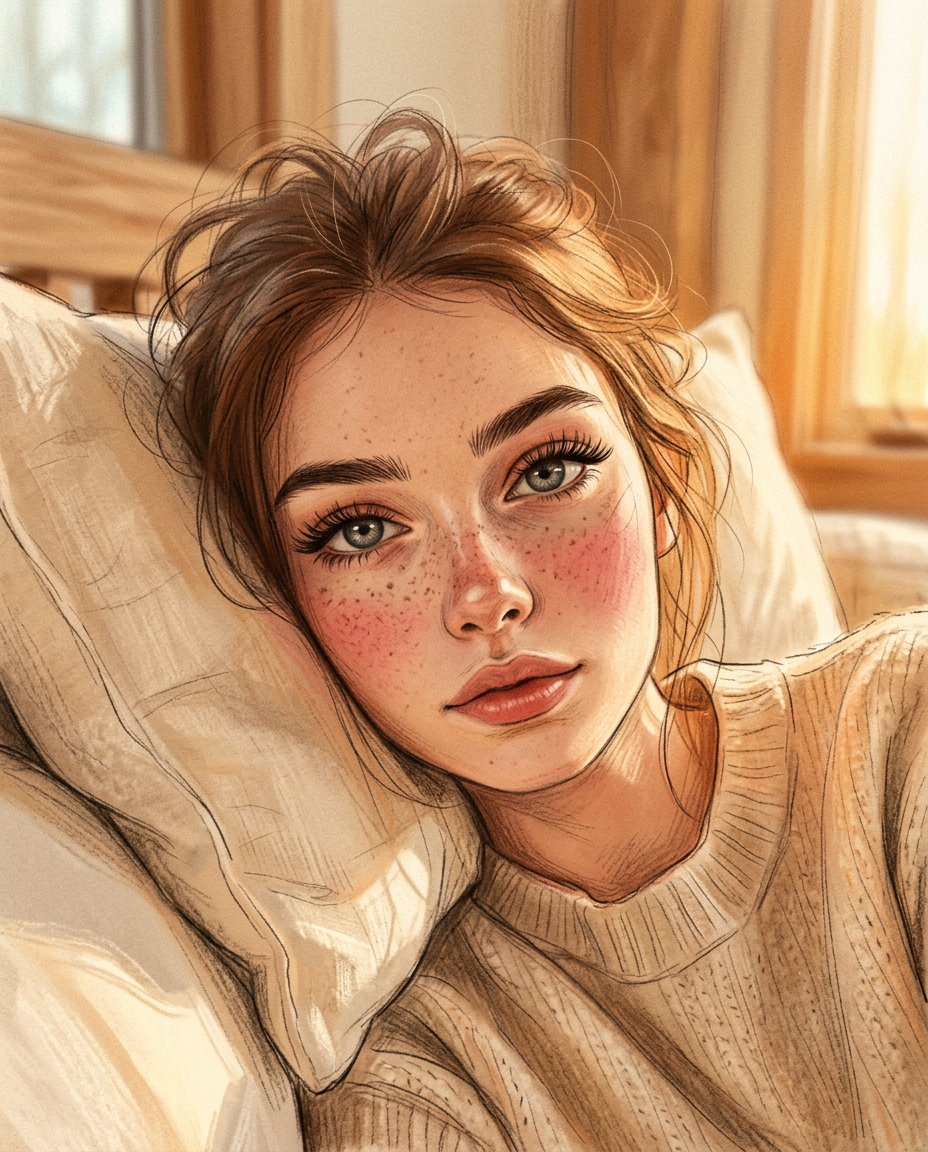
Dreamy Pillow Selfie Sketch

Dreamy Pillow Selfie Sketch

ai-image-editor

1 clip
9 uses

Any aspect ratio

Prompt

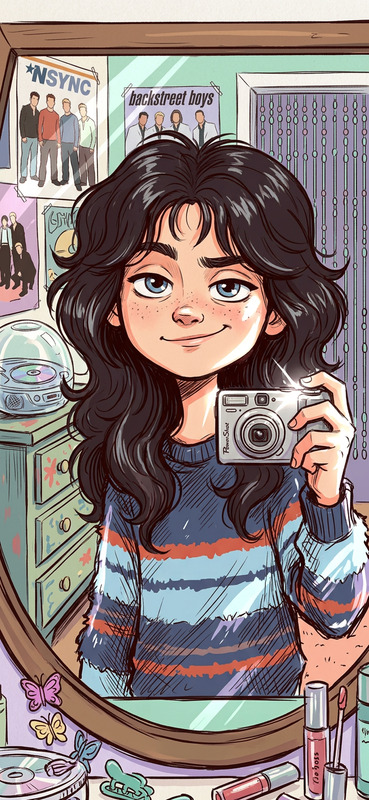
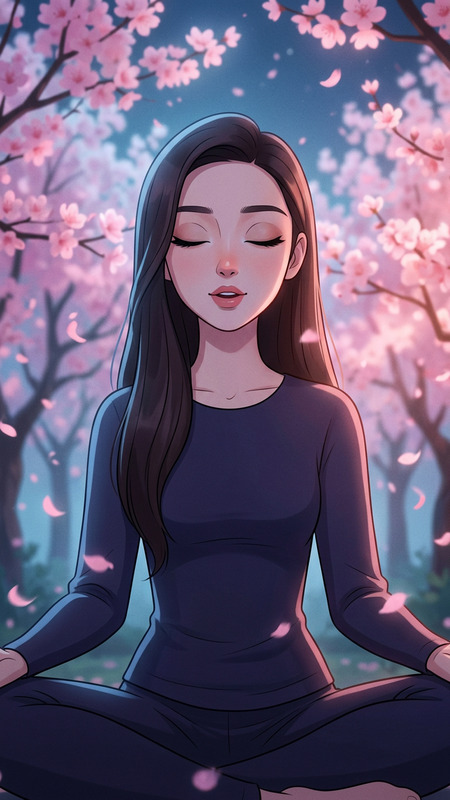
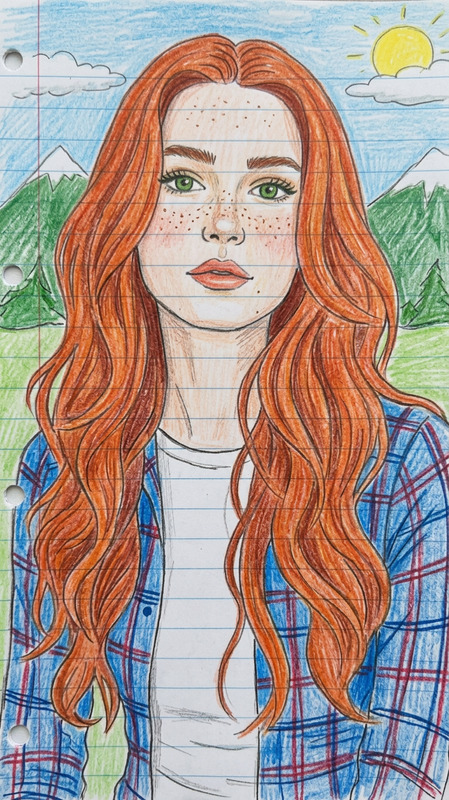
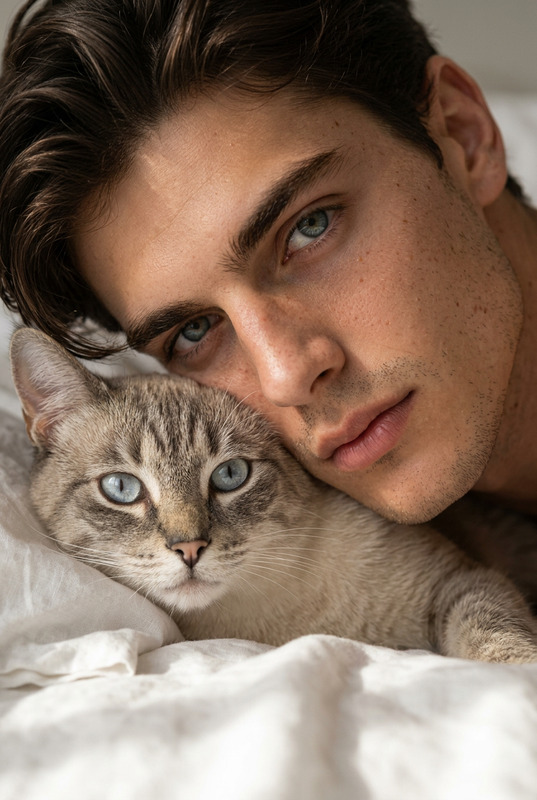
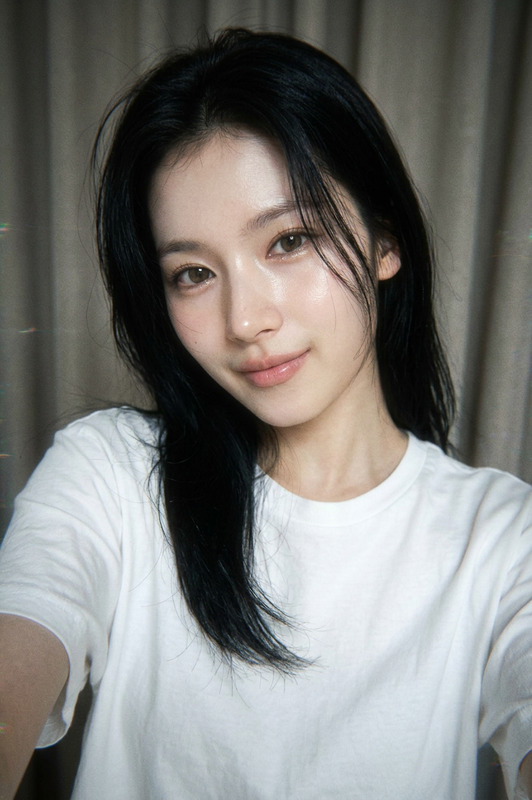
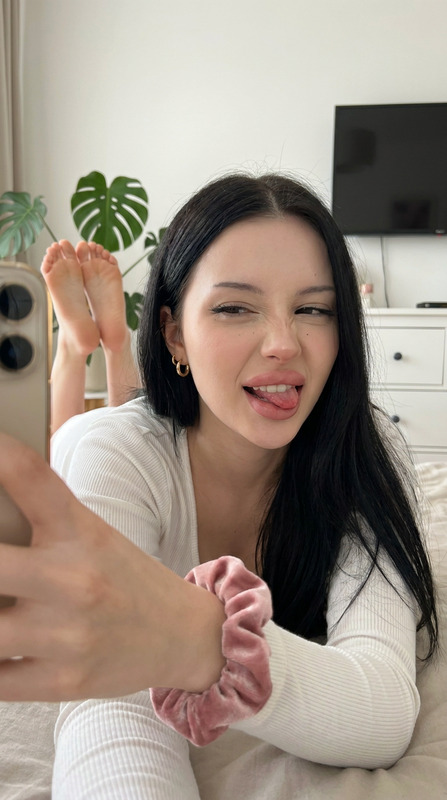
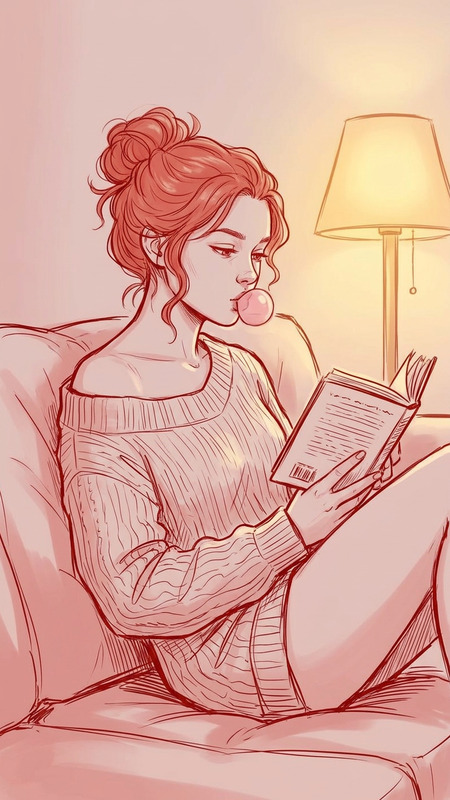
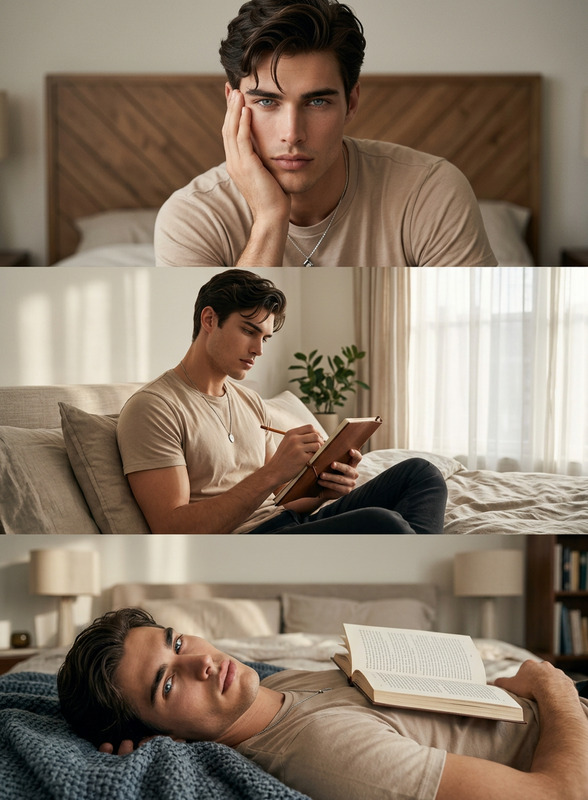
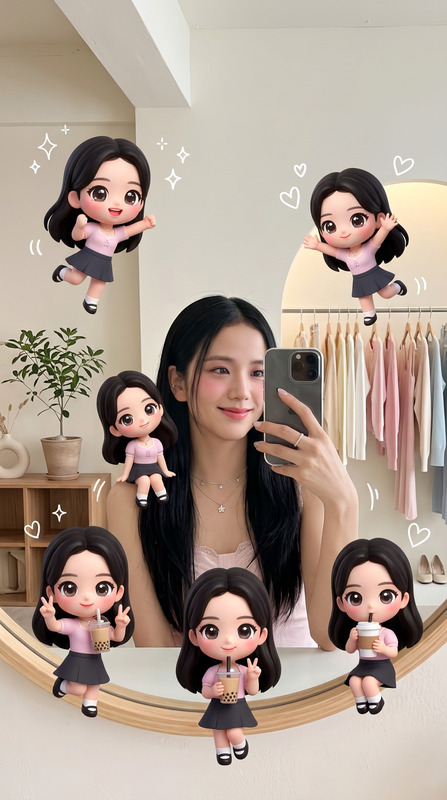
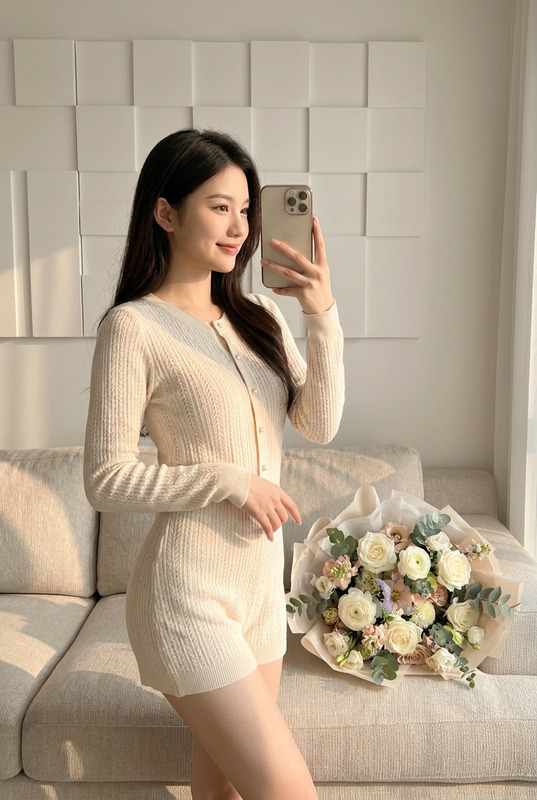
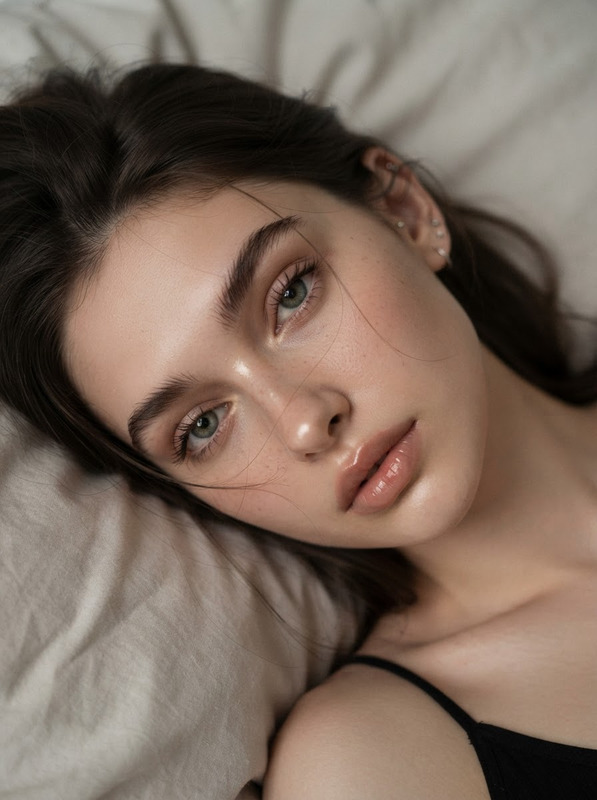
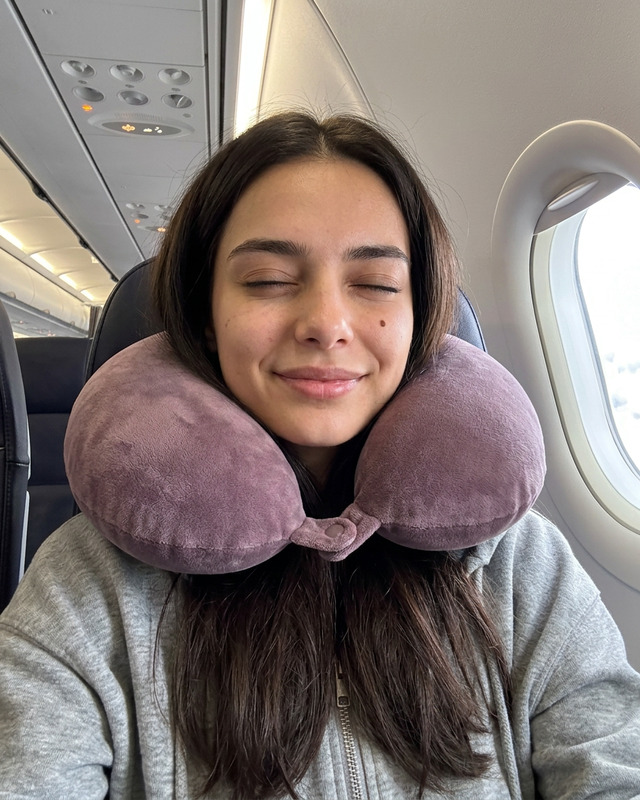
Keep the subject’s facial features exactly the same as the reference image without altering identity, structure, or proportions. The subject is reclining on softly textured white pillows, gazing directly into the camera with a relaxed, dreamy expression, long thick lashes and rosy cheeks. Soft cozy indoor setting with gentle natural sunlight and soft shadows enhancing fabric and hair textures. Intimate candid smartphone selfie style with slight wide-angle facial emphasis, 1080x1350 composition, warm personal tone, dreamy atmosphere. Disney-inspired soft cute aesthetic combined with yellow-orange sketch coloring style, hand-drawn look with soft shading, warm glowing tones, cozy and playful visual mood, highly detailed textural realism.

AI Image Editor Template – Fast, Precise Visual Edits for Serious Creators

Use this template to turn any image into polished, on-brand, and share-ready content in minutes. The AI Image Editor in Magic Hour is built for modern creators, product teams, and marketers who need high‑quality visuals without getting lost in manual Photoshop-style workflows.

This template is a great starting point if you want to:

  • Clean up or retouch photos for campaigns, landing pages, or pitch decks
  • Change backgrounds, remove distractions, or reframe a shot
  • Re-style visuals to match a brand, mood, or creative direction
  • Prepare assets for video workflows, social cuts, and ads

Because it’s a remixable template, you can duplicate it, adjust the prompts, and evolve it into your own “house” image editing pipeline inside Magic Hour.


What You Can Do With This Template

This template uses the core AI Image Editor to apply structured, repeatable edits. Typical use cases include:

  • Marketing & growth

    • Clean product shots for landing pages and app stores
    • Remove clutter from UGC and screenshots before publishing
    • Align campaign creatives across channels in a consistent style
  • Content & social teams

  • Founders & product teams

    • Quickly generate “good enough for the deck” visuals when design is busy
    • Mock product angles, hero images, or UI composites for pitch docs
    • Align all visuals with a brand aesthetic before sharing with investors or partners
  • Creative studios & agencies

    • Build reusable image-editing flows per client or brand
    • Standardize color, mood, and composition while still leaving room for human review
    • Integrate edited images into motion workflows via Image-to-Video and Text-to-Video

How to Remix This Template in Magic Hour

You can treat this as a “starter workflow” and adapt it for your team:

  1. Duplicate the template

    • Open the template in Magic Hour and save a personal copy.
    • Rename it by use case (e.g., “Product Page Cleanup,” “Ad Creatives v2,” “Pitch Deck Visuals”).
  2. Define your input images

    • Decide what you’ll usually feed into this flow:
  3. Write clear, reusable editing prompts

    • Think in terms of policy, not one-off instructions. For example:
      • “Remove background clutter and replace with a clean, soft-light gradient in brand colors.”
      • “Polish skin and lighting while keeping the subject recognizable and natural.”
      • “Make the image look like a studio product photo with soft shadows and high contrast.”
    • Store these prompts inside the template so your whole team can use them consistently.
  4. Chain with other Magic Hour tools

  5. Save and standardize

    • Once you’re happy with the behavior:
      • Save the template as a shared asset for your workspace
      • Document when to use it (e.g., “All e-commerce hero images must pass through this flow”)
      • Create variants for A/B testing if needed (e.g., “Bright Ad Creative” vs. “Moody Ad Creative”).

Example Workflows You Can Build From This Template

Use this template as the base for more specialized editing systems:

1. Clean Product Shot Pipeline

  • Start with your raw product image
  • Use the AI Image Editor to:
    • Remove odd shadows and background objects
    • Standardize background color and lighting
    • Enhance clarity and edges
  • Upscale the final image for marketplaces and landing pages with the AI Image Upscaler
  • Optionally convert flagship images into short video loops using Image-to-Video

2. Founder & Team Headshot Refinement

  • Ingest existing team photos
  • Use the template to:
    • Clean the background
    • Improve lighting and color balance
    • Align the overall style with your brand’s tone
  • For professional or stylized portraits, pair with the AI Headshot Generator or AI Selfie Generator

3. UGC → Ad Creative Flow

4. Concept Art → Animation


Combining Image Editing with Other Magic Hour Capabilities

If you’re designing a broader AI content stack, this template can be one node in a more complete workflow:


Best Practices for High-Quality AI Image Edits

To get consistent, production-ready results with this template:

  1. Start from the highest-quality image available

  2. Be explicit in your instructions

    • Describe the desired outcome (“studio lighting,” “soft pastel gradient,” “clean tech landing page aesthetic”)
    • Avoid vague prompts like “make it better.”
  3. Think in systems, not one-offs

    • Turn successful prompts into template defaults so that your whole team can reuse them
    • Create separate templates per channel if needed (e.g., LinkedIn vs. TikTok vs. email banners).
  4. Maintain brand consistency

    • Reference brand colors, tone, or style (“minimalist, grayscale, high contrast,” “warm and friendly with soft edges”)
    • Use similar language across templates so your visuals look coherent across campaigns.
  5. Chain edits when needed

    • For complex work (e.g., remove objects, change background, then upscale and animate), treat each step as part of a flow that uses multiple Magic Hour tools instead of forcing everything into a single instruction.

Who This Template Is For

This AI Image Editor template is particularly useful if you are:

  • A startup founder or operator needing credible visuals without a full-time design team
  • A growth or performance marketer running fast creative iteration cycles
  • A content lead publishing across multiple channels with limited design support
  • A creative technologist or developer building AI-enabled content pipelines for clients or internal teams

Because it’s fully remixable, you can adapt it from “simple image cleanup” into a robust editing node inside a larger AI-first production system that also uses Text-to-Video, AI Voice Generator, AI Voice Cloner, or AI Voice Changer.


Getting Started

  1. Open this AI Image Editor template in Magic Hour.
  2. Duplicate it into your workspace.
  3. Customize the instructions to match your brand, use case, and visual standards.
  4. Test with a small batch of images, refine, and lock in your “production” version.
  5. Share it with your team as the default way to prepare images for campaigns, decks, and product updates.

Once configured, this template becomes a repeatable, scalable way to produce high-quality, on-brand visuals with minimal manual effort—ready for integration into your broader Magic Hour image, video, and voice workflows.

More Like This