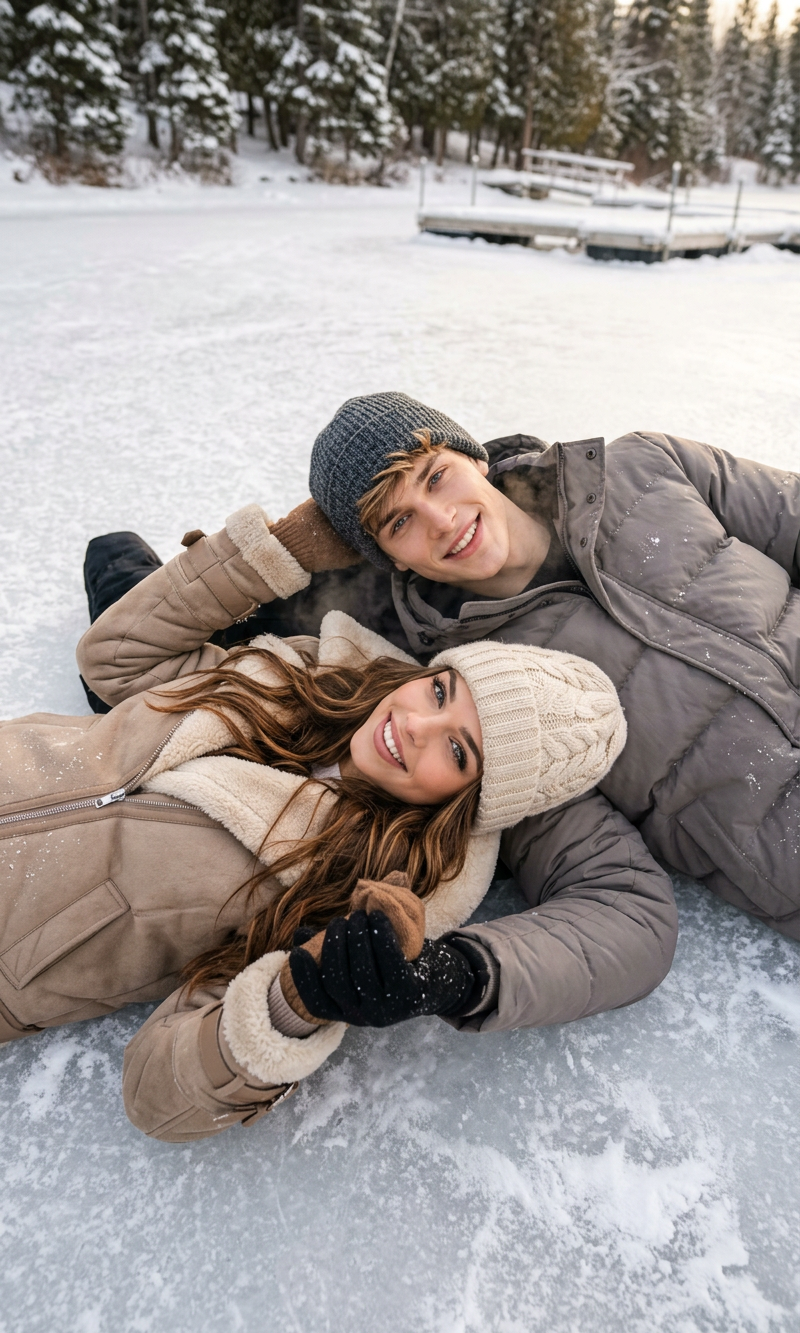
Frozen Moments
- Model
- Nano Banana 2
- Image
- 800 × 1333 px
Prompt
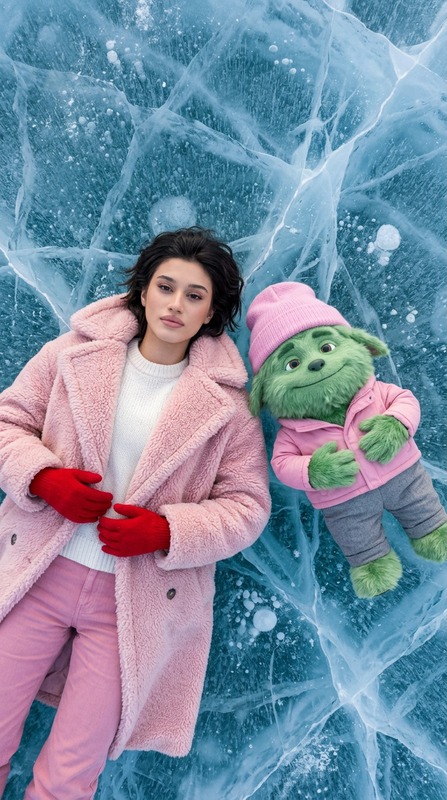
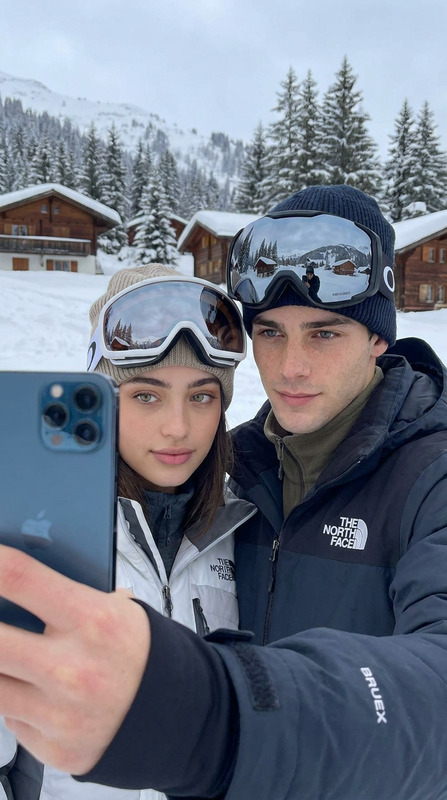
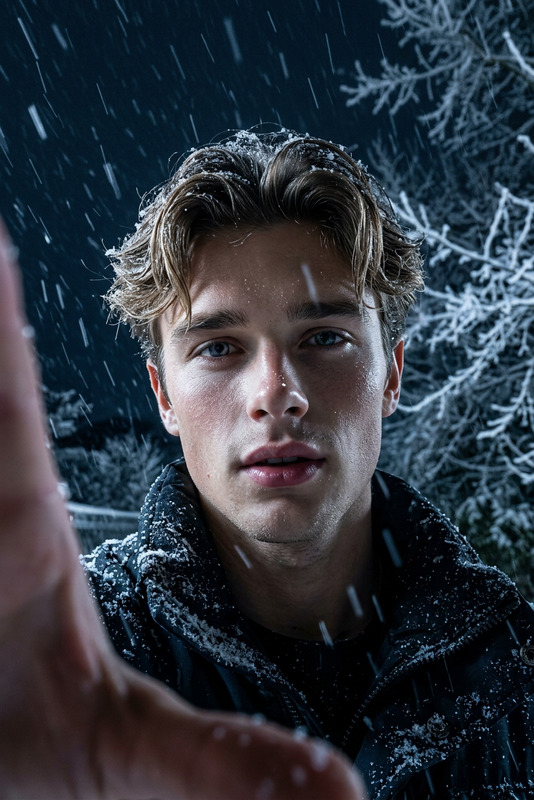
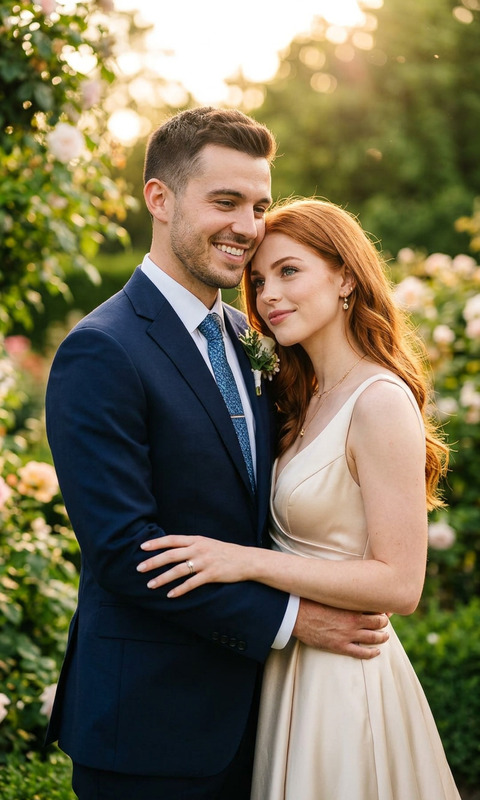
A cozy winter couple photoshoot on a frozen lake, top-down angle, soft natural daylight, realistic photography style. A young man and woman lying on icy textured ground wearing warm beige and gray winter jackets, knitted beanies, and scarves. Romantic candid expressions in three poses: smiling at camera, forehead-to-forehead laughing, and playful duck-face pose. Soft cinematic tones, detailed skin texture, natural makeup, winter aesthetic, intimate mood, high-resolution lifestyle photography, shallow depth of field, Instagram couple shoot vibe, ultra-realistic, 4k.
Any aspect ratio
Overview
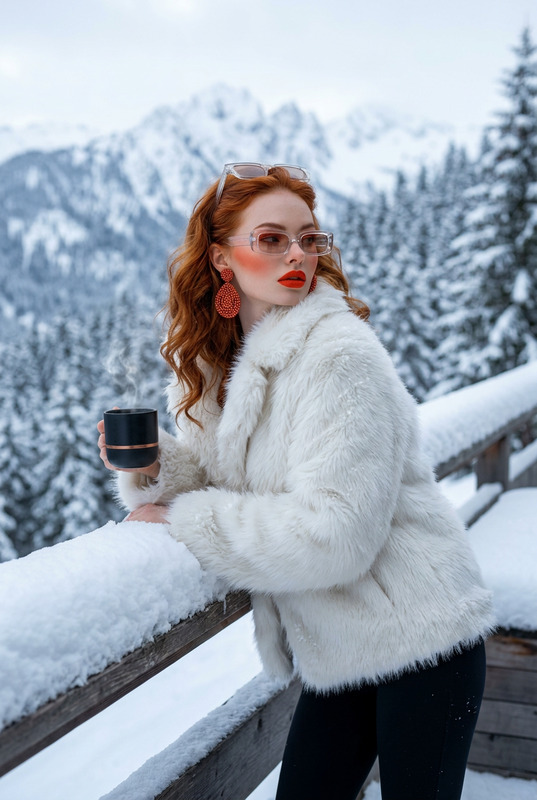
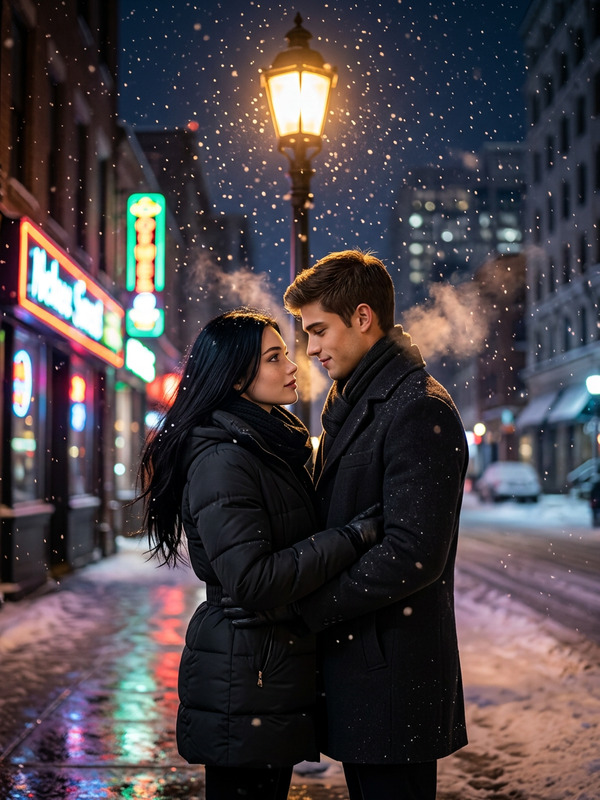
Transform your photos into cozy winter memories with the Frozen Moments template. This AI Image Editor utilizes the nano-banana-2 model to create stunning, realistic winter-themed images perfect for capturing intimate moments on a frozen lake.
What It Does
The Frozen Moments template enhances your images by applying a realistic photography style with soft, cinematic tones. The template focuses on three romantic poses, ensuring vivid details in textures, expressions, and natural lighting. It's designed to deliver high-resolution images suitable for platforms like Instagram, embodying the essence of a lifestyle couple shoot.
Who It's For
This tool is ideal for photographers, social media influencers, and couples looking to professionally edit their winter photoshoots. Whether you're aiming to enhance your profile picture or add magic to product photography, this template brings a romantic, ultra-realistic finish to your images.
Summary
The Frozen Moments template is your go-to solution for transforming simple winter photos into breathtaking visuals. By leveraging advanced AI editing capabilities, it captures the essence of romantic and playful poses, delivering images that are not just memorable but shareable. Find more customized editing options with the AI Image Editor.
How-To
Choose the Frozen Moments Template

Customize Your Inputs

Generate and Download

Use Cases
Winter Photography Enhancements
- Enhancing natural landscape and lighting
- Preserving skin textures and poses
- Capturing intimate moments
Social Media Content
- Ideal for lifestyle bloggers and influencers
- Perfect for winter-themed posts
- High-quality content tailored for social sharing
Best Practices
Choose High-Quality Inputs
Start with clear, detailed photos to achieve the best output when edited using this template.Use Proper Prompts for Poses
Make sure the prompts match the intended poses to capture authentic, natural expressions.Match the Optimal Style
Adjust the lighting and tones in the editor to match the winter aesthetic, enhancing the overall impact of your image.