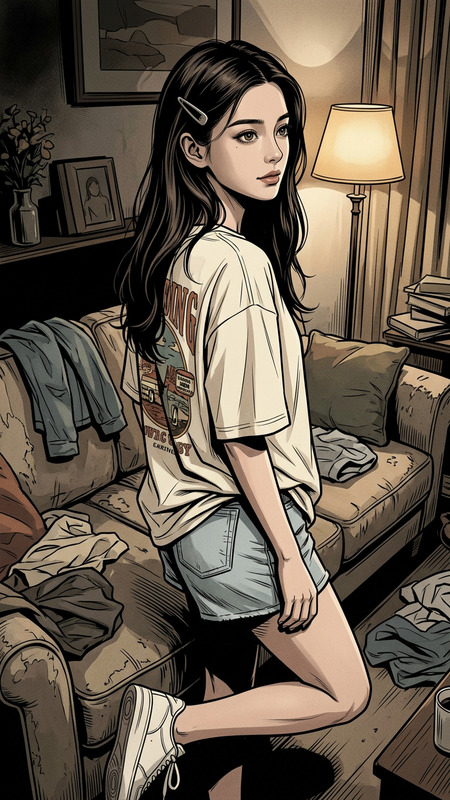
Claymorph Dream
- Model
- Nano Banana 2
- Image
- 843 × 1264 px
Prompt
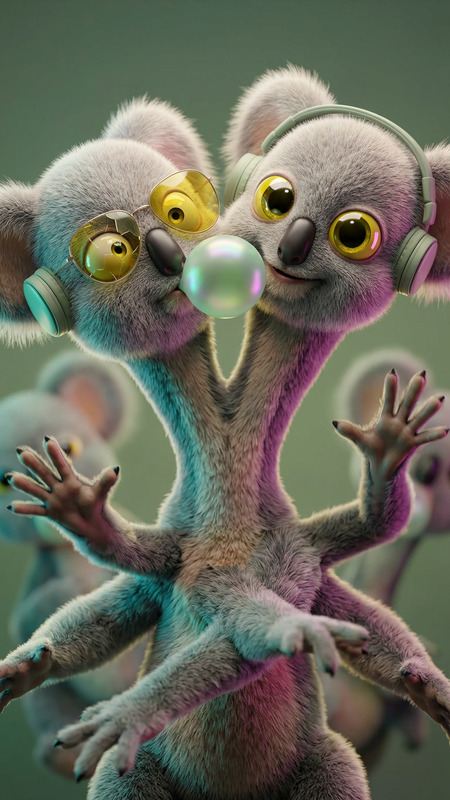
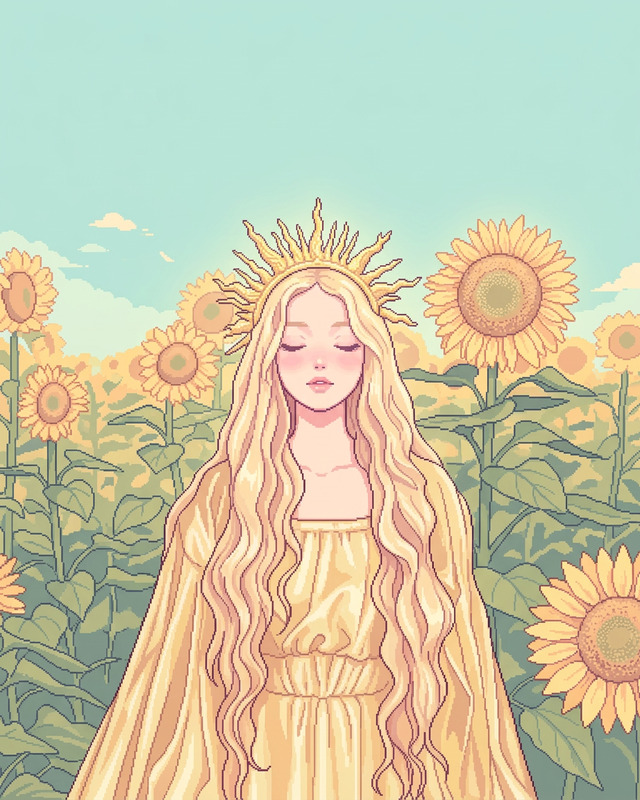
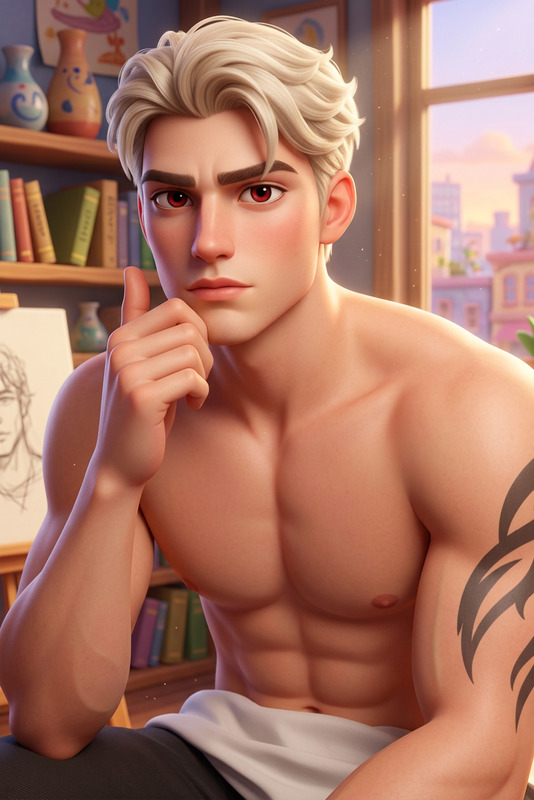
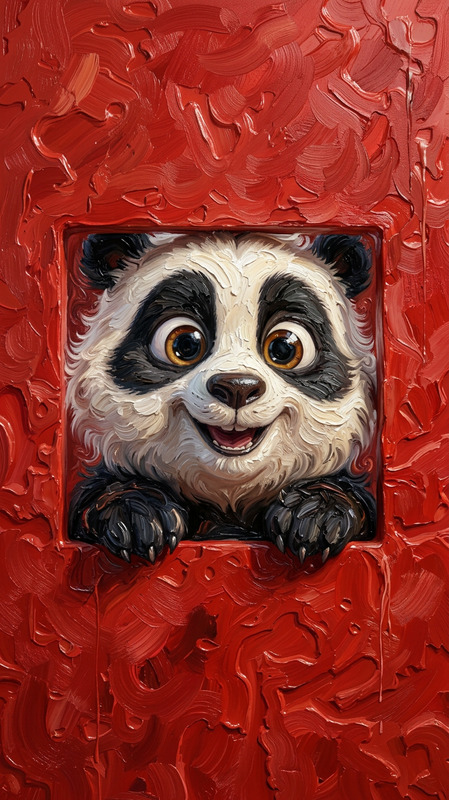
The subject stands still as a soft transformation begins, morphing from a real human into a cute clay character with rounded features and softly sculpted hair. The surface becomes smooth, slightly matte clay with a handcrafted stop-motion feel, while the pose and expression remain unchanged. Warm cinematic lighting with a soft glow, shallow depth of field, and a cozy, whimsical atmosphere.
Any aspect ratio
Overview
The Claymorph Dream template offers a creative transformation in visual storytelling, morphing ordinary images into charming clay-style animations. Built on the AI Image Editor platform, this template utilizes the advanced capabilities of the nano-banana-2 model to craft a whimsical, handcrafted stop-motion effect that captivates the viewer with its cinematic warmth and depth.
What It Does
Claymorph Dream turns your subjects into cute clay characters while preserving their pose and expression. The transformation process smooths the surface of the image to achieve a clay texture. It incorporates cinematic lighting and shallow depth of field to ensure that the final output feels both polished and playful.
This template leverages powerful features of the AI Image Editor and offers a versatile enhancement to any visuals you aim to bring to life with a dreamy, handcrafted aesthetic.
Who It's For
This template is ideal for creators and animators who specialize in stop-motion or want to experiment with artistic effects in their projects. It's perfect for educators looking to add a unique visual element to instructional content, marketers aiming for distinctive visuals in their campaigns, or anyone involved in storyboarding and pre-production phases where visual imagination is crucial.
Summary
The Claymorph Dream template is your gateway to transforming ordinary visuals into extraordinary claymation-style sequences. By using the nano-banana-2 model on AI Image Editor, users can apply a delightful handcrafted clay look while maintaining professional-quality effects. This results in a whimsical output that suits diverse creative and commercial needs.
How To
Choose Your Template

Customize Your Design

Generate Your Output

Use Cases
Storyboarding for Animations
Marketing Visuals
Educational Content
Social Media Posts
Best Practices
Select High-Quality Source Material
Ensure your source images or video clips are of high quality to avoid clarity loss during the transformation process.Experiment with Prompt Settings
Adjust the prompt's lighting and depth settings to see how different variations affect the claymation effect.Optimize for Lighting Consistency
Maintain consistent lighting in your original footage to ensure a seamless transition to the clay aesthetic.