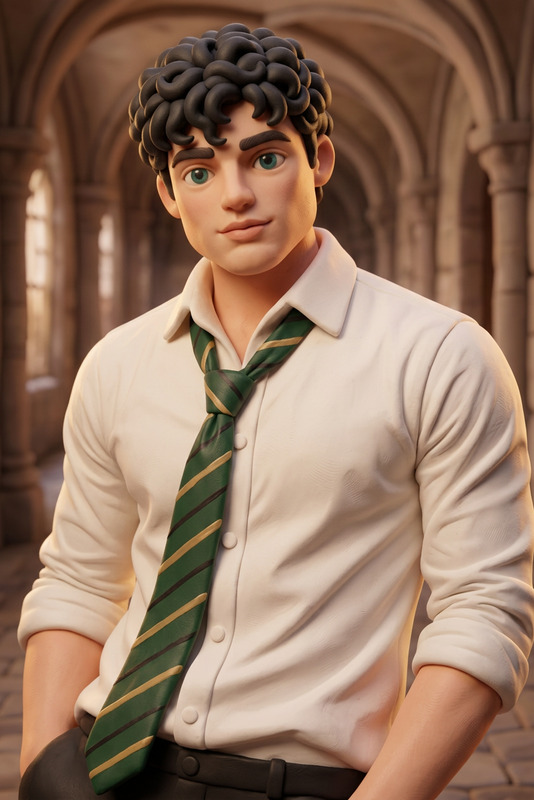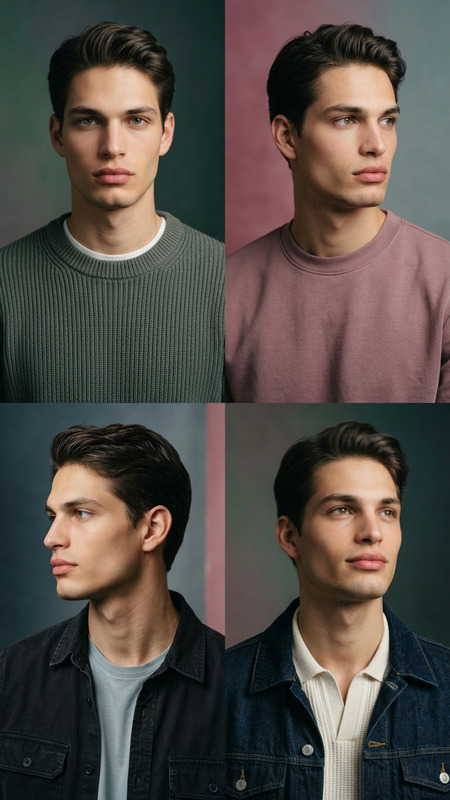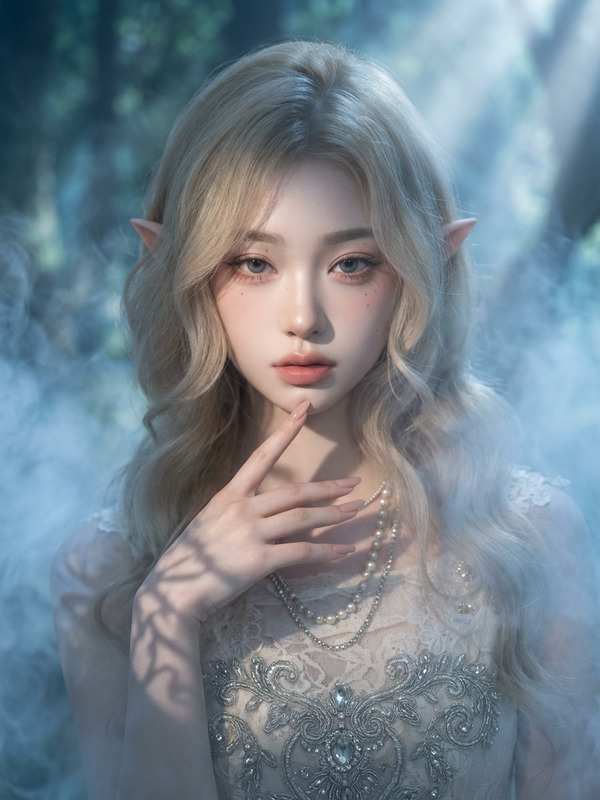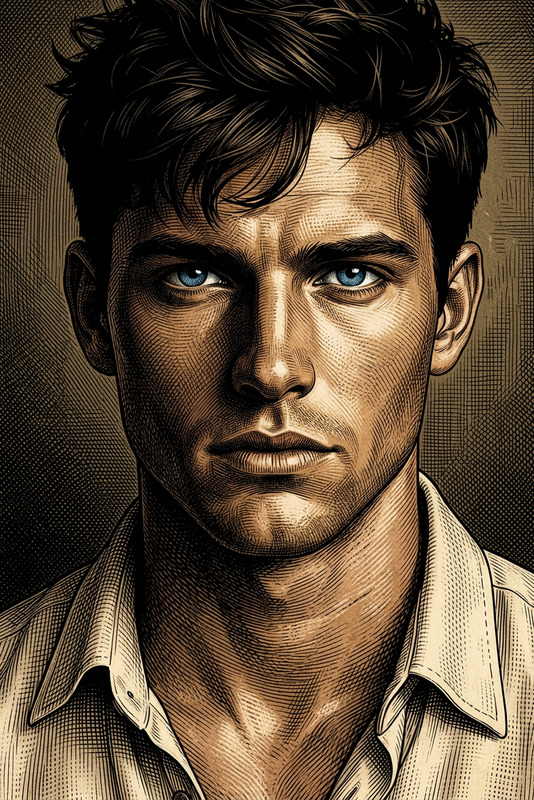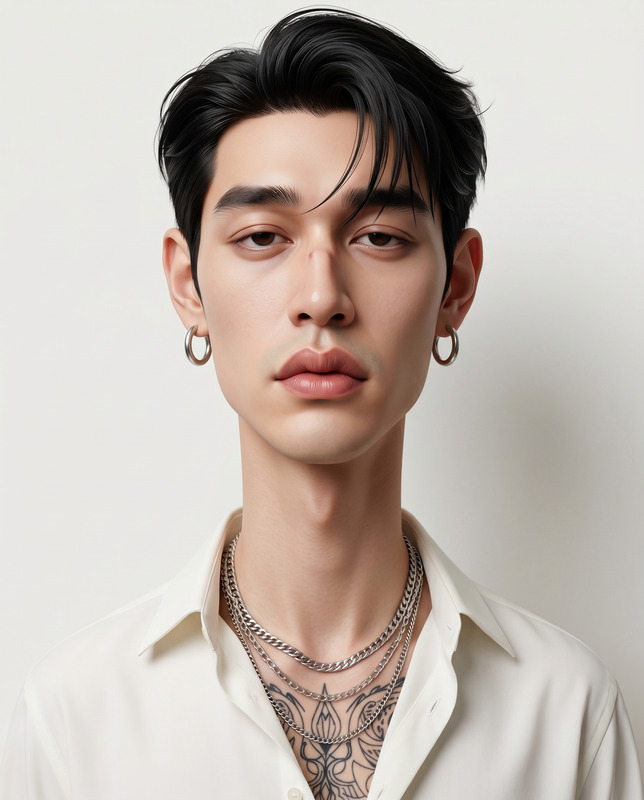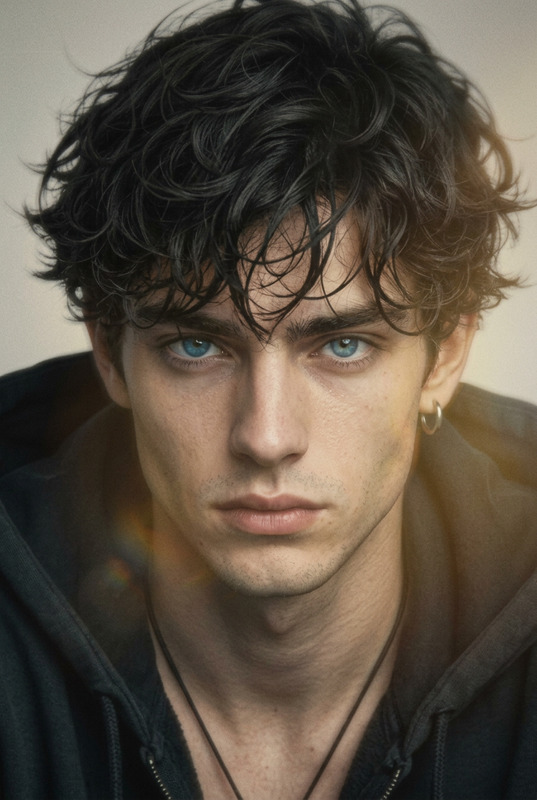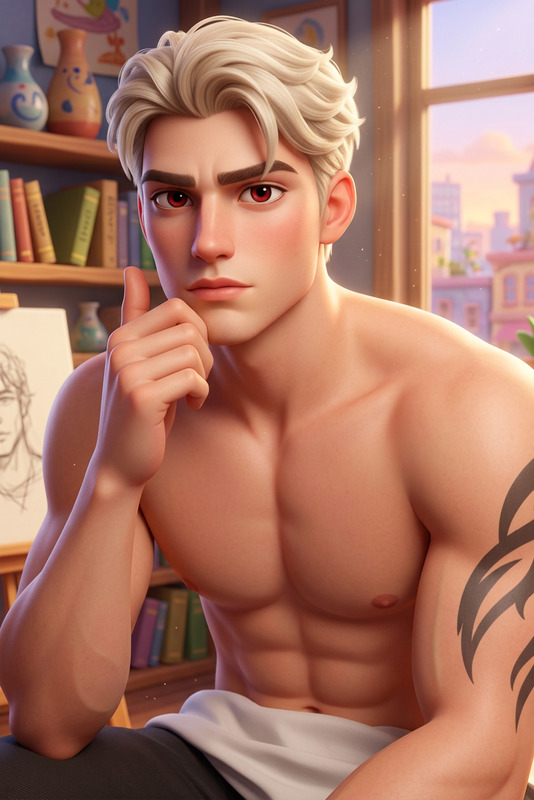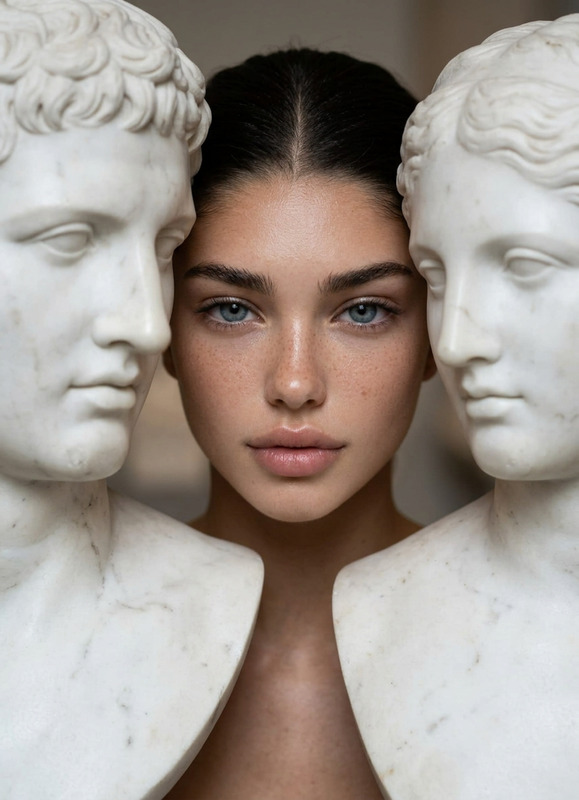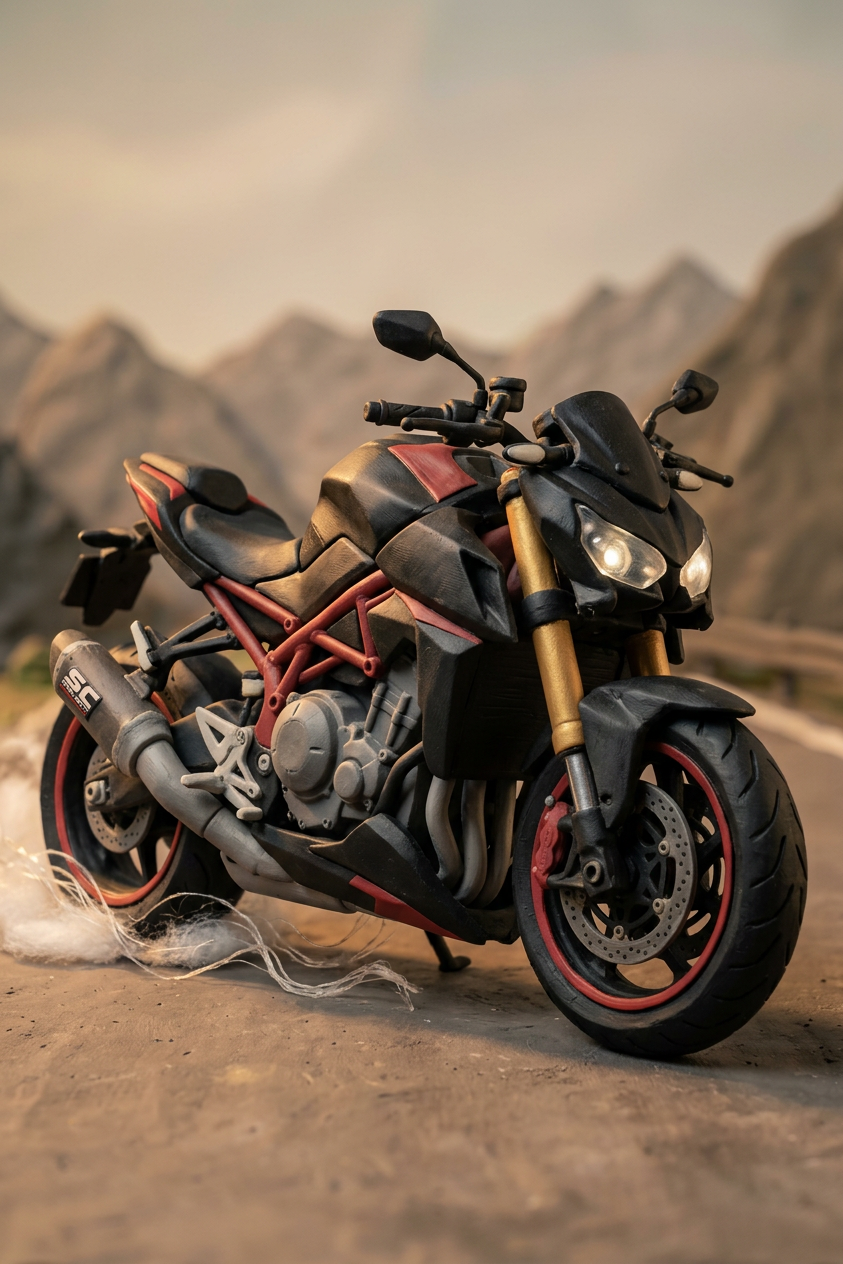
Claymation-Style
ai-image-editor
Any aspect ratio
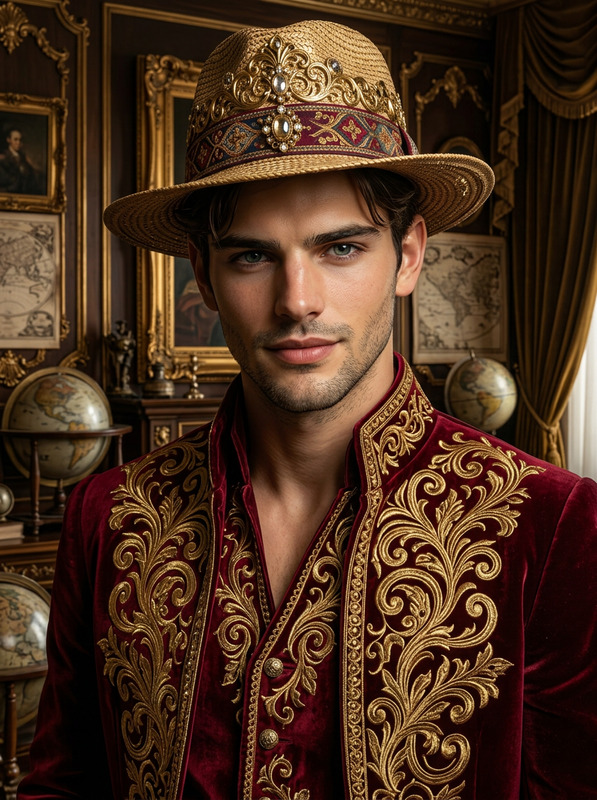
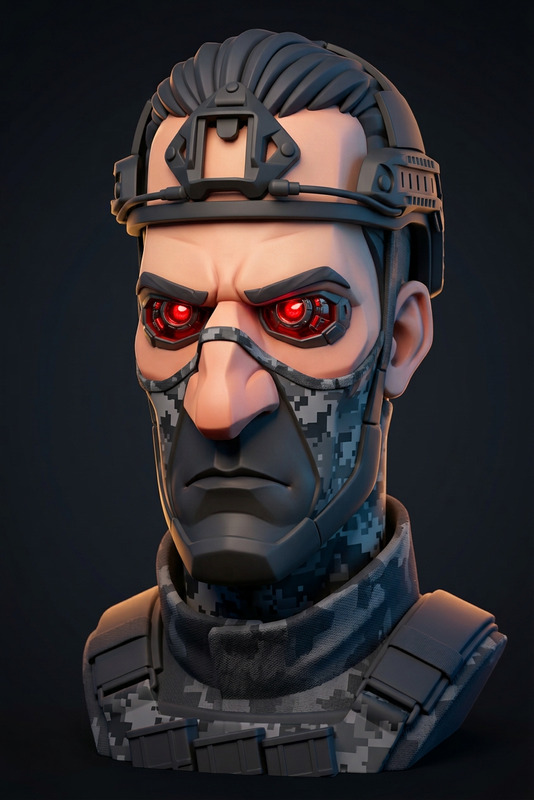
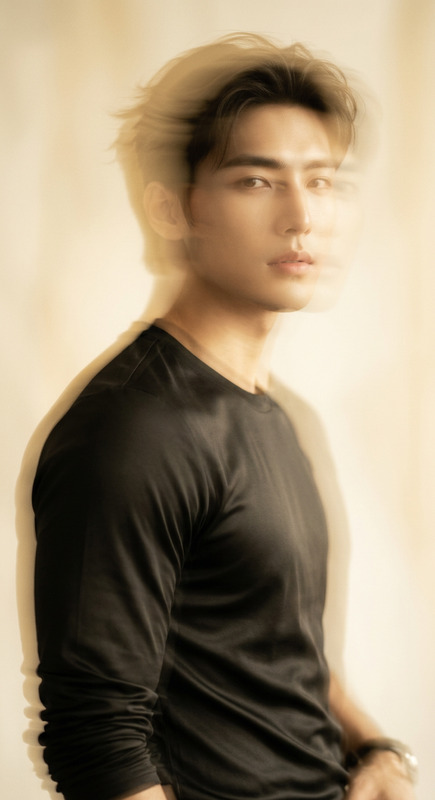
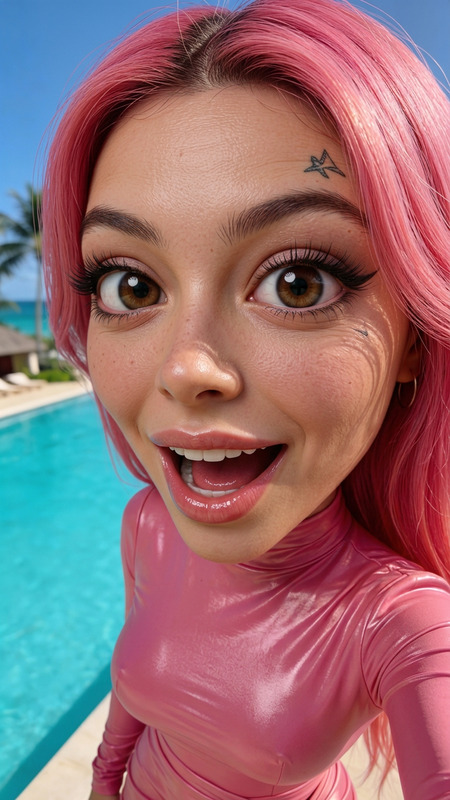
Create a highly detailed {claymation-style} portrait of the subject from the reference image, rendered as a handcrafted clay figure with visible fingerprints, soft edges, and subtle imperfections typical of stop-motion animation, while preserving key facial features and likeness. Apply {warm, studio-style lighting} with gentle soft shadows to enhance the tactile clay surface. Use a minimal, slightly textured background resembling a handcrafted clay set, keeping focus on the character. Render in high resolution with a {cinematic, whimsical} aesthetic inspired by classic stop-motion films, emphasizing organic shapes, handcrafted detail, and charming visual imperfections.
AI Image Editor Template: Turn Any Photo Into a Polished, On-Brand Visual in Minutes
Use this template to quickly transform raw photos into clean, high-impact images for campaigns, product pages, decks, user testing, and social content. It’s built on the AI Image Editor, so you can precisely edit, enhance, and repurpose any image without jumping between tools or touching complex settings.
What You Can Do With This Template
This template is ideal for:
Product & marketing teams
- Clean up screenshots, app UIs, and product photos
- Generate multiple variants for A/B tests and ad creatives
- Instantly adapt visuals for different channels (web, mobile, socials, decks)
Founders, designers & agencies
- Rapidly iterate on landing page hero images
- Replace backgrounds to match brand themes
- Remove distracting elements and “fix” assets from clients or partners
Content creators & growth teams
- Turn one shoot into dozens of social-ready assets
- Create thumbnails, banners, and hooks from a single source image
- Prepare images for text-to-video or image-to-video workflows
Because the template uses the AI Image Editor, you can do all of this in-browser—no Photoshop, no plugins, and no manual masking.
How This Template Works in Magic Hour
This template is a preconfigured workflow using the AI Image Editor as the core tool. At a high level, it lets you:
Start from a base image
- Upload a product shot, portrait, UI screenshot, or brand asset
- Or start from an AI-generated image made with:
Edit the image with AI
- Remove objects, text, or people using AI Remover or Remove Object from Photo
- Change or clean the background via Image Background Remover or AI Background Generator
- Improve quality and clarity using AI Image Upscaler or Unblur Image
Refine for your use case
- Export clean product imagery, polished headshots, or styled concept art
- Prepare visuals for:
Everything is designed so you can go from “rough asset” to “ready to ship” in one pass.
How to Remix This Template in Magic Hour
You can duplicate and customize this template to match your exact workflow:
Open the template in Magic Hour
- Use it as-is to edit your first image and understand the flow.
Swap the input step
- Replace the starting image with:
- A portrait for profile photos and avatars
- A product render or screenshot for marketing
- An AI-generated character from the AI Character Generator, Animated Characters Generator, or AI Face Generator
- Replace the starting image with:
Chain in other AI tools (optional)
For marketing and branding
- Combine with AI Logo Generator or Album Cover Generator to build cohesive brand visuals.
- Use Book Cover Generator for report covers, eBooks, or pitch decks.
For creators and storytellers
- Turn edited images into motion with:
- Use AI Talking Photo plus AI Voice Generator or AI Voice Cloner for explainer clips and on-boarding flows.
For face-focused workflows
- Create polished headshots using AI Headshot Generator and refine them with the AI Image Editor.
- Prepare clean faces for Face Swap Video Templates or Lip Sync Templates.
Save your remix as a reusable template
- Once your pipeline matches your use case (e.g., “Ad Creative Cleaner,” “Founder Headshot Flow,” “YouTube Thumbnail Generator”), save it and reuse it across teams and campaigns.
This remix approach is particularly useful for teams who want consistent, repeatable image quality without writing custom scripts or building their own AI infrastructure.
High-Impact Use Cases and Patterns
1. Landing page & SaaS marketing images
- Clean up UI screenshots, remove browser chrome, and standardize backgrounds
- Use AI Background Generator to match your color system and visual language
- Turn your hero asset into short product motion clips with Image-to-Video or Video-to-Video Templates
2. Profile, team, and founder photos
- Start from raw portraits or selfies
- Enhance and reframe them as consistent headshots via AI Headshot Generator and the AI Image Editor
- Use AI Selfie Generator for social-friendly alternates
3. Content marketing & social posts
- Quickly prepare visuals for blog posts, newsletters, and LinkedIn
- Combine with:
- Comic Book Generator for editorial-style visuals
- AI Illustration Generator for diagrams or concept art
- AI Meme Generator for growth experiments
4. E‑commerce & catalog imagery
- Remove messy backgrounds with Image Background Remover
- Upscale older images via AI Image Upscaler
- Experiment with outfits using AI Clothes Changer, AI Outfit Generator, or AI Fashion Generator
Advanced Creative Workflows for Builders
If you’re a developer, technologist, or operationally minded creator, this template can be the image-processing node inside larger content systems:
UGC → Clean assets → Video
- Collect creator images
- Normalize them with the AI Image Editor template
- Feed them into:
Knowledge products & IP
- Generate branded diagrams and covers using:
- Standardize them with this AI Image Editor template before publishing.
Highly styled universes
- Create consistent worlds with:
- Use the template to keep composition, cleanliness, and readability consistent across assets.
Related Tools and Templates You May Want to Combine
To build more sophisticated creative or marketing pipelines, this template pairs well with:
Video and motion
Faces, portraits, and identity
Restoration & enhancement
Why Use This Template Instead of a Generic Image Tool?
For builders and teams, the key advantages are:
Consistency at scale
Once you remix this into your own template, every new asset can pass through the same pipeline. That’s critical for brand, UX, and experimentation rigor.Interoperability with the rest of Magic Hour
Outputs from this template plug directly into:- Video templates (Face Swap Video, Lip Sync, Animation)
- Voice and talking-head tools (AI Talking Photo, AI Voice Generator, AI Voice Cloner)
Fast experimentation
Because everything is template-based, you can:- Fork workflows to try alternate styles or pipelines
- Maintain a “stable” production template alongside experimental variants
- Share templates across teams without documentation overhead
Getting Started
- Load this AI Image Editor template in Magic Hour.
- Run it once end-to-end with your own image to understand the output.
- Remix:
- Swap the input type (portraits, product shots, UI, generated art)
- Add or remove processing steps to fit your brand and channel mix
- Save your version as a reusable template for your team.
Use this as the core “image quality and consistency” layer in your stack, then plug it into whatever you’re building next—landing pages, content feeds, onboarding flows, or full video automation.