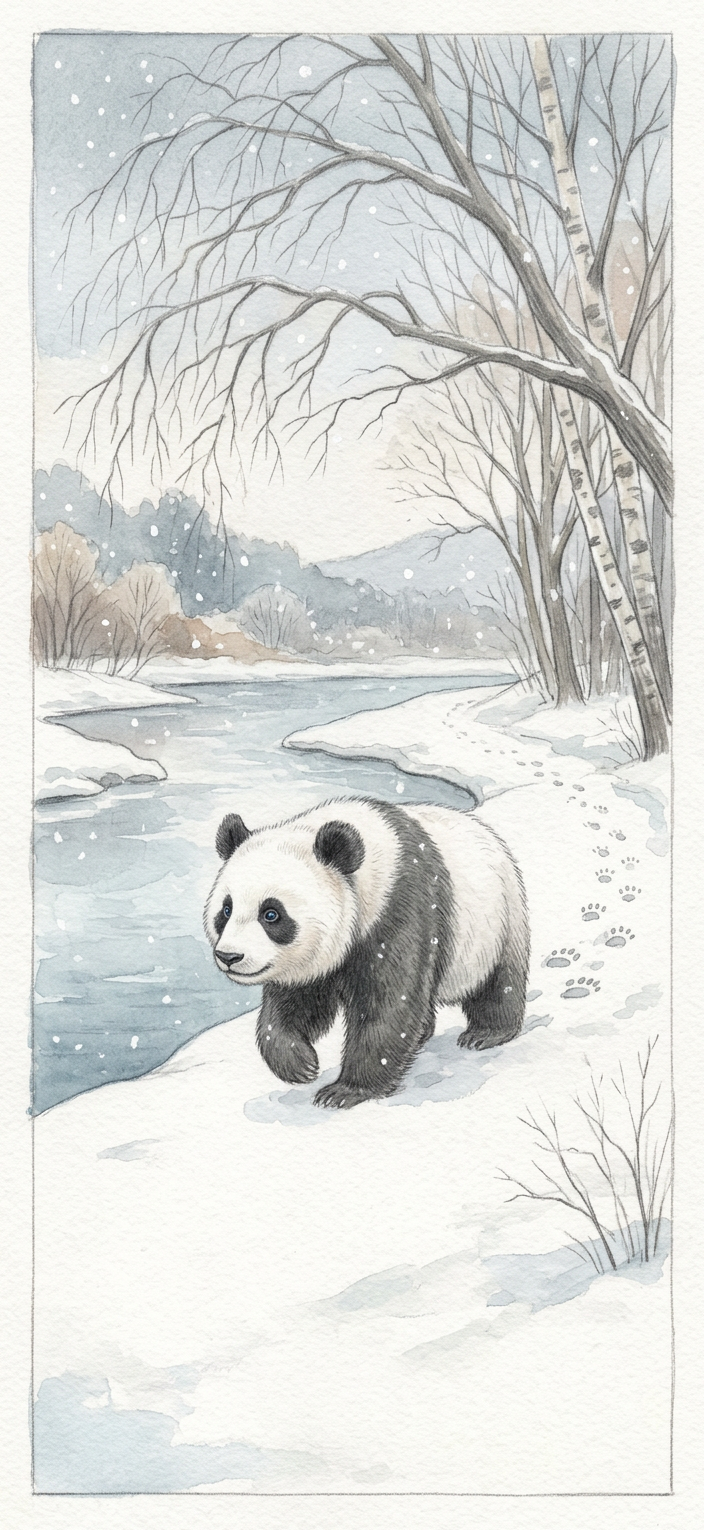
Snowy Riverside
- Model
- Nano Banana 2
- Image
- 704 × 1530 px
Prompt
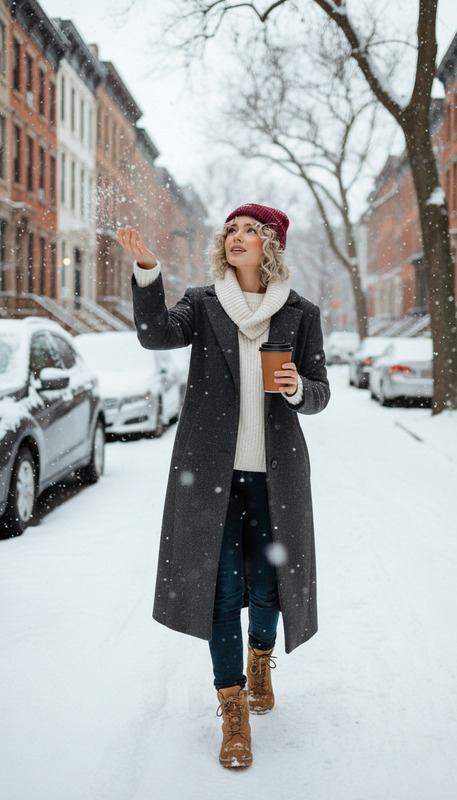
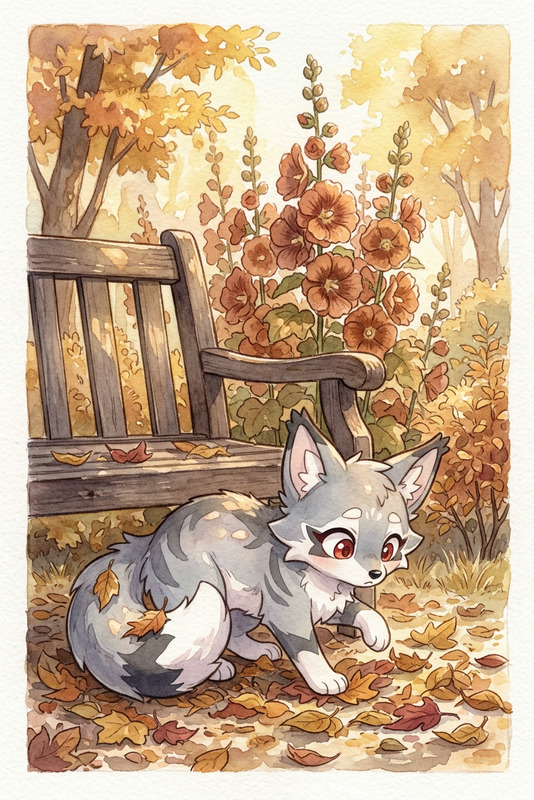
A quiet riverside path with the first snowfall, watercolor style with soft pencil outlines and muted winter tones. Bare branches arch overhead as a subject trots along the bank, leaving delicate footprints in the snow, serene and gentle mood.
Any aspect ratio
Overview
Capture the serene beauty of winter with the Snowy Riverside template, part of our AI Image Editor. Designed using the nano-banana-2 model, this template transforms your scenes into tranquil riversides touched by the first snowfall. Ideal for projects needing a gentle and calming winter aesthetic.
What It Does
The Snowy Riverside template crafts atmospheric images showing a winter riverside landscape in a watercolor style. It uses soft pencil outlines and muted winter tones to evoke a serene and gentle mood. Incorporate subjects trotting along the bank, leaving footprints in the snow, for added storytelling.
Pair this template with the AI Clothes Changer to adapt subjects' clothing to fit the winter theme, enhancing your project's visual coherence.
Who It's For
This template is perfect for graphic designers, illustrators, and social media managers aiming to add a serene touch to their winter projects. Whether you're crafting images for a product launch video or creating seasonal social media content, Snowy Riverside provides the perfect tranquil backdrop.
Summary
Embrace the calm of winter with the Snowy Riverside template. Part of the AI Image Editor, it offers a picturesque setting for a wide range of creative projects. With support from our advanced nano-banana-2 model, create evocative visuals that resonate with winter charm.
How to Use
Choose Template

Customize Inputs

Generate and Save

Use Cases
Winter Marketing Campaigns
- Social media posts
- Email newsletters
- Ad visuals
Seasonal Greeting Cards
- Printed holiday cards
- Digital e-cards
Illustrative Projects
- Book illustrations
- Art installations
Best Practices
Focus on Composition
Place subjects carefully to guide the viewer's eye through the scene. Use the river's curve as a natural path.Enhance with Details
Add small details like animal footprints or distant snowy trees to create depth and realism.Play with Tones
Experiment with different muted tones to achieve the desired mood and atmosphere, from dawn to dusk.