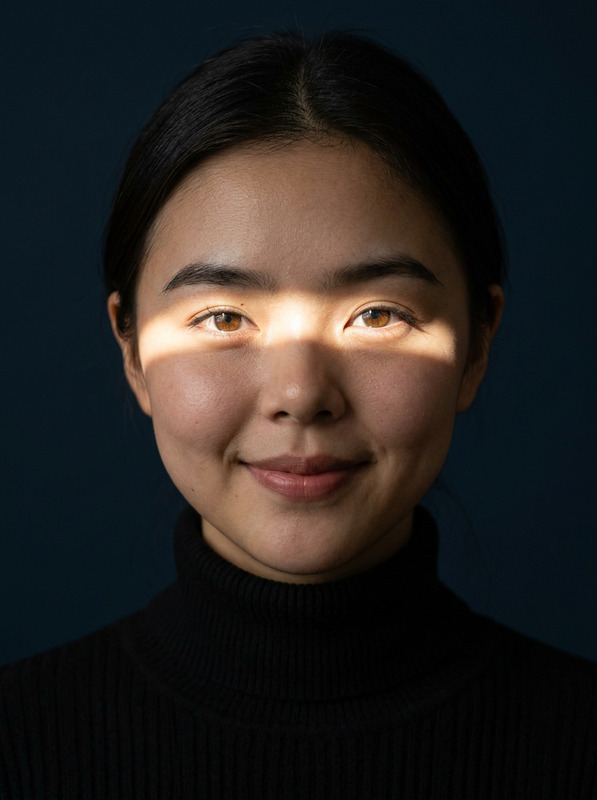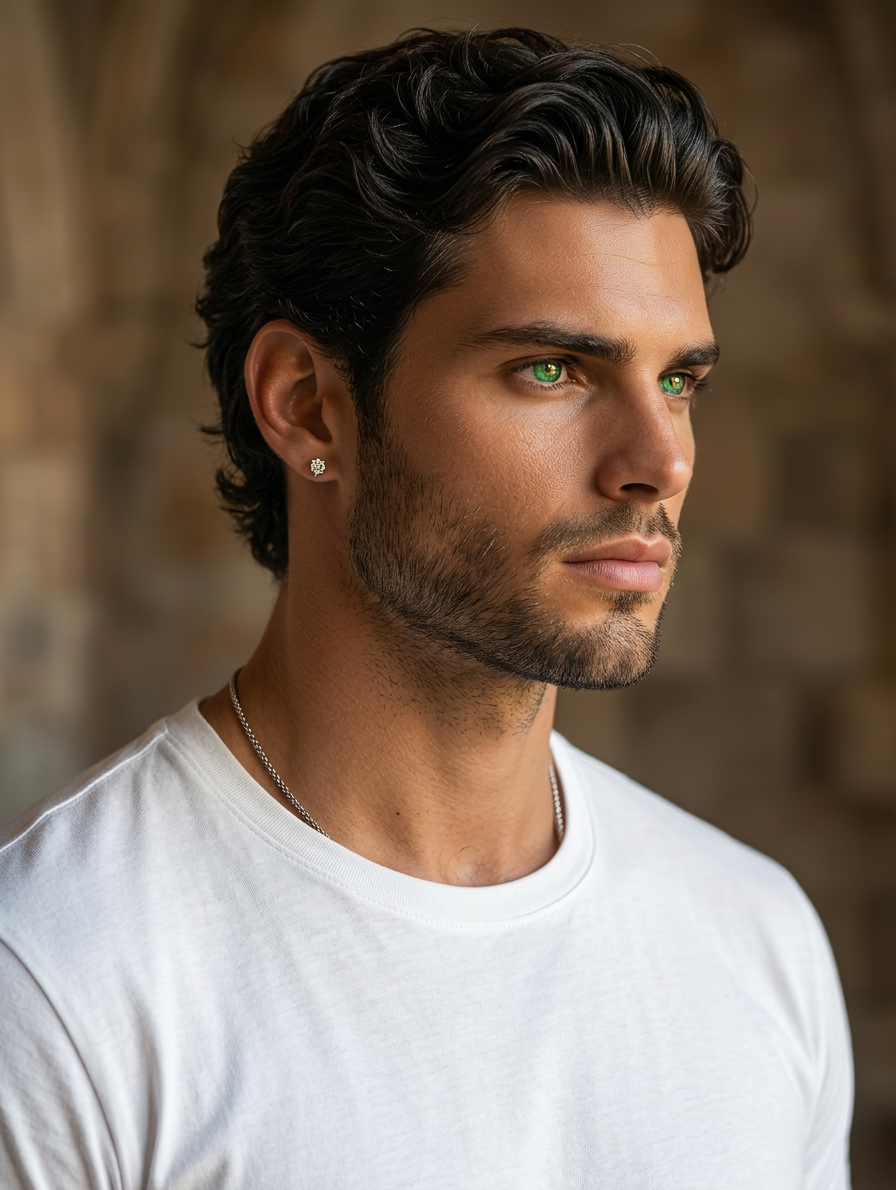
Emerald Gold Eyes Portrait
- Model
- Nano Banana 2
- Image
- 896 × 1190 px
Prompt
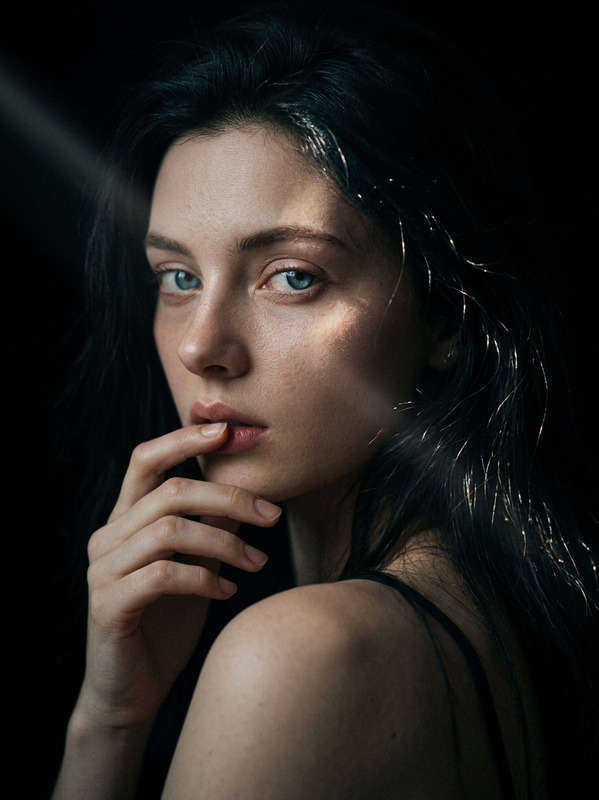
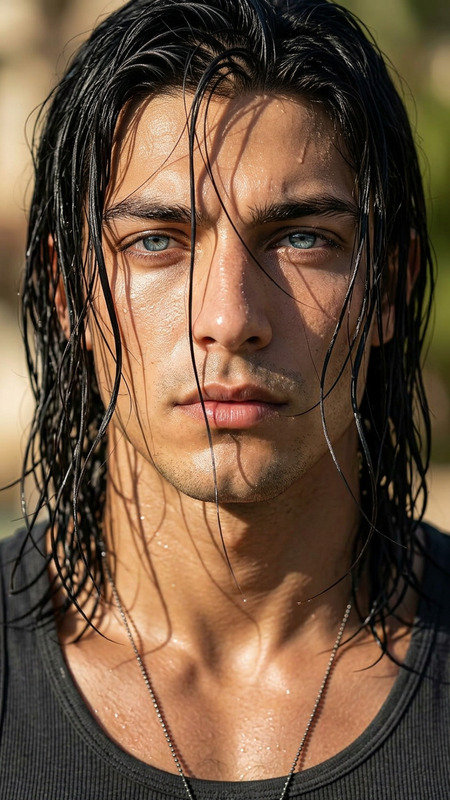
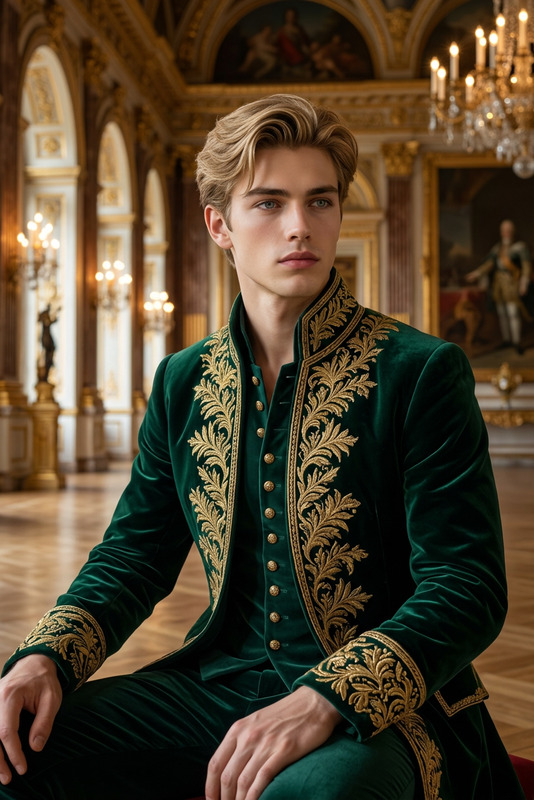
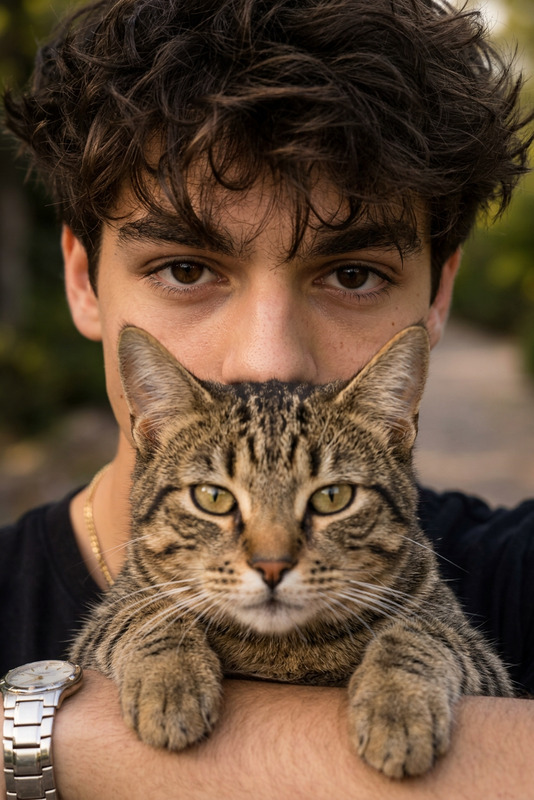
Hyper-realistic 8K portrait of a subject with a flawless symmetrical face, intense piercing emerald-green eyes with subtle golden reflections, thick dark wavy hair with natural volume and shine, and a short well-groomed beard. Sharp jawline, sun-kissed warm skin tone, subtle masculine features, small diamond stud earring in left ear, wearing a simple white t-shirt and thin silver chain necklace. Soft studio lighting with gentle shadows, photorealistic, ultra-detailed skin texture, cinematic masterpiece quality.
Any aspect ratio
Overview
Transform your subject's portrait into an ultra-realistic cinematic masterpiece with the "Emerald Gold Eyes Portrait" template. This AI Image Editor utilizes the power of the nano-banana-2 model to achieve an 8K resolution image that captures every detail of your subject's face.
What It Does
This AI image template excels in creating hyper-realistic portraits with a focus on striking emerald-green eyes accented with golden reflections. It meticulously renders each attribute described in the prompt—from the sharp jawline to the soft studio lighting, ensuring the final image is not only detailed but also artistically superior.
Who It's For
Whether you are a professional photographer, a digital artist, or a content creator, this template is designed for anyone seeking to produce captivating imagery with high detail and realism. Ideal for those in the advertisement, art, or photography industries who need to elevate their visual content swiftly and with precision.
Summary
The "Emerald Gold Eyes Portrait" template is an excellent choice for crafting images that draw viewers into high-detail, cinematic experiences. By leveraging products like the AI Image Generator, this tool provides a streamlined process to bring your creative visions to life, complete with the depth and drama expected in professional portraiture.
How-To
Choose Your Template

Customize Your Portrait

Generate and Download

Use Cases
Photography Enhancement
- Photography portfolios
- Model profiles
- Actor headshots
Advertising Campaigns
- Billboard designs
- Magazine features
- Online ads
Creative Art Projects
- Art exhibitions
- NFT collections
- Social media artwork
Best Practices
Utilize High-Quality Inputs
Always start with high-resolution source images to ensure the best output quality.Focus on Lighting
Pay attention to how you describe the lighting settings in your prompt for a more natural look.Refine Details in Post-Production
Consider additional post-processing using tools like the AI Image Editor to fine-tune elements like skin texture and color grading.