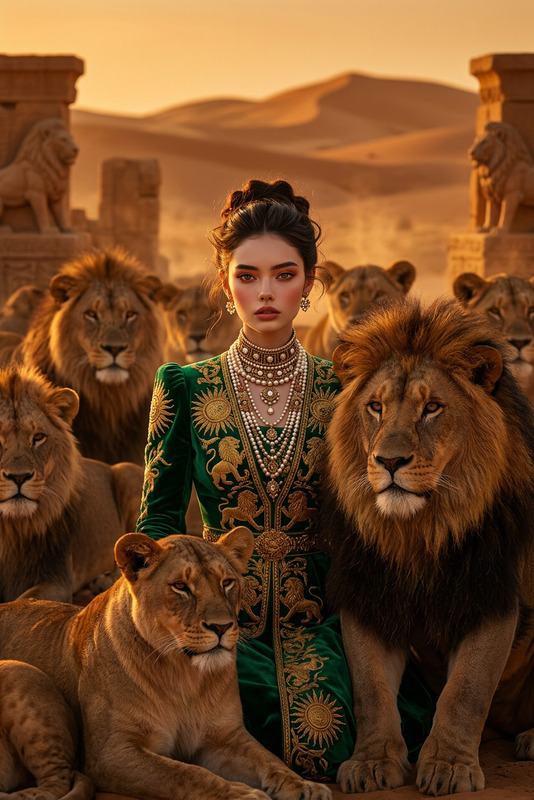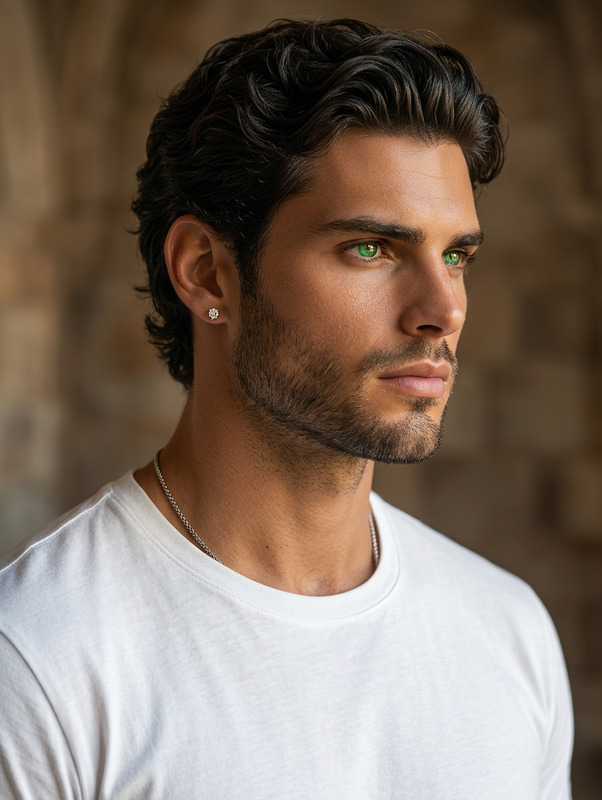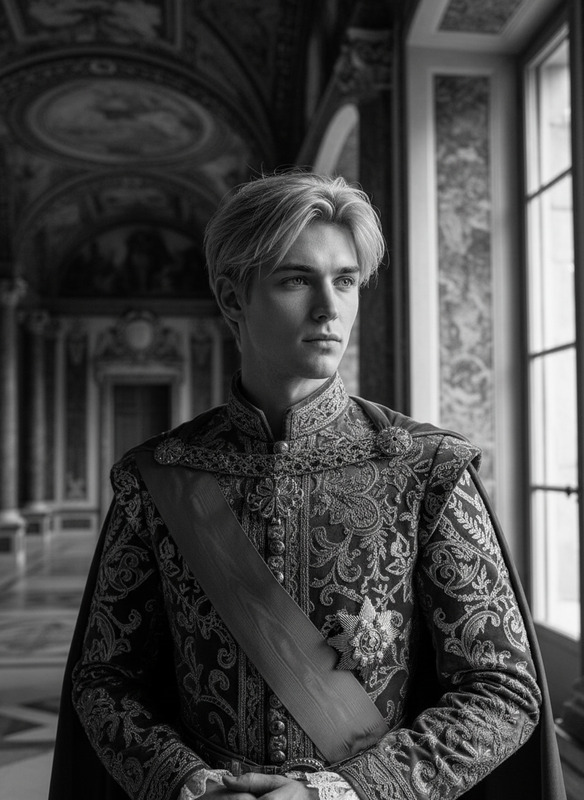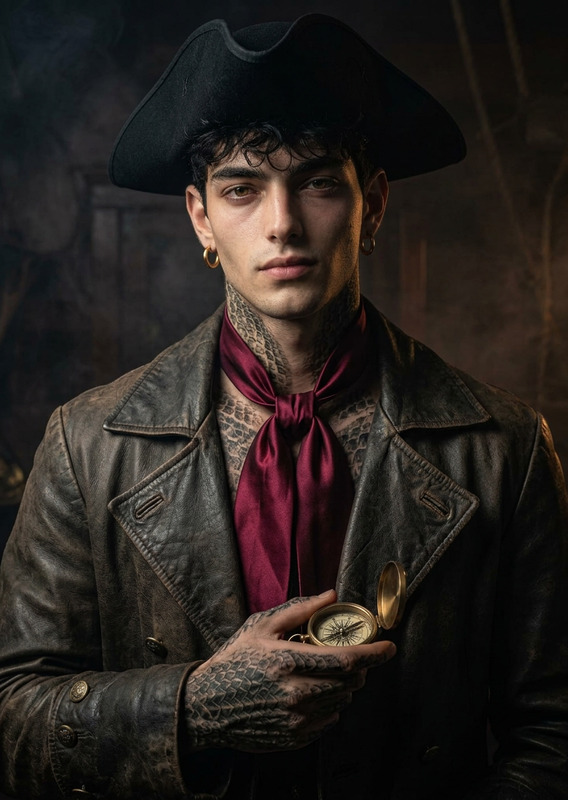
Royal Count Portrait
- Model
- Nano Banana 2
- Image
- 843 × 1264 px
Prompt
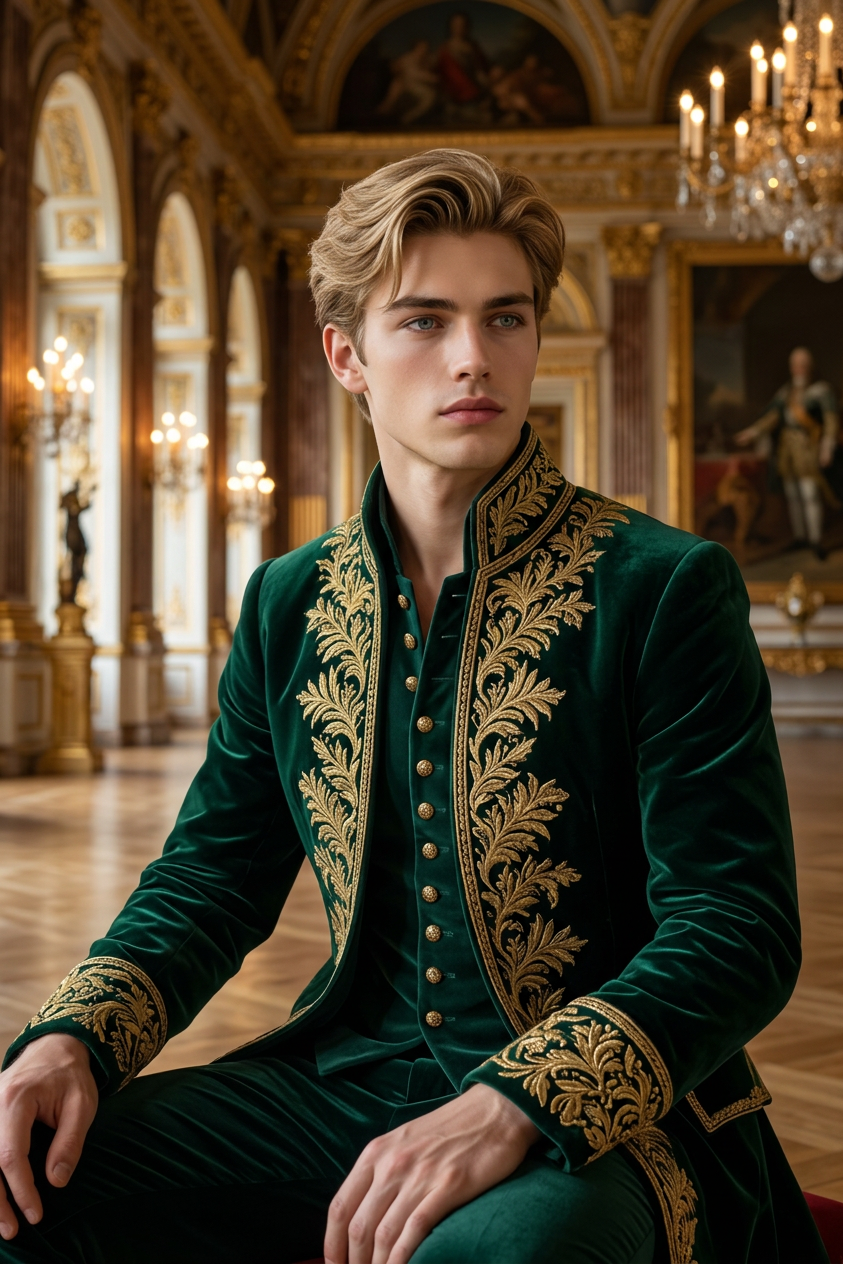
An ultra-realistic cinematic portrait based on the reference image. The subject wears an elegant emerald green count outfit with intricate gold embroidery, luxurious fabric, and refined aristocratic details. No glasses. Set in a grand royal palace with opulent architecture, golden accents, and a regal atmosphere. Maintain accurate facial features from the reference image. Confident, noble expression, cinematic professional lighting, soft highlights, sharp focus, depth of field, rich textures, 8K quality.
Any aspect ratio
Overview
The Royal Count Portrait is a specialized template in the AI Image Editor category. Powered by the nano-banana-2 model, it allows you to create ultra-realistic portraits with a historical twist. Capture the essence of regal aristocracy with cinematic lighting and exquisite details.
What It Does
This template transforms a reference image into an elegant depiction of nobility. By applying a refined emerald count outfit and setting the scene in a grand palace, the tool maintains sharp focus and depth in every detail. Perfect for those looking to embody historical elegance, the images boast 8K quality with rich textures and a noble expression.
Who It's For
The Royal Count Portrait template is ideal for creators in advertising, gaming, or film industries who need historical or aristocratic characters. It's also suited for enthusiasts of period photography and those aiming to add a touch of class to family portraits or professional headshots. Explore more options with our AI Profile Picture Generator.
Summary
Utilizing advanced AI technology, this portrait editor refines your images to reflect a royal count's grandeur. With its focus on cinematic lighting and luxurious details, it captures the majestic atmosphere of a bygone era. Whether for professional creatives or personal projects, this tool delivers style and sophistication in digital portraits.
How-to Create Regal Portraits
Choose the Royal Count Portrait template

Customize your portrait

Generate your royal portrait

Use Cases
Historical-Themed Visuals
- Period films and series posters
- Vintage-style promotional materials
Character Development
- Video games with historical settings
- Graphic novels and animations
Family and Personal Portraits
- Personalized royal-themed gifts
- Memorable family portraits with a twist
Best Practices
Focus on Reference Image Quality
Ensure your reference image is clear and well-lit to achieve the best portrait outcome.Emphasize Facial Features
Adjust the facial features settings to maintain the authenticity of the subject's identity in the final image.Experiment with Lighting Details
Fine-tune the cinematic lighting settings to enhance mood and atmosphere, crucial for capturing the template's regal theme.