Neon Street Portrait
ai-image-editor
Any aspect ratio
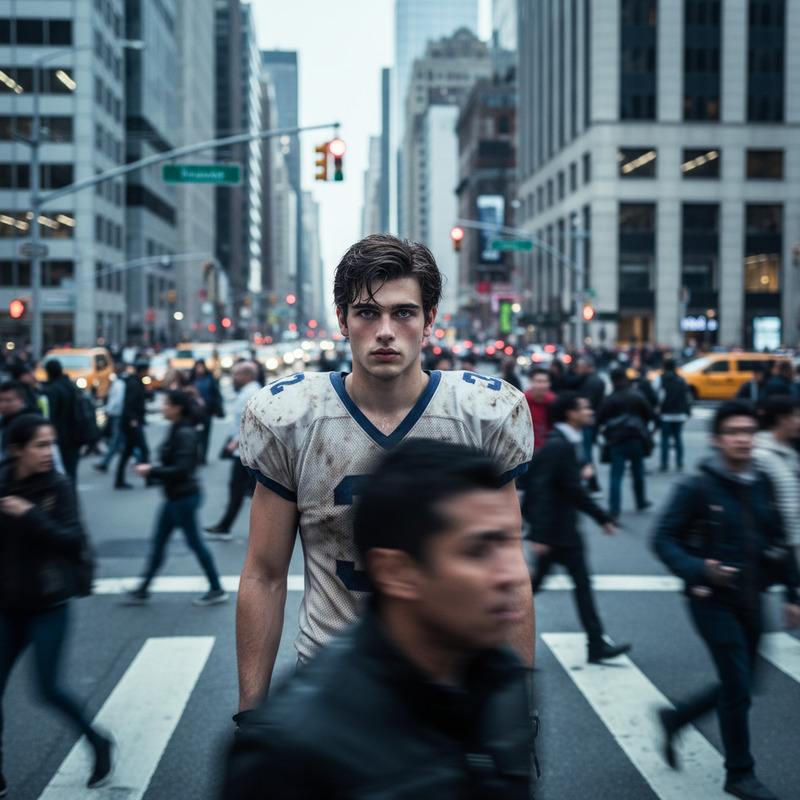
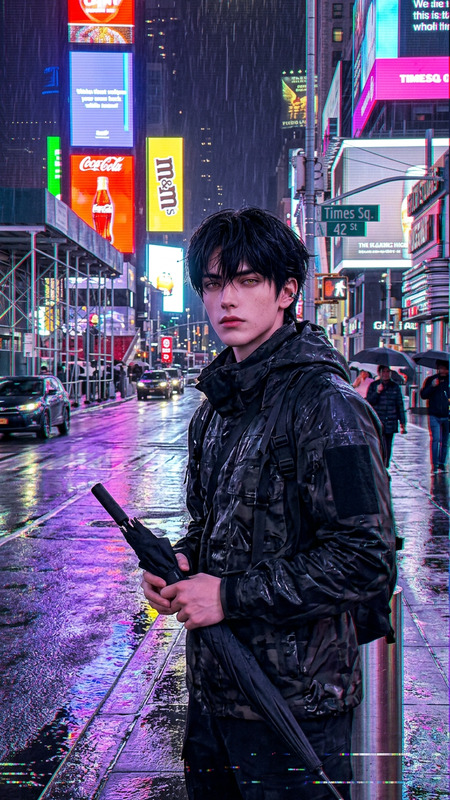
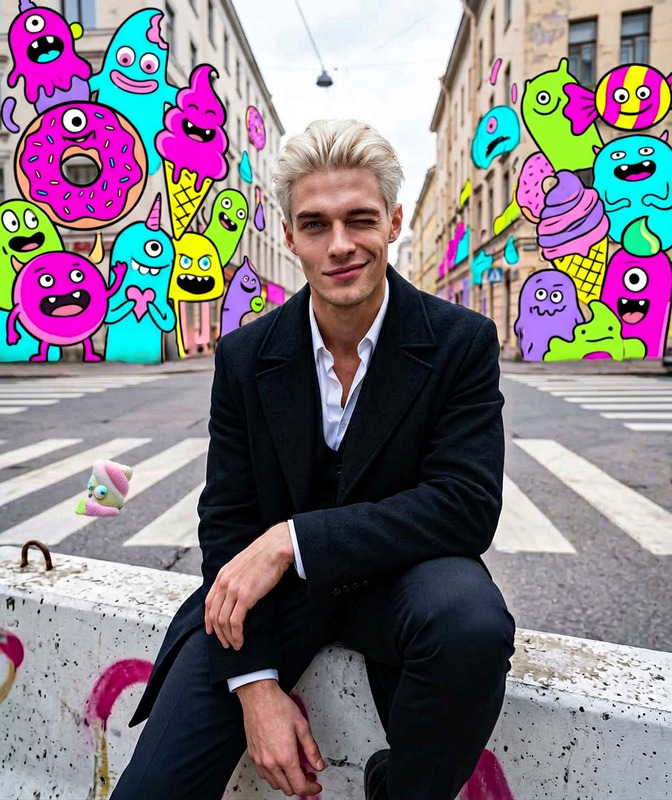
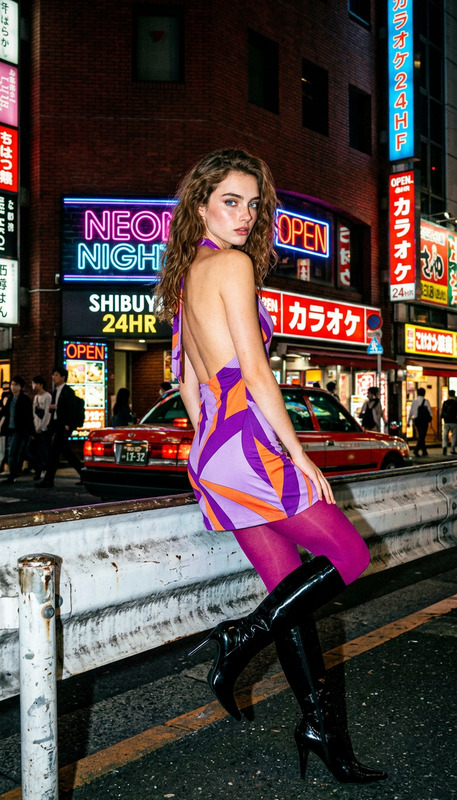
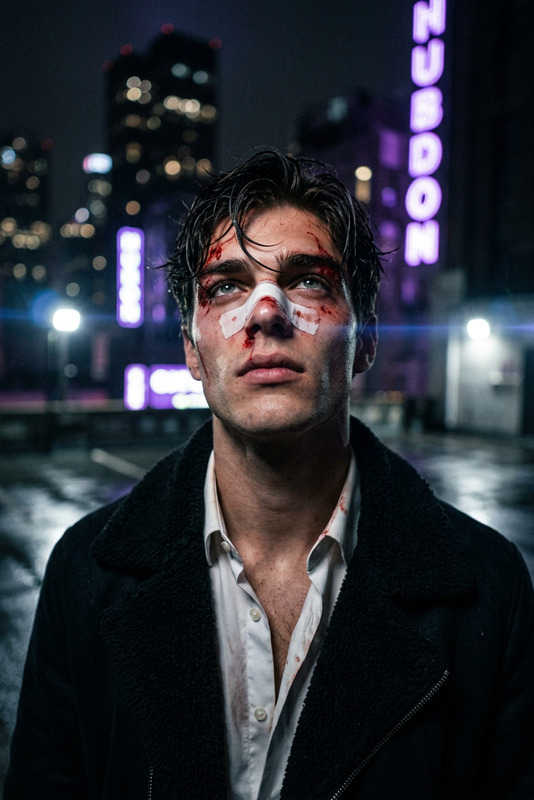
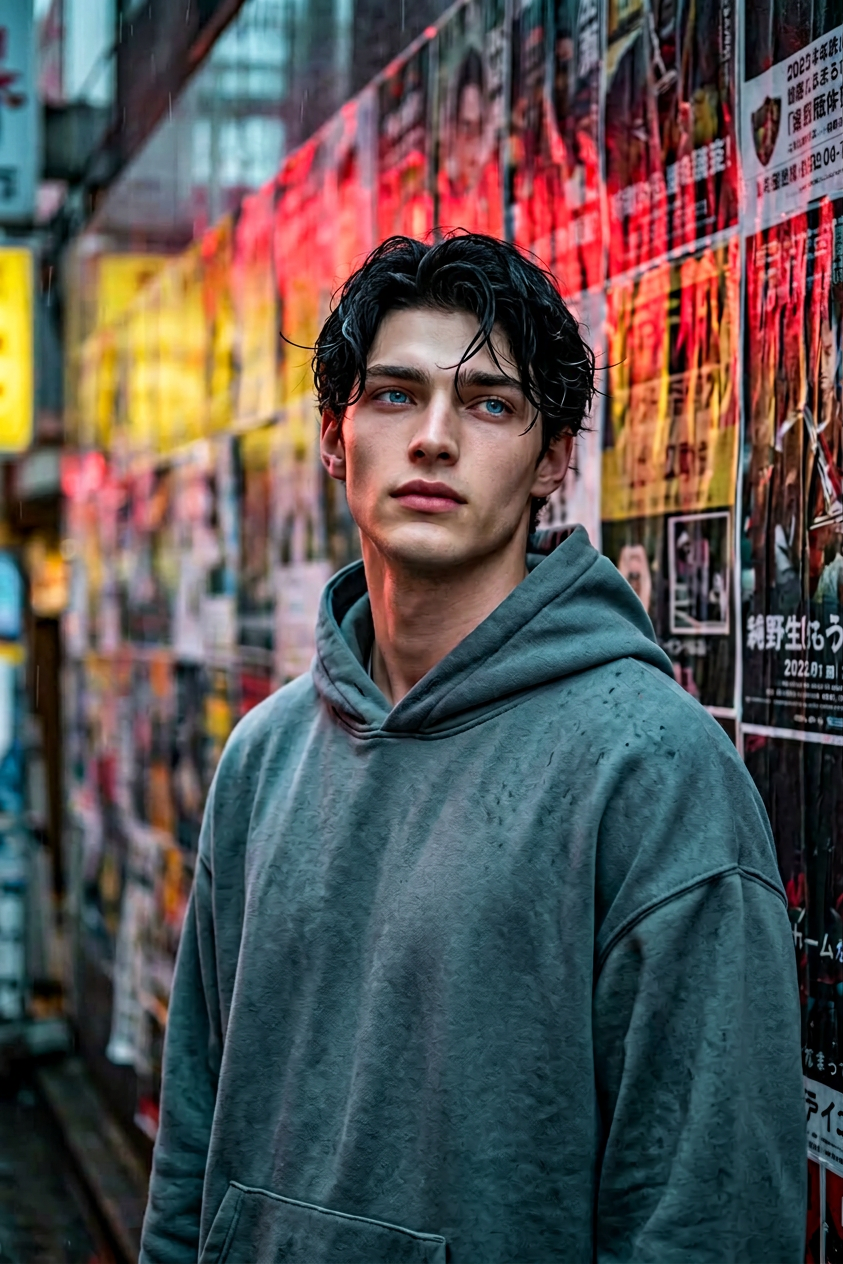
subject with a dreamy mood, soft gaze upward; wavy black slightly damp hair; wearing an oversized slate grey/teal hoodie; standing in light rain/drizzle against a poster-covered wall in a dense Asian city (Tokyo/Seoul/Hong Kong vibe); neon city lighting with strong red and yellow highlights and cool blue-grey shadows; photorealistic, high detail; portrait lens (50–85mm), shallow depth of field, sharp focus on subject.
Tags
popularAI Image Editor Template: Edit Any Photo in Seconds
Transform any image directly in your browser using Magic Hour’s AI Image Editor. This template is a starting point for fast, precise image edits—ideal for creators, marketers, founders, and product teams who need clean, on‑brand visuals without opening complex desktop software.
Use it to:
- Rewrite or replace objects in a photo (e.g., “change the mug to a white ceramic cup”)
- Clean up marketing shots by removing background clutter
- Fix details in product photos, headshots, or app screenshots
- Generate quick variations of a visual concept for A/B tests or moodboards
What You Can Do With This Template
This template is built on the AI Image Editor, so you can:
Edit specific regions of a photo
Highlight an area and describe the change you want. For example:- Replace a t-shirt logo with your brand mark
- Change a background to a solid studio color
- Swap objects (e.g., “turn this notebook into a MacBook”)
Clean and enhance photos for professional use
Great for:- Landing page hero images
- Ad creatives for Meta/Google campaigns
- Pitch decks and investor updates
- Product catalogs
Generate creative variations on a base image
Keep composition and layout while refreshing:- Color palettes
- Props and backgrounds
- Lighting and mood
If needed, you can pair edits with other Magic Hour tools like the AI Image Upscaler (to sharpen and enlarge your final image) or the Image Background Remover (to isolate subjects).
How to Remix This Template in Magic Hour
You can create your own version of this template in a few minutes by remixing it inside Magic Hour:
Open the template in Magic Hour
Use the “Remix” or “Use this template” option (depending on your interface) to duplicate it into your workspace.Swap in your own base images
- Replace the existing sample image with your product photos, portraits, UI shots, or brand assets.
- For best results, use clear, reasonably high‑resolution images. If you’re working with older or blurry images, you can pre‑process them using:
- Old Photo Restoration for damaged or vintage photos
- Unblur Image for soft or low‑focus images
Adjust the editing prompts for your use case
- Rewrite the prompts to match your workflow:
- “Clean up this product photo: remove distractions and make the background clean white”
- “Make this portrait look like a professional LinkedIn headshot with soft studio lighting”
- Save prompt “snippets” that you can reuse across assets (e.g., your brand’s default background, lighting, or color preferences).
- Rewrite the prompts to match your workflow:
Chain with other Magic Hour tools (optional)
Turn this template into a mini‑pipeline:- From image to video:
- Use Image to Video to animate your edited image into short motion clips for social content.
- Or turn your character or product into a full animation with the Animation templates.
- For avatars and faces:
- Create new faces with the AI Face Generator or AI Selfie Generator, then refine them with the Image Editor.
- Use AI Headshot Generator for professional portraits you can then fine‑tune.
- For branding and content:
- Design a concept in the AI Art Generator or AI Illustration Generator, then adjust details with this template.
- Create ad‑ready or thumbnail visuals using Thumbnail Maker and refine them via the Image Editor.
- From image to video:
Practical Use Cases for Teams
For marketers and growth teams
- Quickly localize creatives: edit text in images, adjust cultural details, or modify scenes for different markets.
- Produce multiple ad variations by swapping backgrounds, outfits, or environments while keeping layout consistent.
- Clean up UGC photos (remove clutter, enhance colors) before running them in campaigns.
Consider combining this with:
- AI Meme Generator for fast social content
- AI GIF Generator for looping motion from edited frames
- Text to Video to turn scripts or value props into short videos built around your visuals
For founders and startup teams
- Upgrade pitch deck visuals without a designer:
- Turn rough office photos into clean, minimal product scenes
- Swap messy office backgrounds with neutral or branded environments
- Iterate on brand direction by testing colors, styles, and visual language directly in your product shots.
Useful complements:
- AI Logo Generator for logo concepts you then refine in this editor
- Book Cover Generator or Album Cover Generator for pitch one‑pagers, reports, or content series
For product designers and developers
- Validate visual ideas fast before hand‑off:
- Try different UI mockups in realistic device frames
- Generate contextual “in‑the‑wild” shots of your app or hardware
- Maintain consistency across screenshots and marketing images by keeping composition and structure while updating key elements.
You can source base visuals with:
- AI Photo Generator for photorealistic scenes
- AI Background Generator to create studio, office, or abstract backgrounds
Advanced Creative Workflows
Because this template sits inside the Magic Hour ecosystem, it plays well with more specialized tools:
Character and avatar pipelines
- Generate characters with the AI Character Generator, Animated Characters Generator, or AI Anime Generator.
- Edit expressions, outfits, or props with the AI Image Editor.
- Turn them into talking avatars using AI Talking Photo or animate further with Video to Video templates.
Fashion, outfits, and portraits
- Use AI Clothes Changer, AI Fashion Generator, or AI Outfit Generator to change wardrobe.
- Refine colors, backgrounds, or accessories in this template.
- For social or profile content, finalize with the Avatar Generator.
Niche visual styles
- Generate starting images with style‑focused tools like:
- Then use AI Image Editor to fix details, text, or compositional issues without breaking the style.
Cleanup and Restoration
If your starting point is imperfect, use this template as part of a cleanup stack:
Remove unwanted elements
- Use AI Remover or Remove Object from Photo to strip out logos, people, or objects.
- Then, with this template, refine the fill and overall look to make the edit invisible.
Fix old or low‑quality images
- Repair damage with Old Photo Restoration.
- Colorize black‑and‑white photos with Photo Colorizer.
- Sharpen and upscale with AI Image Upscaler.
- Use AI Image Editor to finalize details (background cleanup, lighting, minor retouching).
Turning Edited Images into Motion and Media
Once your image is edited, you can extend it into richer content:
Face‑driven video and animation
- Apply your edited face or portrait in:
- Use AI Voice Generator or AI Voice Cloner to give your visuals a matching voice.
Video quality and format upgrades
- Turn your edited image into animated loops with the AI GIF Generator.
- For multi‑scene content, use Text to Video with your edited image as a key frame or ending frame.
- Enhance final video output using Video Upscaler and add subtitles via Auto Subtitle Generator.
Tips for Better Results
- Use clear, descriptive prompts: specify objects, materials, colors, and style when requesting edits.
- Start from images that already roughly match your desired framing and composition; use the editor for refinement, not total reconstruction.
- Keep a small library of brand prompts (e.g., “clean tech, minimal, soft natural light, neutral background”) to apply consistently across projects.
- When working with text in images (e.g., UI screens, posters, signage), you can iterate several times: first layout, then legibility, then style.
Related Magic Hour Tools to Explore
If this template fits your workflow, these tools often pair well with it:
- AI Art Generator – concept art and moodboards
- AI Icon Generator – UI icons you can then integrate and polish
- AI Background Generator – drop‑in backgrounds for product shots
- Watermark Remover – clean visuals before editing (for assets you own the rights to)
- AI QR Code Generator – stylized QR codes that can be incorporated into designs and tweaked in this editor
Use this AI Image Editor template as your base, remix it with your own assets and prompts, and extend it with other Magic Hour tools whenever you need to go from static image → finished creative → animated content—all in one workflow.