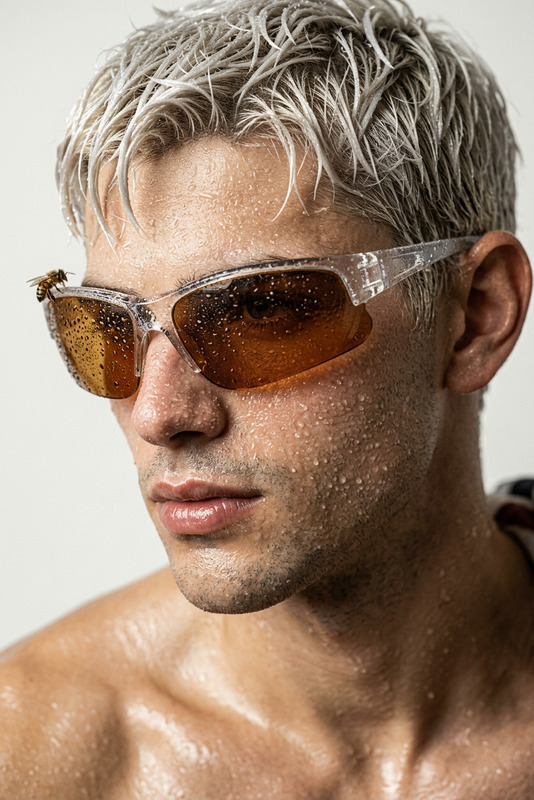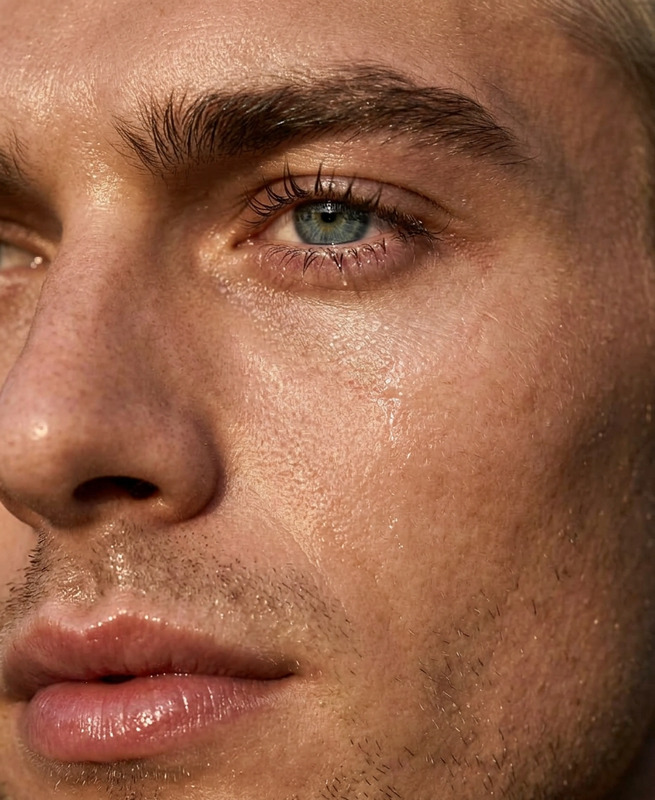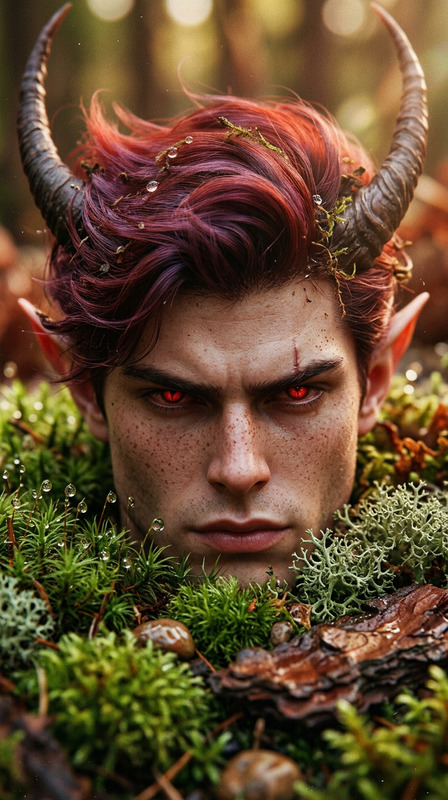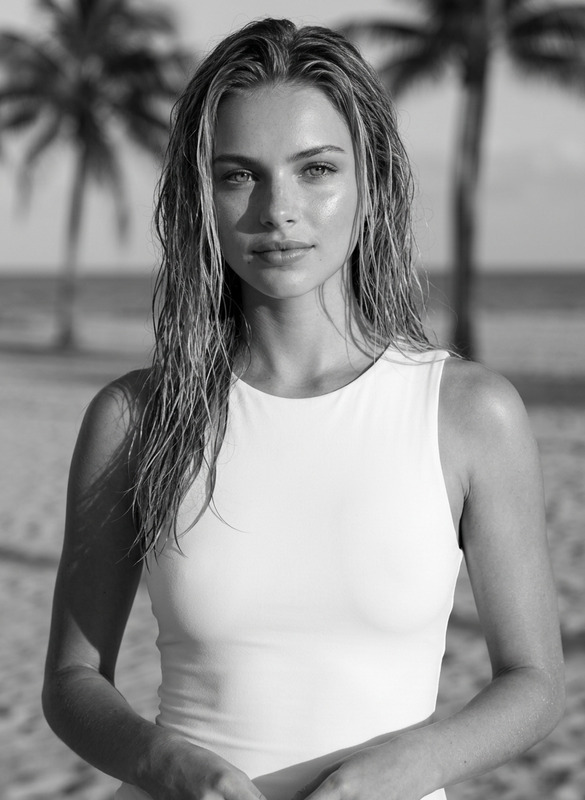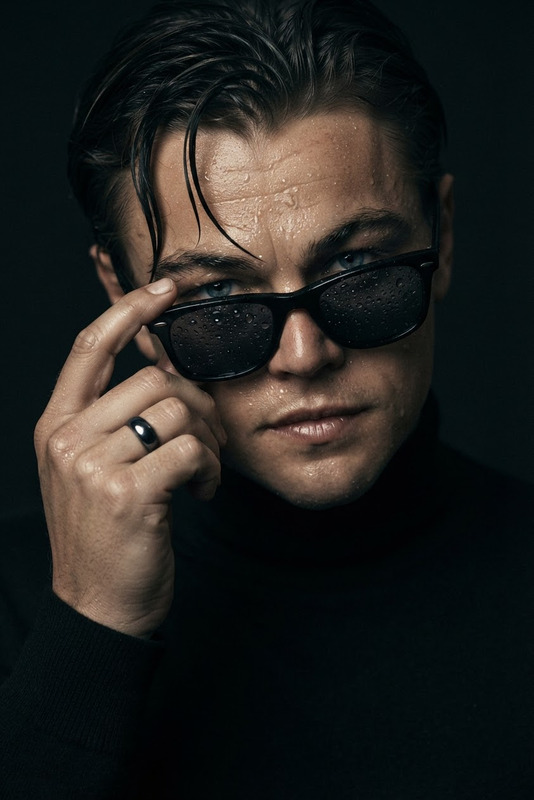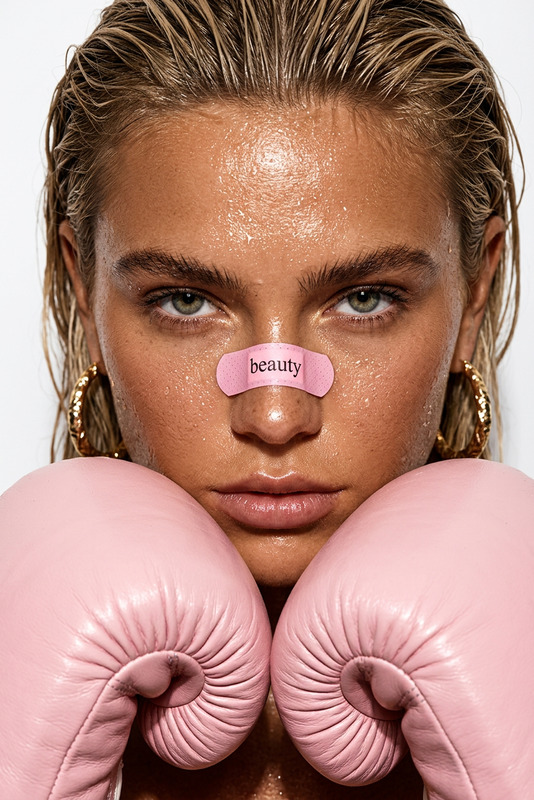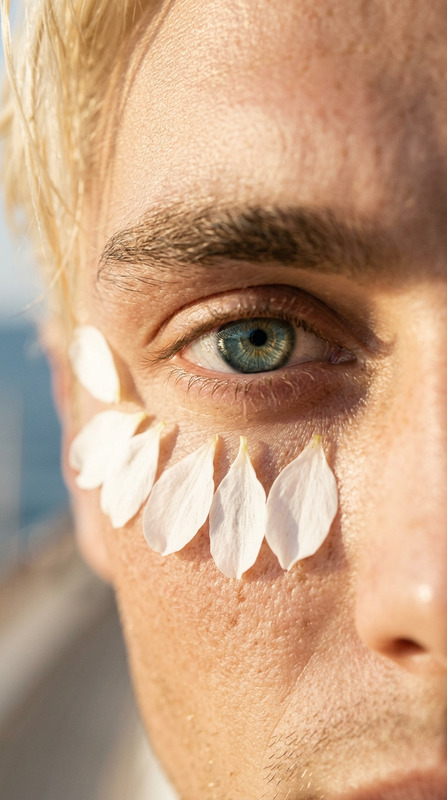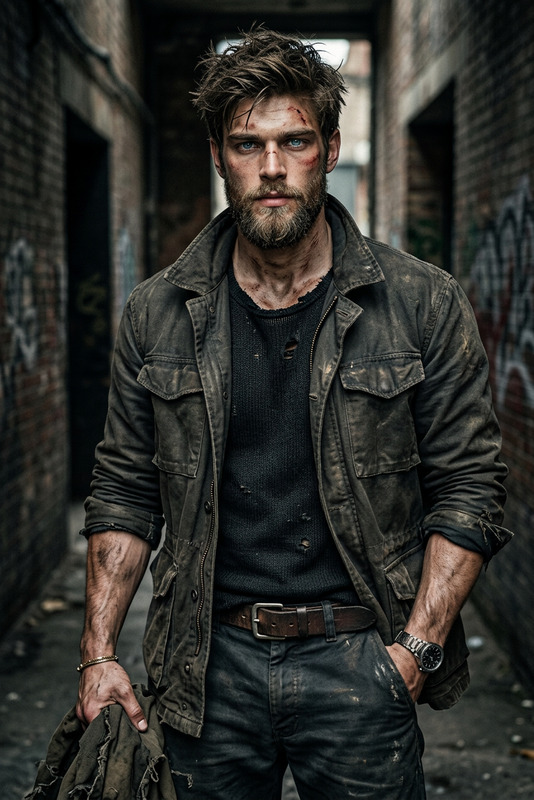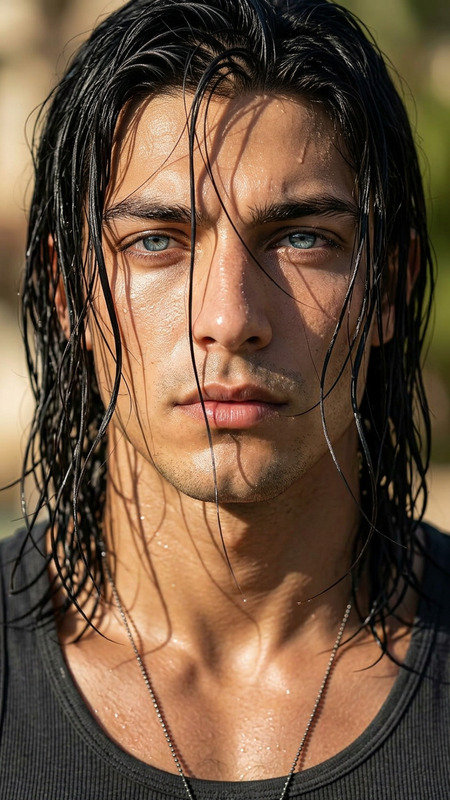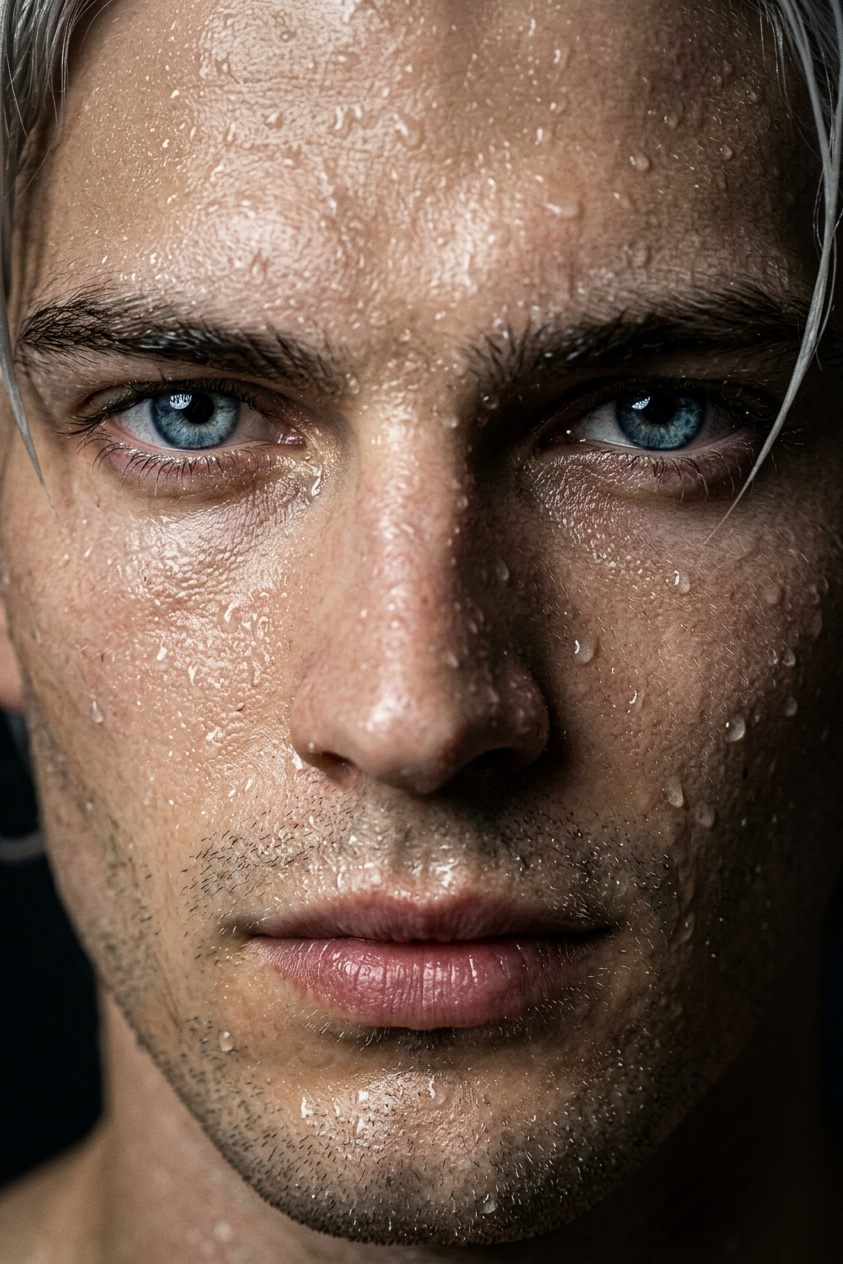
Wet Skin Macro Portrait
ai-image-editor
Any aspect ratio
Extreme close-up portrait of a subject with wet skin covered in realistic water droplets, emphasizing pores and texture detail. Clean minimal background, sharp focus on face, glossy highlights on moisture, cinematic lighting, high contrast, hyper-realistic, macro photography, film grain, editorial style, 8K.
AI Image Editor Template: Remix, Customize, and Automate Your Visuals
Use this template as a starting point to build your own AI-powered image workflows in Magic Hour. It’s designed around the AI Image Editor, so you can quickly:
- Remove or replace objects in photos
- Change backgrounds or environments
- Edit faces, outfits, or styles
- Clean up marketing visuals, thumbnails, and social content
- Prep assets for video, animation, or campaigns
This page explains what the template does, how to remix it, and how to extend it with other Magic Hour tools.
What This Template Is Best For
This AI Image Editor–based template is ideal if you need to:
Produce consistent image variations at scale
- A/B test thumbnails, ads, or social assets
- Generate multiple product shots from one base image
Clean up or improve existing visuals
- Remove unwanted objects or people using the AI Remover or remove-object-from-photo tools
- Sharpen and restore older or low‑res images with the AI Image Upscaler and Unblur Image
Edit people, faces, and outfits
- Tweak facial features with the AI Face Editor or AI Face Generator
- Change clothes or styles with the AI Clothes Changer or AI Outfit Generator
- Generate on-brand headshots at scale with the AI Headshot Generator
Create brand-new creative assets from existing ones
- Turn photos into stylized illustrations using the AI Illustration Generator, AI Manga Generator, or AI Art Generator
- Generate avatars, characters, or icons with the Avatar Generator, AI Character Generator, and AI Icon Generator
How to Remix This Template in Magic Hour
You can treat this template as a blueprint and quickly adapt it to your use case. At a high level, a typical remix workflow looks like this:
Start from the existing template
- Open this AI Image Editor–based template inside Magic Hour.
- Replace the sample input image with your own photo, product shot, or brand asset.
Define your editing goal in plain language
- For example:
- “Remove the background and replace it with a minimalist white studio.”
- “Change the subject’s outfit to a formal dark suit.”
- “Turn this product photo into a comic-book style illustration.”
The AI Image Editor is prompt-driven, so describe the final result you want in clear, specific terms (subject, style, lighting, mood, colors).
- For example:
Chain in other tools (optional, but powerful)
Many of the strongest workflows come from combining the AI Image Editor with other Magic Hour tools:Clean and enhance first
- Restore, color-correct, or sharpen with:
Edit faces and people
- Swap identities for creative or testing scenarios using:
- Generate or refine portraits with:
Add style or storytelling
- Apply stylized looks via:
Export for your channel or pipeline
Once you’re happy with your edited image, you can:- Use it as a source frame for motion tools like:
- Convert it into:
- YouTube or social thumbnails via the Thumbnail Maker
- Book, album, or podcast covers via:
Because Magic Hour templates are designed to be remixed, you can use this as a repeatable “pattern” in your own workspace: swap the input, update the instructions, optionally chain another tool, and run.
Example Remix Workflows for Creators and Teams
Here are a few concrete patterns you can build from this template without touching any low-level settings.
1. Ad and Landing Page Creative Refresh
Goal: Generate multiple on-brand versions of a hero image or ad creative.
Suggested flow:
- Start from this AI Image Editor template.
- Upload your hero image or core product shot.
- Prompt the editor to:
- Change backgrounds (office, studio, outdoor, seasonal themes).
- Adjust color palettes to match brand guidelines.
- Swap props or minor elements to test different narratives.
- Enhance final picks with:
- AI Image Upscaler for crispness.
- Image Background Remover if you need transparent PNG assets for design tools.
This pattern is useful for growth teams, agencies, and performance marketers who need fresh creative continuously.
2. Creator Thumbnails and Social Image System
Goal: Build a thumbnail/social system you can reuse for each new video or post.
Suggested flow:
- Use this template to define your “thumbnail base look”:
- Face close-up, consistent lighting, branded colors, clear focal point.
- Combine with:
- AI Face Editor for expressions and emphasis.
- AI Meme Generator if you want more playful variants.
- Render final outputs with:
- Thumbnail Maker for platform-specific dimensions.
For recurring content (YouTube series, weekly newsletters, podcasts), you can reuse this template as a visual “preset” and only swap the base photo and prompt.
3. Character, Brand Mascot, or Game Asset Pipeline
Goal: Design consistent characters or mascots and iterate visually.
Suggested flow:
Generate a base character using:
Bring the character into this AI Image Editor template:
- Edit outfits, environments, poses, or props for each episode, feature, or release.
Extend into world-building with:
This pattern works for indie game devs, storytellers, and startups building mascots or branded characters across channels.
4. From Static Image to Dynamic Video
Goal: Start from a single edited image and turn it into short-form motion content.
Suggested flow:
Edit your key frame with this AI Image Editor template (product shot, character, or scene).
Turn that frame into motion with:
- Image to Video for animated camera moves or scene motion.
- AI GIF Generator for lightweight loops.
If you want the image to talk or sing:
- Use AI Talking Photo to animate speech.
- Layer in cloned or generated voice:
For full video pipelines, explore Magic Hour’s template-ready products:
This pattern gives you a repeatable way to go from static brand imagery to short-form video content without reshoots.
Related Tools to Extend This Template
Depending on your use case, you may want to integrate or pair this AI Image Editor template with:
Image generation and ideation
Brand and marketing assets
People and portraits
Post-production and cleanup
Voice, captions, and accessibility for video derived from images
Best Practices for High-Quality AI Image Editing
To get reliable, production-ready results when remixing this template:
Start with the highest-quality source you have
- If your image is low-res or noisy, run it through the AI Image Upscaler or Unblur Image first.
- For historical or damaged photos, use Old Photo Restoration before editing.
Be explicit in your prompts
- Mention subject, style, mood, and context, e.g.:
- “E-commerce product photo on a clean, soft-shadow white background, studio lighting.”
- “Corporate headshot with neutral gray background, soft lighting, natural skin tones.”
- Mention subject, style, mood, and context, e.g.:
Iterate in small steps
- Apply a focused edit (e.g., background), review, then layer another (e.g., outfit, lighting) rather than asking for everything at once.
Standardize for teams
- Once you like the result, keep this template as your team preset.
- Teammates can swap in new source images and reuse the same instructions for consistent output quality.
Using This Template as a Building Block
Think of this AI Image Editor template as:
- A reusable editing pattern for marketing, product, or content teams.
- A component in larger workflows that connect image editing with:
- Image generation
- Video creation
- Character/brand systems
- Voice and subtitles
You can remix it as many times as needed—swap the image, refine the prompt, add or remove tools in your flow—without dealing with underlying settings. This lets you move from idea to production-ready visuals quickly, while keeping your process consistent and scalable.