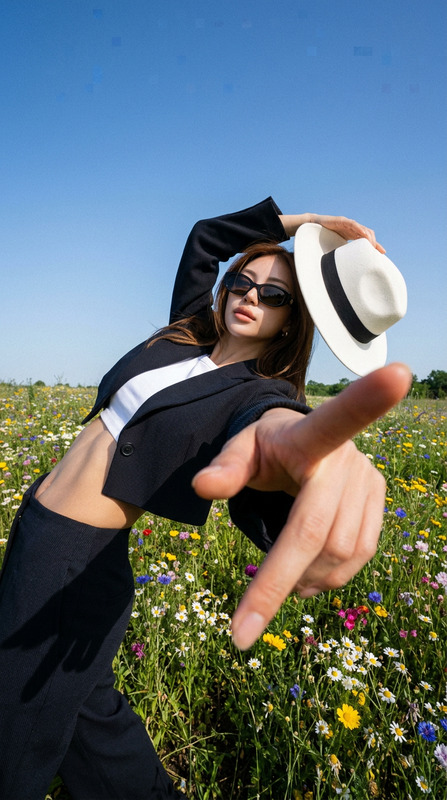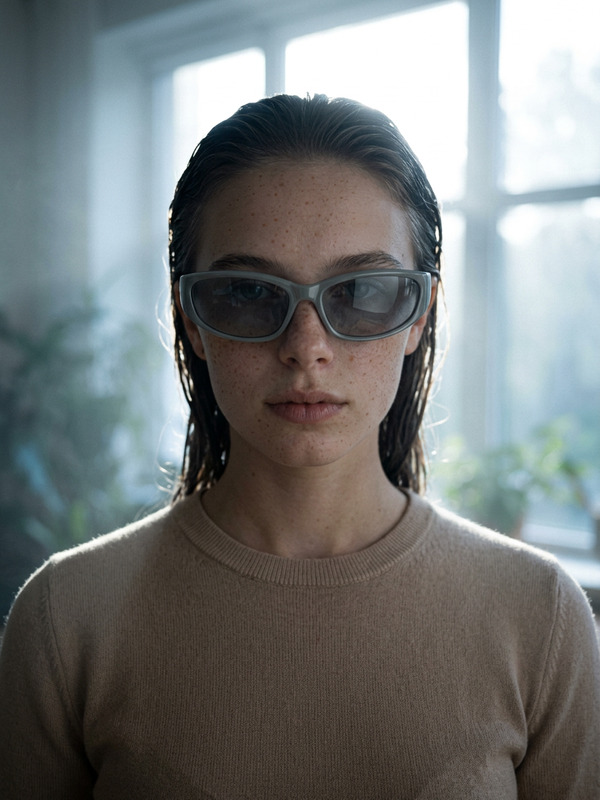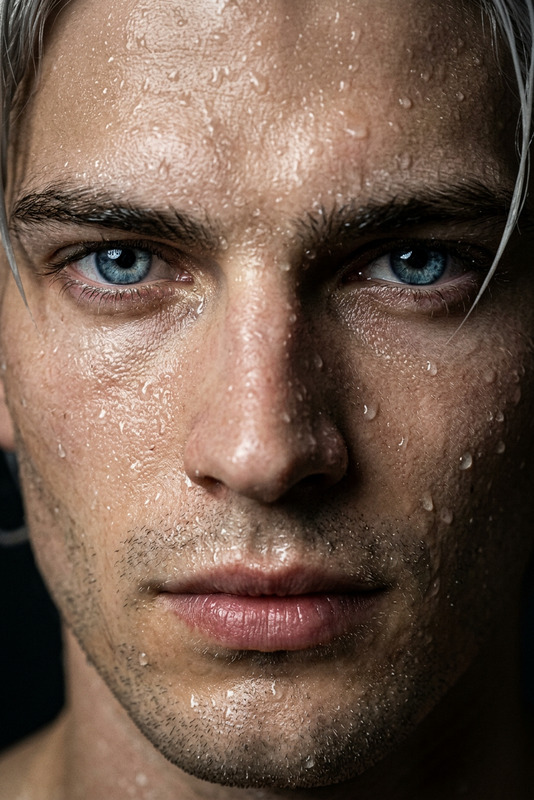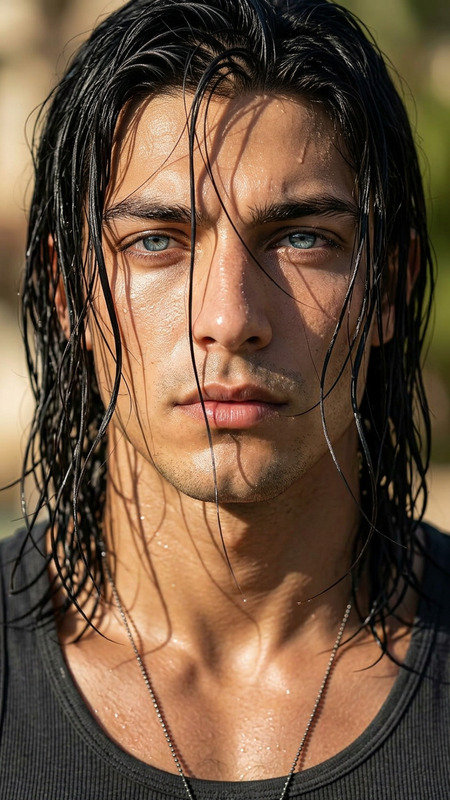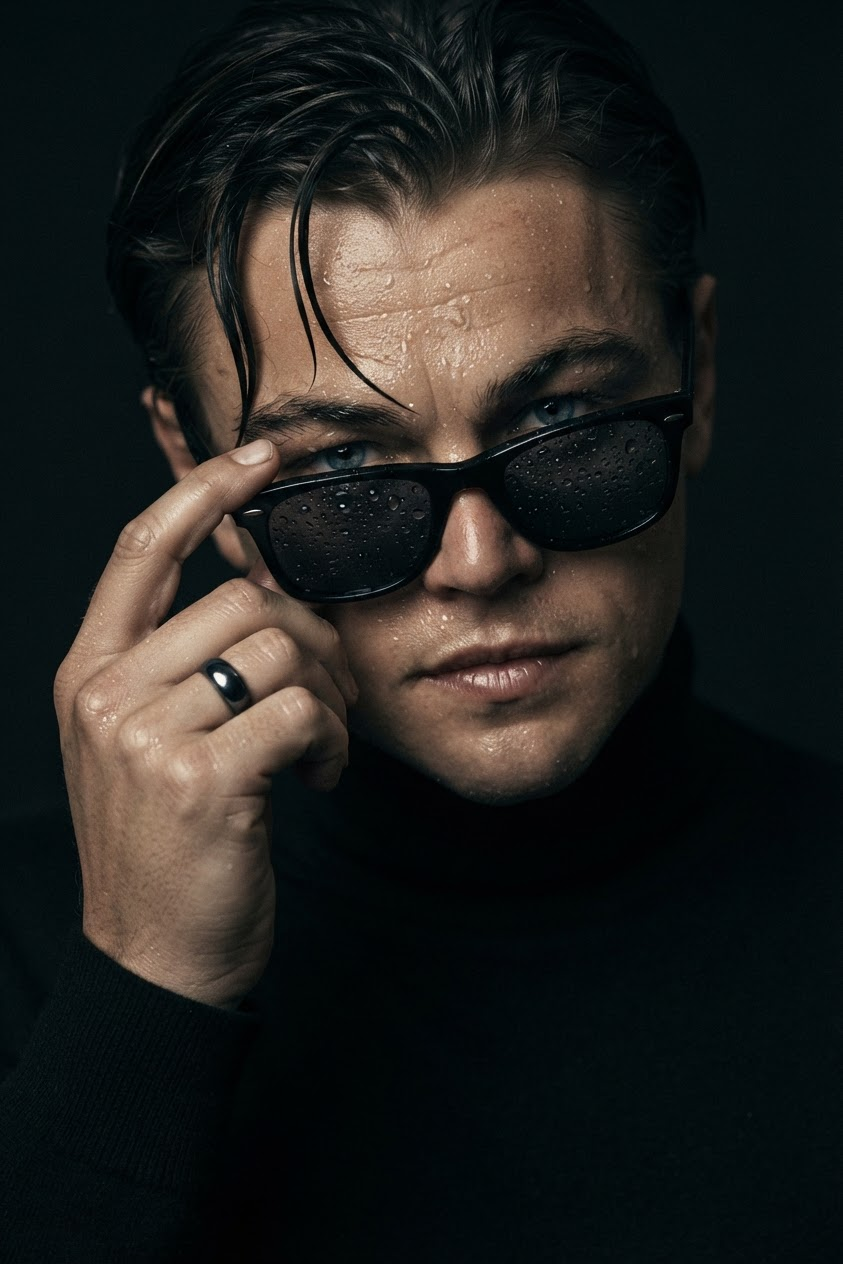
Wet Noir Sunglasses
- Model
- Nano Banana 2 Lite
- Image
- 843 × 1264 px
Prompt
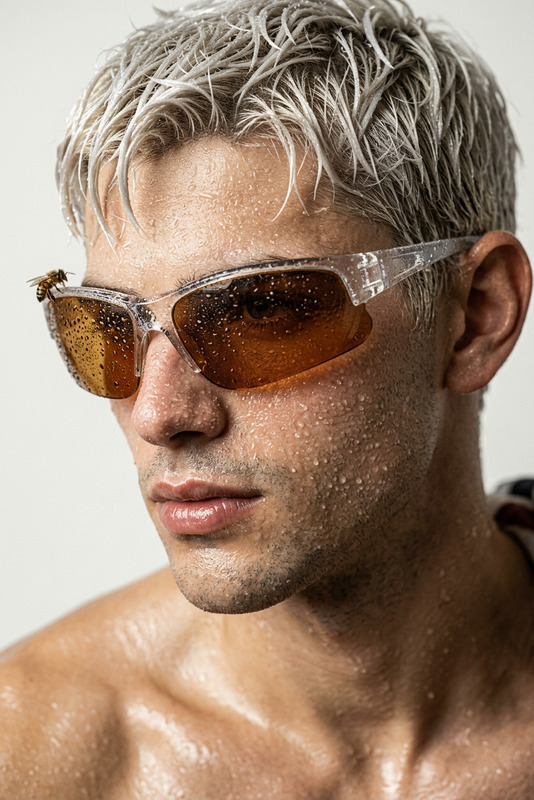
Cinematic ultra-realistic close-up portrait of a male subject with wet skin, gently touching rectangular sunglasses covered in realistic water droplets. Dramatic low-key lighting with deep shadows accentuates the moisture, facial contours, and natural skin texture. He wears a black high-neck sweater that blends into a dark, minimalist background. His hand gesture is highly detailed, with defined fingers and knuckles, subtle tendons, and a black stone ring. Razor-sharp micro-details, shallow depth of field, 85mm f/1.4 fashion photography aesthetic, melancholic mood, high contrast, premium editorial realism, natural skin texture, photorealistic detail.
Any aspect ratio
Overview
The Wet Noir Sunglasses AI Image Editor template provides a highly sophisticated tool for creating striking, ultra-realistic imagery. Designed for those who appreciate editorial realism, this template leverages the specialized nano-banana-2-lite model to render detailed portraits with cinematic flair.
What It Does
This template lets you transform any portrait into a cinematic piece characterized by high contrast, photorealistic detail, and a melancholic mood. The AI Image Editor enhances micro-details such as water droplets on sunglasses and defined skin textures, offering a distinct fashion photography aesthetic. For those interested in expanding their editorial design capabilities, this tool can be complemented with the AI Image Upscaler for even sharper details.
Who It's For
The Wet Noir Sunglasses template is perfect for professional photographers, editorial designers, and creative agencies looking to create memorable, high-impact visuals. It's also a valuable resource for cinema enthusiasts and fashion marketers who need premium quality images for campaigns. For those interested in video applications, consider exploring our Image to Video conversion tools.
Summary
With its emphasis on ultra-realistic details and a premium editorial feel, the Wet Noir Sunglasses template is a powerful addition to any creative toolkit. This tool allows you to edit images with precision, ensuring that every visual element—from skin texture to lighting mood—is meticulously refined. Pair it with the AI Talking Photo to add dynamic storytelling elements to your photography portfolio.
How-To
Choose the Template

Customize Your Image

Generate and Save

Use Cases
Editorial Fashion Features
Marketing Campaigns
Portfolio Development
Best Practices
Focus on Light and Shadow
When customizing your image, paying special attention to lighting will enhance dramatic shadows and skin texture.Incorporate Additional Elements
Experiment with accessories such as rings or unique clothing textures to add depth and context.Utilize Image Upscaling
For the finest details, use the AI Image Upscaler to ensure maximal quality in your final output.