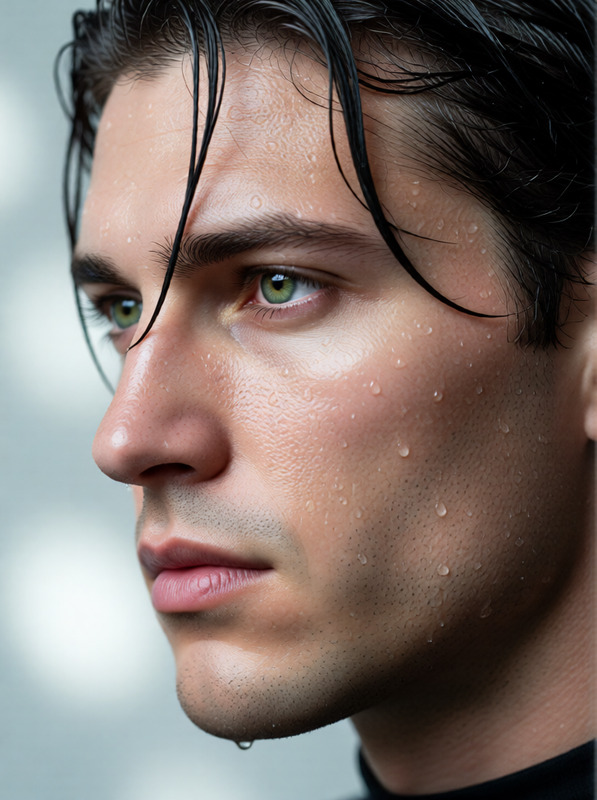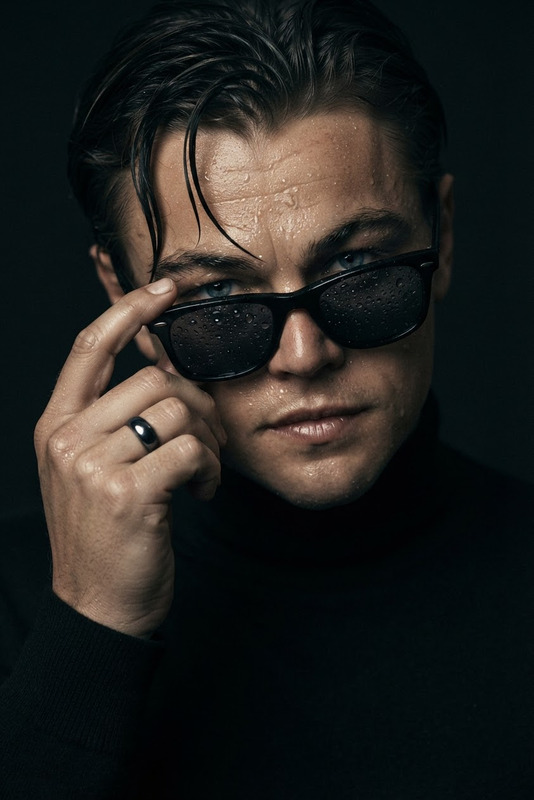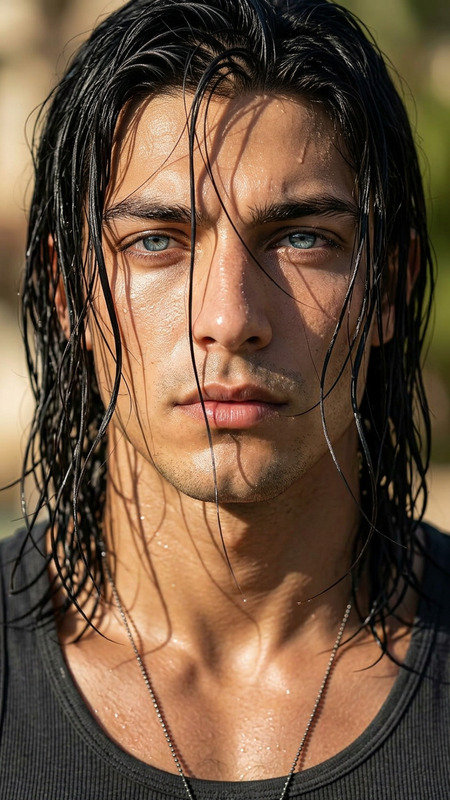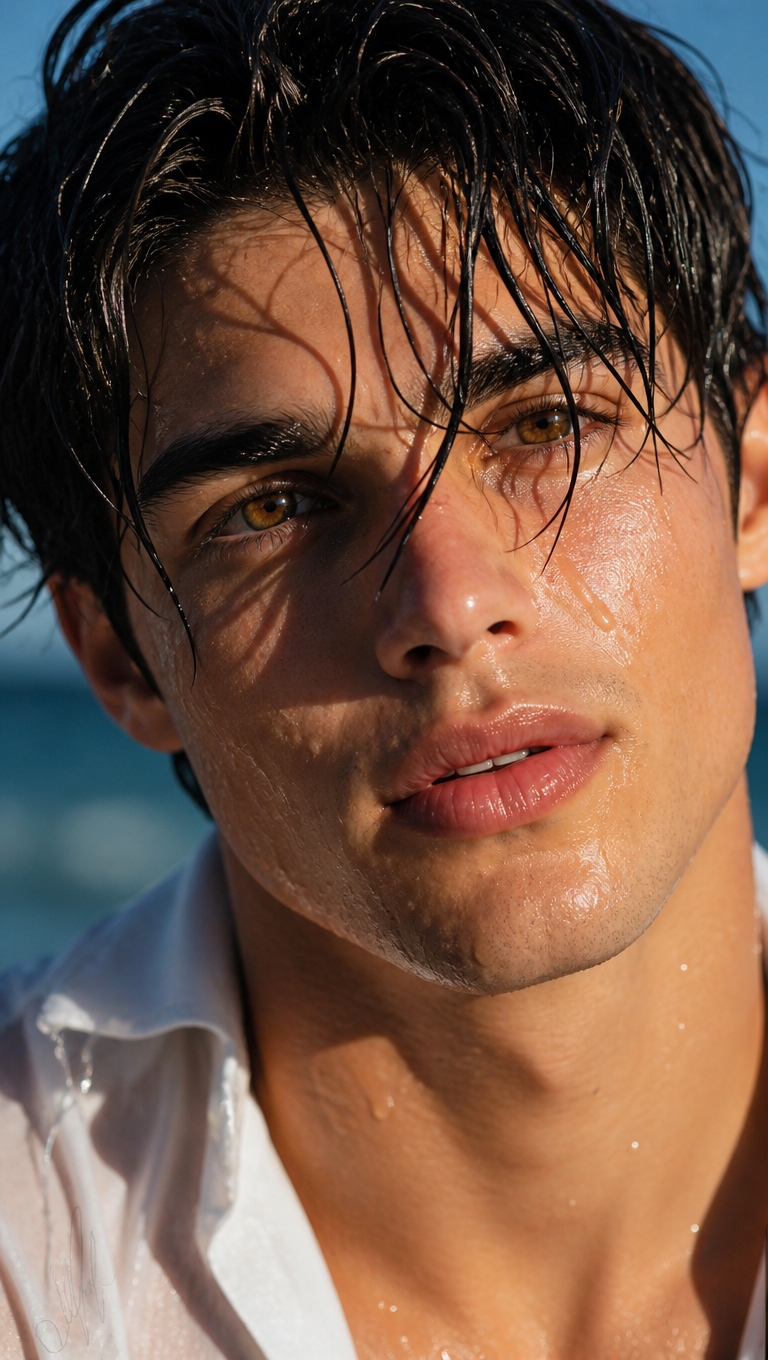
Wet Hair Close-Up
- Model
- GPT Image 2
- Image
- 768 × 1360 px
Prompt
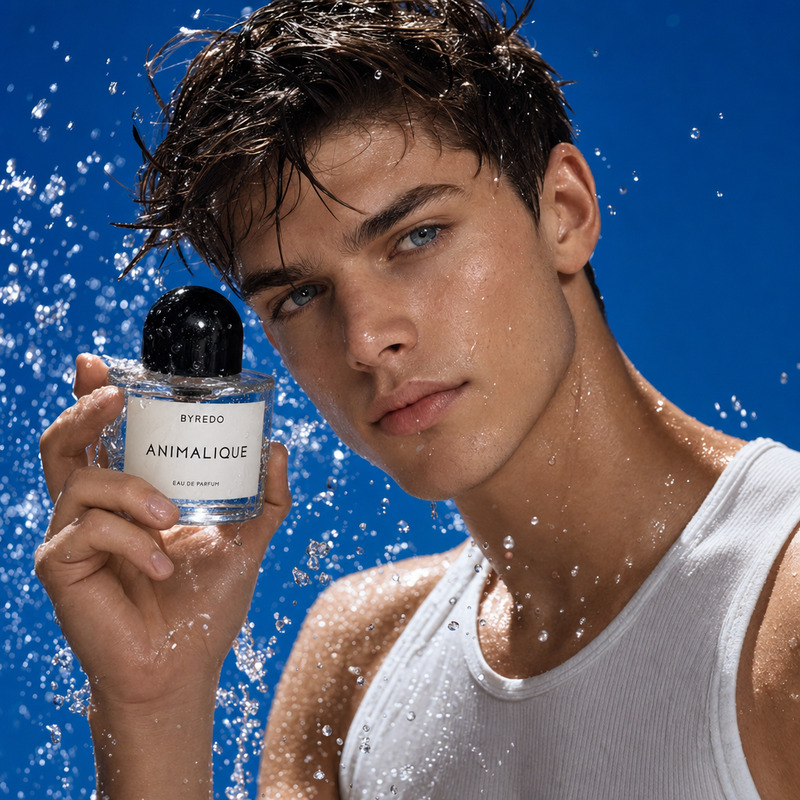
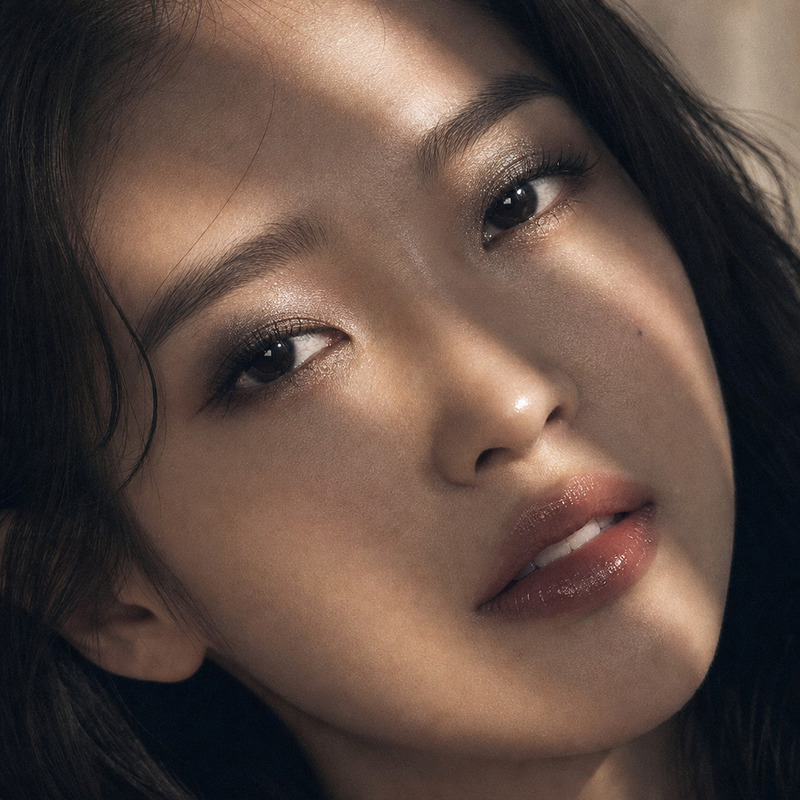
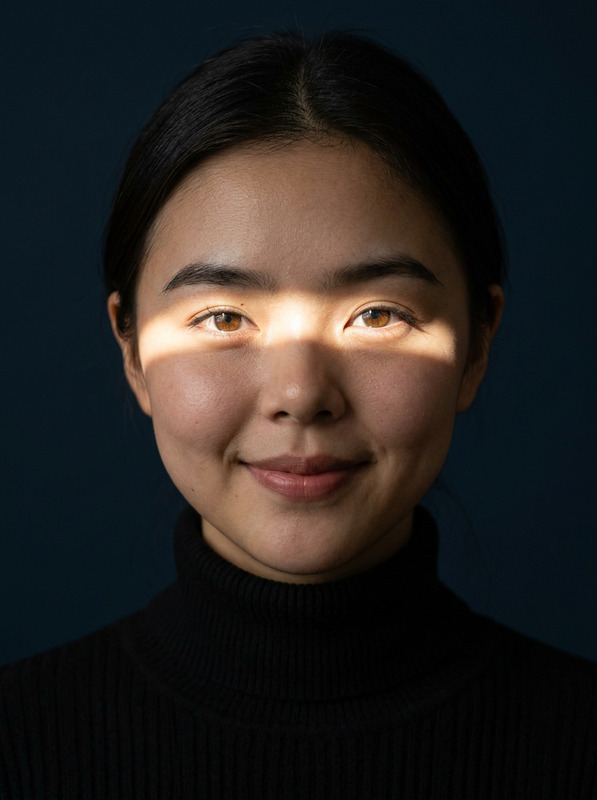
Cinematic ultra-close realistic portrait in a 2:3 vertical composition, featuring the subject @kate in their early twenties with refined facial features and long, glossy black hair soaked with water, with fine wet strands naturally clinging to the forehead, cheeks, and nose bridge, casting delicate linear shadows across the skin. Strong natural sunlight from the upper left creates bright golden highlights on the left side of the face and deep cinematic shadows on the right, while visible water droplets and luminous skin texture enhance the realism. The subject gazes directly into the camera with a gentle yet intense expression, slightly parted naturally glossy lips forming a subtle smile, and a soft blush across the cheeks. A simple white shirt is subtly visible at the lower edge of the frame. Extremely shallow depth of field keeps the eyes, wet hair, and fine facial details sharply defined while a bright blue outdoor background falls into heavy blur. Natural lighting only, cinematic color grading, highly realistic skin and hair texture, intimate and vulnerable atmosphere, ultra-detailed, 8K.
Any aspect ratio
Overview
Achieve strikingly realistic portraits with the Wet Hair Close-Up template, an extension of our AI Image Editor. This template is crafted to deliver intimate, high-resolution images that highlight intricate details like moisture-laden hair and delicate light play on skin. Ideal for photographers and digital artists aiming to elicit strong emotions through texture and light.
What It Does
Utilizing the AI Image Generator capabilities, this template transforms your subject into an ultra-close and cinematic masterpiece. With natural lighting and advanced color grading, it captures the harmonies between light and shadow, showcasing your skills in crafting vivid, tangible portraits. The wet hair effect combined with a blurred background enhances the subject's focus and emotional depth.
Who It's For
This template serves photographers, creatives, and fashion brands looking to present their subjects with unparalleled realism. It's also an excellent tool for visual artists who embrace challenges in texture creation and dynamic lighting. The AI Talking Photo users will appreciate the enhanced realism it brings to static image projects.
Summary
Whether for artistic projects or commercial shoots, the Wet Hair Close-Up template offers utility and versatility. Capturing subjects in their most authentic form, it draws attention to details like the reflective quality of hair and nuanced expressions. This template is a gateway to producing artful, high-impact images with ease and precision.
How To
Choose the Wet Hair Close-Up Template

Customize Your Image

Generate the Final Portrait

Use Cases
Fashion Photography
- Capture compelling editorials
- Enhance portfolio pieces
Creative Portraiture
- Craft artistic expressions
- Intensify emotive engagement
Advertising and Branding
- Create ad campaigns
- Develop product visuals
Best Practices
Focus on Lighting
Harness natural lighting as described in the prompt, experimenting with its angle and intensity to achieve the desired shadows and highlights.Refine Hair Texture
Pay close attention to the wet hair effect, ensuring it is consistent and enhances the subject's features without distraction.Emphasize Expression
Balance the subject's gaze and expression to resonate with the intended mood, maintaining authenticity in subtle details.