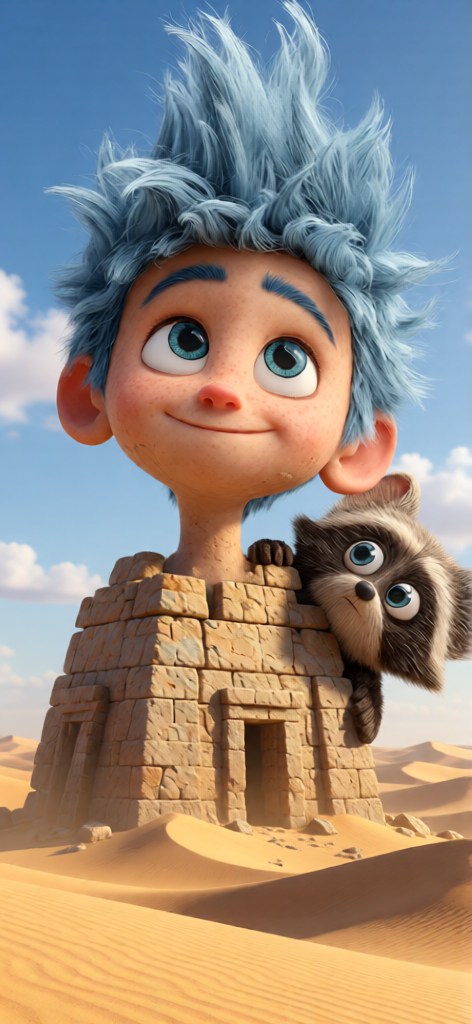
Pyramids Photoreal Scene
ai-image-editor
Any aspect ratio
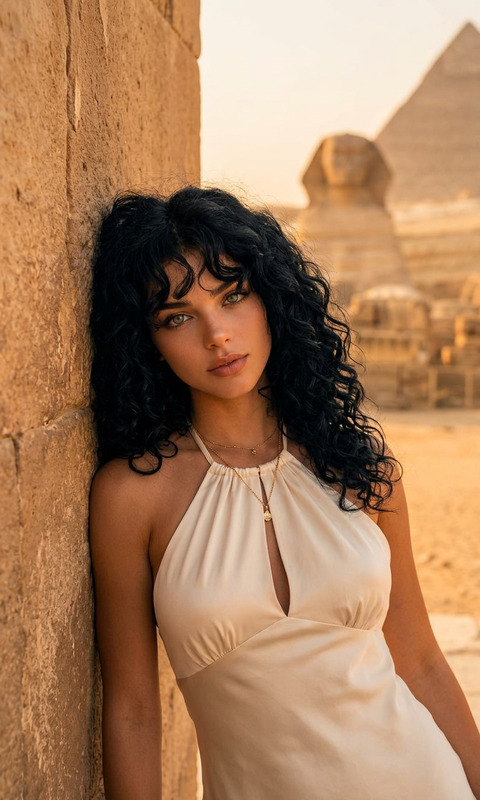
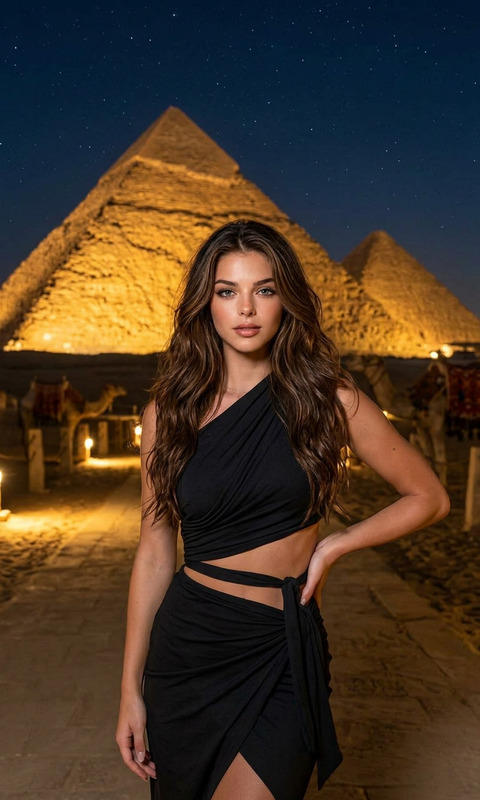
A photorealistic, high-detail image of massive ancient subject rising from a vast desert landscape. The subject features large stone structures with visible weathering and textured surfaces, surrounded by golden sand dunes stretching into the distance. The subject is illuminated by natural lighting, with a bright blue sky and soft clouds overhead. Subtle atmospheric depth, realistic shadows, and fine details in the stone blocks create a cinematic and immersive scene.
AI Image Editor Template: Fast, Precise Image Editing for Serious Creators
Use this template to turn any image into production-ready creative in a few clicks with the AI Image Editor. It’s built for people who need control, speed, and consistency—marketers shipping campaigns, founders iterating on landing pages, designers testing concepts, and creators optimizing content across platforms.
This template is fully remixable inside Magic Hour: you can swap the source image, adjust the instructions, and chain it with other Magic Hour tools to build your own reusable editing workflow.
What You Can Do With This Template
This template is optimized around the most common, high‑impact editing tasks:
- Remove or replace objects (people, logos, products, clutter) using the AI Remover and remove object from photo tools
- Change backgrounds for ads, thumbnails, product shots, or profile photos with the AI Background Generator and image background remover
- Clean up and enhance photos using the AI Image Upscaler, unblur image, and old photo restoration tools
- Restyle people and outfits with AI Clothes Changer, AI Face Editor, gender swap, and AI Selfie Generator
- Transform images into brands assets: logos, icons, covers, and more via
- Create content-specific visuals without starting from scratch using:
All of this is driven by the same underlying AI Image Editor engine, so you get consistent behavior and repeatable results across use cases.
How to Remix This Template in Magic Hour
You can use this template as-is, or treat it as a starting point for your own image-editing system.
1. Duplicate the template
- Open this template in Magic Hour
- Duplicate it to your workspace so you can safely modify prompts, steps, and outputs
2. Swap in your own source images
- Replace the default example image with:
- Product photos
- Team headshots
- UGC or social screenshots
- Concept art or sketches
- The AI Image Editor will adapt its edits to your new image automatically.
For bulk editing pipelines (e.g., many SKUs or many headshots), you can connect this template with tools like:
- AI Headshot Generator for consistent team photos
- AI Photo Generator for synthetic product or lifestyle shots
3. Customize the edit instructions
Within the template, update the instructions to match your workflow. Common patterns that work well:
- “Remove all clutter from the background and replace with a clean studio backdrop.”
- “Change the outfit to a formal business suit suitable for a LinkedIn headshot.”
- “Turn this flat product photo into an e‑commerce hero image on a white background.”
- “Convert this illustration into a comic-book style panel.”
- “Make this image look like a high-end fashion editorial.”
You can also chain edits conceptually: first clean and upscale the image, then restyle or repurpose it.
4. Chain it with other Magic Hour products
To build more advanced pipelines:
Image → Video
- Use this template to finalize your key visuals, then animate them with Image to Video or AI GIF Generator
- Turn edited faces or characters into talking content with AI Talking Photo
Image → Character / Brand System
- Turn a single edited face into multiple brand characters via the AI Character Generator or animated characters generator
- Use AI Avatar Generator or AI Face Generator to create variations for different platforms
Compliance & cleanup
- Remove IP‑sensitive content or watermarks with the watermark remover
- Use the image background remover to standardize catalog images across markets
Best Use Cases for This Template
This template is especially effective for:
1. Performance marketing & growth teams
- Rapidly generate and test creative variants for ads, landing pages, and email
- Standardize product shots or lifestyle imagery across campaigns
- Create consistent visual systems for A/B testing across channels
Relevant tools to chain with:
- Thumbnail Maker for YouTube and social
- AI QR Code Generator for campaigns
- Text-to-Video or Image-to-Video to turn edited images into performance creatives
2. Startup founders & product teams
- Quickly mock up product ideas, UI concepts, feature visuals
- Generate investor deck images and site hero graphics without a designer
- Keep a consistent brand visual language across pitch, site, and product
Helpful tools:
- AI Illustration Generator for diagrams and concept art
- AI Icon Generator for product UIs
- AI Logo Generator for early brand identity
3. Content creators & YouTubers
- Turn raw screenshots or photos into polished assets for thumbnails and banners
- Style‑match across an entire channel or series
- Quickly adapt old content to new formats
Chain this template with:
- AI Meme Generator for short-form content
- Thumbnail Maker for YouTube and Shorts
- AI Voice Generator or AI Voice Cloner to build full video assets around your visuals
Advanced Creative Workflows You Can Build
Because this template is based on the core AI Image Editor, you can combine it with specialized generators to build more complex pipelines:
Character and worldbuilding pipelines
- Use AI Anime Generator, Disney AI Generator, or Dark Fantasy AI to generate base art
- Refine, clean, and adjust those images with this AI Image Editor template
- Extend them with:
- Fantasy Map Generator for worlds
- AI Interior Design Generator for scenes and sets
- Architecture Generator for buildings and locations
Ecommerce & catalog standardization
- Start with raw supplier or UGC images
- Use this template to:
- Remove busy backgrounds
- Standardize lighting and framing
- Clean artifacts and upscale resolution
- Optionally:
- Re‑style clothing with AI Fashion Generator or AI Outfit Generator
- Generate new campaign visuals with AI Photo Generator
Social & community campaigns
- Generate stylized visuals to match specific communities or aesthetics using:
- Use this template to refine and standardize those assets for a cohesive campaign look
Connecting Image Editing to Video and Audio
If you want to extend your edited images into full multimedia experiences, you can integrate this template conceptually with:
Face and voice tools
Template-based video tools
Post-production utilities
This makes it straightforward to go from static edited image → character → animated, voiced video content without leaving the Magic Hour ecosystem.
Tips for Reliable, Reusable Results
To get the most value from this template and keep it robust across many use cases:
Be specific in your edit instructions
- Describe the desired outcome, not just the action.
- Example: “Replace the background with a soft, defocused city skyline at night” is better than “Change background.”
Standardize inputs when possible
- Similar framing and lighting in your source images usually leads to more consistent AI output.
- For headshots, consider generating or normalizing them with the AI Headshot Generator first.
Think in steps, not single prompts
- Conceptually separate “cleanup” from “styling”:
- Remove objects, fix flaws, upscale.
- Apply style changes, backgrounds, or overlays.
- This mental model maps well to how the AI Image Editor operates under the hood.
- Conceptually separate “cleanup” from “styling”:
Use it as a “visual specification” tool
- Many teams use AI editing templates to quickly prototype a visual direction before handing it to human designers for final polish.
- This drastically shortens creative iteration cycles and helps stakeholders agree on direction faster.
Related Magic Hour Tools for Image Editing Workflows
If you find this template useful, you’ll likely also benefit from combining it with:
- AI Image Generator – generate base images, then refine them with this template
- AI QR Code Generator – create scannable, on-brand codes and embed them into edited images
- Photo to Sketch – convert real photos into line art, then recolor or restyle them with AI Image Editor
- Optical Illusion Generator – create attention-grabbing visuals for campaigns and refine them here
Why Use an AI Image Editor Template Instead of Manual Editing?
For creators, marketers, and product teams, the advantages are practical:
- Speed – go from “idea → usable creative” in minutes instead of hours
- Repeatability – once you like the behavior, you can reuse this template for dozens or hundreds of images
- Cost efficiency – especially useful for early-stage teams that don’t have full-time design support
- Scalability – plug your own inputs into the same editing logic and keep visual quality consistent as you grow
By remixing this AI Image Editor template and pairing it with other Magic Hour tools, you can build a modular, repeatable creative pipeline that scales from one-off experiments to full production workflows.