Pyramid Nights
- Model
- Nano Banana 2
- Image
- 800 × 1333 px
Prompt
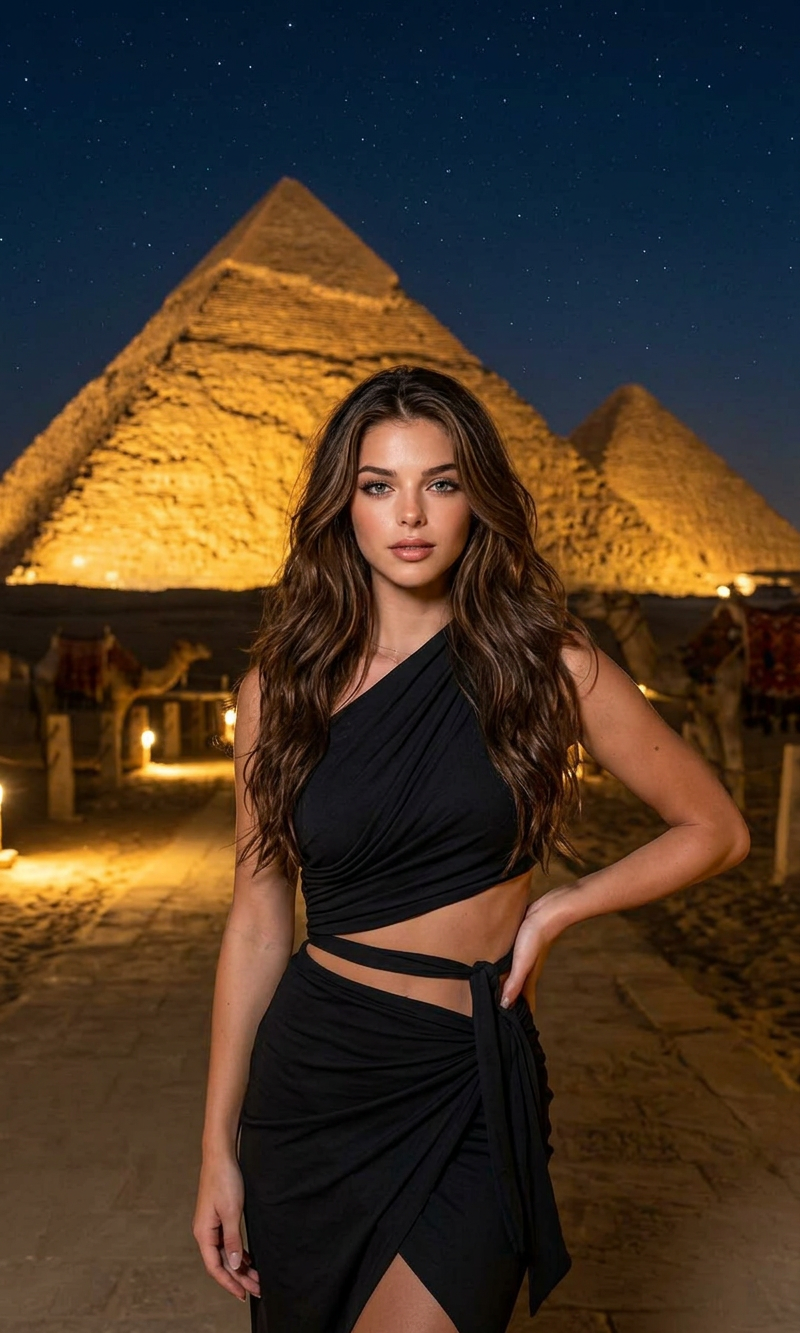
A cinematic, medium shot portrait of a subject with long, wavy brown hair at night. The subject is wearing a chic black two-piece outfit featuring an asymmetrical, one-shoulder draped wrap top and a matching tied wrap skirt. The subject is posing with one hand on the hip along a stone pathway illuminated by low ground lights. In the blurred background, a massive Egyptian pyramid is dramatically lit up with warm orange and red lights against the dark night sky. Sharp focus on the subject, dramatic low-light photography, rich contrast, photorealistic, high detail.
Any aspect ratio
Overview
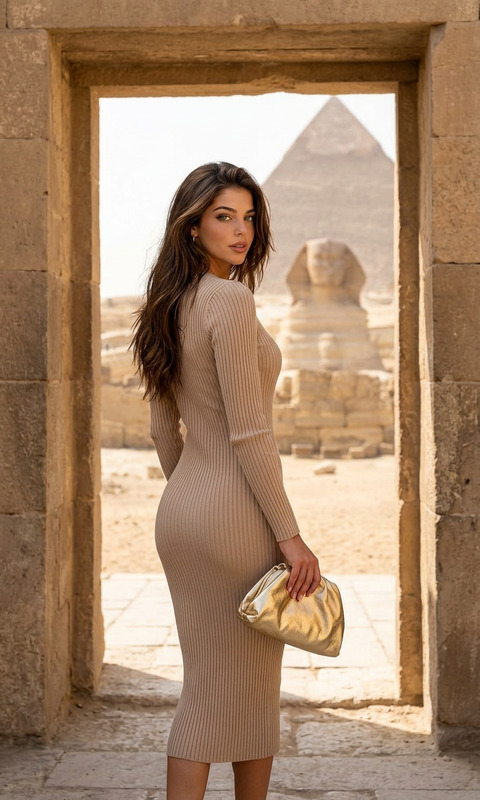
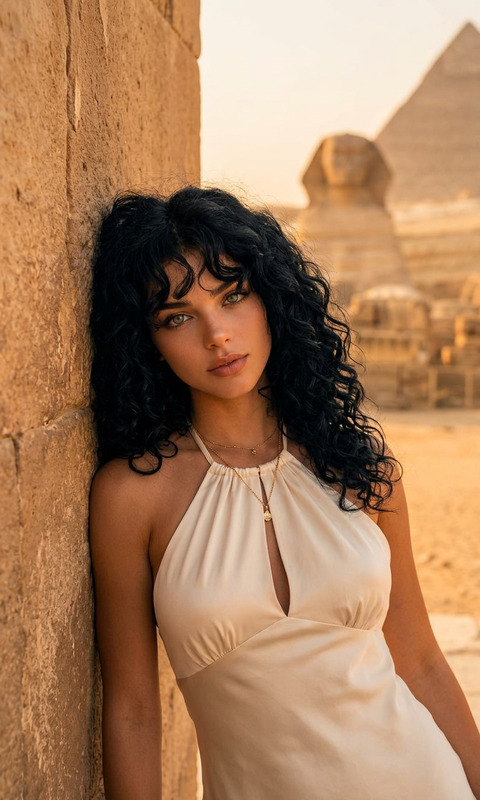
The Pyramid Nights template leverages the capabilities of the AI Image Editor and the innovative nano-banana-2 model to deliver cinematic, photorealistic portraits. With an exotic backdrop and detailed environment, it's perfect for creative projects that require a touch of grandeur.
What It Does
This template generates high-detail, photorealistic images featuring a subject in a dramatic night setting. It captures rich contrasts and enhances the atmospheric lighting of an Egyptian pyramid in the background. Its design emphasizes dramatic low-light photography, suitable for themes requiring exotic elegance.
Who It's For
"Pyramid Nights" is ideal for photographers, digital marketers, and content creators looking to produce exotic visuals for travel vlogs, fashion campaigns, or creative storytelling. It's also suitable for production companies aiming to enhance the aesthetics of product launch videos with a distinctive backdrop.
Summary
Transform your visual projects with the Pyramid Nights template, tailored for those seeking stunning, high-contrast imagery with an exotic flair. Use it to impress in digital platforms, advertising, or any project that requires a unique and glamorous touch. Explore other related tools like the AI Product Photography for more creative enhancements.
How To
Choose the Template

Customize Your Inputs

Generate Your Image

Use Cases
Travel Vlogs
- Enhance your travel stories with dramatic visuals
- Bring iconic scenes to life with clear, crisp images
Fashion Campaigns
- Emphasize clothing details with high contrast lighting
- Create striking, atmospheric photo spreads
Marketing and Advertisements
- Develop eye-catching social media campaigns
- Design memorable print advertisements
Best Practices
Focus on Lighting
Ensure the subject's features are well-lit to maintain clarity and detail while allowing the pyramid's lighting to add dramatic effect.Use Contrast Carefully
Adjust the contrast settings to balance the pyramid's lighting with the subject's appearance.Stay True to the Theme
Incorporate elements like fashion or advertising themes that align with the exotic and glamorous backdrop.