Stone Muse
- Model
- Nano Banana 2
- Image
- 800 × 1333 px
Prompt
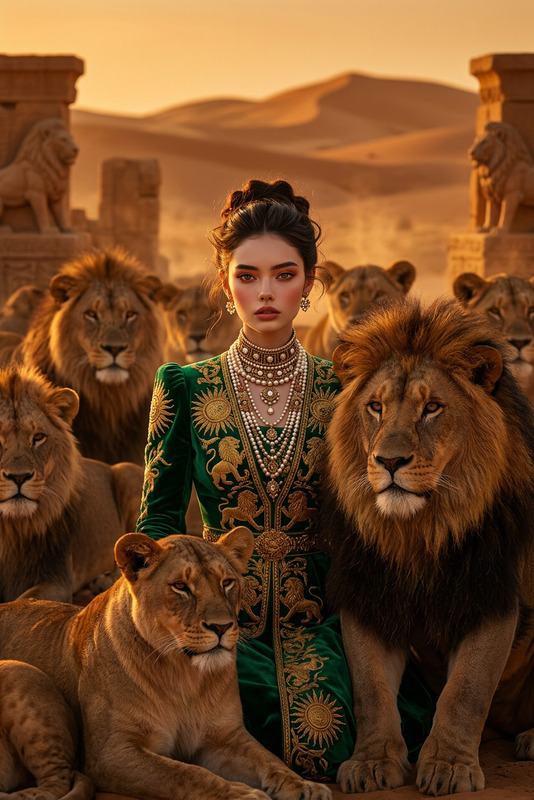
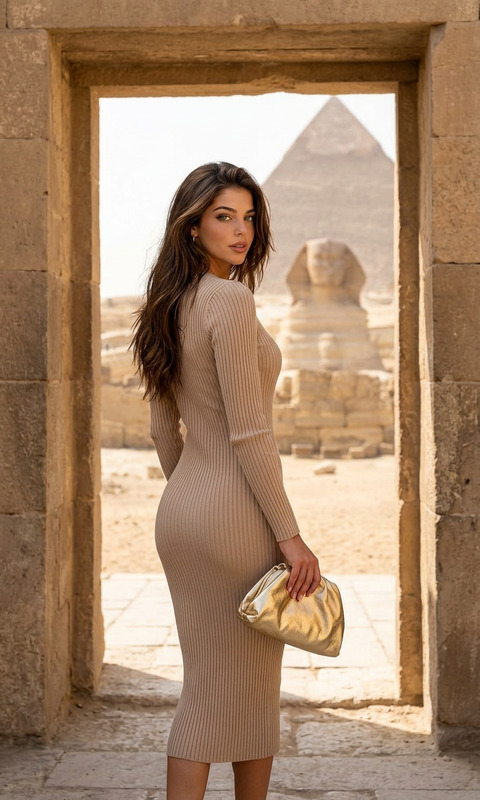
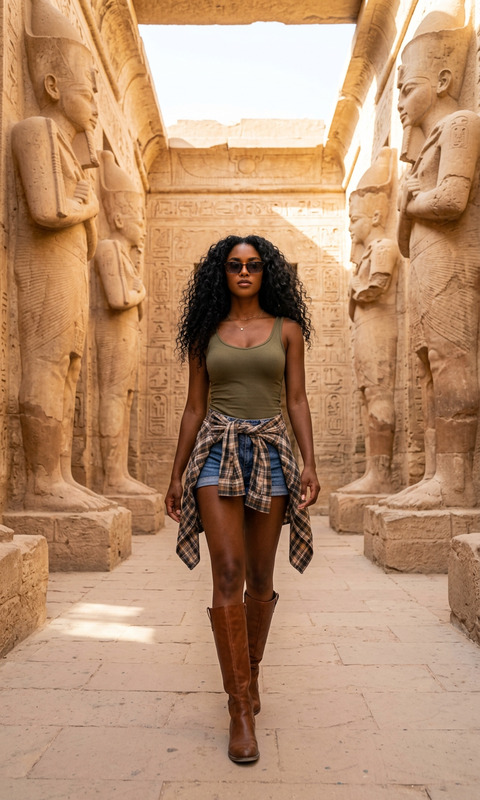
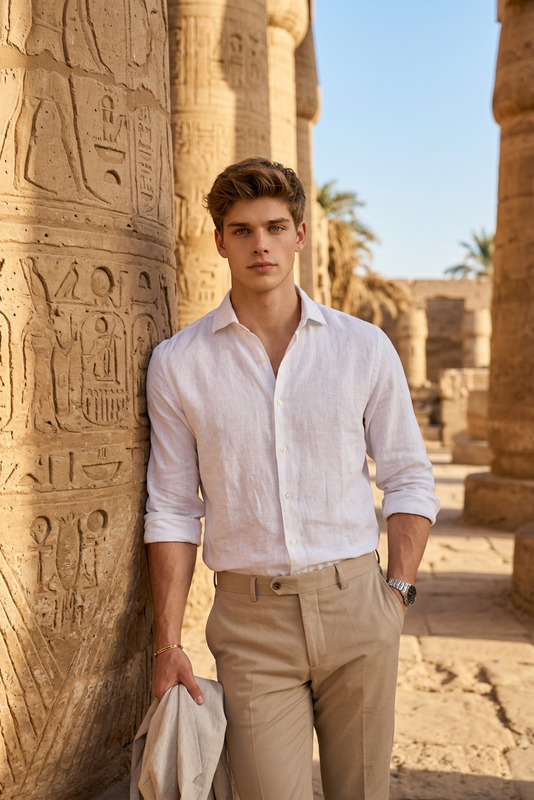
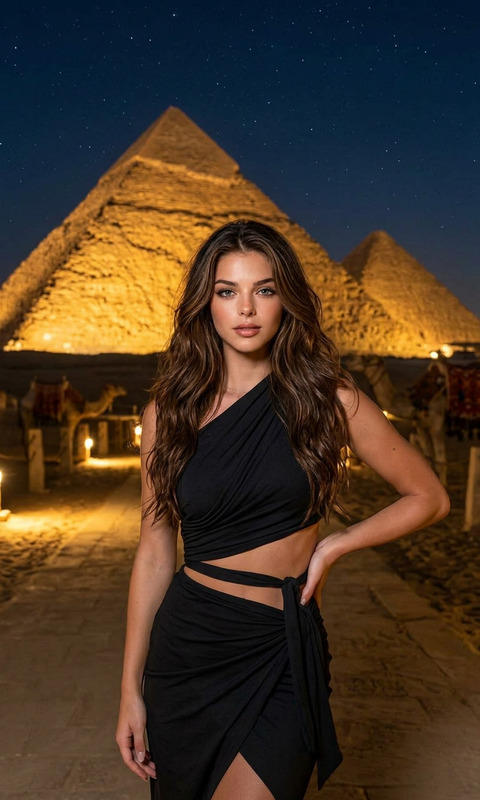
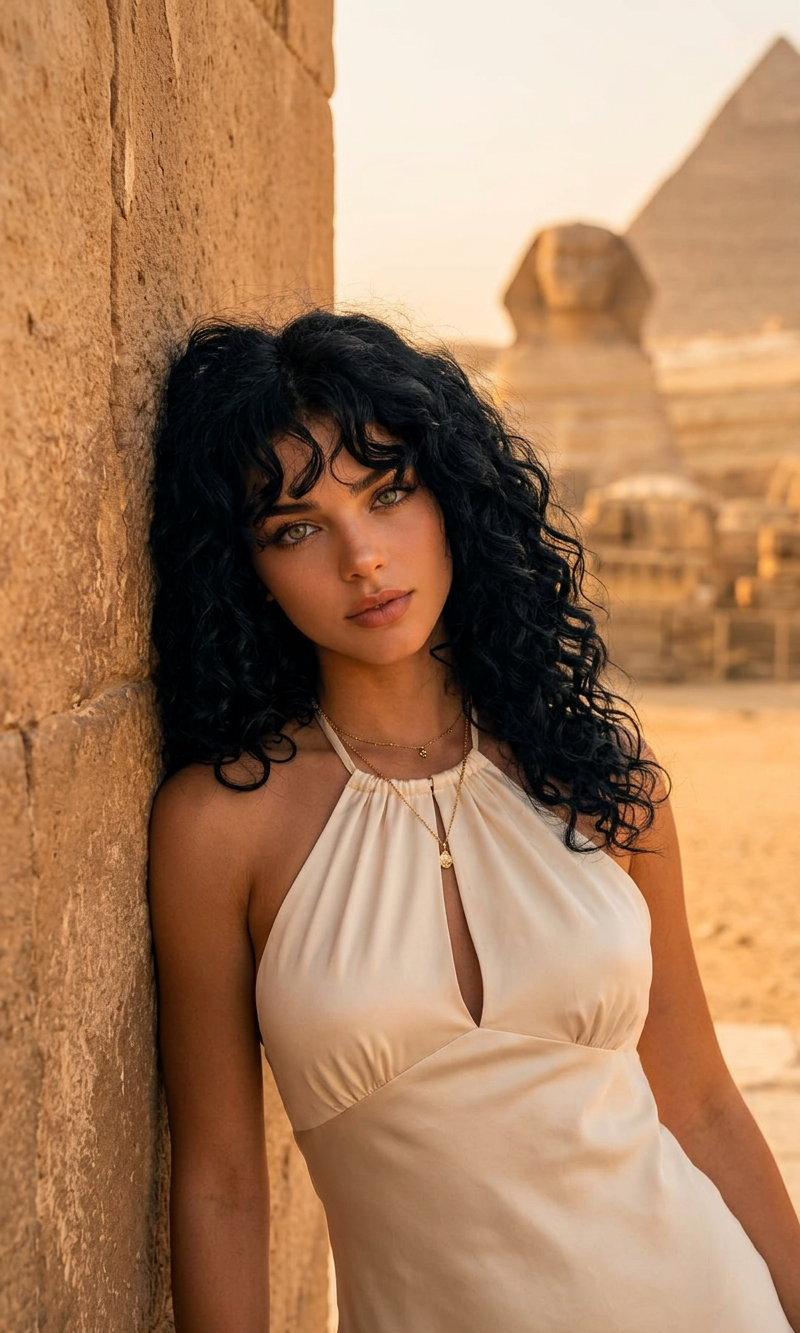
A cinematic, medium shot portrait of a subject with voluminous, curly black hair and bangs leaning against a weathered stone wall. The subject is wearing an elegant cream-colored satin halter-neck dress with a keyhole detail. The setting is an ancient Egyptian archaeological site during the warm golden hour. In the softly blurred background, the Great Sphinx of Giza and a pyramid rise majestically against a hazy desert sky. Natural evening sunlight highlighting the subject, photorealistic, high detail, high-fashion travel editorial style.
Any aspect ratio
Overview
The Stone Muse AI Image Editor template allows you to transform your image concepts into vivid, high-fashion representations set against iconic backdrops like ancient Egyptian sites. Whether you're a designer aiming for artistic flair or an influencer building your brand, this tool provides the high detail and photorealistic quality needed for striking visuals.
What It Does
The Stone Muse template leverages advanced AI models to craft visually compelling portraits with a cinematic style. The template offers a unique blend of editing and creative storytelling, capturing the subject in a majestic setting with high detail and a high-fashion editorial feel. This makes it perfect for use in travel magazines, fashion lookbooks, and personal branding.
Who It's For
This template is designed for photographers, influencers, and fashion editors who seek to produce high-quality, editorial-style images. It's also ideal for marketers in the tourism industry, helping to blend culture with fashion in a visually captivating way. Users of the Full Body Generator can also enhance their photo projects with this template.
Summary
By providing an interface that merges high detail with creative flexibility, the Stone Muse template empowers you to bring sophisticated concepts to life. Explore other AI-driven templates like the AI Image Generator to complement your creative toolbox.
How to Use the Stone Muse Template
Choose Your Template

Customize Your Inputs

Generate Your Image

Use Cases
Fashion Editorials
- Photorealistic detail
- High-fashion settings
Travel Marketing
- Cinematic style
- Cultural appeal
Social Media Content
- Engaging concepts
- Aesthetic design
Best Practices
Focus on Lighting
Utilize the natural lighting settings to emphasize key features of your subject and backdrop.Layer Your Elements
Incorporate multiple layers such as fashion pieces and backgrounds to create depth.Experiment With Angles
Play around with angles and poses to find the best composition.