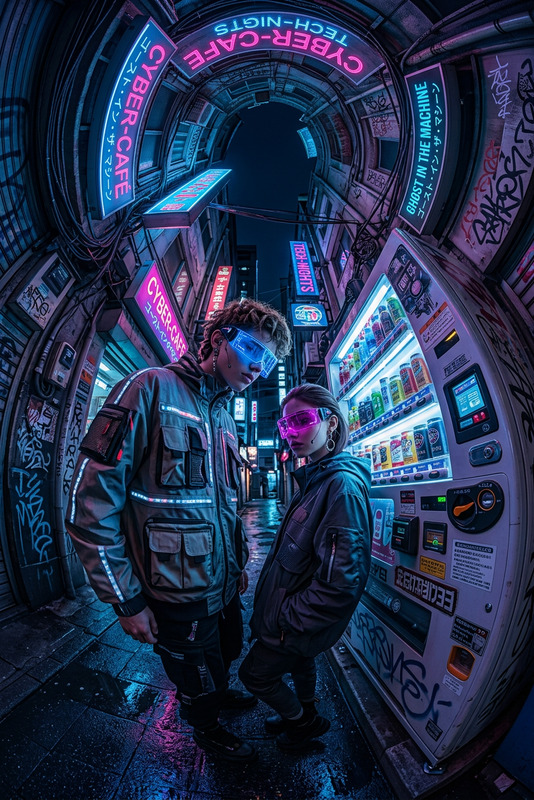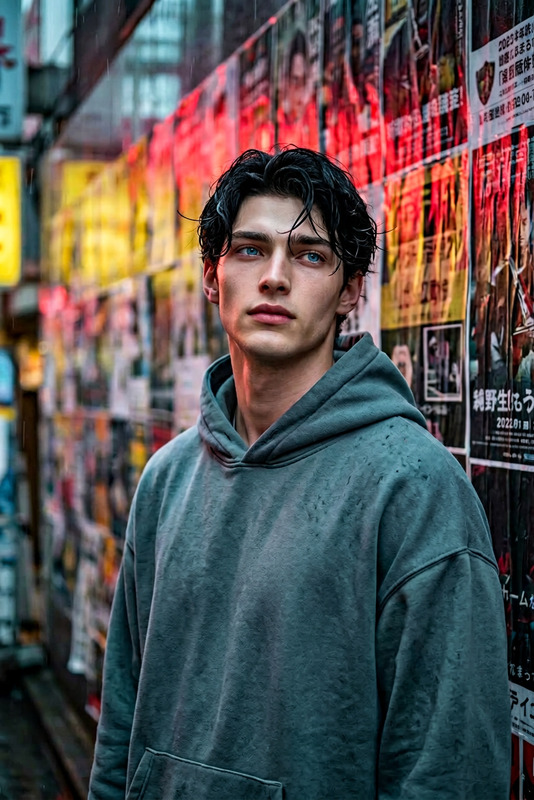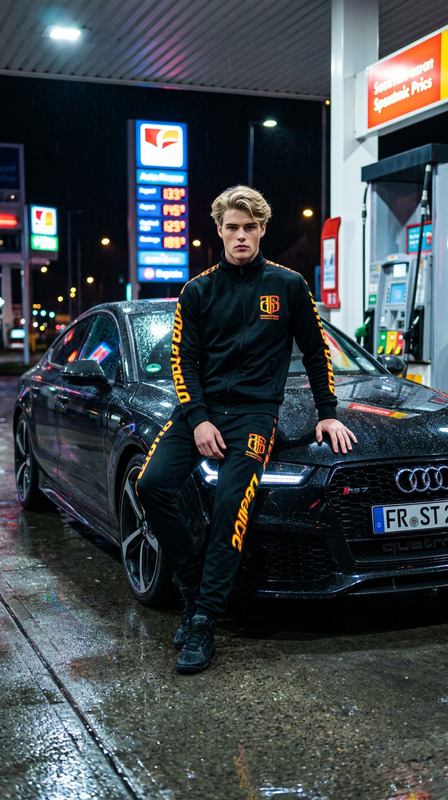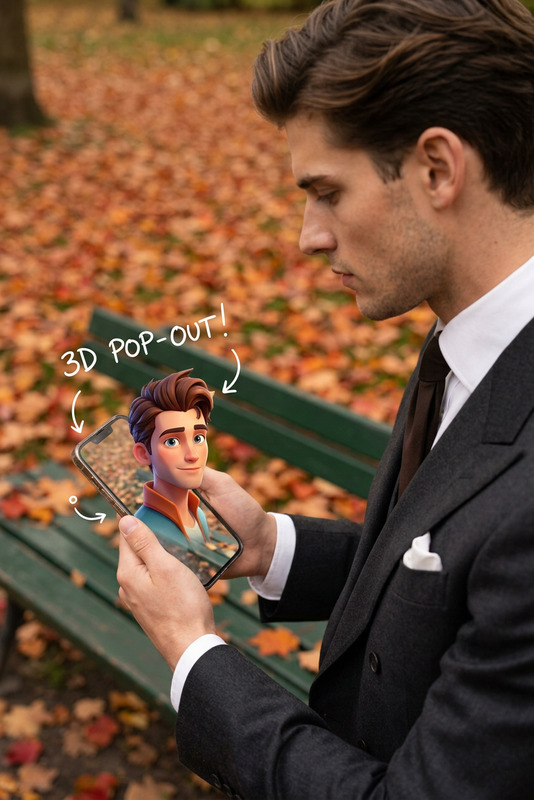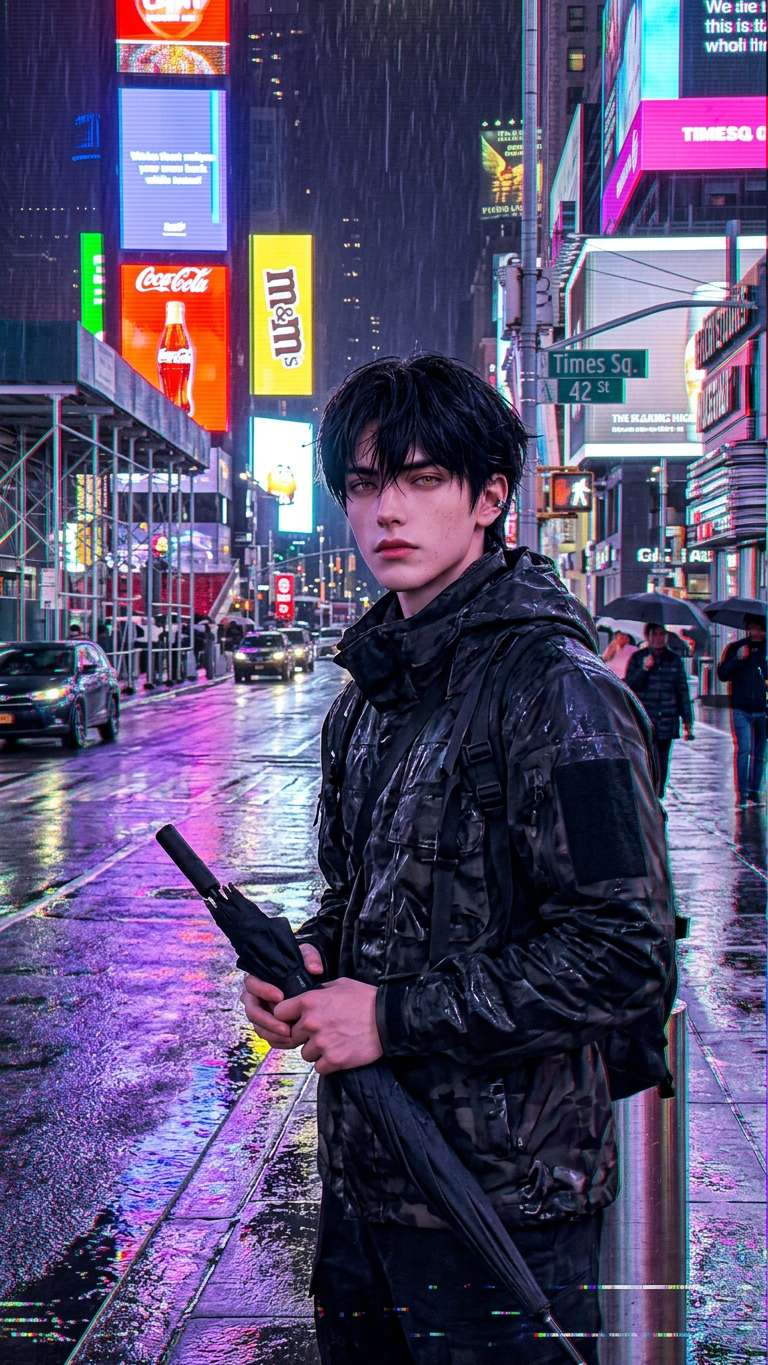
Neon Rain Identity
- Model
- Nano Banana 2
- Image
- 768 × 1365 px
Prompt
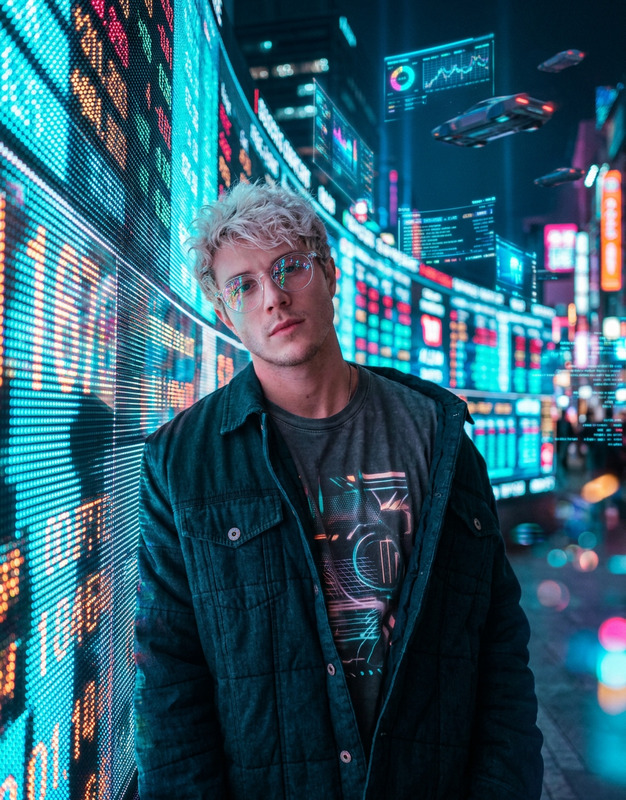
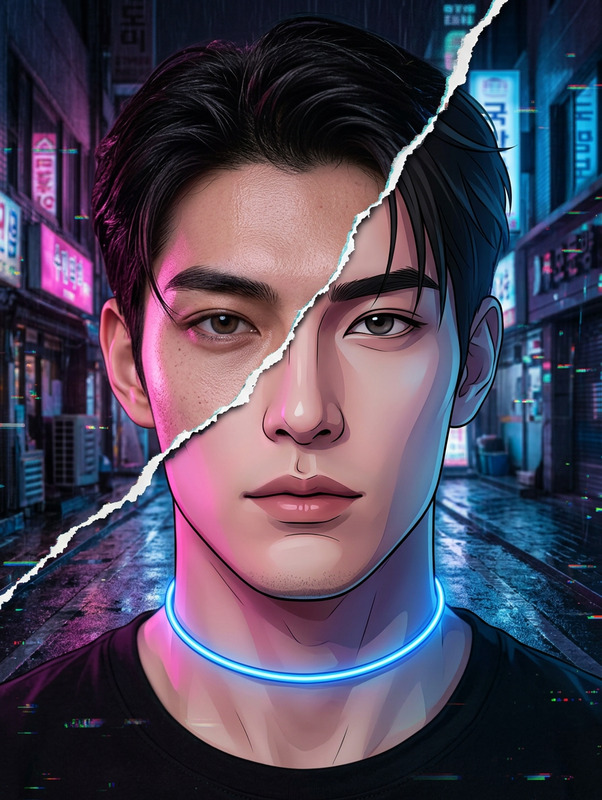
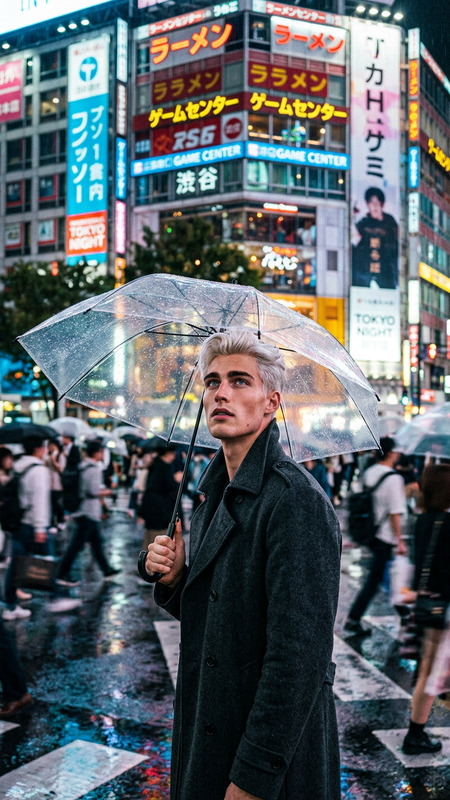
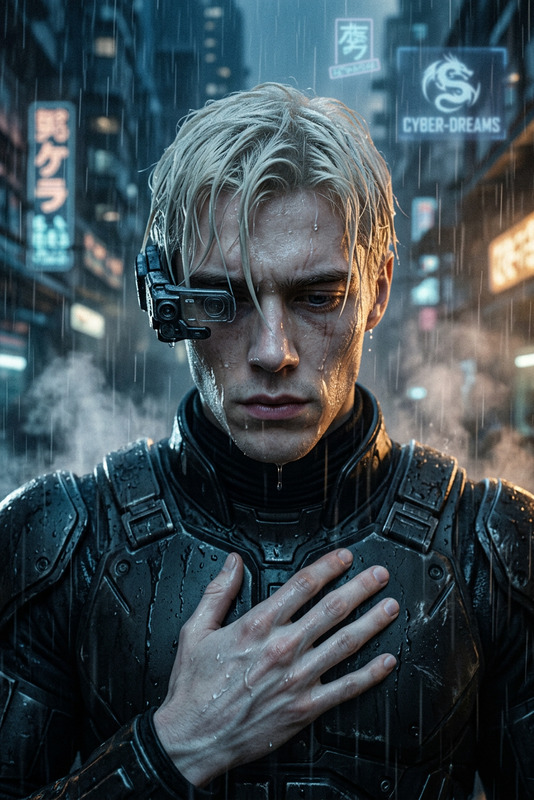
A photorealistic vertical HD smartphone-style shot of the uploaded subject standing near a curb in Times Square, New York on a rainy night, with facial features preserved 1000% identical. The subject stands relaxed, facing the camera, holding a folded black umbrella by the handle. The scene is infused with a glitch aesthetic—RGB color separation, digital distortion, scanlines, light tearing, pixel noise, and subtle frame displacement—blending with neon signage, cars, scaffolding, and stacked storefront signs. Purple reflections shimmer across the wet pavement, enhanced by glitch artifacts. The mood is electric, intimate, and slightly surreal while remaining grounded in realism, with natural lighting mixed with digital interference, crisp detail, and atmospheric depth.
Any aspect ratio
Overview
The Neon Rain Identity template is a powerful tool within the AI Image Editor suite, designed to create compelling, photorealistic visuals imbued with a distinctive glitch aesthetic. This template allows you to redesign your identity branding by placing an uploaded subject in a vibrant Times Square scene, filled with dynamic neon elements and digital distortions.
What It Does
This template employs the nano-banana-2 model, renowned for its capability to maintain photorealistic detail while infusing images with a cyberpunk-style glitch aesthetic. The output preserves natural facial features and adds elements such as RGB color separation and pixel noise, creating a surreal yet realistic image.
Who It's For
Ideal for creative professionals and brands seeking to enhance their ad creatives with an artistic edge. Whether you're a graphic designer looking to add a unique touch to your projects or a marketer in need of visually compelling content, this template provides the tools to make a lasting impression.
Summary
The Neon Rain Identity template is your go-to for producing atmospheric visuals that combine reality with digital art. By blending vivid neon colors with glitch effects, it allows users to craft eye-catching images that stand out in the fast-paced digital world. Ideal for projects where you need an electric yet intimate mood, this tool revolutionizes creative expression in identity branding.
How-To
Choose the Template

Customize Your Image

Generate Your Visual

Use Cases
Identity Branding
- Eye-catching visuals
- Modern glitch aesthetic
- Enhanced brand recognition
Creative Design Projects
- Engaging narratives
- Distinctive artistic style
- Flexible design applications
Advertorial Content
- Vibrant and dynamic visuals
- Attention-grabbing elements
- Effective brand messaging
Best Practices
Use High-Quality Images
For optimal results, upload high-resolution images to ensure clarity and detail in the final output.Adjust Prompt Settings
Experiment with different prompt tweaks to suit the mood and aesthetic you aim to achieve.Leverage Digital Effects
Utilize the glitch aesthetic elements effectively to enhance the surreal mood without overpowering your main subject.