Rain In the Urban City
- Model
- Nano Banana 2 Lite
- Image
- 843 × 1264 px
Prompt
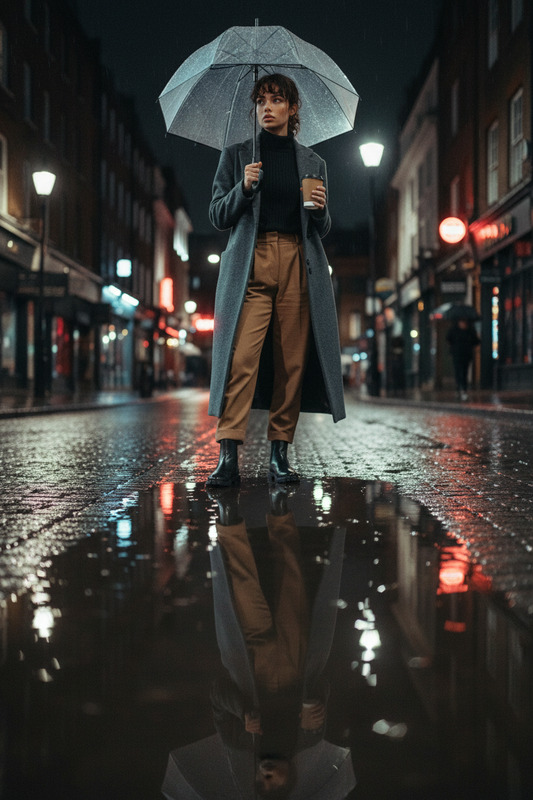
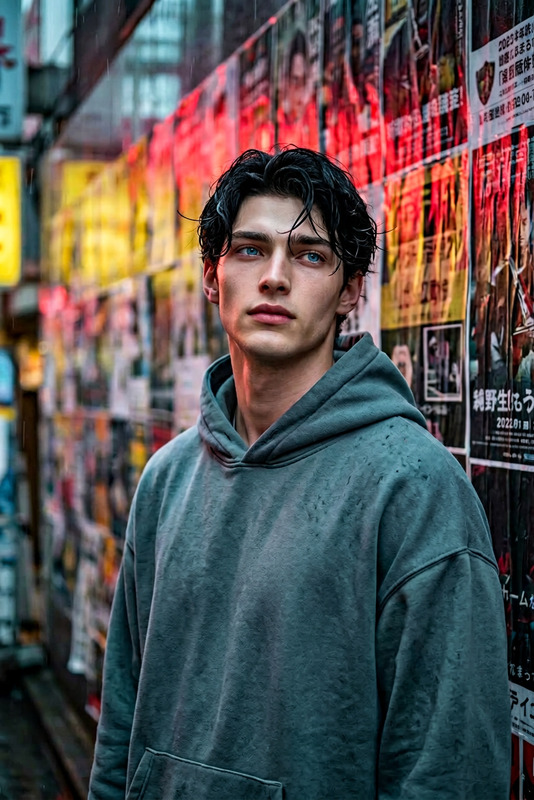
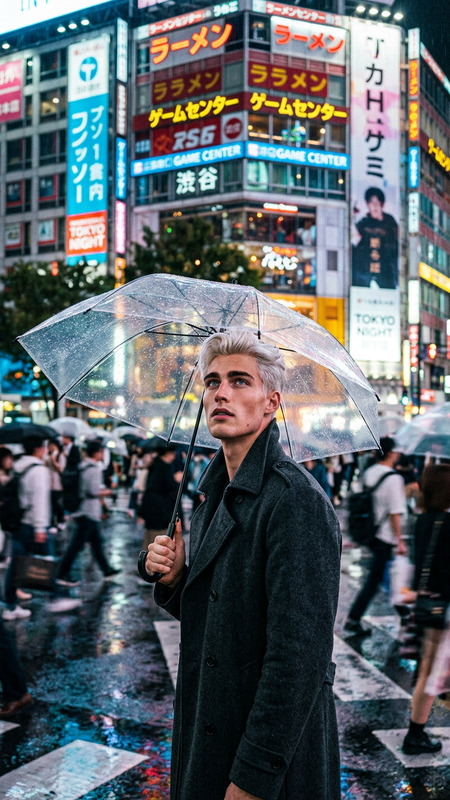
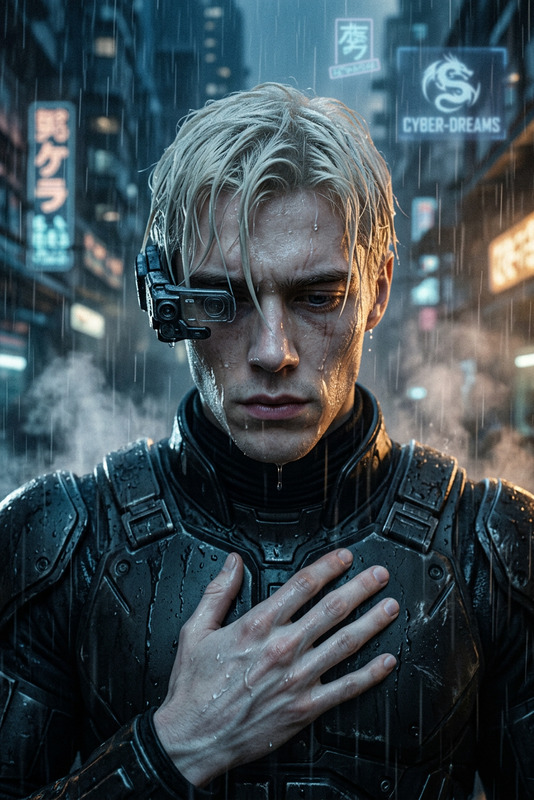
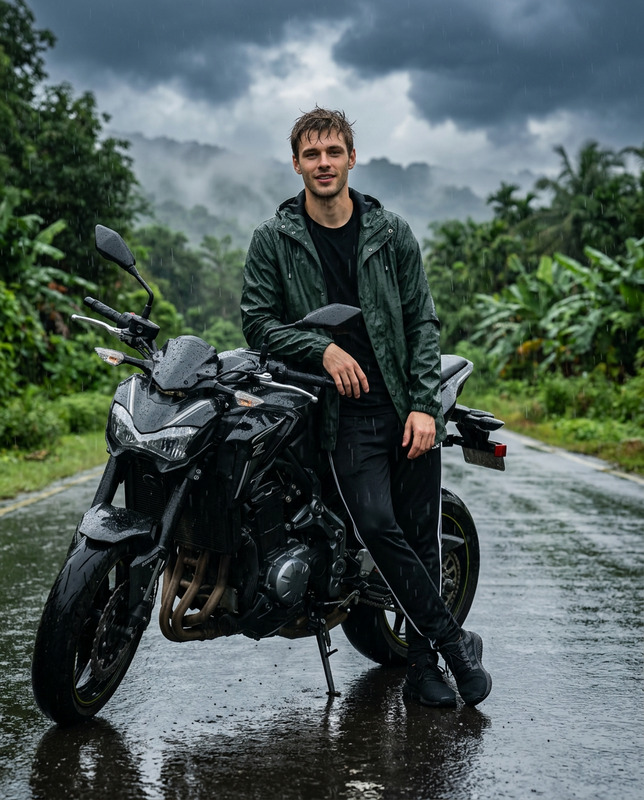
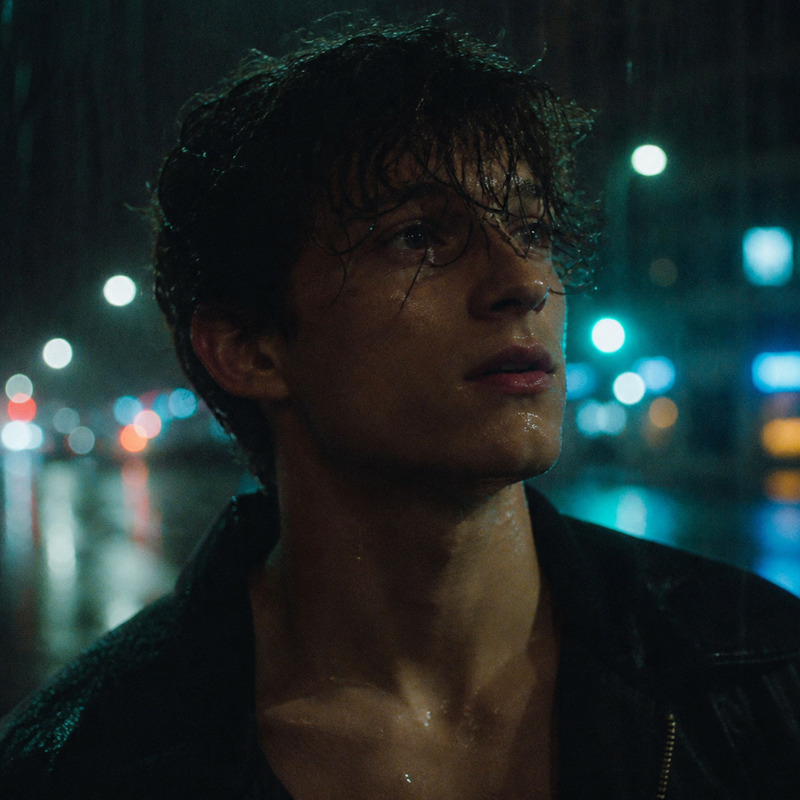
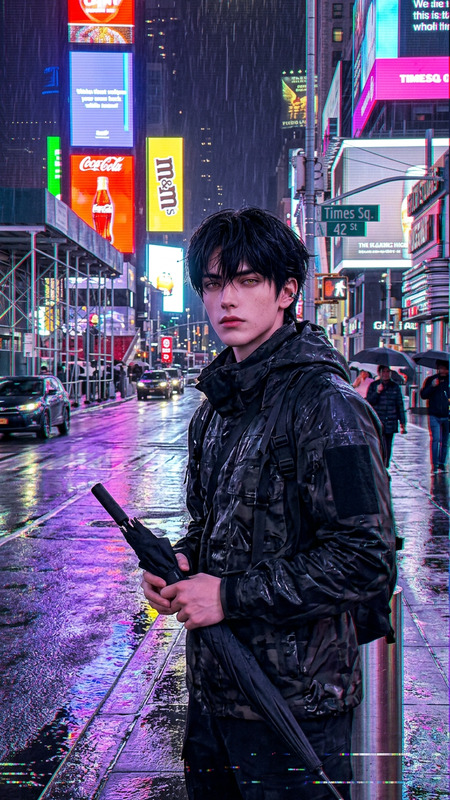
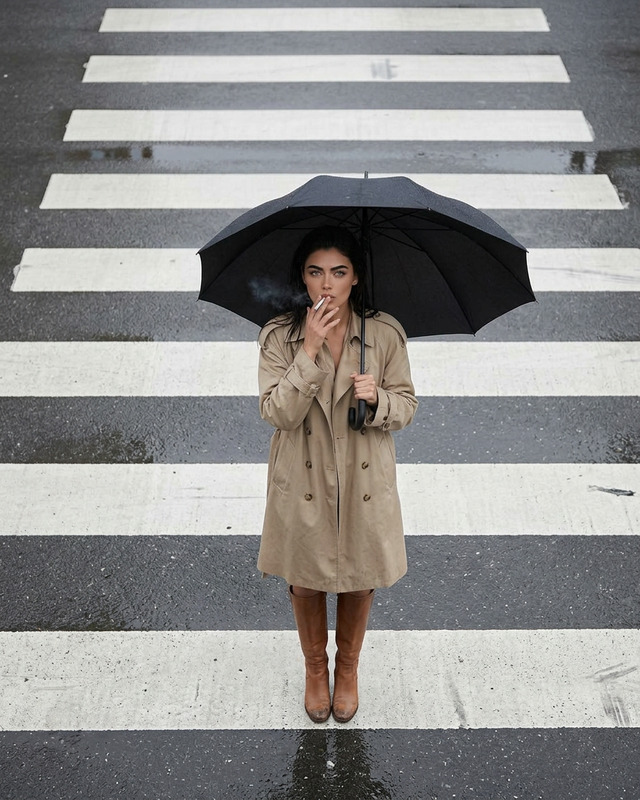
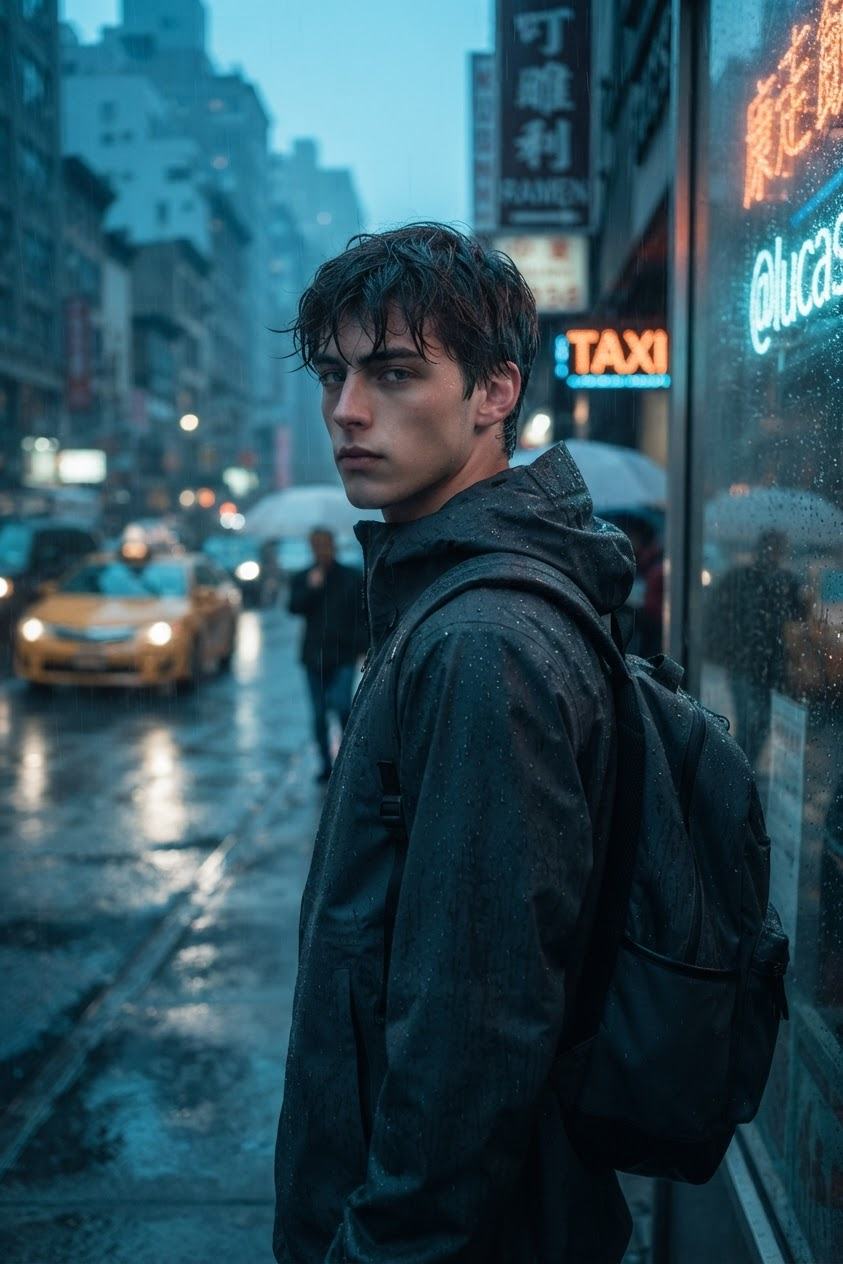
Photorealistic cinematic urban portrait of a subject @lucas standing alone on a dense city sidewalk during heavy rain at blue hour, surrounded by mid-rise commercial buildings, neon signage, wet asphalt, and reflective puddles. The subject stands still with the body slightly angled away while turning the head toward the camera, wearing a dark hooded rain jacket and backpack covered with visible raindrops; wet, slightly messy hair frames a naturally textured face with a neutral, distant expression. Include a yellow taxi with headlights, blurred traffic, umbrella-carrying pedestrians, and layered multilingual neon signs in the background, with subtle motion blur creating contrast against the sharp subject. Use an eye-level 35mm cinematic perspective with shallow depth of field, soft ambient city lighting mixed with headlights, neon, and storefront illumination. Grade the image with muted cool-blue and teal shadows, warm amber highlights, lifted blacks, soft highlight roll-off, subtle film grain, natural noise, and a restrained vignette for a moody neo-noir documentary aesthetic emphasizing quiet loneliness, introspection, and urban solitude.
Any aspect ratio
Overview
The "Rain In the Urban City" AI Image Editor template enables users to create striking photorealistic imagery captured during a cinematic rainy urban scene. The template leverages the nano-banana-2-lite model to deliver a neo-noir documentary aesthetic. Ideal for those craving urban atmospheres, this template is perfect for crafting highly detailed scenes that emphasize introspection and urban solitude.
What It Does
This template creates a vivid cinematic portrait of a subject amidst a rainy cityscape. It incorporates elements like neon signage, reflective puddles, and blurred traffic to craft a dynamic, immersive atmosphere. Utilizing the nano-banana-2-lite model, the image combines motion blur with sharp subject focus, enhancing the feeling of urban solitude with soft ambient lighting and intentional color grading.
To enhance detail further, you might consider using the AI Image Upscaler tool, which would augment the fidelity of the neon-lit urban hues and subtle textures.
Who It's For
This template caters to photographers, filmmakers, and digital artists looking to compose dramatic urban scenes without shooting on location. It's especially suited for creators focused on storytelling and imagery that evoke introspection in bustling environments. Whether for digital portfolios or cinematic projects, this template offers a robust starting point for creative expression.
Summary
The "Rain In the Urban City" template offers a compelling tool to create photorealistic urban portraits. Utilizing AI Image Editor capabilities, this template captures the essence of neo-noir city life with fine attention to detail in lighting, composition, and mood. By using this powerful template, artists can efficiently bring a sense of reflective solitude to their work.
How To
Choose the Template

Customize the Scene

Generate the Image

Use Cases
Digital Portfolios
- Unique urban backdrops
- Dynamic lighting effects
Cinematic Projects
- Meticulous detail
- Emotion-driven aesthetics
Social Media Content
- Engaging visuals
- Strong storytelling
Best Practices
Refine Your Prompt
Experiment with different elements in the prompt to see how each change affects the final image, focusing on lighting and composition balance.Leverage AI Tools
Use complementary tools like the AI Image Upscaler to enhance image resolution and detail further, ensuring every subtle texture is captured.Consider the Mood
Pay attention to color grading settings to perfect the neo-noir aesthetic; subtle tweaks can profoundly impact the emotional tone.